

Follow the steps
Open the periodic table
Open the tools tray with the Maths tools button in the Dock and choose the Science tab. Under Periodic table tap Periodic table, By family or Symbols hidden, or drag one onto the board. Tap any element to see its details.

Colour it and highlight a set
On the bar, Colour offers Block, Family, Metal or not and No colour. Highlight picks a set, such as Alkali metals or Halogens, and the rest go pale. Pick lets you tap elements one by one instead.
Hide things for a quiz
Press Hide and choose Symbols, Names or Numbers. Pupils see the table with those left off.
Let pupils fill elements in
Highlight up to 16 elements, press Pupils fill in and choose what they type: the symbol, the name or the atomic number. It is marked like an answer box. Show every cell brings back cells a fill-in left blank.
Open the equation balancer
Still on the Science tab, under Chemistry tap Balancer. A window called Equation balancer opens. Pick a starter such as Making water or Burning methane, or type your own in Equation, using -> for the arrow.
Check it can be balanced
Jotoro tells you if the equation can be balanced, and Show me the answer shows the numbers for you. Tick Smallest whole numbers only if you want just the simplest answer. Press Put it on the board when you are happy.
Pupils balance it
Pupils set a number in front of each formula, with a live count of atoms on each side that turns green when it balances. They press Check. Use Edit on the card to change the equation later.
Good to know
- H2O shows as H₂O automatically, and you type a charge with a space before it, like SO4 2-.
- Save a set-up with Save as my preset on the periodic table bar, or in the balancer window. It follows your account.
- More science tools sit nearby: label, sort and connect and graphs and measuring.
Common questions
Do I need to know the answer first?
No. The window says whether the equation can be balanced and can show you the numbers.
Can I use ions and reversible reactions?
Yes. Type -> for the arrow, <=> for a reversible one, and a space before a charge, like Cu 2+ + e- -> Cu.
Is the periodic table marked?
Only when you press Pupils fill in. Then it is marked like an answer box and shows in the tracker.
Related guides
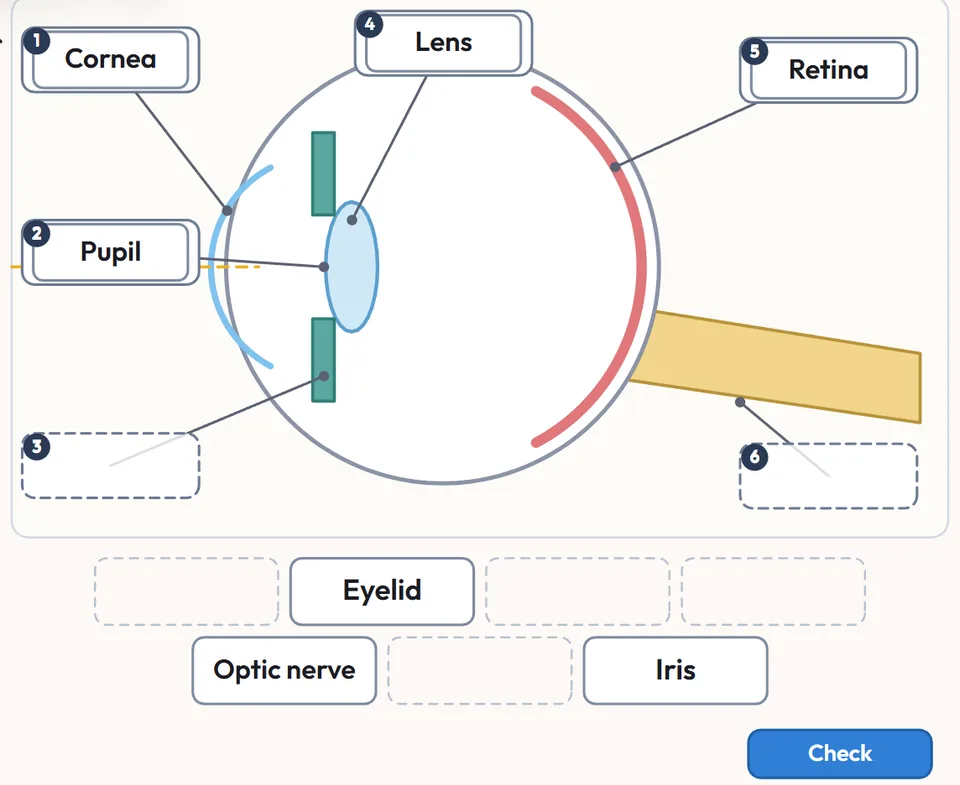 How to label a diagram, sort cards and join with arrowsTeaching tools: Science
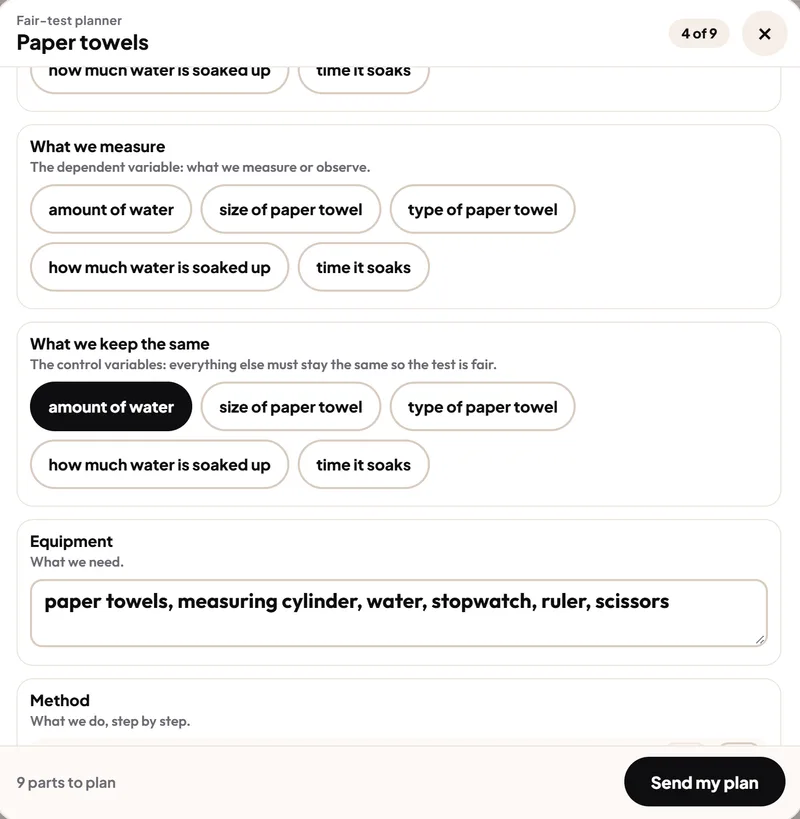 How to use the fair-test plannerTeaching tools: Science
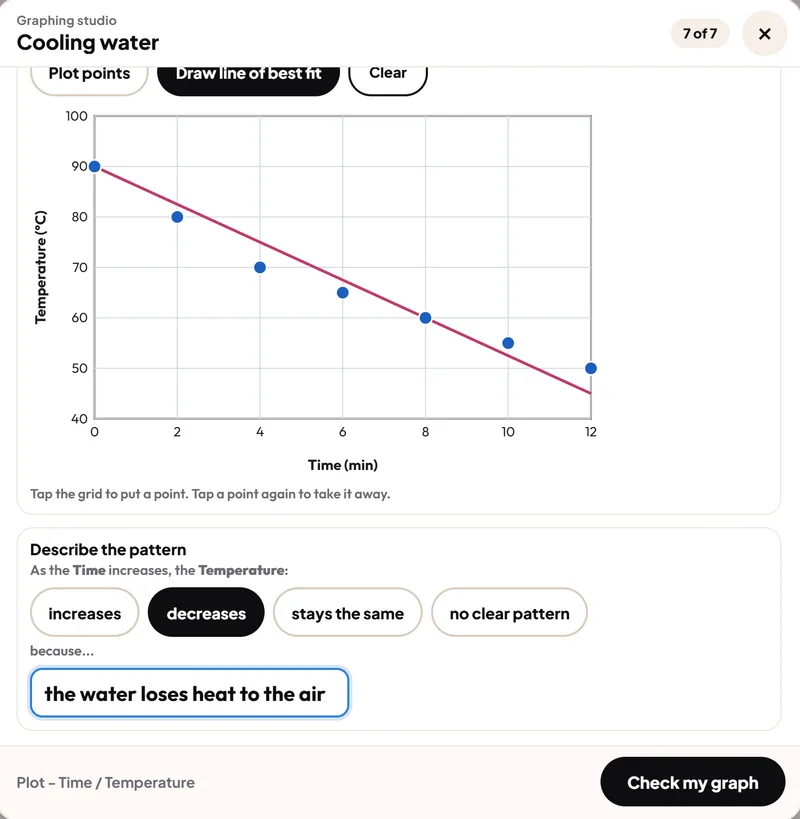 How to use graphs and measuring instrumentsTeaching tools: Science
 How to get started with JotoroGetting started
Cannot find an answer?
Tell us what was missing and we will improve this guide.
Suggest an improvement