

Follow the steps
Open the phonics builder
Tap Maths, then Words, then Phonics builder. Or type phonics into Quick find.
Meet the grapheme tiles
The tiles include sh, ch, th, ng, ai, ee, igh, oa, oo, ar, or, ur, ow, oi, ear, air and more. Each sound gets one box. A dot under a box means one letter, and a bar means a digraph or trigraph, like the sh in ship.
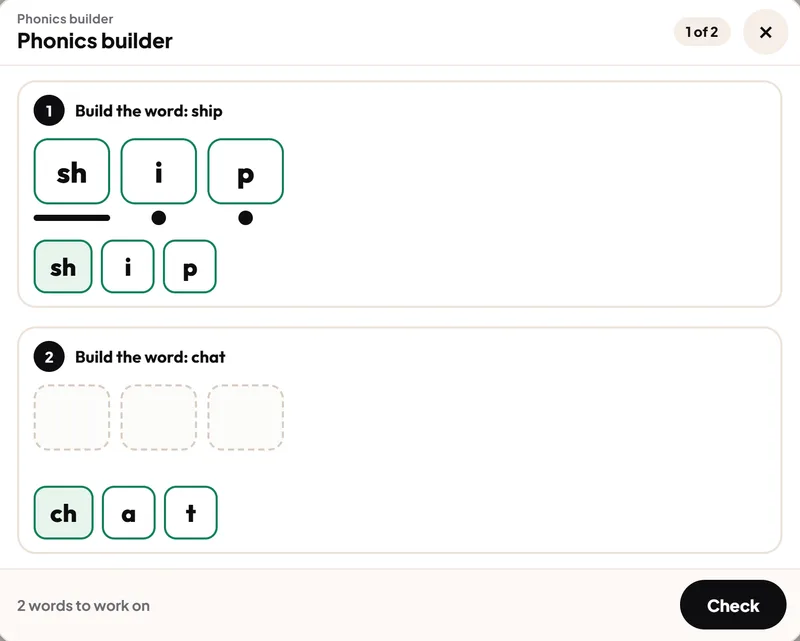
Choose the activity
Split a word into its sounds. Build a word from tiles, with extra tiles in the pile that do not belong. Or change one sound in a chain, like ship, shop, chop.
Say the sounds
Sounds and words are spoken from your own device. Select the builder and tap Say to open Say it to the class, then use Say the word, Say the sounds and Next. Pupils hear it through your speakers or over your video call. You can choose to have them spoken on each pupil’s device instead.
Send it and check
Pupils press Check on their own copy. The word they have to build is not in what they receive, and you see how each one did.
Good to know
- Do a chain with the whole class first. Change one sound at a time and ask Farah to say what the new word is before the tiles move.
- Add tiles that look right but do not belong. It makes children listen to the sounds and not just guess from the first letter.
- There are no picture-based phonics tasks yet, so say the word aloud rather than showing a picture.
- A spoken test with the same words is quick to make. See how to make a spelling test.
Common questions
Who says the sounds?
Your own device, with the Say panel, by default. A pupil’s own device is used only when you choose it.
Can pupils see the answer in the tiles?
The word to build is not sent to their device. You can add extra tiles that do not belong.
Are there pictures to match with the words?
Not yet. Picture-based phonics is not included.
Related guides
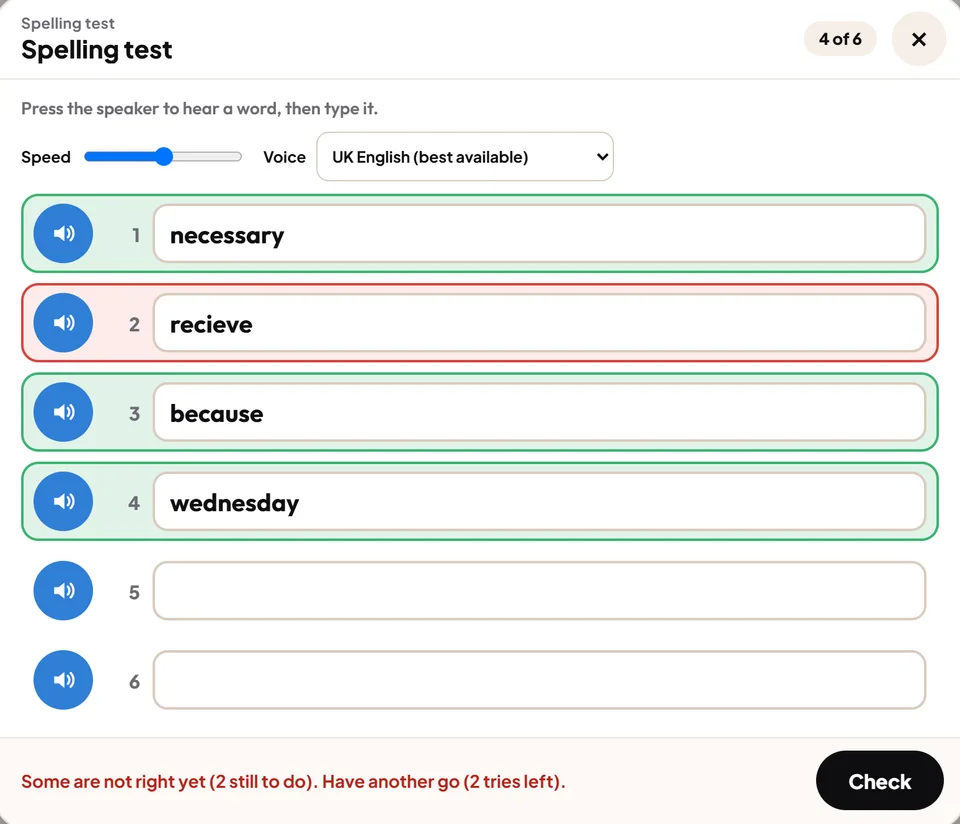 How to make a spelling testTeaching tools: English
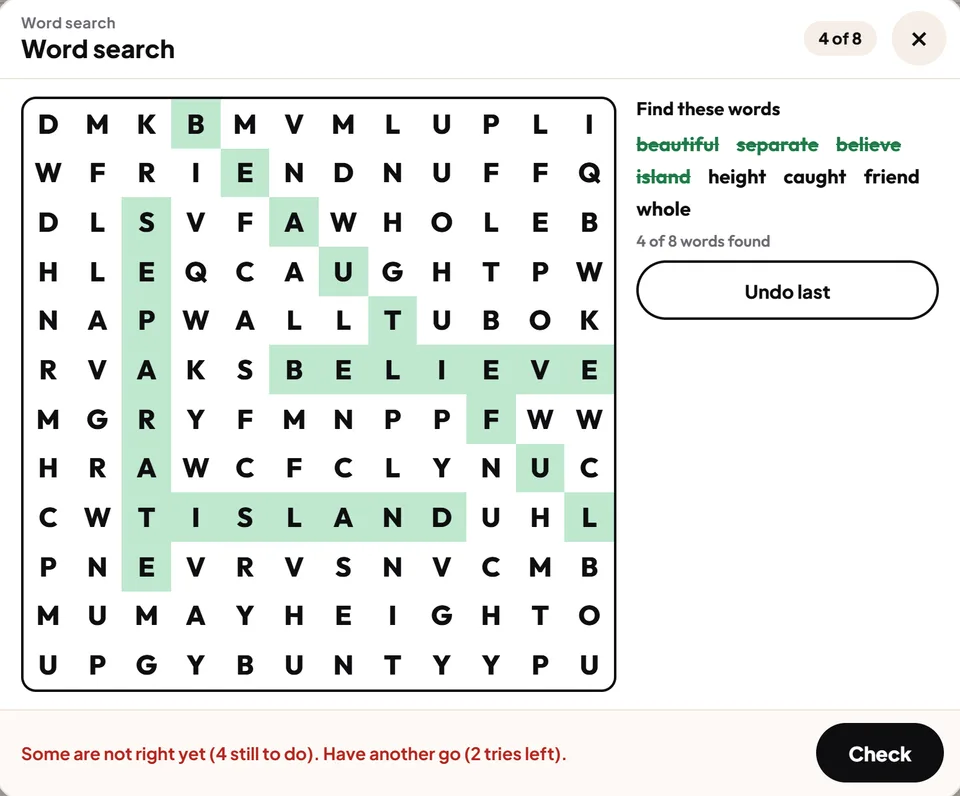 How to make a word search, crossword or clozeTeaching tools: English
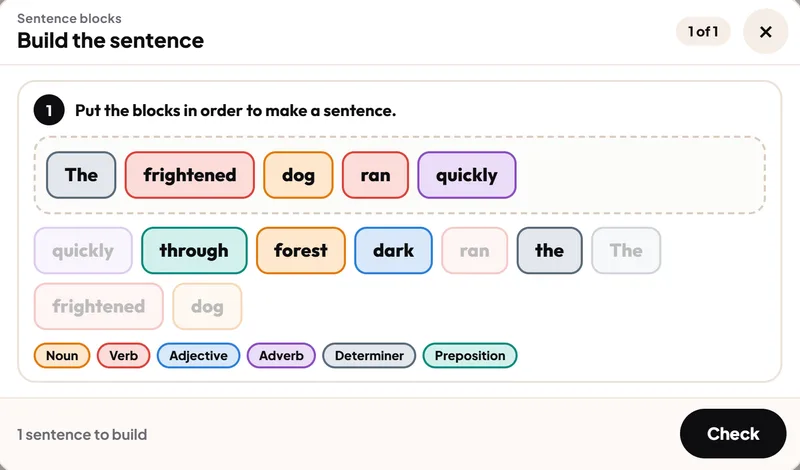 How to use sentence blocks and punctuation repairTeaching tools: English
 How to get started with JotoroGetting started
Cannot find an answer?
Tell us what was missing and we will improve this guide.
Suggest an improvement