Online mini whiteboards: a board for every pupil.
The “show me” habit, made digital. Every pupil writes on their own board, and you see all of them at once.

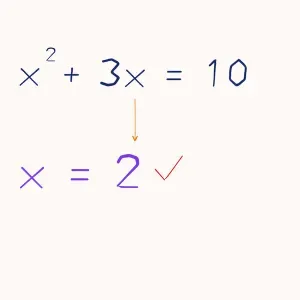
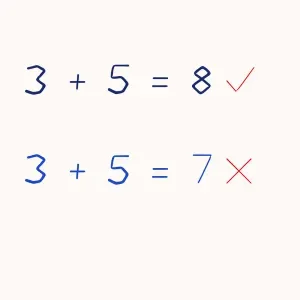
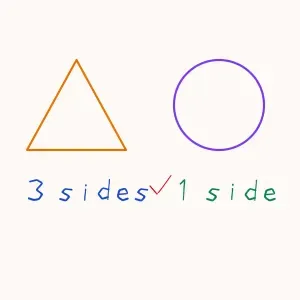
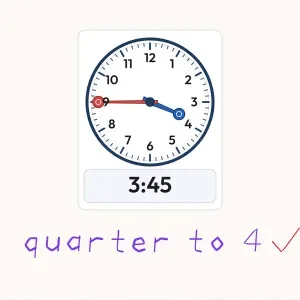
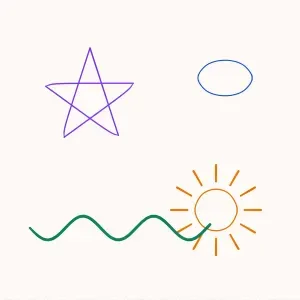
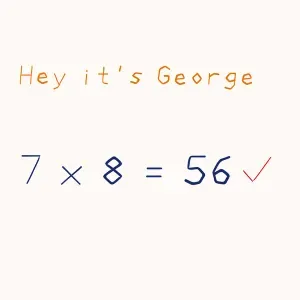
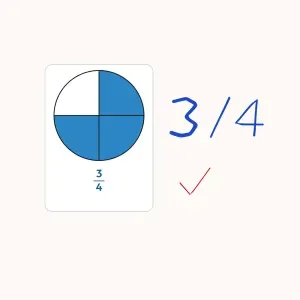
Eight tiny boards, one screen.
In short
Online mini whiteboards give every pupil their own board to write on, like the ones held up in class, but you see all of them at once. Jotoro does this on any device, with nothing for pupils to install. It is for teachers and tutors who ask “show me your working” all day.
- “Show me” without the held-up boards
- Answers can mark themselves
- No app for pupils: they join with a link
Show me, then keep it.
“Show me your working.” Boards go up, you glance across the room, and a second later they are down again. Held-up boards are quick, but they are gone before you have read them.
You see the front row
The boards at the back are too far away to read, and the quiet pupil holds theirs low.
It vanishes
Once the boards are wiped, so is the evidence of who was stuck at step two.
With Jotoro
Dev’s board shows his working as he writes it. You see it from your seat, and it is still there afterwards.
Easy to use, for kids too. A pen, a keypad, a calm screen.
Pupils open your class link, type their first name and PIN, and land on their own board. There is nothing to install and nothing to set up.
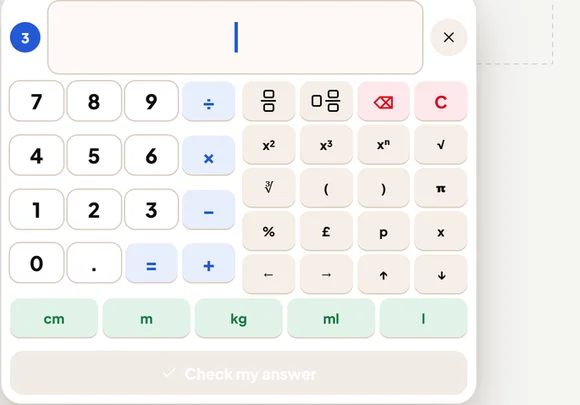
- A big keypad for answers, made for children.
- A pen that feels like ink, with a finger, a stylus, a mouse or an Apple Pencil.
- Calm, uncluttered screens, so the lesson stays on the lesson.

Every board is live, so step onto any of them.
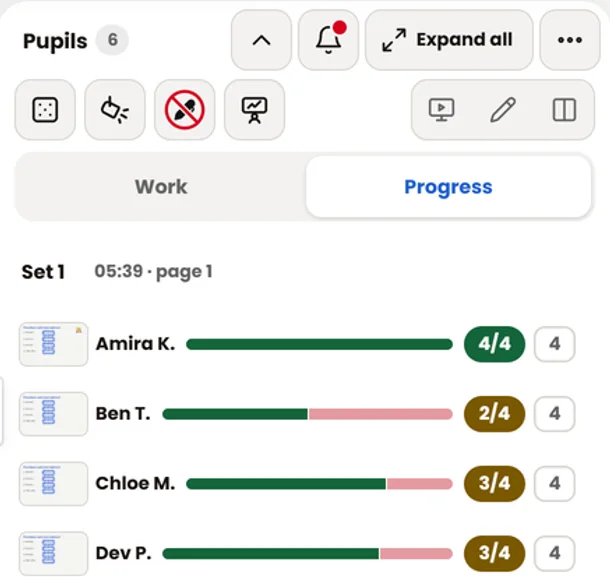
Watch eight pupils write at once. Spot the one who has stopped, step onto their board, and write the next step in red while they watch.
- Spotlight one pupil’s board so the whole class can see it, live.
- A tracker shows “7 of 8 right” for each question.
- Pupils see only their own board unless you choose to show one.
Things paper cannot do. You still keep the “show me”.
Mark in red
Tick what is right and circle what is not, on the pupil’s own board.
See who is stuck
A glance shows who has not started and who went wrong early.
Keep the work
Download a ZIP with a PDF for every pupil.
Replay it
Record a lesson and replay it sharp. This comes with the Groups and Pro plans.
Ways to use them on Monday, in any subject.
Five questions, five answers
Add answer boxes and watch the ticks arrive.
Write it, check it
Run a spelling test and see every pupil’s attempt.
Drag the words onto the diagram
Label a diagram or build a food chain.
Which group does it belong to?
Sort shapes or numbers into a Venn or Carroll diagram.
Give every pupil a turn. Nobody is put on the spot.
Pick a random pupil when you want one, hide names on screen when you do not, and give out stars and stickers as the work comes in.
- A random pupil, picked for you.
- Names can be hidden on screen.
- Stars, stickers and a small celebration for a good answer.
Register interest and bring your own worksheet on the day. Paid plans start at £6.99 a month, billed once for 12 months, and pupils never pay.
Questions teachers ask.
Do pupils need tablets?
No. Any device works: an iPad, a laptop, a Chromebook or a phone, with nothing to install. Pupils can join in the room with you or from home, with just the class link.
Can pupils see each other’s boards?
Not unless you choose to show one. When you spotlight a pupil’s board, everyone sees it live; otherwise each pupil sees only their own.
Is it free?
The Free plan covers one-to-one lessons with one pupil, so you can try it with your own worksheet. Paid plans start at £6.99 a month, billed once for 12 months, and pupils never pay. Every paid plan has a 14-day money-back guarantee.
Does it work for primary classes?
Yes. The screens are calm and uncluttered, made for children on iPads, and the answer keypad is made for children too.
Can pupils write with a finger?
Yes. Pupils can write with a finger, a stylus or a mouse, and with an Apple Pencil on an iPad. The pen has two styles, Ink and Smooth.
Can I keep what pupils write?
Yes. You can download a ZIP with a PDF for each pupil, and export any board as a PDF. On the Groups and Pro plans you can also record a lesson and replay it later.
More to read about online whiteboards.
Back to the guide to online whiteboards. Teaching outside the UK? See an online whiteboard with a board for every student.
See every pupil think
Every board live, on one screen.
One pupil or a small group
A board for each pupil, both of you writing.
Jotoro for maths
Bar models, tools and self-marking questions.
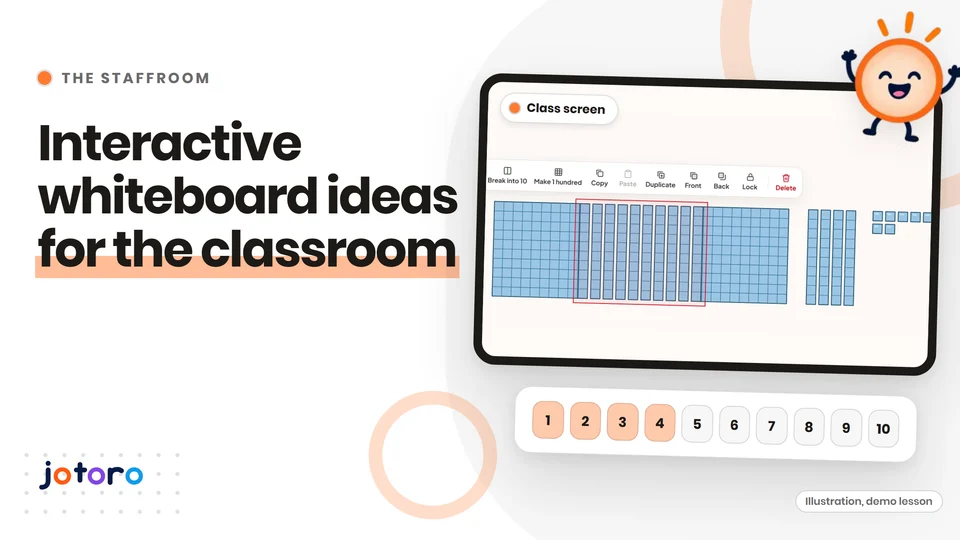 From the StaffroomInteractive whiteboard ideas for the classroomIdeas for a live lesson with thirty children in front of you: manipulatives, ten questions on one board, worksheets, quick checks and replays.Read the post
Bring a lesson you already teach, and see it on your own board.
Register interest and we will tell you the day payments open. Pupils are always free, and there is a 14-day money-back guarantee on every paid plan.
Pupils join by link: no app to install, no sign-up for them. See plans and prices.