

Follow the steps
Pupils join as normal
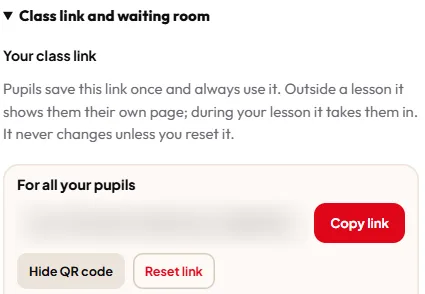
A pupil on a phone opens the class link, types their name and waits to be let in, just like on a computer.
One board at a time
A phone shows one board at a time, because two side by side would be too small to read.
Switch with the toggle
At the top, the pupil switches between My board and Teacher’s board.
When you take the class with you
If you turn on Eyes on me, phones show your board and stay there until you turn it off.
Good to know
- A split view that you push to the class becomes My board on a phone, so nobody sees a cramped half screen.
- Nothing to install: it works in the phone’s web browser.
Related guides
How pupils join with the class linkPupil boardsWhat can pupils see on their board?Pupil boardsHow does the class link work?Pupil boards How to get started with JotoroGetting started
Cannot find an answer?
Tell us what was missing and we will improve this guide.
Suggest an improvement