It hands itself in
At five o’clock the homework closes. Anyone who started is handed in for you, and the pupil sees their score straight away. A child abroad sees the deadline in UK time.

Every pupil writes on their own board, and you see all of them at once. Dev’s hand goes up, and you are already looking at his working. It works on an iPad, a laptop or a Chromebook, for any subject.

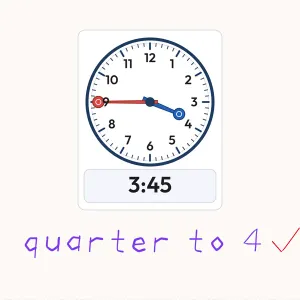
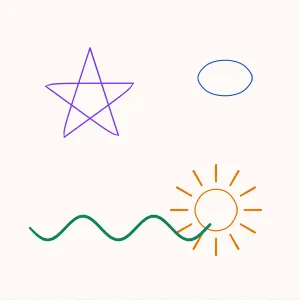
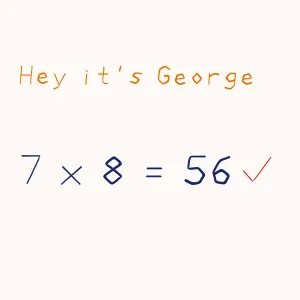
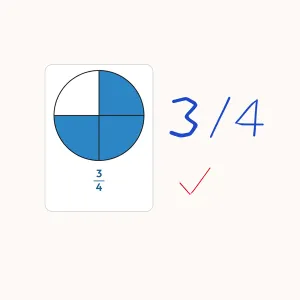
Jotoro is an online whiteboard for teachers where every pupil writes on their own board and you see them all. It marks answers as pupils type them and keeps a record of each lesson. It is made for teachers in a classroom. See plans and prices.
In a classroom you can only look over one shoulder at a time.
With Jotoro, every child writes on their own board and all of them sit side by side on your screen. You can see who is writing, who has stopped and who went wrong at step two. Step onto any board and mark in red while the pupil watches, and the rest of the class carries on.
Every board is live, so you spot a slip as it happens.
Answers get a tick or a cross during the lesson, so there is less marking afterwards.
Record it once and pupils can watch it again on their own board.
Writing maths, sentences and diagrams has to feel natural, or children stop trying.
Use an Apple Pencil, a finger, a mouse or a stylus. Choose “Ink” for a pen with pressure, like a fountain pen, or “Smooth” for even, clean lines. It runs in the browser on an iPad, a MacBook, a Chromebook or a laptop, so you teach on the device you already have. Add favourite pens, a highlighter, a lasso and undo everywhere.
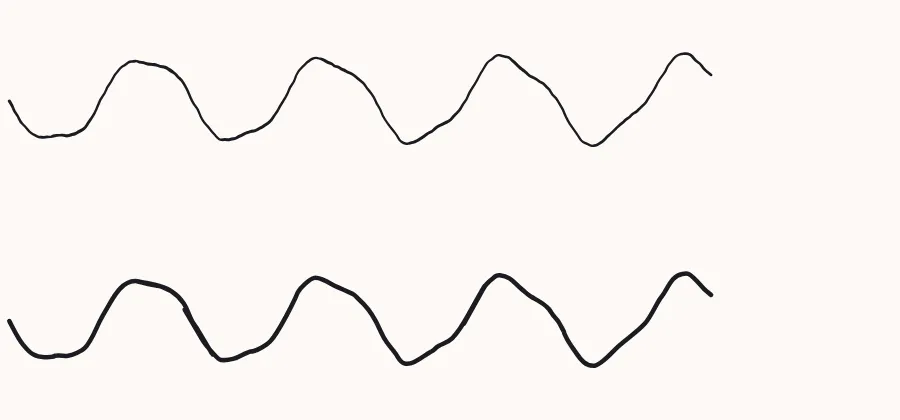
Write with the pen you would use on paper.
Mouse or touchscreen, nothing to install.
Ink for pressure, Smooth for tidy lines.
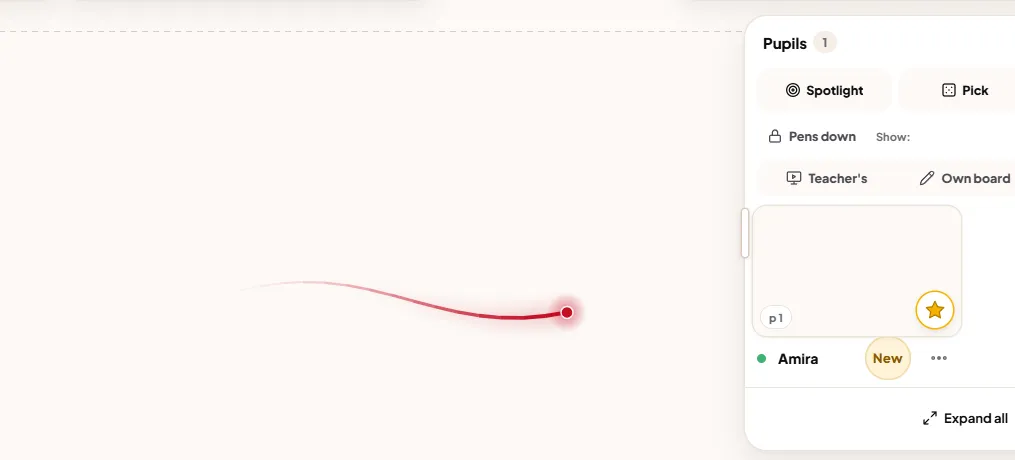
You decide what pupils see, and when.
Pages start hidden and you reveal them one at a time. Press “Eyes on me” and every screen is yours. Start a timer, call “Pens down”, pick a pupil at random, or hold up one child’s board for everyone to see with the live spotlight. Invite a pupil up to the board to write on your page in their own colour, or send the class off into breakout groups of pairs or threes and watch each group work.
One step at a time, at your pace.
Bring every pupil’s attention back to you.
Show one pupil’s board to the whole class.
Choose a pupil at random.
Marking during the lesson helps you decide what to teach next.
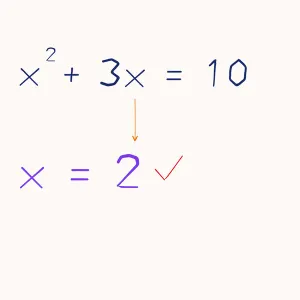
Drop answer boxes onto any worksheet. Pupils type on a big, child-friendly keypad and get a tick or a cross at once. A slim strip on your board shows each question, “7 of 8 right”, and a tap tells you who got it wrong and what they wrote. When Farah finishes early, send her the next extension questions without stopping the class.
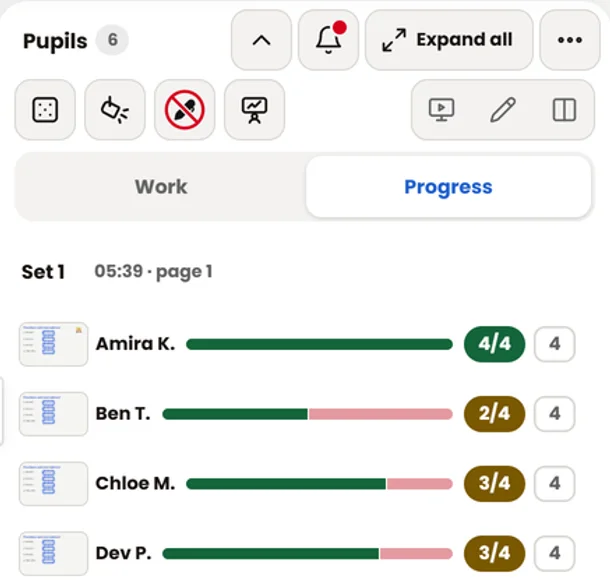
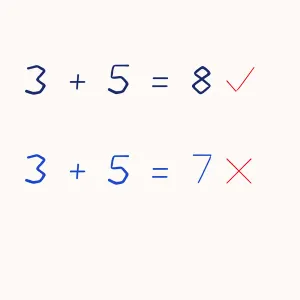
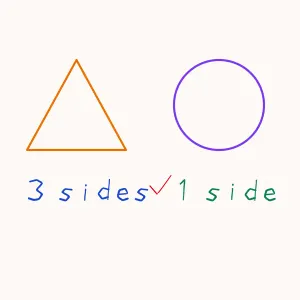
A tick or a cross, the moment a pupil answers.
See who is right, who is wrong and who has not tried yet.
Send the next questions without stopping the class.
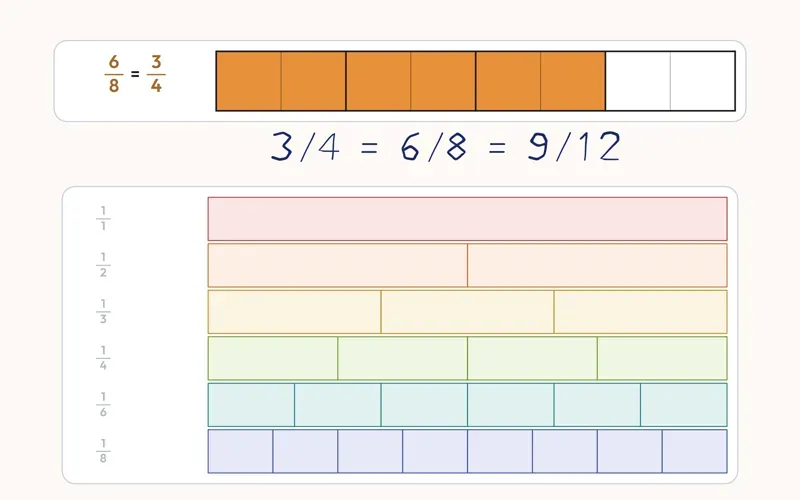
Bar models, a fraction wall, clocks and a protractor, all on the board.
See Maths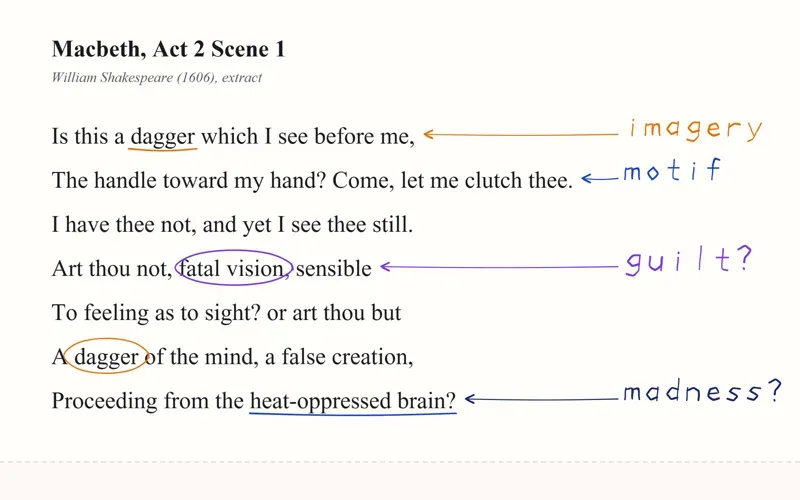
Pen on any text, with spelling tests, crosswords and word searches.
See English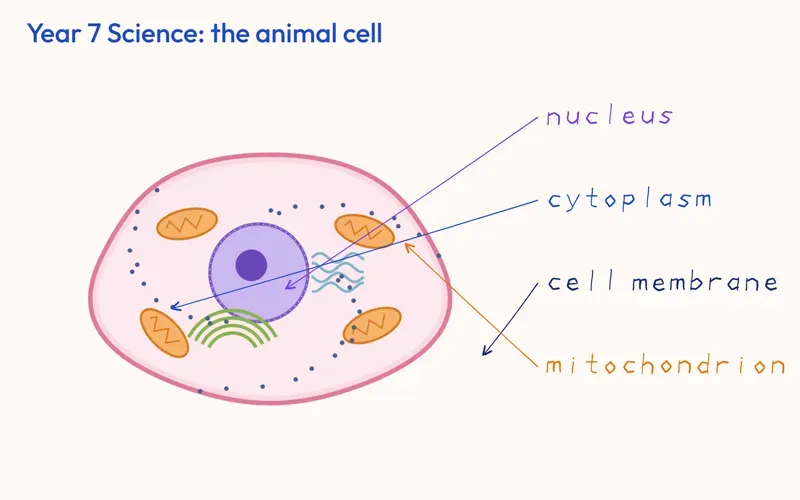
Label diagrams, draw graphs and talk through an experiment.
See Science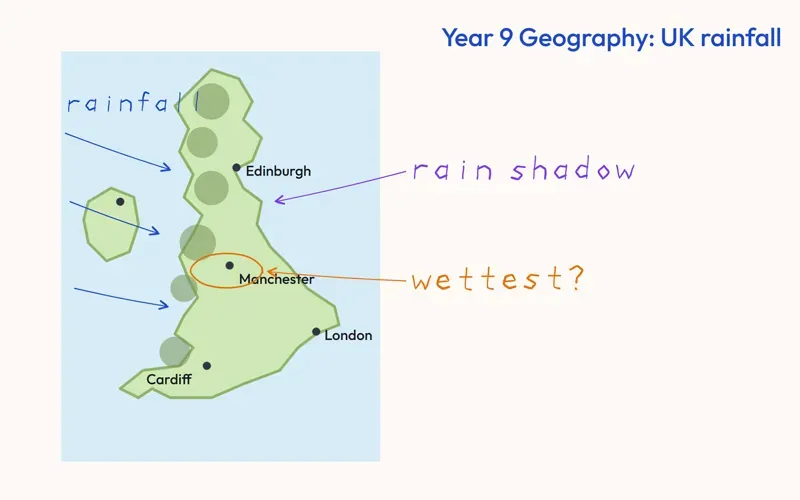
Pen on sources, maps and pictures, and sort cards into order.
See HumanitiesAttendance, every answer, stars and your own notes are logged lesson by lesson. You get a class register and a timeline for each child, and you can export it to a spreadsheet. Set an assessment with a mark scheme and a timer, release results when you are ready, and see which question to reteach.
Who was there, lesson by lesson.
Answers, stars and your own notes in one place.
A mark scheme, a timer and results you release when ready.
Set homework in a minute, attach a replay of the lesson so a child who is stuck can watch the method again, and see a status list of who has started and who has handed in. Homework is on every paid plan, and recording is on Groups and Pro.
At five o’clock the homework closes. Anyone who started is handed in for you, and the pupil sees their score straight away. A child abroad sees the deadline in UK time.
Switch it on for a piece of homework and Maria snaps her exercise book on her iPad and adds it. You open her photo beside the typed answers and mark it there and then.
Before Tuesday’s class you open the Next lesson card, see the homework waiting, and step through the pupils one by one without going back to a list.
Give the long-division question three marks. Ben gets two steps right, you tap the pill twice, and his total updates by itself.
Once the deadline has passed, Amir can still press Practise on last week’s homework and have another go. You never see the scribbles, and his real result stays safe.
You have marked Zainab’s homework. Press Message parent, choose a warm wording, and it is ready to paste into your mail app with her first name and score already in. Jotoro does not send it for you.
Pupils can open their homework from home or at school.
Each class has a permanent link. Anyone unexpected waits in a calm waiting room and sees none of the lesson until you let them in. Pupils log in with their own name and a PIN, or tap their own picture, so there is no email address or password for a child to forget. Hidden pages and answers never reach pupils’ devices, and names can be hidden on screen. Read about security and privacy.
One link for the class, the same every lesson.
You let people in. Nobody sees the lesson until you do.
No email address and no password for a child to forget.
Running this for a whole school? See Jotoro for schools. Teaching one to one or in small groups? See Jotoro for tutors. New to online whiteboards? Read what an online whiteboard is. Teaching outside the UK? See an online whiteboard with a board for every student.
An individual teacher can choose a plan without waiting for a whole-school decision. Prices shown are a month, billed once for 12 months. Pupils never pay.
£0
One-to-one with one pupil, one board and about 2 hours of live teaching a week.
£6.99 a month, billed yearly
One-to-one lessons with homework, and RobAIn in lessons.
£9.99 a month, billed yearly
Group lessons of up to 20 and recording.
£14.99 a month, billed yearly
Groups of up to 40, RobAIn Pro before, during and after lessons, the curriculum and parent access.
Not sure? The Free plan is for one-to-one lessons with one pupil. Paid plans come with a 14-day money-back guarantee. Bringing colleagues? Agency prices start from three teachers.
Jotoro runs in the browser on any device. An interactive screen with a web browser should open it like any other website, but we have not tested specific screens, so please try it on your own display when you first sign in.
Yes, to start. The Free plan is for one-to-one lessons with one pupil. Paid plans are Solo £6.99, Groups £9.99 and Pro £14.99 a month when billed once for 12 months, or £11.99, £13.99 and £19.99 paid monthly, with a 14-day money-back guarantee. Pupils never pay.
No email address and no password. Pupils open their teacher’s class link and type their own first name and PIN.
Yes. Every pupil’s board is live on your screen side by side, and you can step onto any board to mark while the class carries on.
Yes. Jotoro was designed first for primary, with a big child-friendly keypad, calm screens and tools such as place value blocks, fraction walls and clocks. It works for secondary and sixth form too.
Something came up on Tuesday? Cancel the lesson or move it to another day, give a reason, and undo it if you change your mind. The class link stays the same.
No. An individual teacher can use their own licence. If the school wants it for many teachers, see Jotoro for schools.
Back to the Jotoro homepage or register interest. Comparing options? Read about virtual classroom software for teachers.
What a tutor gets on the board.
For leaders, IT and safeguarding leads.
Every pupil’s board, live, on one screen.
Free to start, paid from £6.99 a month, pupils free.
Made by teachersCreated with the Singapore Maths Academy team: decades of teaching experience and more than ten years of teaching and training online, and used in real lessons at Singapore Maths Academy. Why we built it
Register interest and we will tell you the day payments open. Pupils are always free, and there is a 14-day money-back guarantee on every paid plan.
Pupils join by link: no app to install, no sign-up for them. See plans and prices.