Reveal next
Pages start hidden. Show the next one when you are ready.

A live online classroom where every pupil has their own board. Raised hands, finished work and anyone who is stuck come to you, quietly.
A quiet class. Eight pupils, all in view.
 A pupil’s boardLive
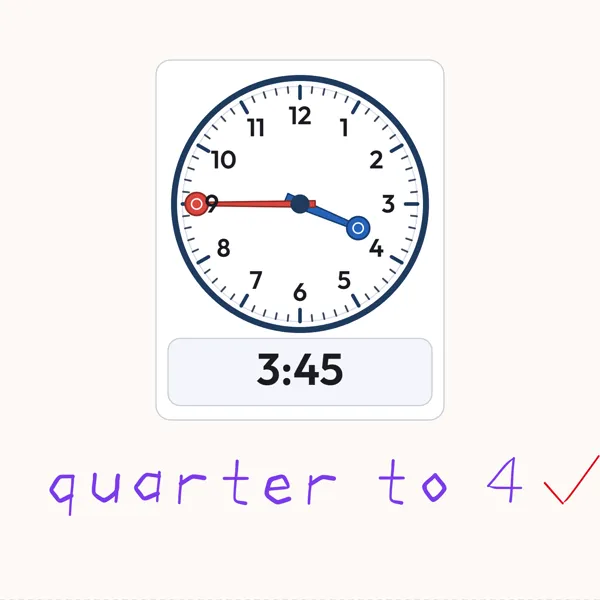
Jotoro’s live classroom is virtual classroom software where each pupil writes on their own board and you see every board at once. Step onto any board to mark while the class carries on. It is for tutors with groups and teachers with a class. See every feature.

You see it the moment it happens, and nobody gets forgotten.
A blank board gives it away, so you can give them a gentle nudge.
Send them something harder before they have time to get bored.
You spot it on their boards and fix it for the whole class at once.
You catch the moment, and can show their board to the class.

A quiet class is a good sign, and now you can see it is.
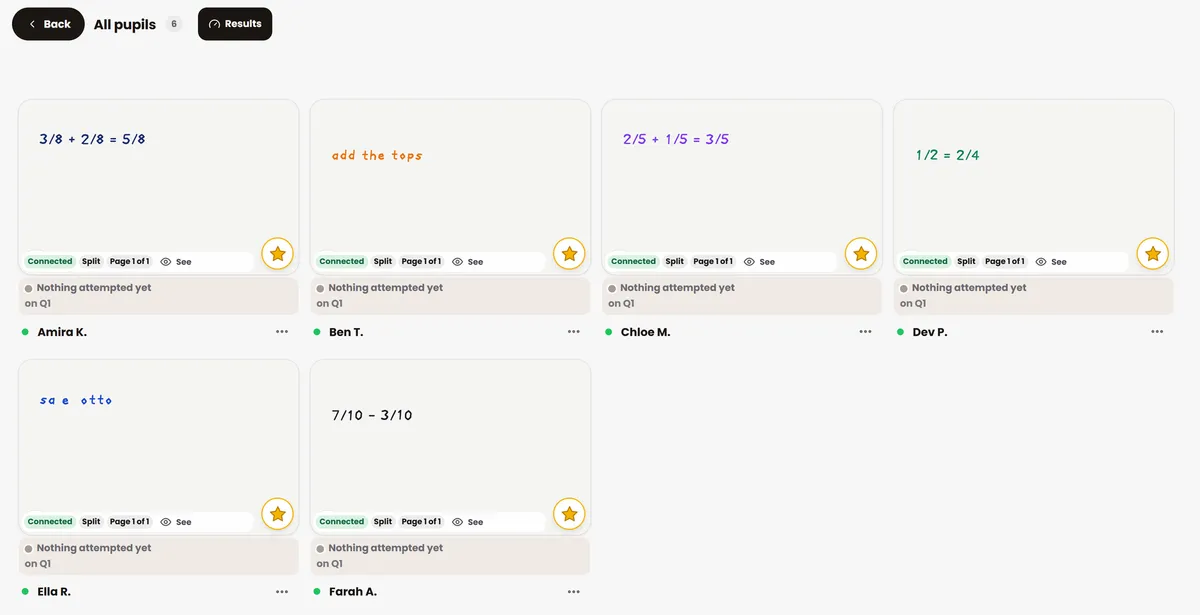
Every pupil’s board sits beside yours and fills in as they write. You can tell in a glance who has stopped and who went wrong at step two.
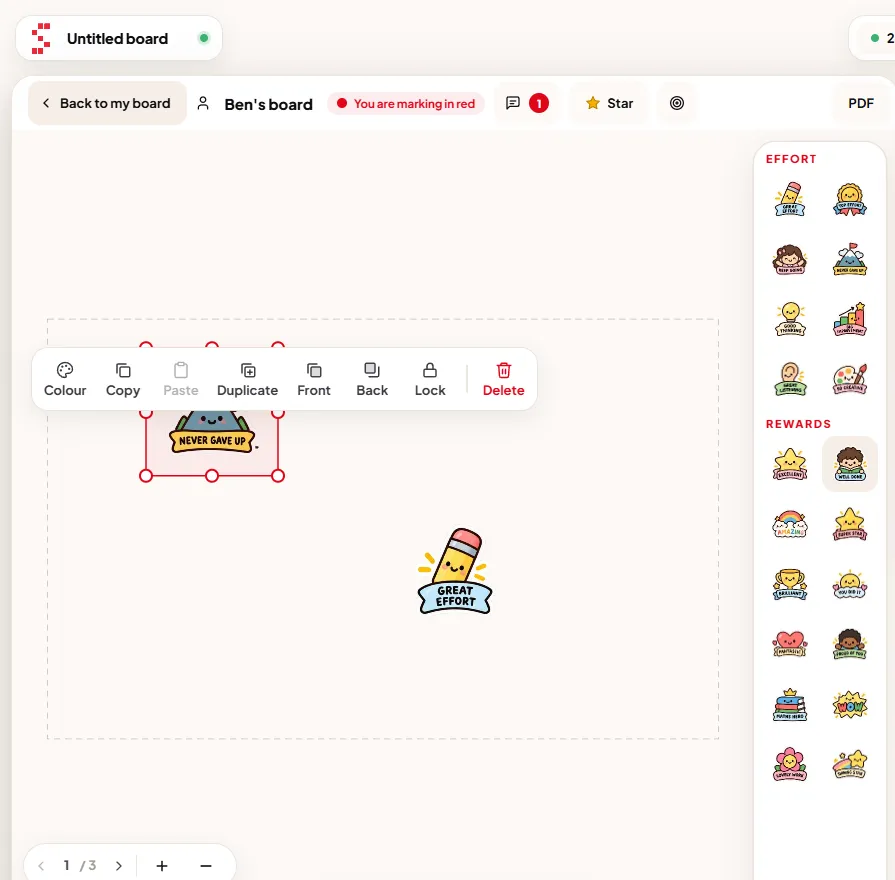
Jump onto any board, tick what is right, circle what is not and show the next step in red while they watch. Add a praise sticker on your way out. The class never stops.
Put one pupil’s work on every screen. You and the pupil can both keep writing, and everyone sees both pens.
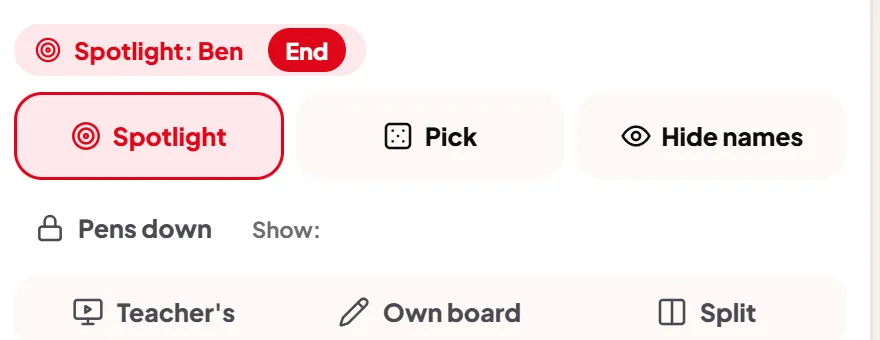
Pages start hidden. Show the next one when you are ready.
One tap and every screen asks pupils to look up.
Freeze everyone’s pens while you explain.
Time the task, and point at the tricky part without leaving a mark.
Today’s task lands on every pupil’s board at once.
Raise a hand, ask for help, or tap “How am I doing?” without a word.
A strip beside your board shows how many pupils have each question right, as it happens. Send harder questions to whoever is ready, two at a time or all at once.
See assessments and marking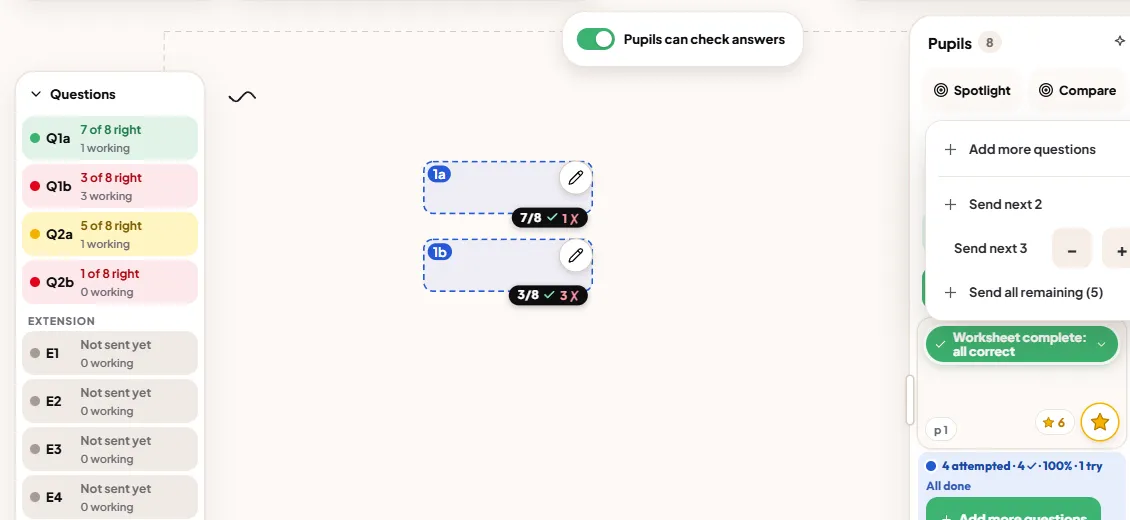
You ask “How confident are you, 1 to 5?”, watch the bars fill, then press Reset and ask again to see who moved. If you have tucked the poll away, it opens when you show the results.
When the groups finish, each child lands back on their group’s page with everything the group wrote.
If the wifi stutters as you press End lesson, Jotoro tells you something has not saved yet and keeps the lesson open until it has.
Jotoro notices learning. It doesn’t watch children.
Pupils open the same bookmarked link every lesson. No lesson code to type.
Anyone unexpected waits there and sees nothing of the lesson until you let them in. You can say Not now, or send someone away.
Each pupil signs in with just their first name and a PIN, or by tapping pictures if they are young, so their work is always their own.
A pupil who comes back gets their own board back, with nothing lost.
Read more on safety and privacy.
Jotoro does not include video calling. Keep talking on your usual video call and open Jotoro beside it.
Pupils in the same room as you, at home or in another country, on any device. They need only the class link, and no shared network.
Are you a classroom teacher? Have a look at Jotoro for schools, or see plans and prices. Looking for virtual classroom software for teachers? Read how to see every pupil’s whiteboard and how to use a whiteboard for group tutoring.
Answers that mark themselves, and results you can read at a glance.
Your worksheet, your pen and your tools on a single board.
Every pupil holds up an answer, just like in the classroom.
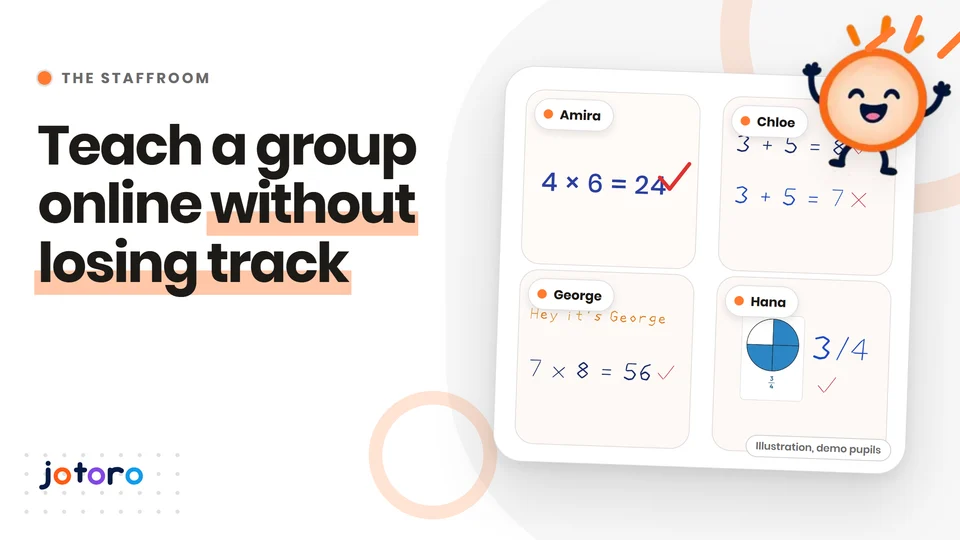 From the StaffroomTeach a group of children online without losing trackA simple routine for seeing what every child is writing, spotting the quiet one early and helping one child without stopping the rest.Read the post
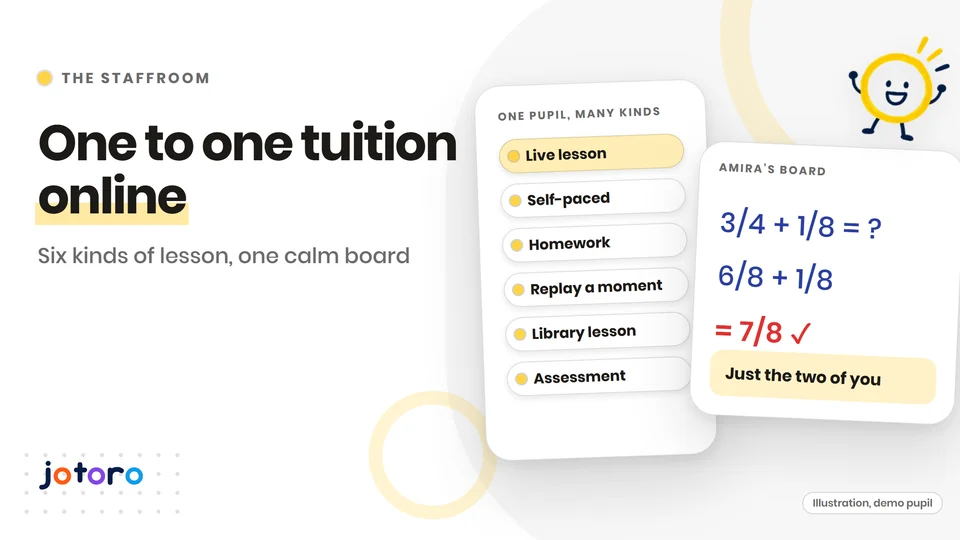 From the StaffroomOne to one tuition online: lessons that workWhy a one-to-one lesson can be so powerful, and the different kinds of lesson to choose from: live, self-paced, homework, replay and more.Read the post
Free and Solo are one-to-one, so one pupil. Groups allows up to 20 pupils in a lesson, and Pro, agency and school plans allow up to 40 per group. Only the children actually in the lesson count, and a returning child always gets back in. See plans and prices. Pupils are always free.
Not unless you choose to show one. You decide what the class sees, and you can hide pupils’ names on the screen while you do.
No lesson code to type. Each class has its own permanent link that pupils can bookmark, and you can reset it if it ever gets out.
Yes. Step onto any pupil’s board, tick what is right, circle what is not and show the next step in red while they watch. The rest of the class carries on.
They come back in as the same child and find their work where they left it, even on a different device.
Yes. Pupils can use any device with a web browser, and there is nothing to install.
Register interest and we will tell you the day payments open. Pupils are always free, and there is a 14-day money-back guarantee on every paid plan.
Pupils join by link: no app to install, no sign-up for them. See plans and prices.
