

Follow the steps
Add a writing box
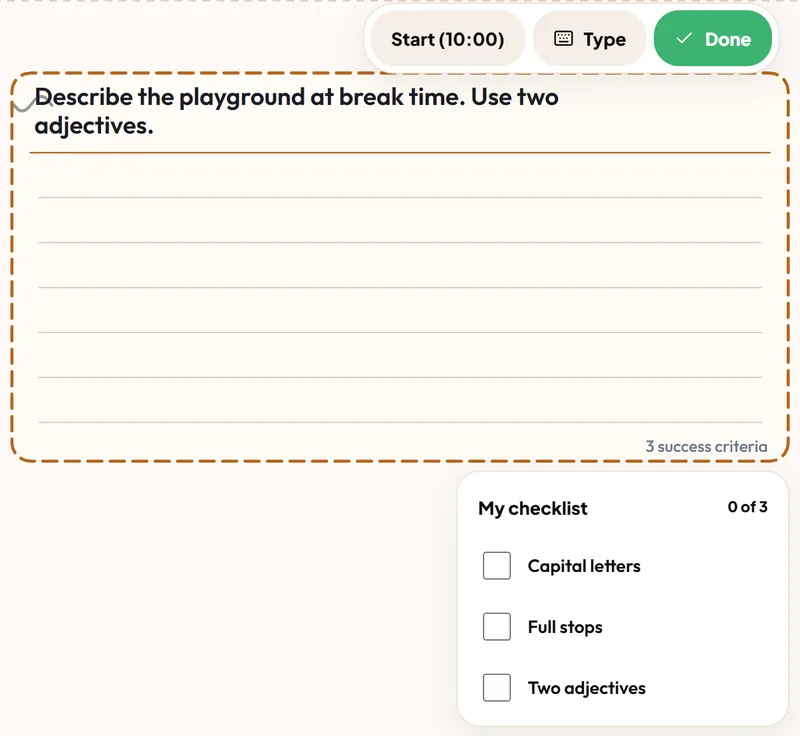
Tap Maths, then Activities, and tap Writing box to put one on the page. Select it, and in its Writing box panel type the task into Prompt, such as “Describe the playground at break time. Use two adjectives.” The box has lines for pupils to write on.
Add success criteria
In the same panel, type the success criteria, one per line, such as capital letters, full stops and two adjectives. Pupils see a checklist called My checklist and tick each one off as they go.
Let pupils write
Pupils write in the box with a pen, or press Type to use the keyboard. If you set a Time limit there is a Start button with a timer, and Done when they have finished. Untick Pupils may type if you want handwriting only.
Read aloud
Switch on the Listen button and a pupil can hear what they have typed read back to them, which helps them check their own work.
Give feedback with stamps
When a pupil taps Done, their writing lands in your Submitted work tray. Use marking stamps to give quick, steady feedback instead of writing the same comment again and again. See quick notes, stamps and submitted work.
Good to know
- Keep the success criteria to three. A long list gets ticked without being read.
- Use the timer. Ten quiet minutes of writing is a better start than an open-ended “write about it”.
- When you have turned on Send to teacher (it is off by default on each board, in the Pupils ⋯ menu), a pupil can press it when they are done, without waiting to be asked.
- After the writing, try comprehension annotation for a reading task that follows on.
Common questions
Can pupils type instead of using a pen?
Yes. There is a Type button for pupils who would rather use the keyboard.
Does the box read aloud?
Yes, if you switch on the Listen button. It reads back what the pupil has typed, which helps them check their own work.
Is the writing marked automatically?
No. The writing comes to you to read. Success criteria and marking stamps keep your feedback quick and consistent.
Related guides
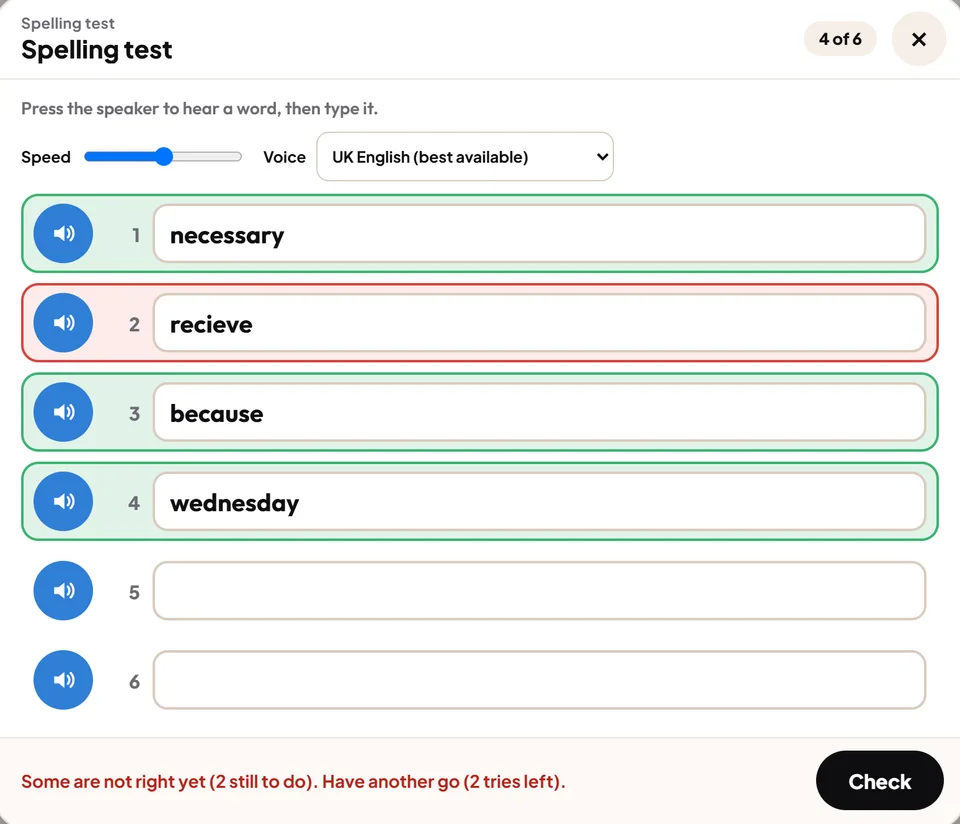 How to make a spelling testTeaching tools: English
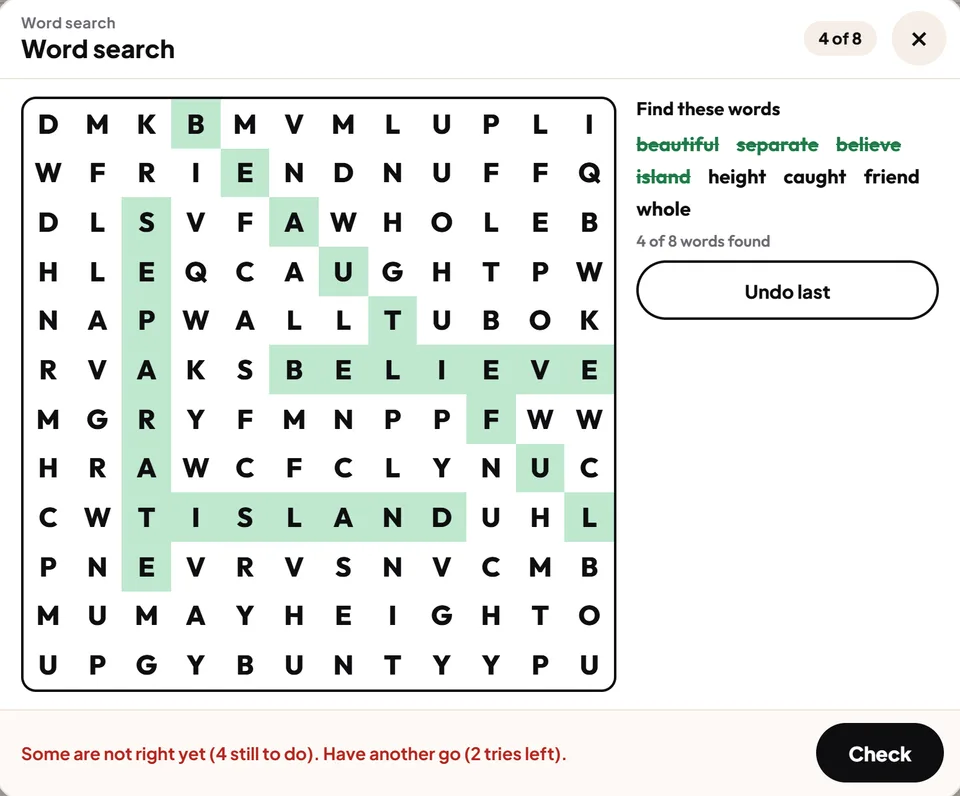 How to make a word search, crossword or clozeTeaching tools: English
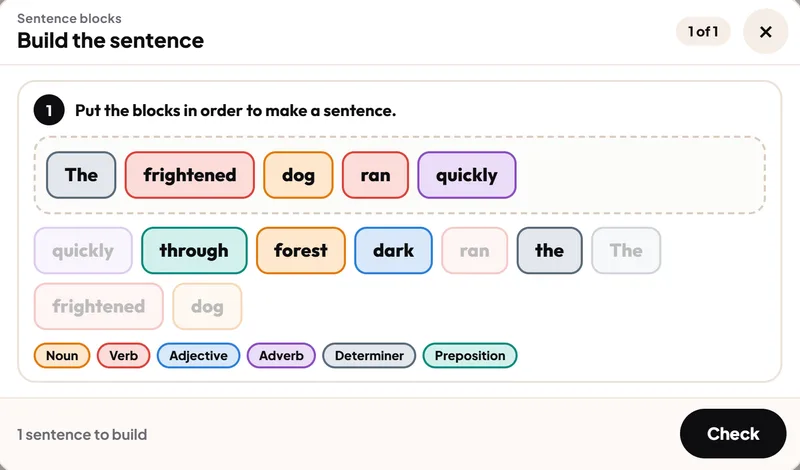 How to use sentence blocks and punctuation repairTeaching tools: English
 How to get started with JotoroGetting started
Cannot find an answer?
Tell us what was missing and we will improve this guide.
Suggest an improvement