Bring your own PDFs, pictures and links
Put a vocabulary sheet, a score, a code listing or a photograph on the board and write on top of it. Drop answer boxes on any worksheet and they mark themselves.

Jotoro isn’t a maths whiteboard. It’s a place to teach. Pick a subject and see a board for it.
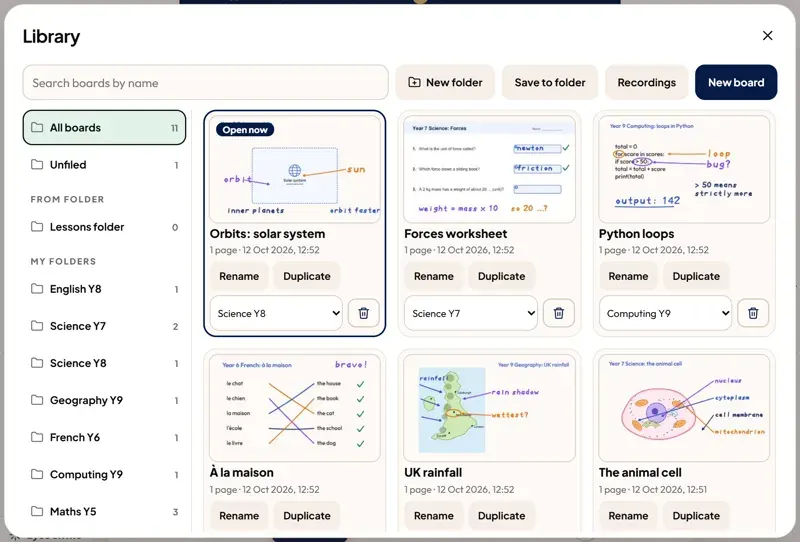
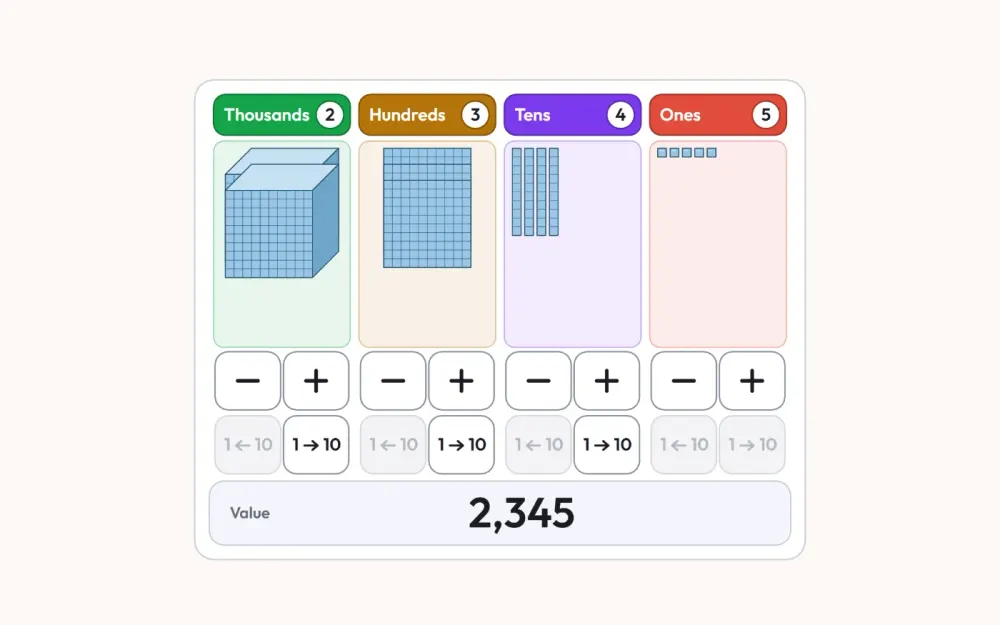
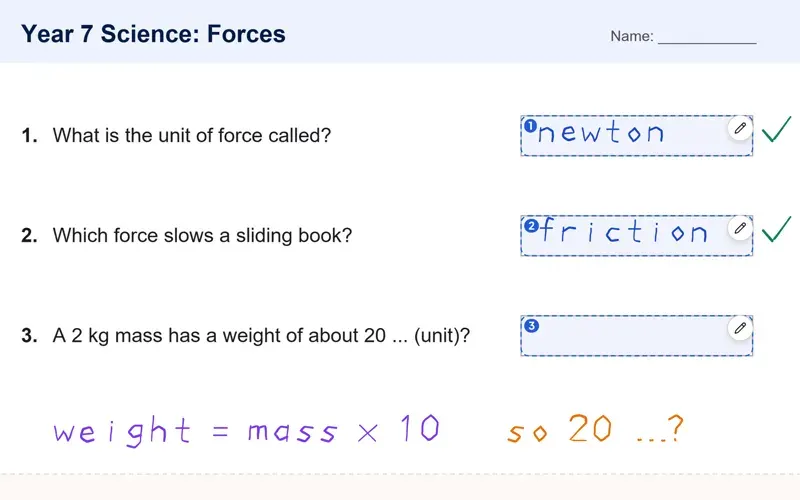
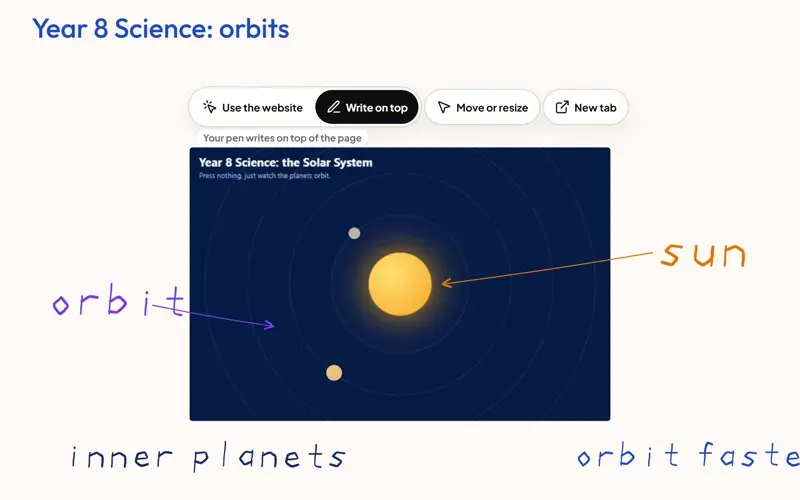
Not listed? Bring your own PDFs, images and links to any board.
Jotoro works for any subject and any age. Maths, English, science and humanities have their own tools and pages; languages, computing, art and music use the pen, answer boxes and your own PDFs. See the teaching tools.
Jotoro is one board you teach every lesson on, whatever the subject.
Start with a blank page, a PDF you already have or a ready-made tool, and your pupils join by link.
Every tool below can be put on a board in a click and sent to pupils so each child gets a copy.
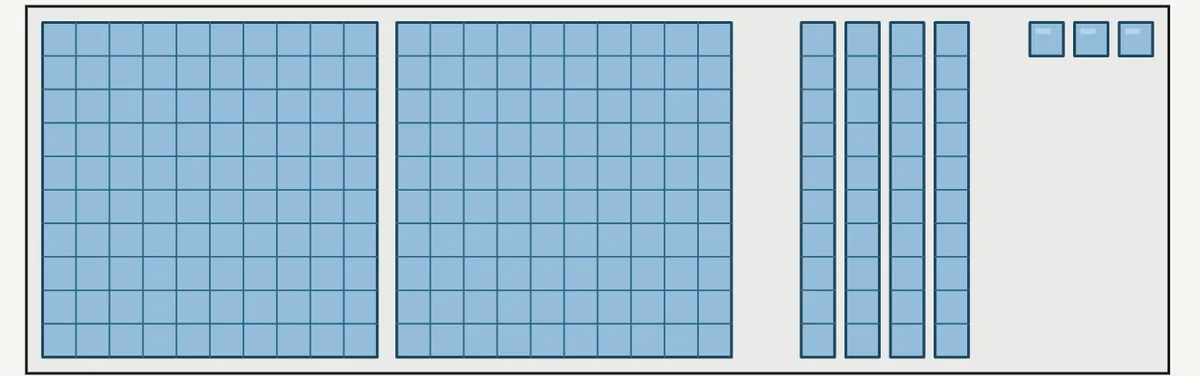
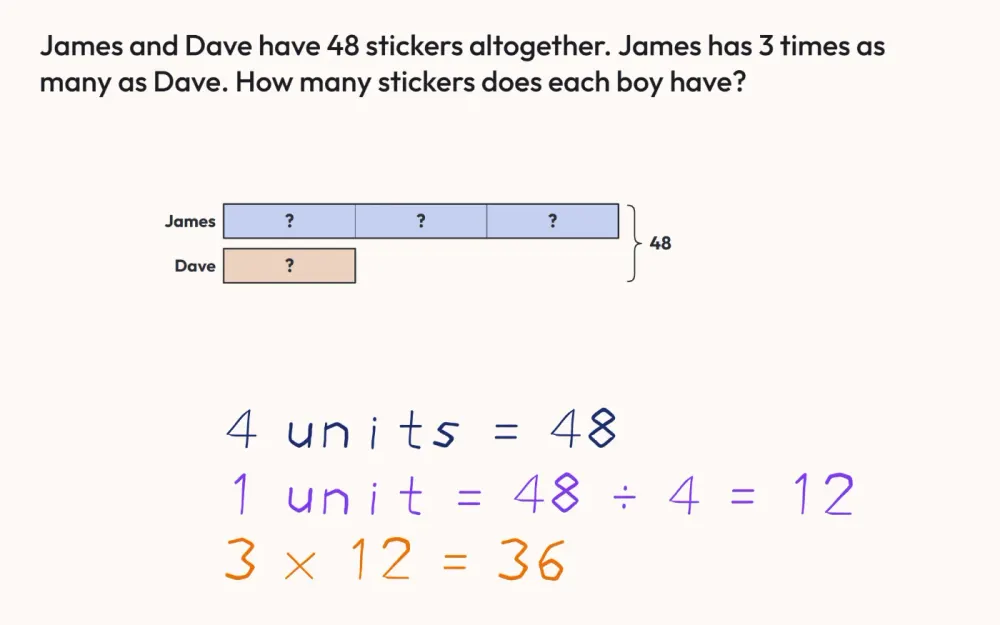
Place-value blocks, fraction walls, clocks, graphs, geometry tools and, for older pupils, a scientific calculator.
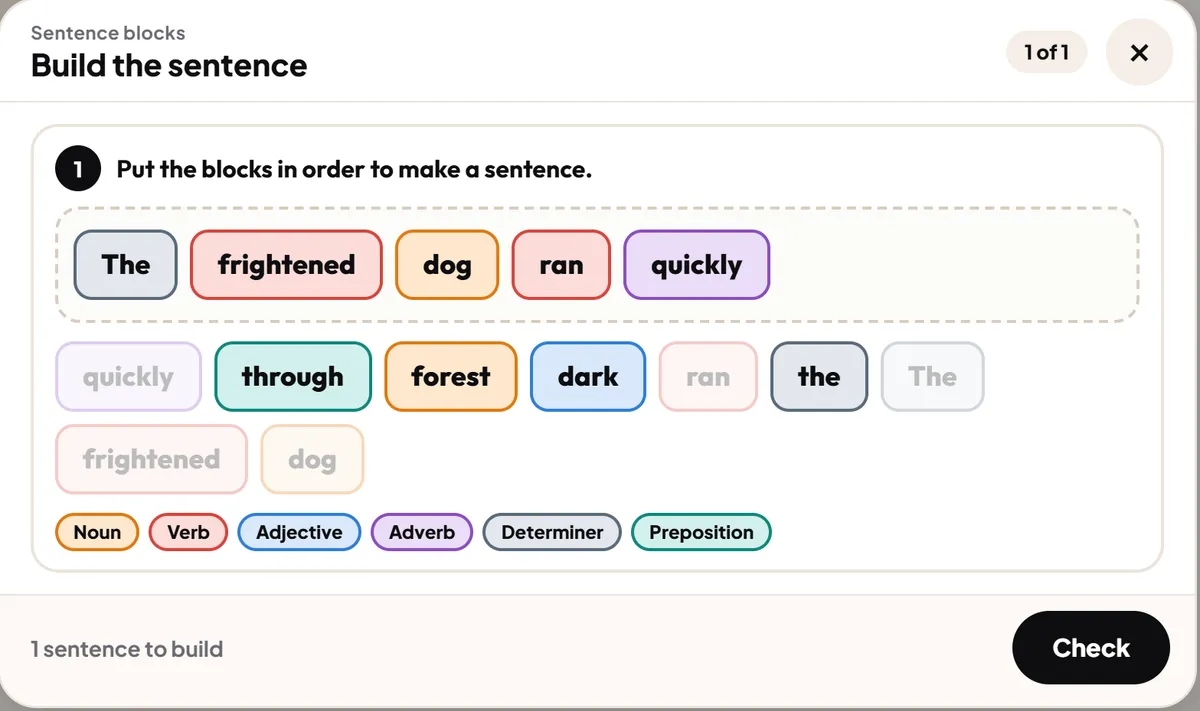
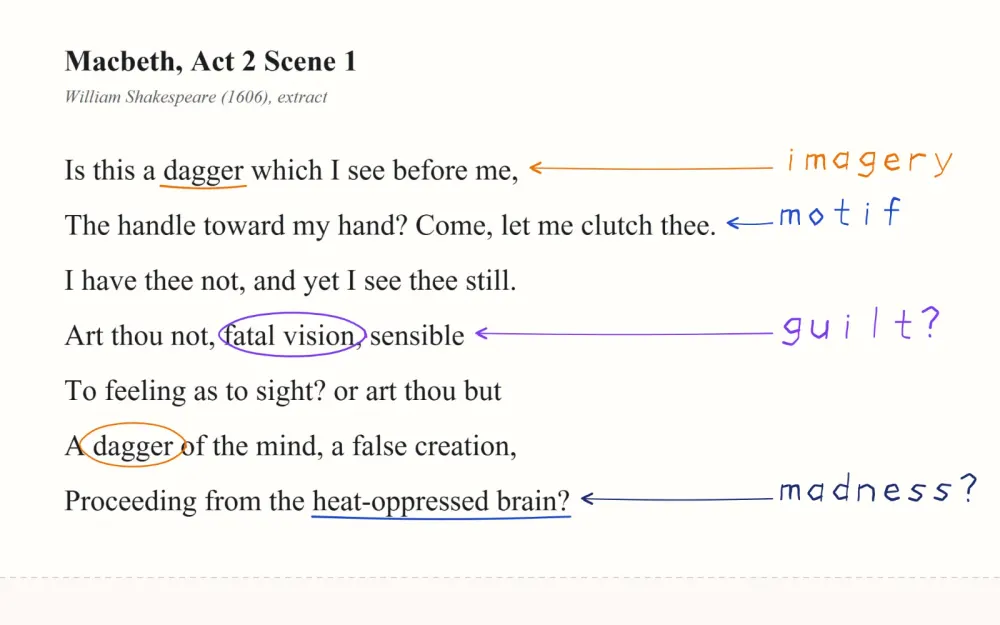
Sentence blocks that pupils drag into order, plus a passage you can annotate and mark the word on.
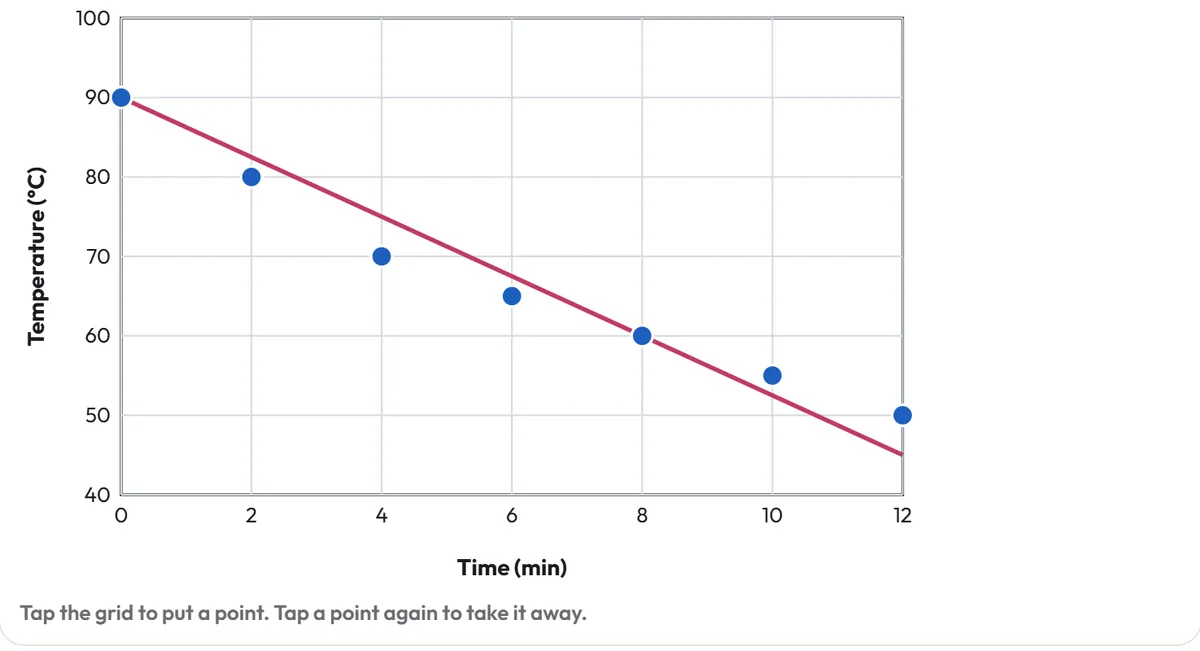
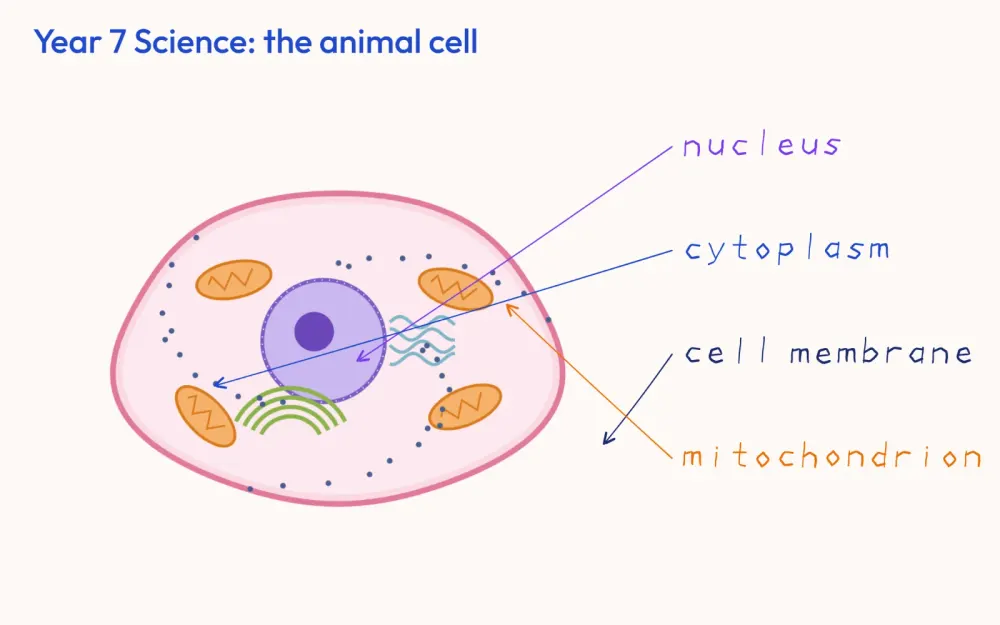
A graphing studio for plotting a cooling curve, and a fair-test planner for investigations.
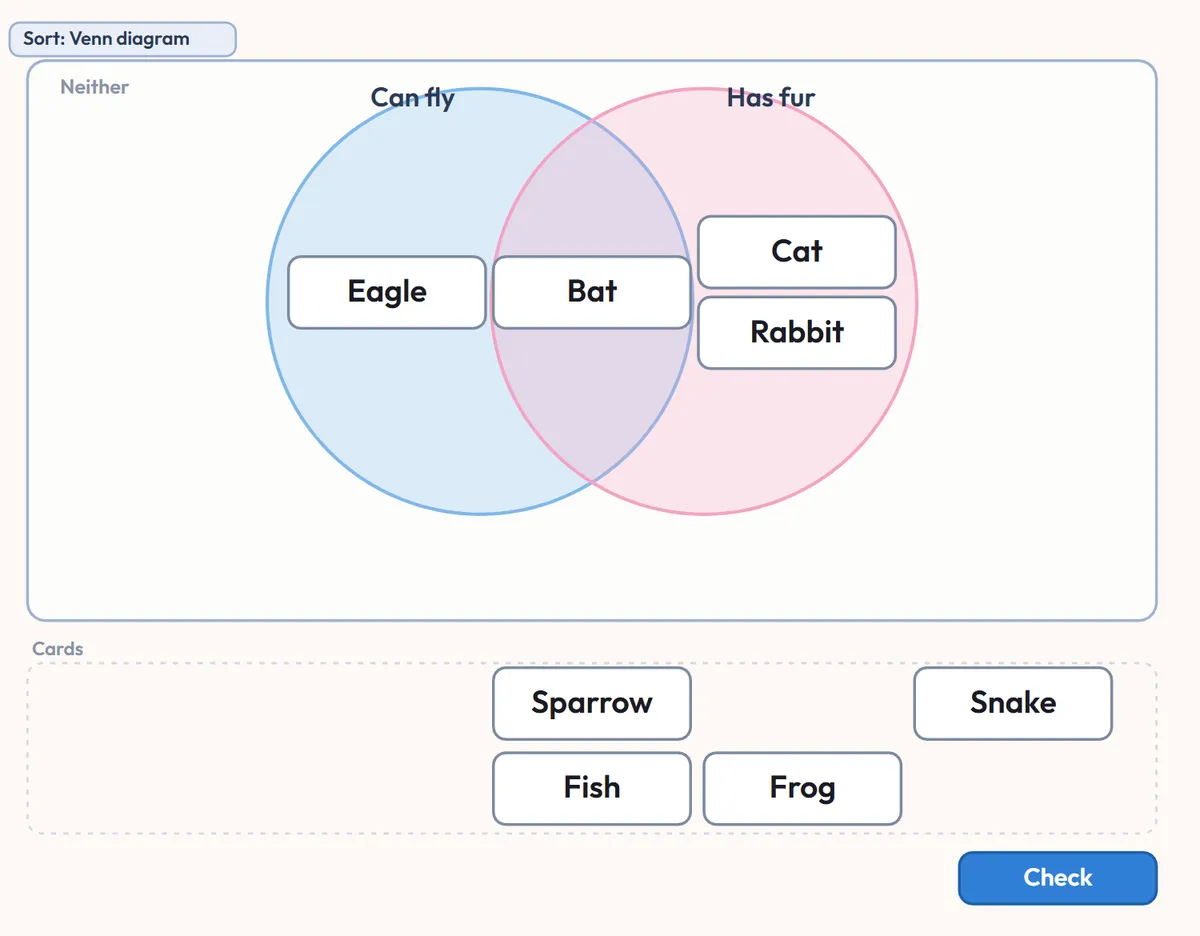
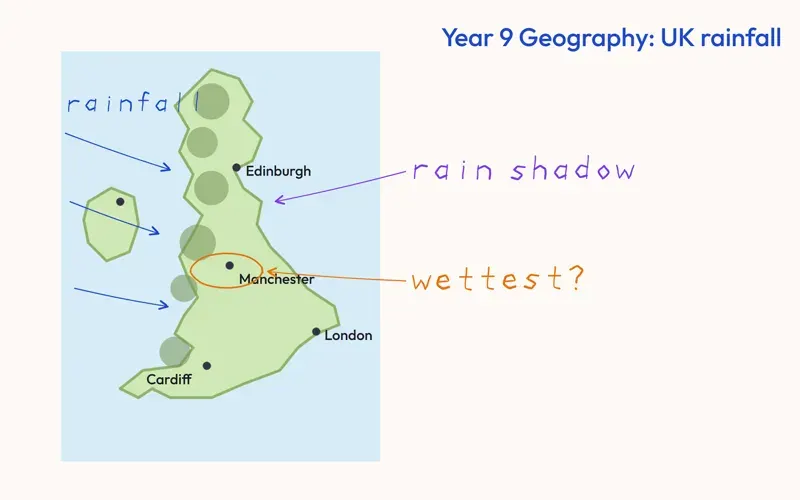
Sort and Venn cards for sources and ideas, and the pen on any map, source or timeline you bring.
These subjects have no tools of their own yet. Here is what teachers use today, and it works.
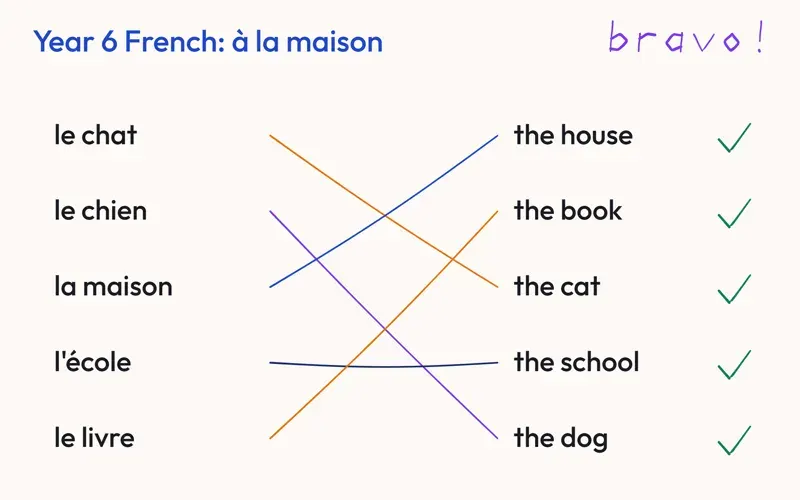
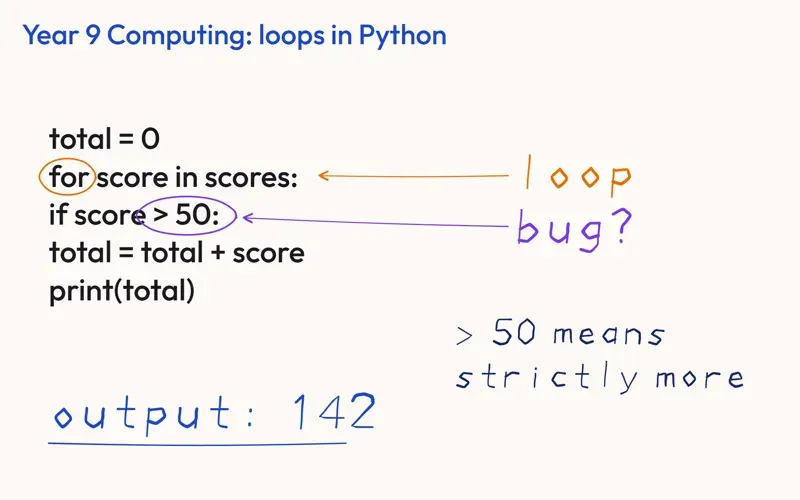
Put a vocabulary sheet, a score, a code listing or a photograph on the board and write on top of it. Drop answer boxes on any worksheet and they mark themselves.
Match words by drawing lines, fill vocabulary into answer boxes and sort words into columns.
Annotate a code sheet, sequence the steps of an algorithm on cards and see every pupil’s answer.
Annotate a picture, then show one pupil’s work to the whole class.
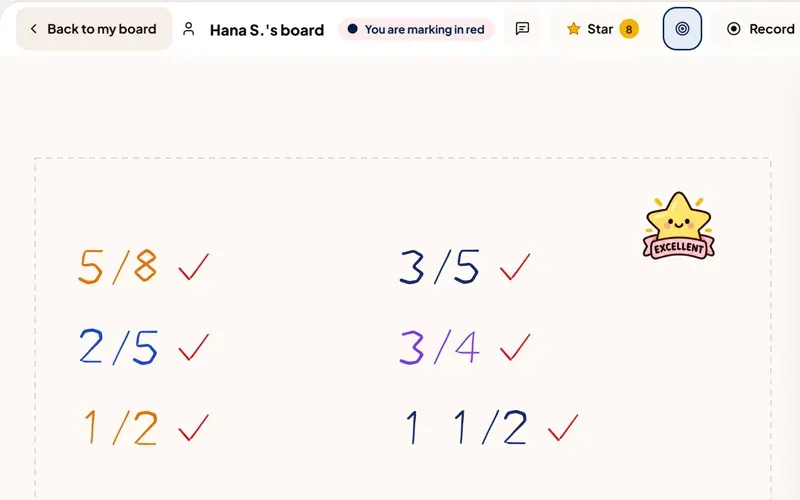
Put a score on the board and mark it up. Jotoro has no audio tools of its own.
Coming soon Subject packs for these subjects, ready-made and labelled, once they are built.
Place-value blocks, clocks, coins, fraction walls and big friendly buttons for small hands.
A scientific calculator on boards tagged for Year 7 to 13, graphs, geometry tools and worksheets that mark as pupils go.
Bring in an interactive graph, a simulation or a video clip (Groups and above), and write on top of it.
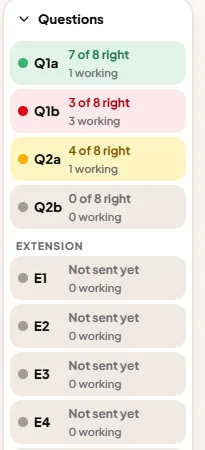
Drop an answer box on a French vocabulary sheet or a science worksheet and it marks itself. The tracker shows you, question by question, how many have got it right while you are still teaching.
Typed answers get a tick or a cross at once.
Tap a question to see who got it wrong.
Results go straight into your records.
Back to the Jotoro home page, see every teaching tool or register interest.
Blocks, bar models, graphs and a calculator.
Annotate texts and build sentences.
Diagrams, graphs and fair tests.
Sources, maps and timelines.
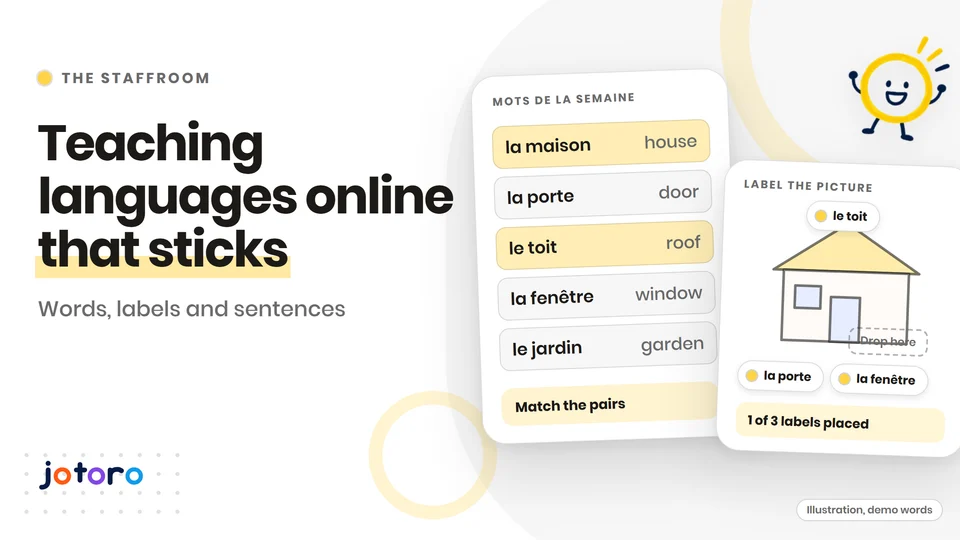 From the StaffroomTeaching languages online: MFL ideas that workVocabulary tests, matching, labelled pictures, sentence building, listening and modelling: MFL teaching ideas, and what stays with you when it comes to speaking.Read the post
Maths, English, science and humanities each have their own page and tools, each labelled with what is available now. For languages, computing, art and music you use the pen, answer boxes, match-by-drawing, sort cards and your own PDFs. Jotoro has no audio or music tools of its own.
Yes. Put any PDF, picture or link on a board, write on top of it with the pen, and drop answer boxes onto any worksheet.
Short typed answers mark themselves. Longer writing you read and mark in red yourself. Writing boxes, with a checklist and read-aloud, help with English writing.
There is one board for every age, designed first for primary. Younger pupils get big, friendly tools and older pupils get a calculator and graphs. See the teaching tools.
No. Tutors, tuition centres and schools all use it. Pupils are always free, and they join by link with nothing to install.
Every subject works on every plan. See plans and prices, or register interest.
Register interest and we will tell you the day payments open. Pupils are always free, and there is a 14-day money-back guarantee on every paid plan.
Pupils join by link: no app to install, no sign-up for them. See plans and prices.