

You will need a board with questions and answer boxes.
Follow the steps
Look at the type chips
Each box shows chips: Number, Words, Fraction and Choice.
Open More… for other types
More… adds Mixed number, Money, With units and Algebra.
Fill in a fraction
For Fraction, type the top and the bottom.
Fix a wrong guess
If Jotoro says “We guessed Number. Wrong? Tap the right one.” tap the correct type.
Good to know
- Pick the type that matches the answer.
- Equal answers count as right. With units, “12 cm” is marked right when the answer is 12.
- Pupils get the right keypad for the type.
Common questions
What if Jotoro picks the wrong type?
Tap the right one. It tells you when it has guessed.
Related guides
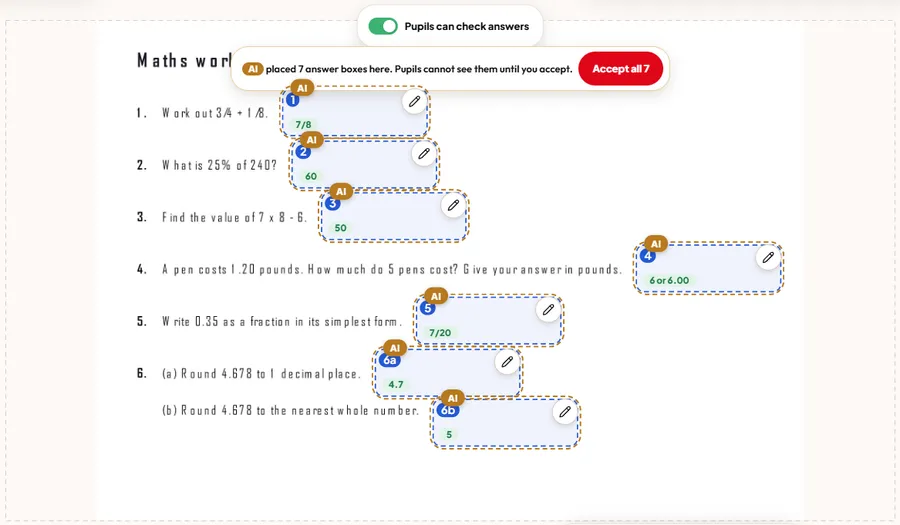 How to add answer boxes and mark a worksheetMarking & answer boxes
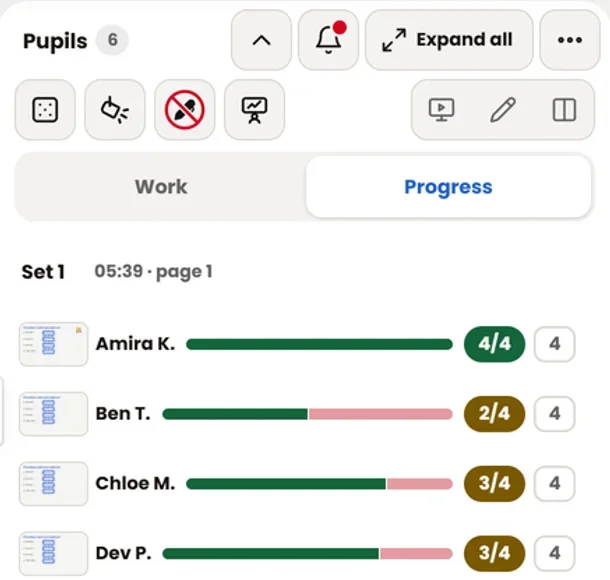 How to use the live question trackerMarking & answer boxes
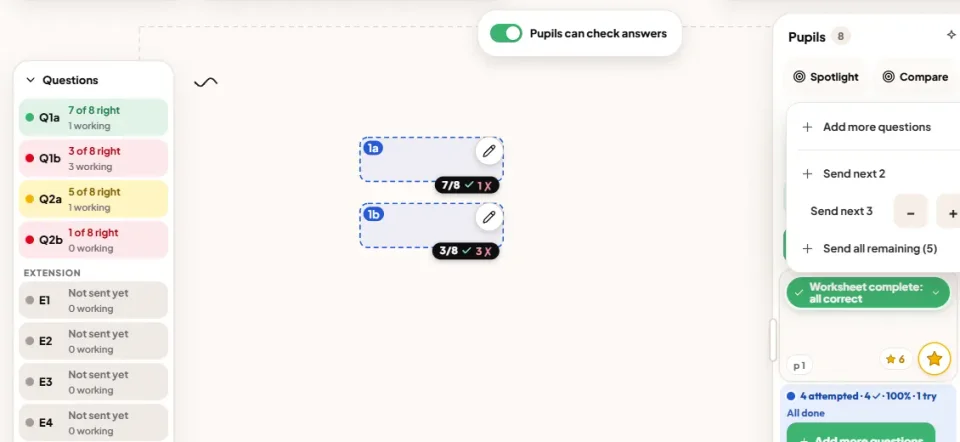 How to send extension questions to early finishersMarking & answer boxes
 How to get started with JotoroGetting started
Cannot find an answer?
Tell us what was missing and we will improve this guide.
Suggest an improvement