

Follow the steps
Start from a word list
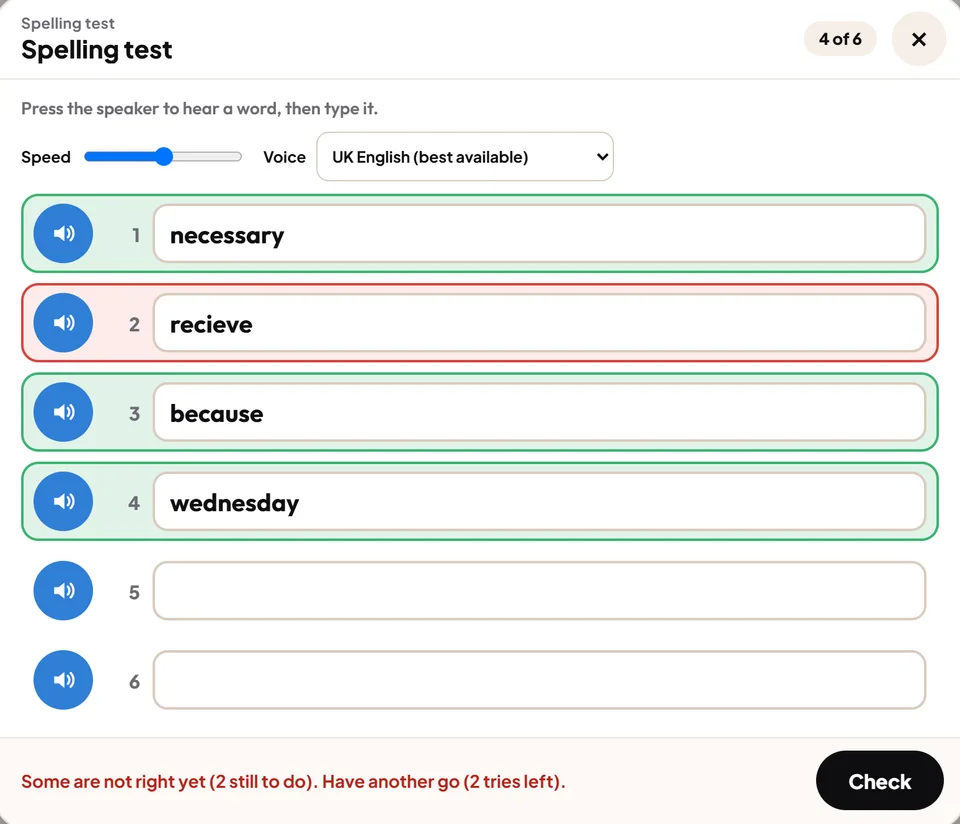
Tap Maths, then Words, then Word lists, and make a new list, or tap one of your saved lists. The same words feed every game, so you only type them once. Making a spelling test starts the same way.
Choose the game
Choose a word search, a crossword, unscramble or missing letters. For a cloze, the Cloze tile next to Word lists lets you paste any text and tap the words to blank out. In Quick find, type crossword or word search and you land straight on the maker.
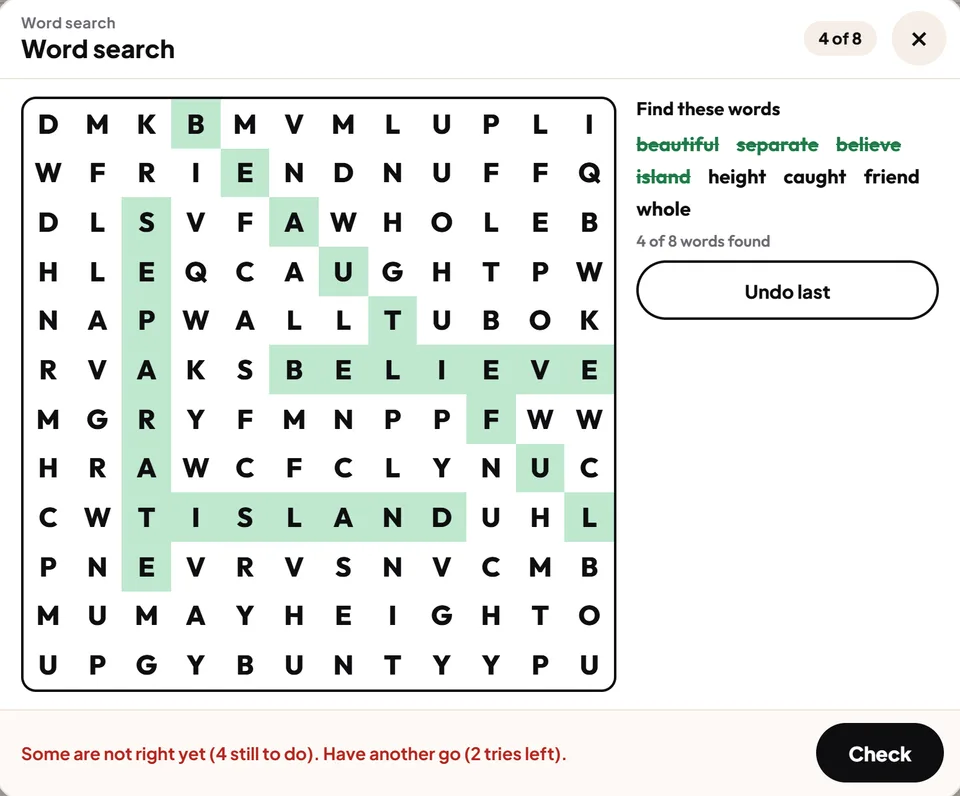
See a word search
Pupils drag across the letters to find each hidden word. Found words are crossed off the list, and a count shows how many are still to find. There is an Undo last button for a slip.
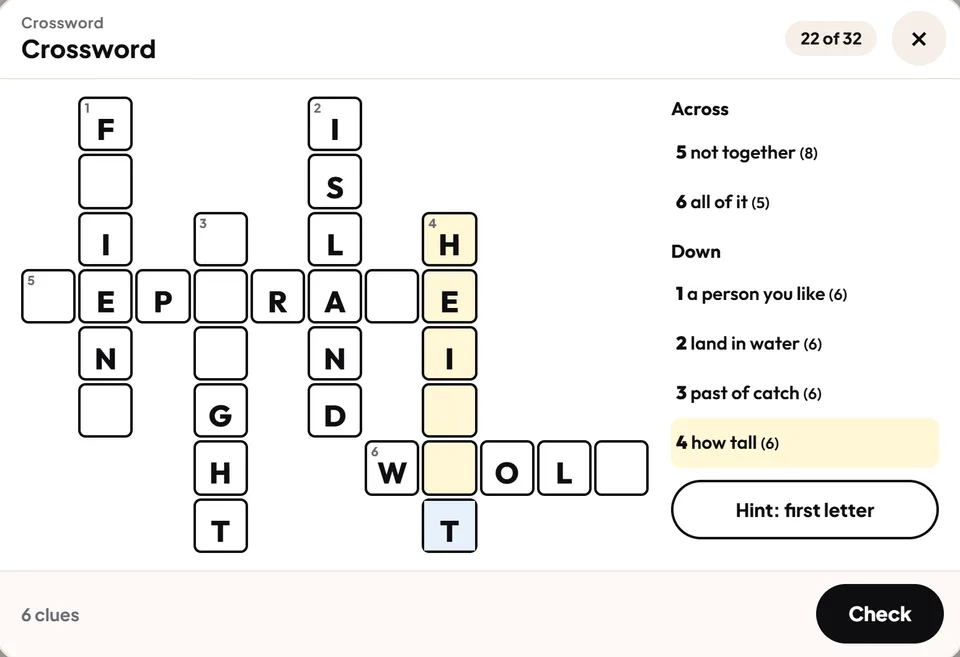
See a crossword
The clues sit beside the grid, across and down, with the number of letters in brackets. Stuck on one? Hint: first letter gives a first letter. The clue they are on is shaded.
Try a cloze, unscramble or missing letters
A cloze takes words out of a sentence for pupils to fill in. Unscramble gives the letters in the wrong order, and missing letters leaves gaps in the word. All three come from the same list.
Send it to the class
Send the page and each pupil gets their own copy. It is marked for you, and you can watch the class in the question tracker.
Good to know
- A word search is a calm five minutes at the end of a lesson, and a crossword makes a good early-finisher task.
- Use the same list for the test on Friday and the games on Thursday. Pupils meet each word several times before it counts.
- Making clues for a crossword is itself a vocabulary job. Ask Hana and Dev to write the clues for next week’s one.
- More about the tools tray is on the teaching tools page.
Common questions
Do I have to type the words again for each game?
No. They all come from the same word list.
Who marks them?
They are marked for you, and the results show in the question tracker.
Can I use these for any subject?
They are made for spellings and vocabulary, but any list of words will do, such as science words or French words.
Related guides
 How to make a spelling testTeaching tools: English
 How to use sentence blocks and punctuation repairTeaching tools: English
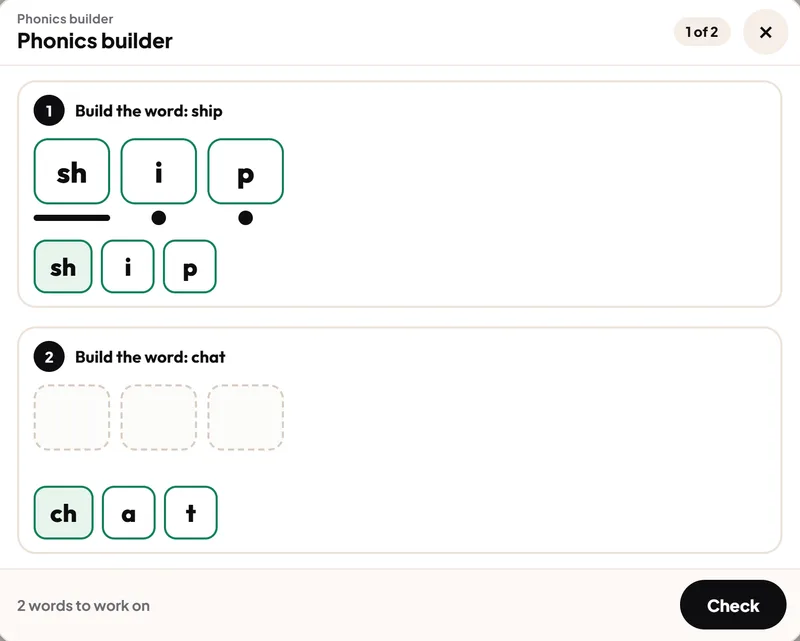 How to use the phonics builderTeaching tools: English
 How to get started with JotoroGetting started
Cannot find an answer?
Tell us what was missing and we will improve this guide.
Suggest an improvement