A blank board
Just start writing. Add a worksheet, a picture or a tool whenever you want one.

Create interactive lessons online from what you already have. A PDF, a photo, your own interactive lesson (Pro and above) or a blank page: drop it on the board and it is ready to write on.
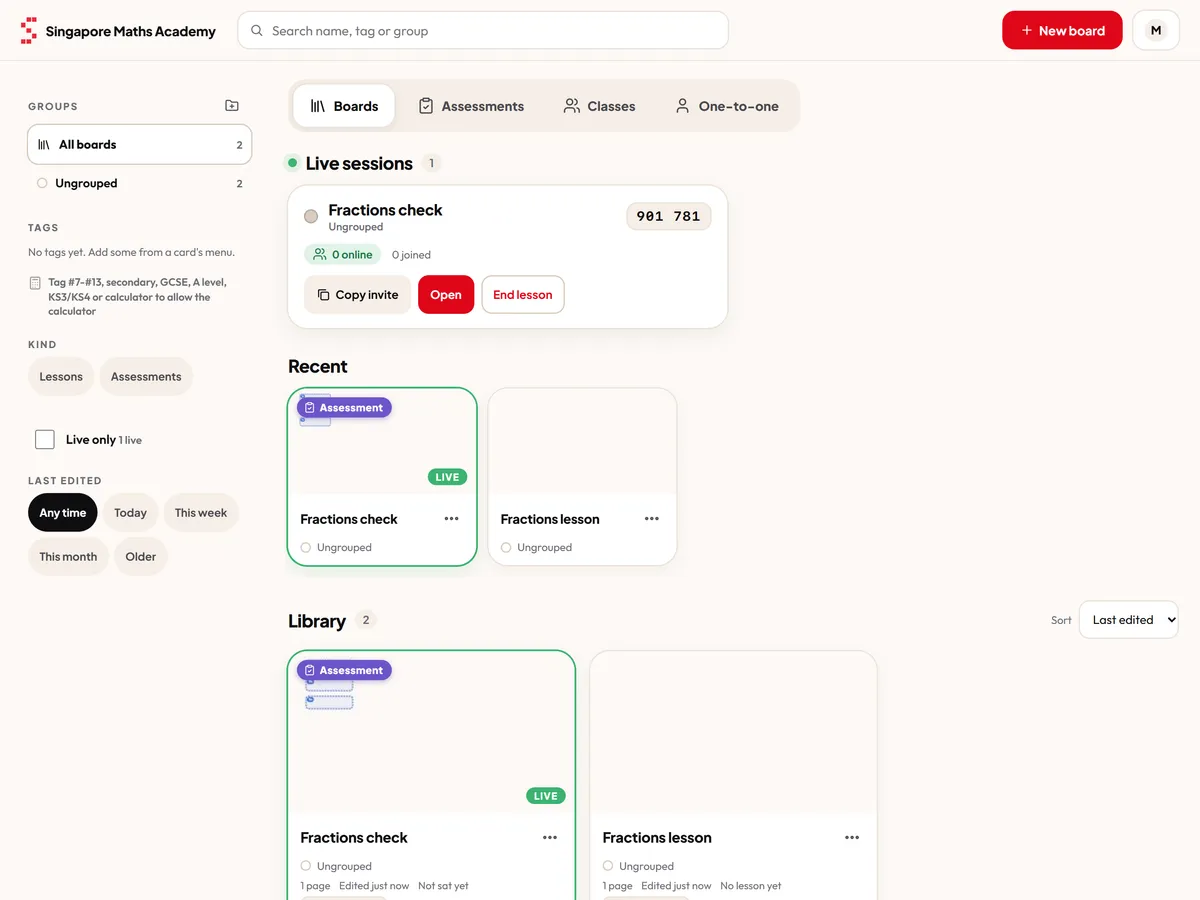
 Press play
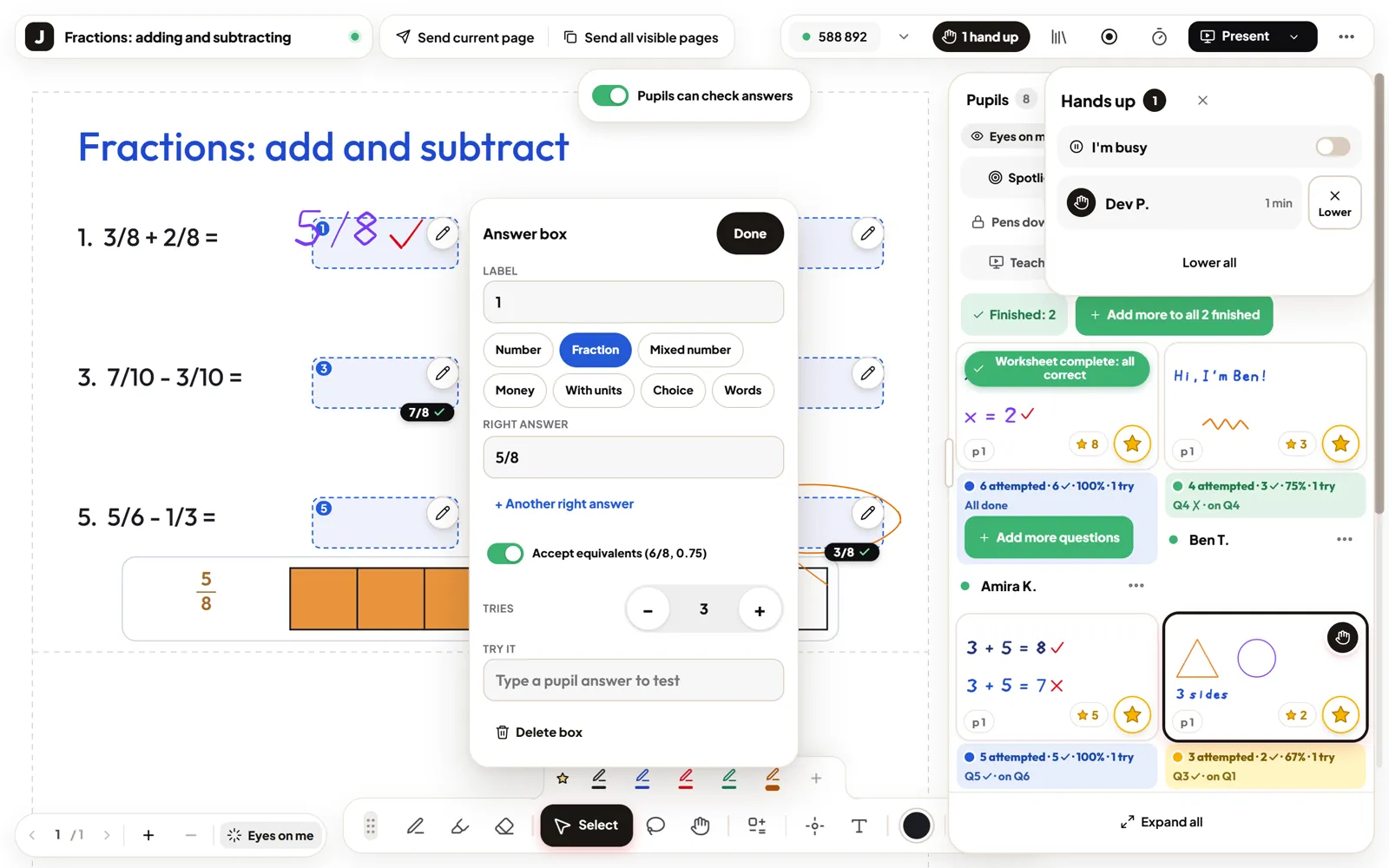

In Jotoro any worksheet can become an interactive lesson: add answer boxes that mark themselves, label or sort activities and polls, then teach it live. It is for tutors and teachers who prepare their own lessons. See every feature.
Last week’s worksheet is already there, ready to write on. A few answer boxes and you are done.
Last week’s PDF is waiting in your Library, so you open it instead of starting again.
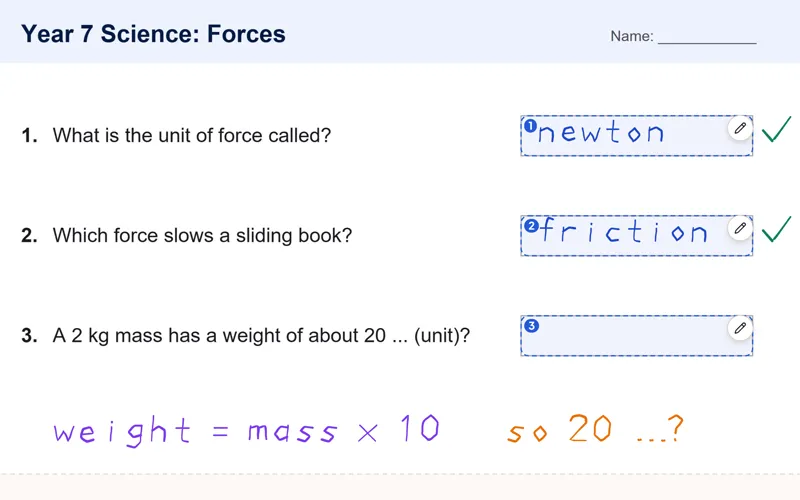
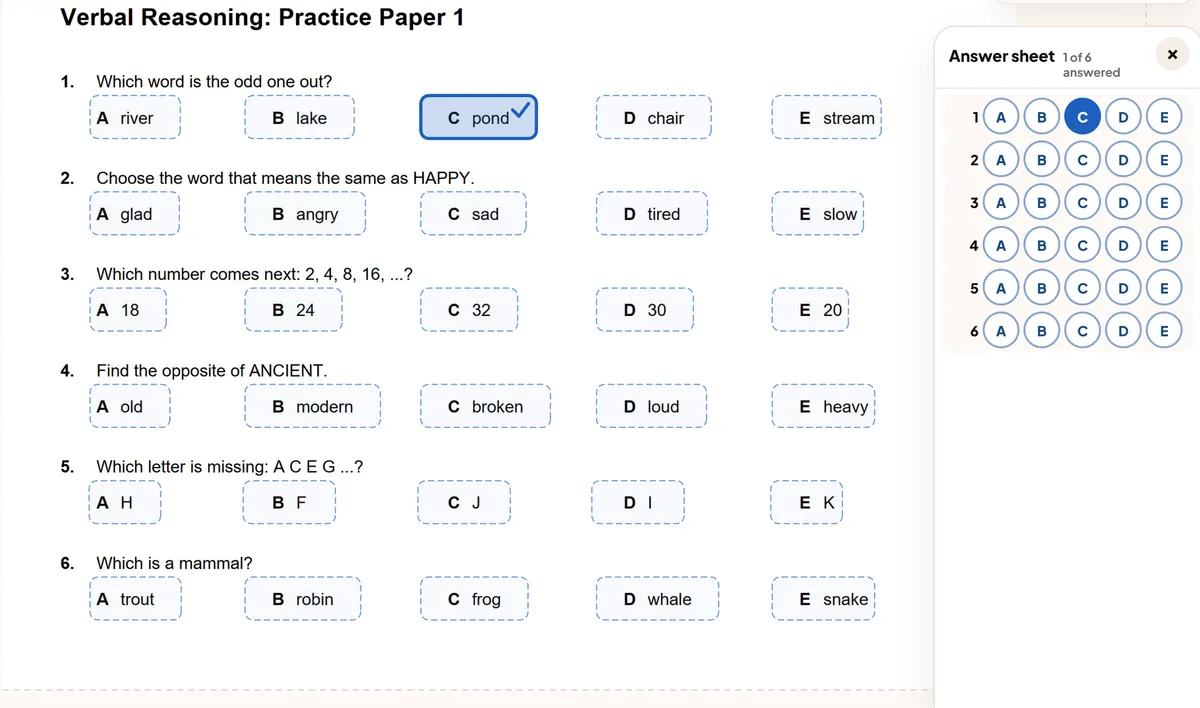
Put a box beside each question. Fractions, money and units are all catered for.
They open the class link, and every answer marks itself as they go.
Just start writing. Add a worksheet, a picture or a tool whenever you want one.
Drop in a worksheet of 60+ pages in seconds and write straight over it.
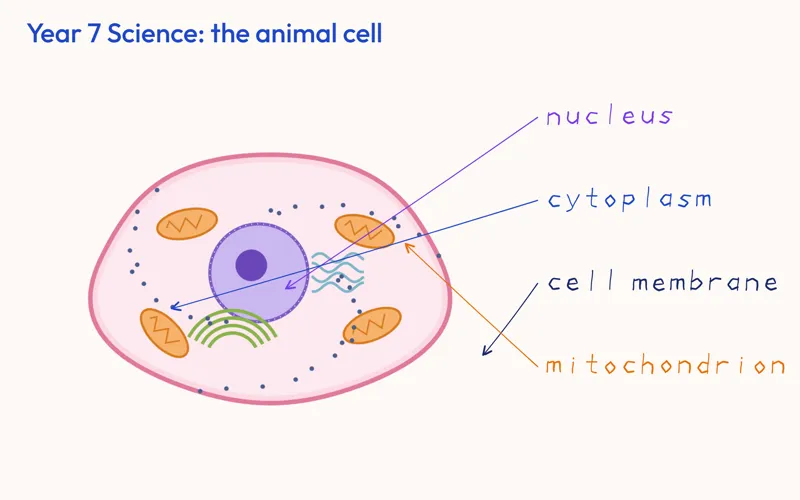
Snap a photo of a page or a diagram, then label it and mark it up.
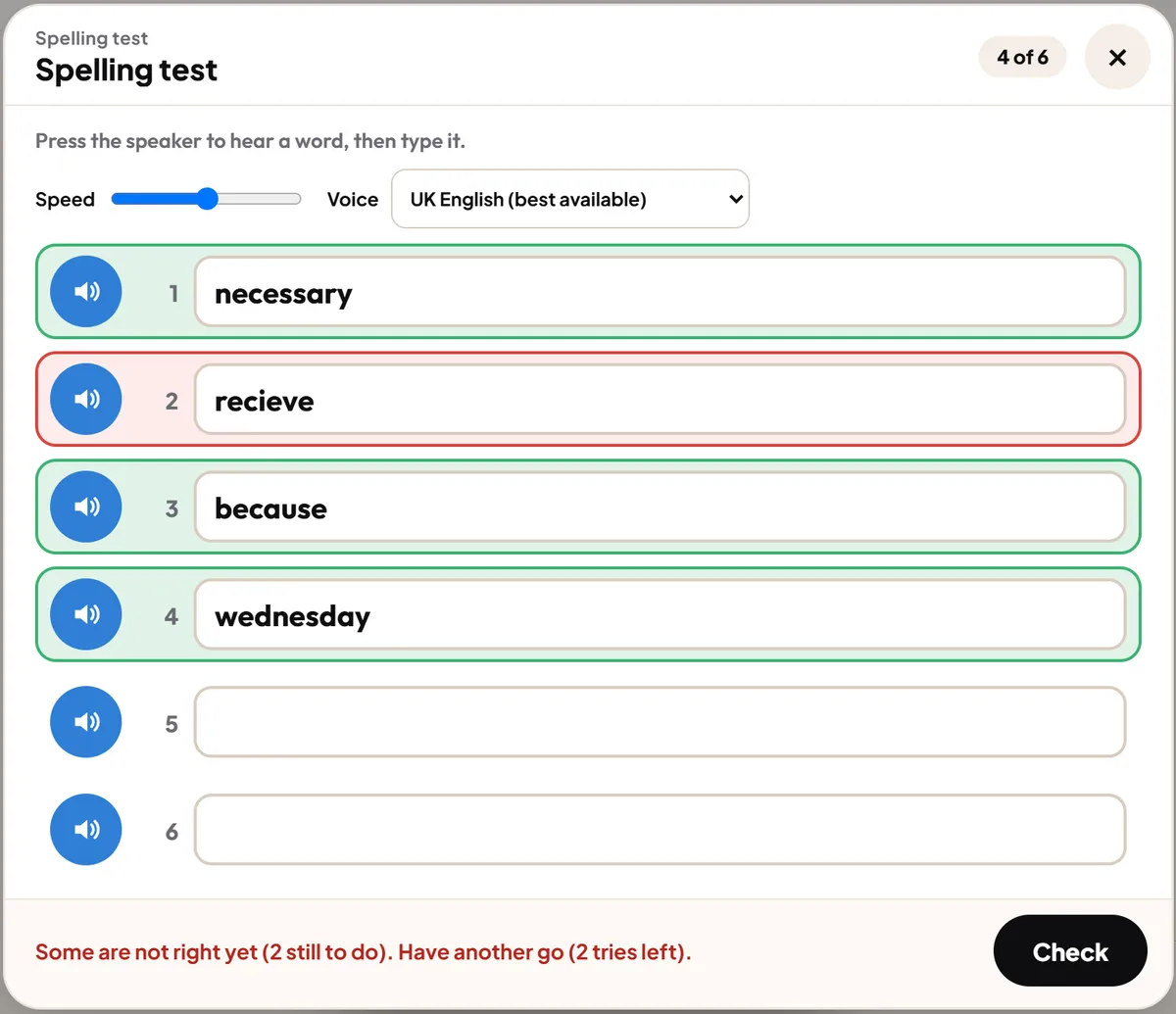
Type your spellings and turn them into a test the pupils hear and type.
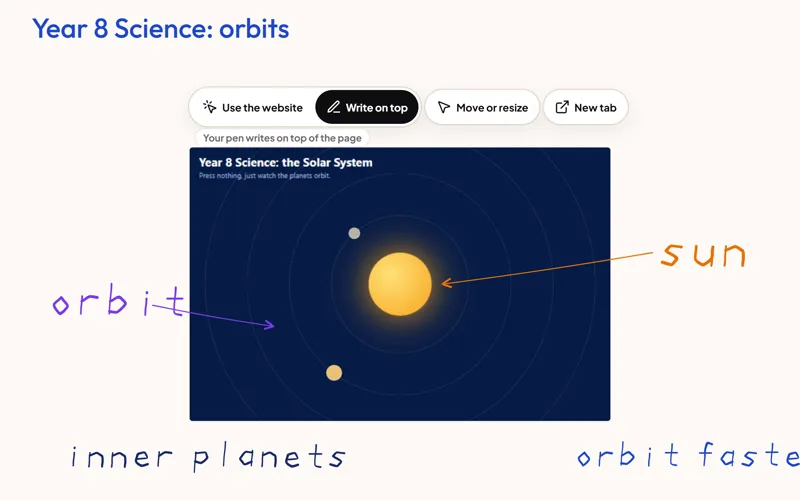
Interactive lessons and web pages too. Bring your own interactive lesson (Pro and above), or put a website or a video on the board (Groups and above) and write on top of it.
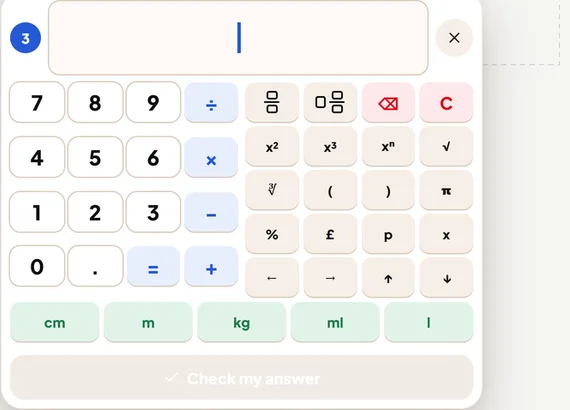
Pupils type on a child-friendly keypad for fractions, mixed numbers, powers, money and units. They get a tick or a cross, and can press “Check my answer” before they hand in.
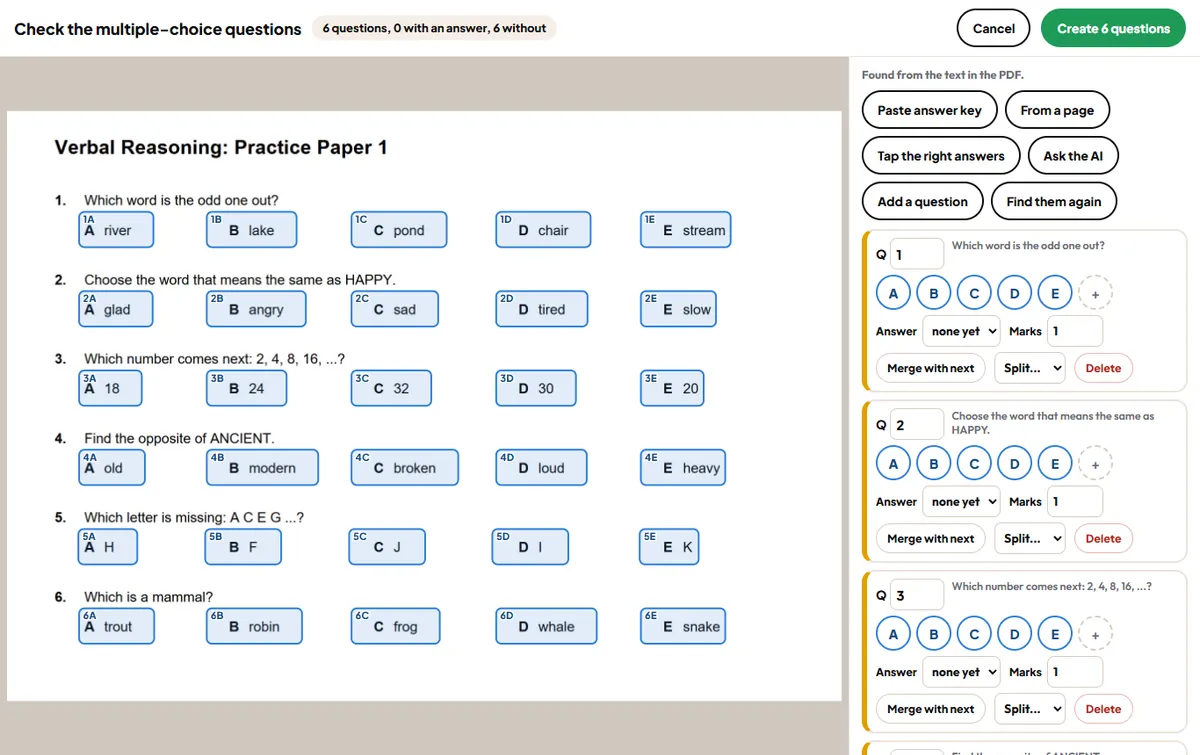
Bring your worksheet in as a PDF.
Place an answer box beside each question and say what the right answer is.
Pupils answer on their own boards and you see the marks as they come in.
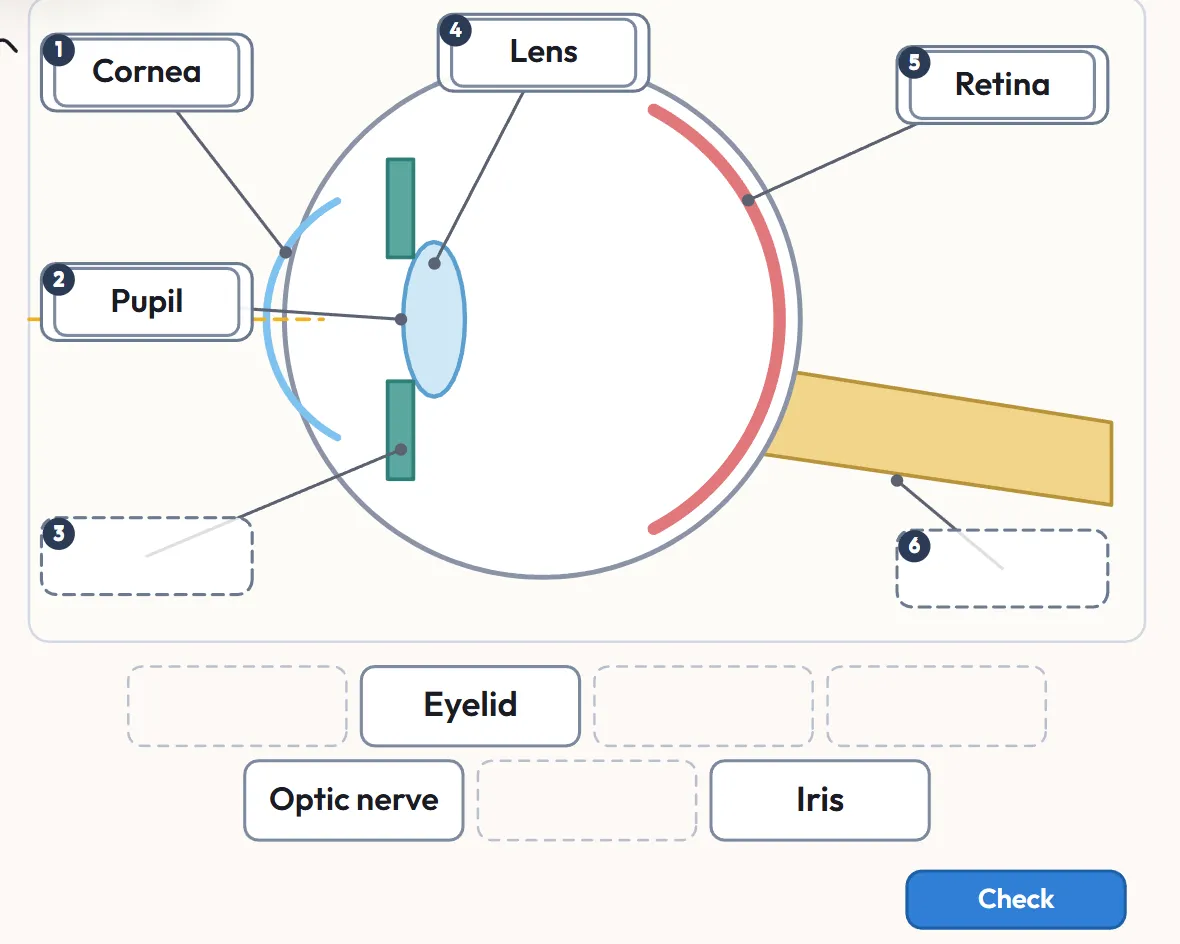
Put drop zones on any picture. Pupils drag the right word to the right place.
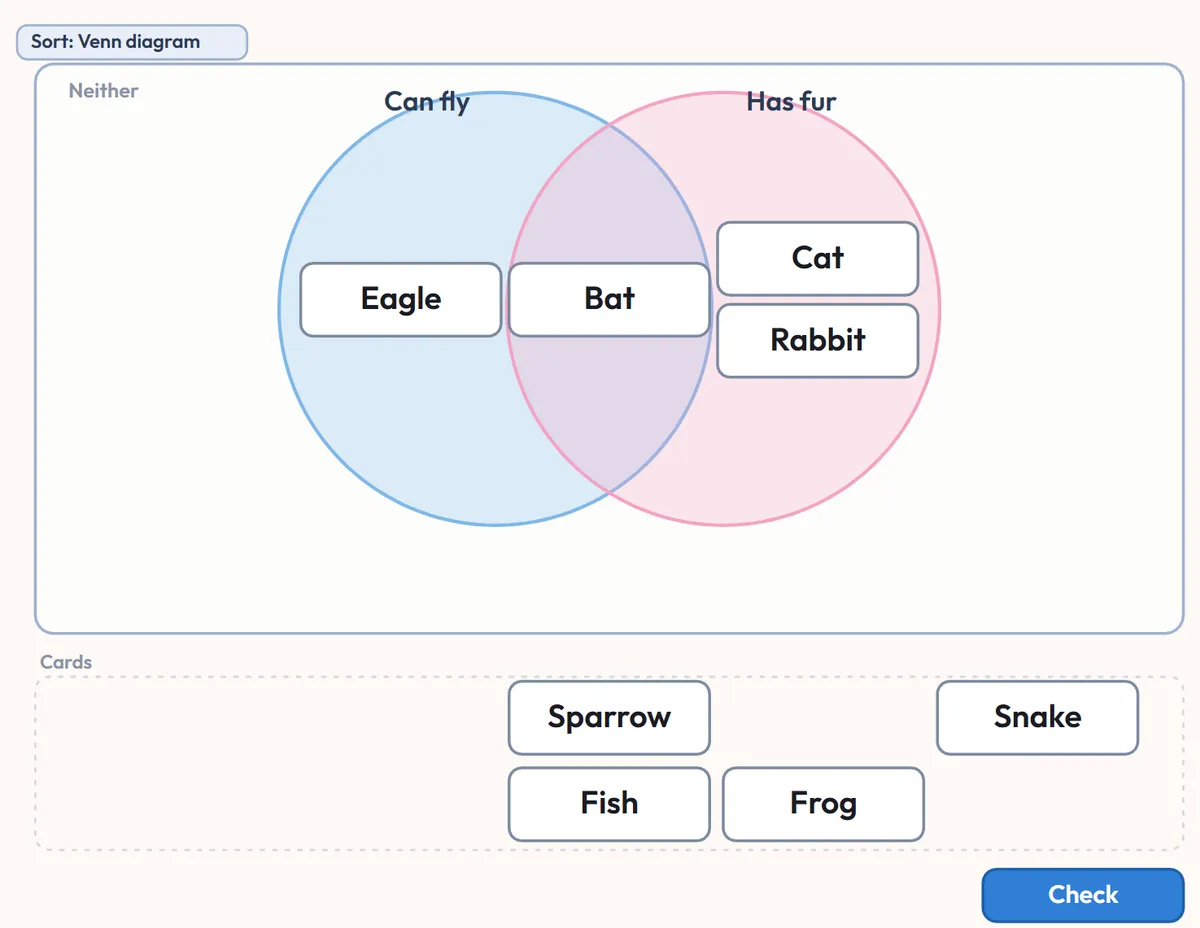
Sort cards into a Venn or Carroll diagram, or put them in order in numbered slots.
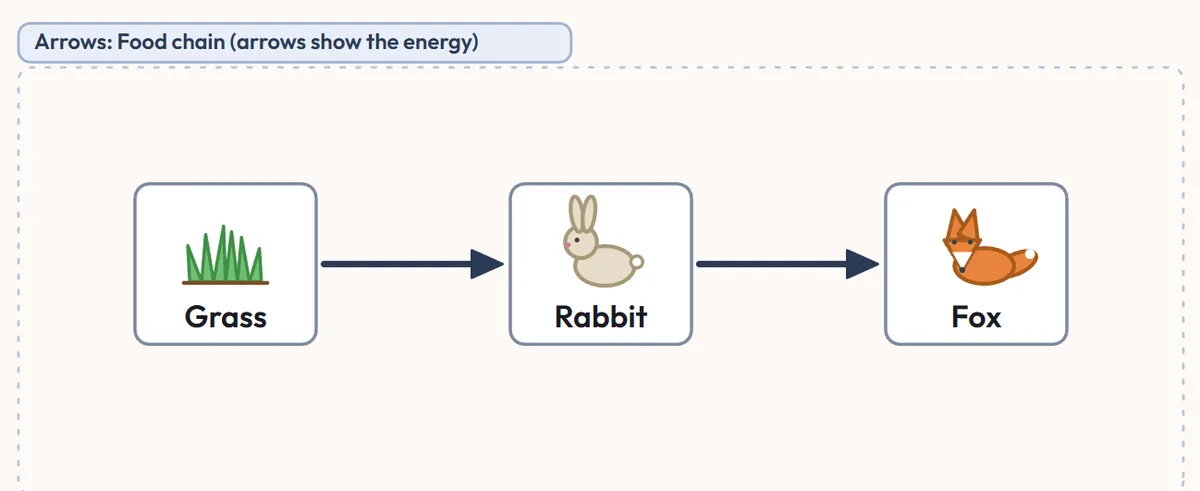
Pupils join ideas with arrows, like a food chain or the steps in a process.
Cover the labels on a diagram so pupils work them out and type them in. Reveal them one at a time when the class is ready.
Not sure where to begin? Pick a starter, swap in your own words and pictures, and it is ready to teach.
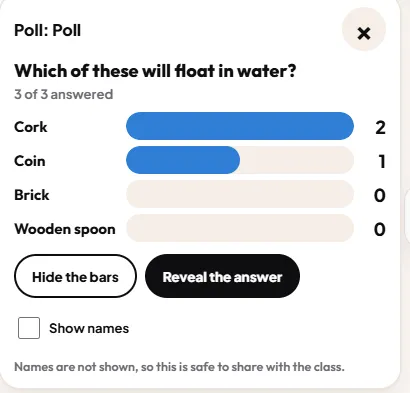
You ask “How confident are you, 1 to 5?”, watch the bars fill, then press Reset and ask again at the end of the lesson to see who moved.
Before the lesson, RobAIn lets your own AI read a worksheet and place the answer boxes for you. They are marked as AI, and they wait for your OK. Change what you like, then accept.
Part of the Pro plan and above, where RobAIn Pro works before the lesson. You never need it: you can place every box yourself.
Connecting your own AI on the online board, from anywhere you teach.
Also: RobAIn Pro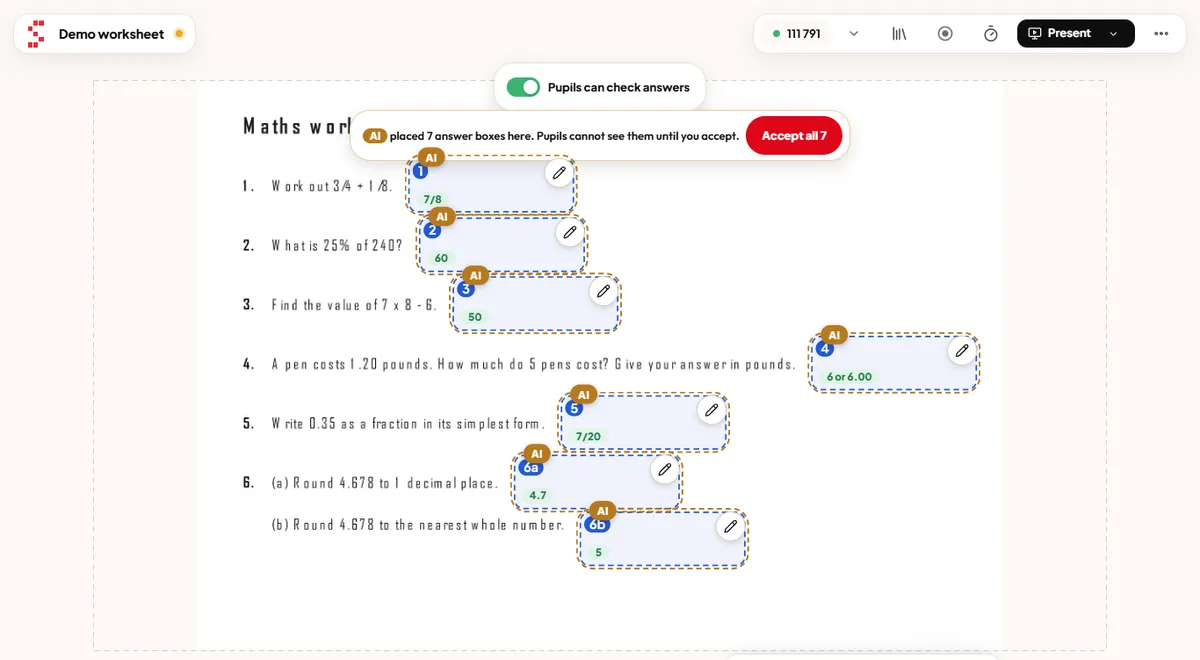
Every lesson you build waits in your Library. Back to every Jotoro feature, or have a look at plans and prices.
Your lessons wait in folders, ready for the next time you teach them.
Marks and feedback while pupils are still learning.
Your sidekick sets up your account, homework and Library, and waits for your OK.
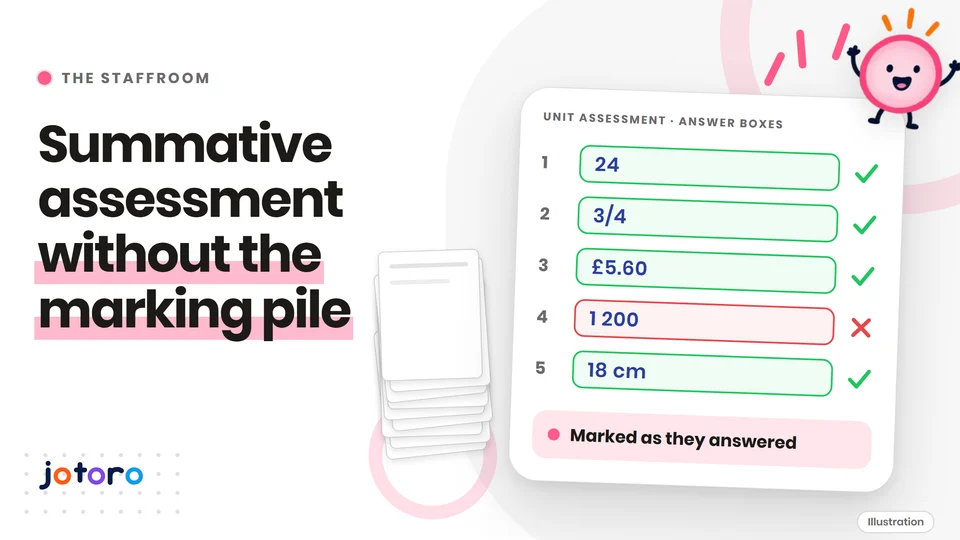 From the StaffroomSummative assessment without the marking pileWhy end-of-unit assessment takes so long, how to save time marking assessments without cutting corners, and what to learn from the results.Read the post
Yes. Import the PDF, then add answer boxes wherever you want pupils to write an answer. See how answer boxes and marking work.
Seconds. Even a PDF of 60 pages or more comes onto the board in seconds, ready to write on.
Yes. Pupils use a child-friendly keypad that handles fractions, mixed numbers, powers, money and units, so they can answer the way the question asks.
No. You can place every answer box yourself. If you use RobAIn, it suggests where the boxes go, and its suggestions wait for you to accept them. Nothing reaches a pupil until you do.
Yes. Label a diagram, sort cards into groups, connect ideas with arrows, build sentences from word blocks or set up a fair-test planner. They work in any subject.
Register interest and we will tell you the day payments open. Pupils are always free, and there is a 14-day money-back guarantee on every paid plan.
Pupils join by link: no app to install, no sign-up for them. See plans and prices.