














 In use now

Used every day at Singapore Maths Academy.
- Used in real lessons at Singapore Maths Academy
- 1-to-1 and small groups
- Auto-marked practice
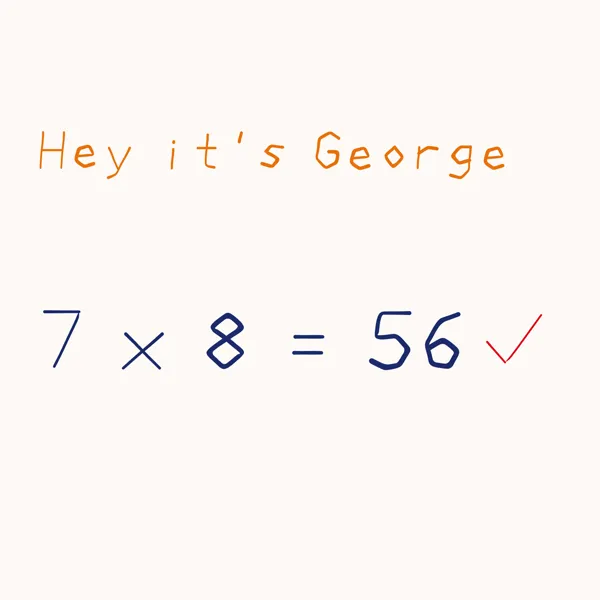

A next-gen whiteboard, and so much more. Every child on their own board, live. Answers marked as they go. Progress tracked for you.
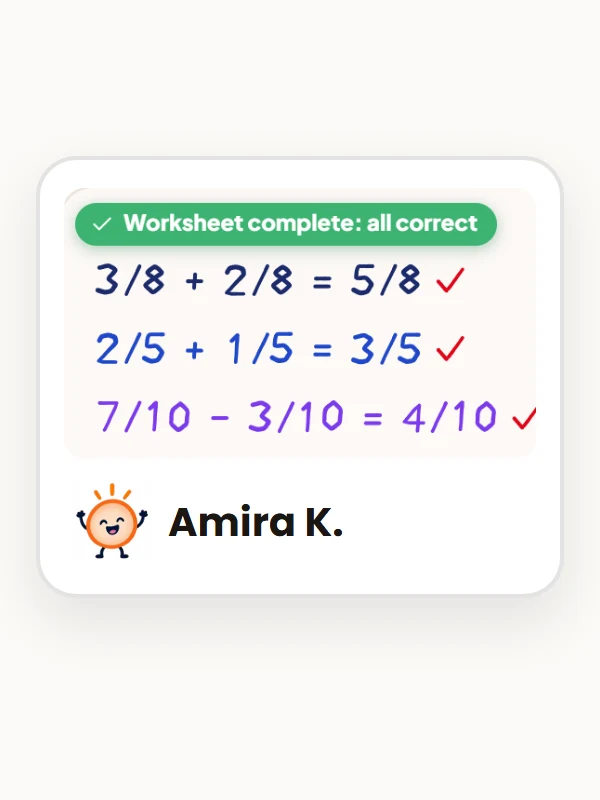
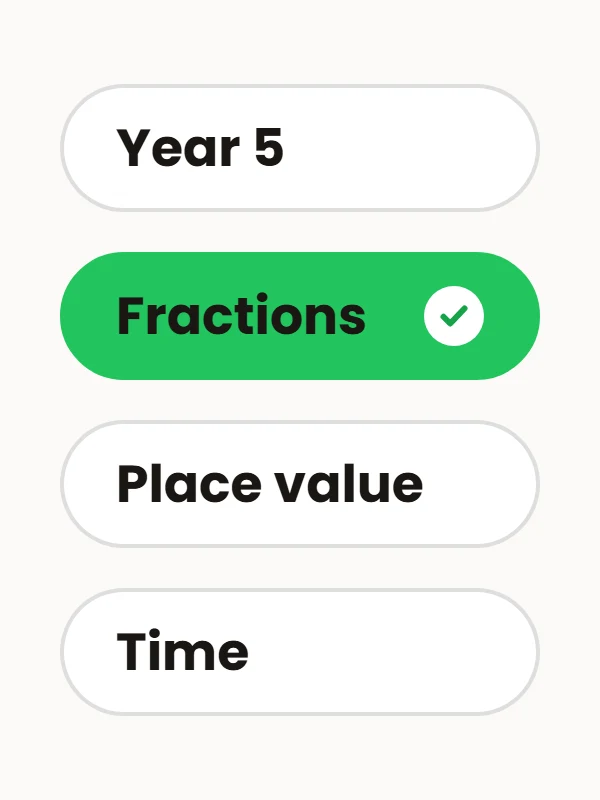
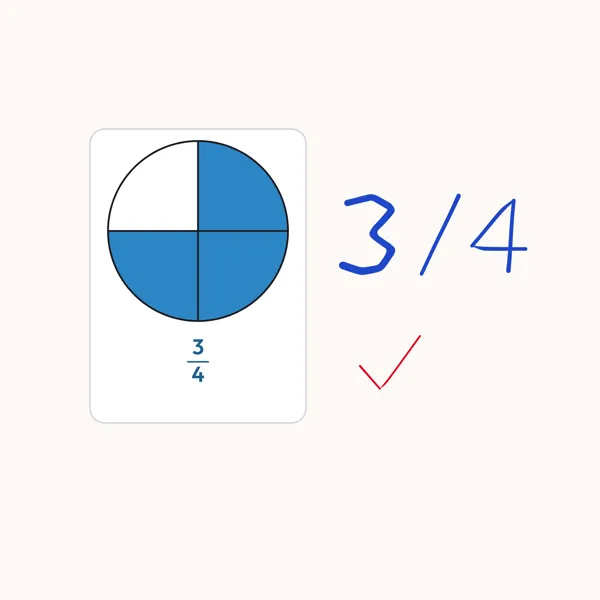
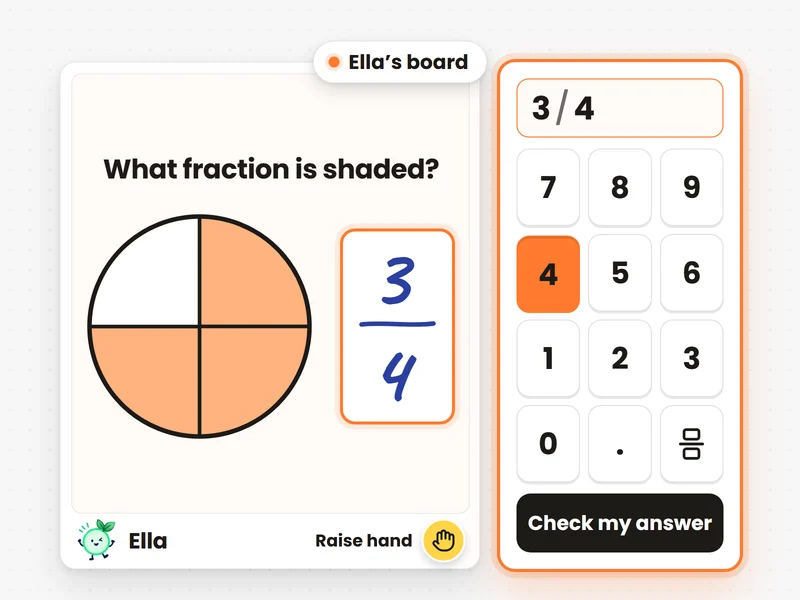
 Year 5 · Fractions
Send a page to everyone, use tools for every subject, and let RobAIn the AI helper keep you in the picture.
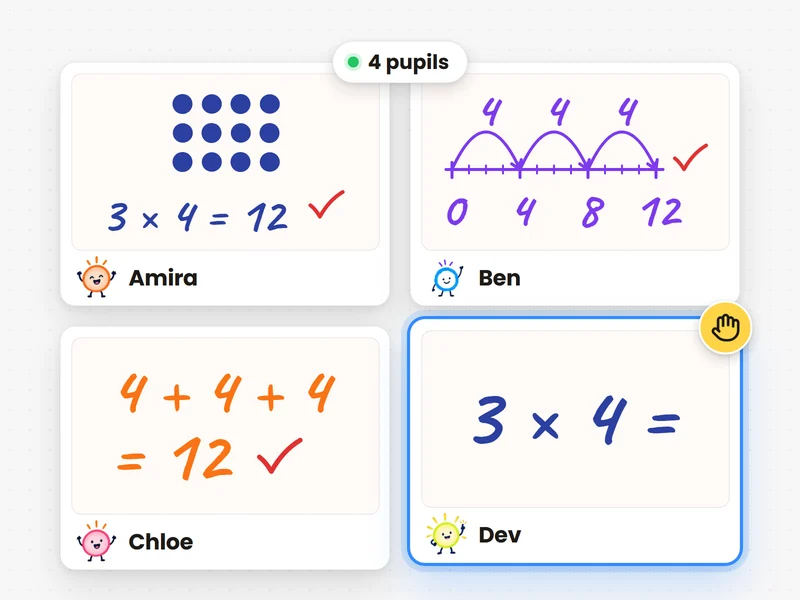
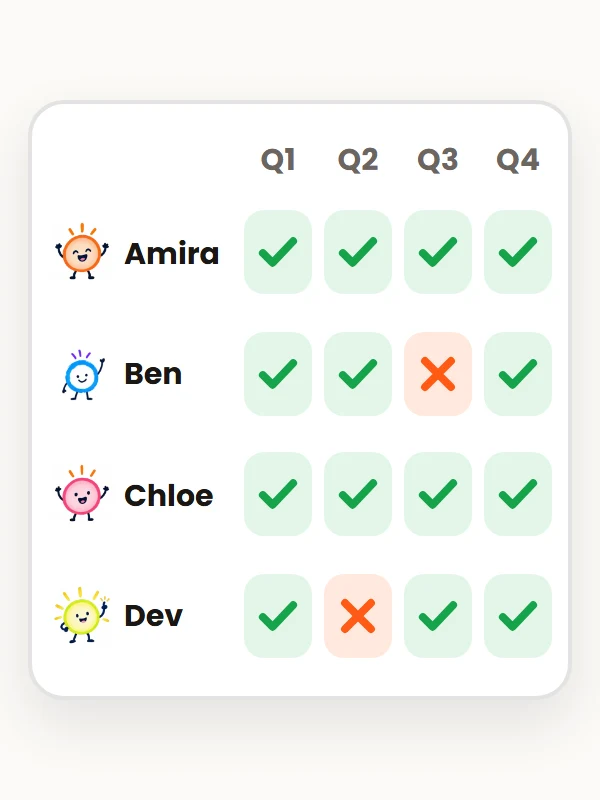
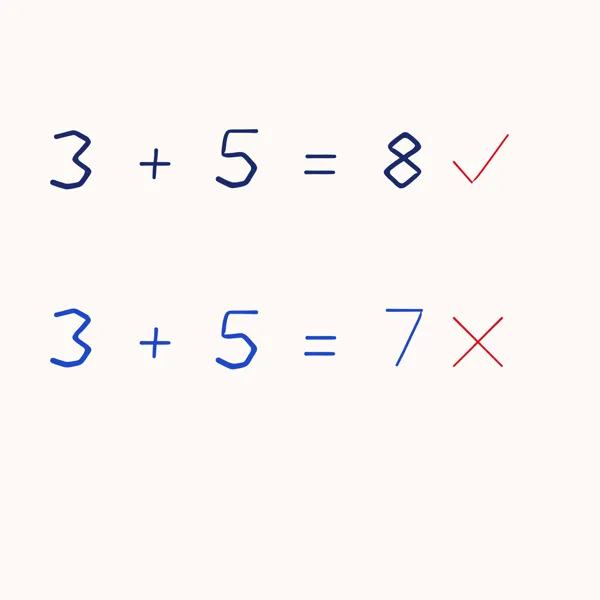
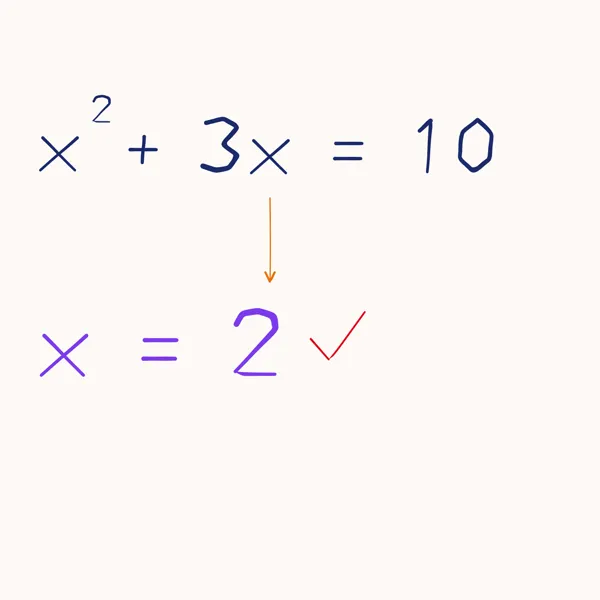
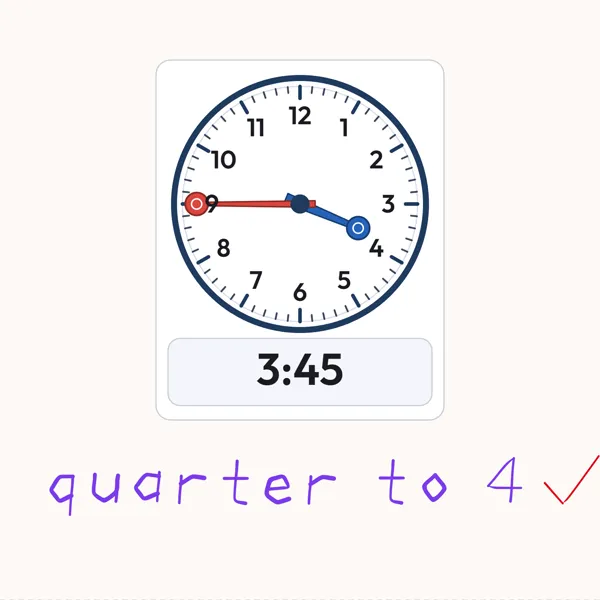
Ticks and crosses appear on each pupil’s board as they answer.
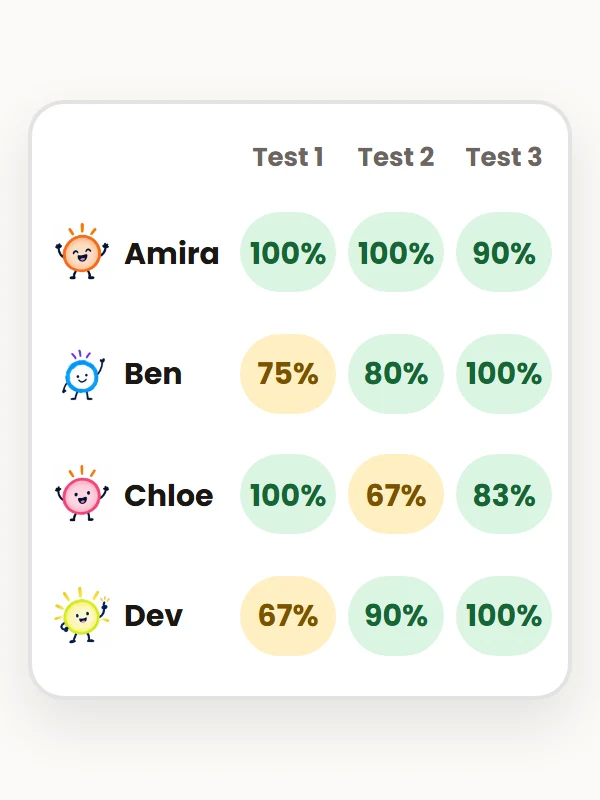
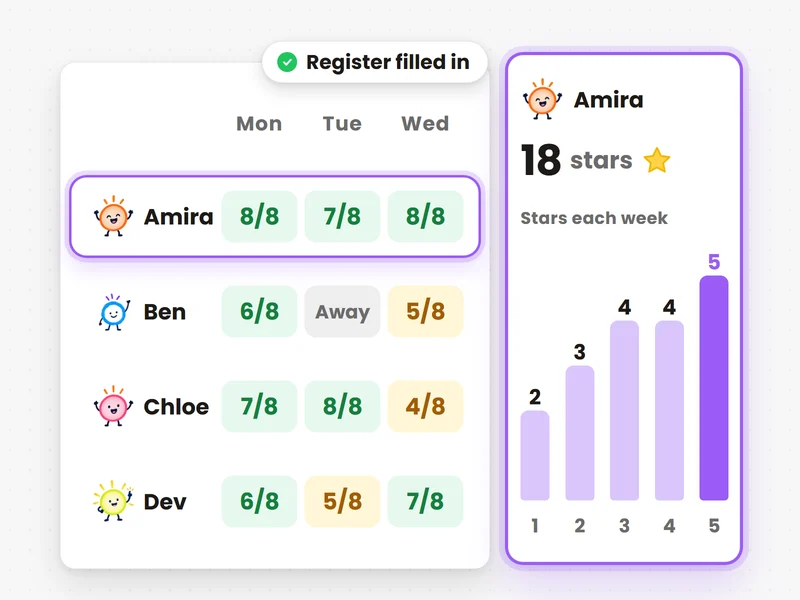
A markbook for each topic, strengths and gaps for every pupil, and a CSV download of their progress.
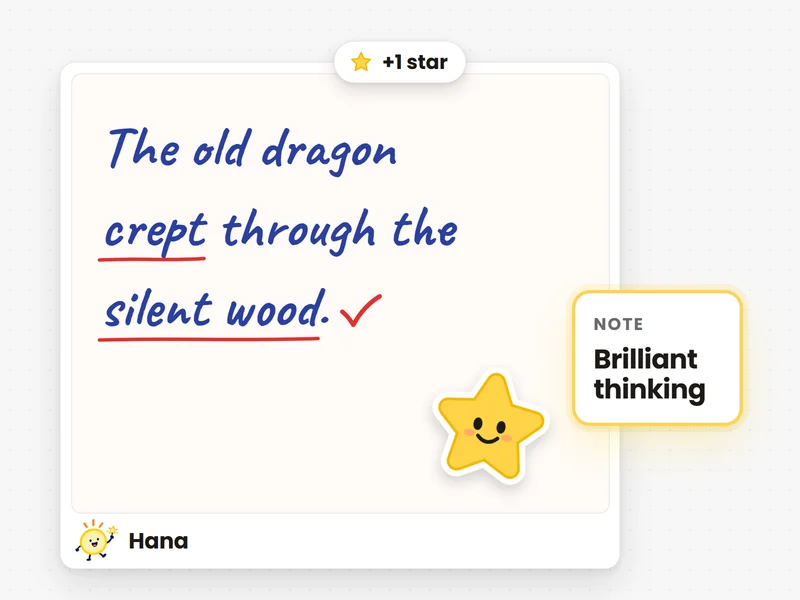
Praise and pointers go straight onto the pupil’s own work.
Built for children, so they can get on with the work on their own.
 In use now
Used every day at Singapore Maths Academy.
No app to install.
And you see them all.
Every question reaches you.
Whatever is in the room.

I liked this one more than the previous (Whiteboard.fi).

Yes, I actually really like it. Yeah, it’s a lot of fun… It’s definitely warmer, I think, than the old one.

Yeah, I like this scribble feature.
One whiteboard for teaching, marking, homework and keeping track of every pupil.
Every child’s work, live, side by side.
Show one child’s thinking to the whole class.
Eyes on me, pens down, hands up and a timer.
Quick questions to see who has understood.
Each pupil writes on their own private board.
One class link, a name and a PIN. Nothing to install.
If the Wi-Fi blips, pupils keep writing and it catches up by itself.
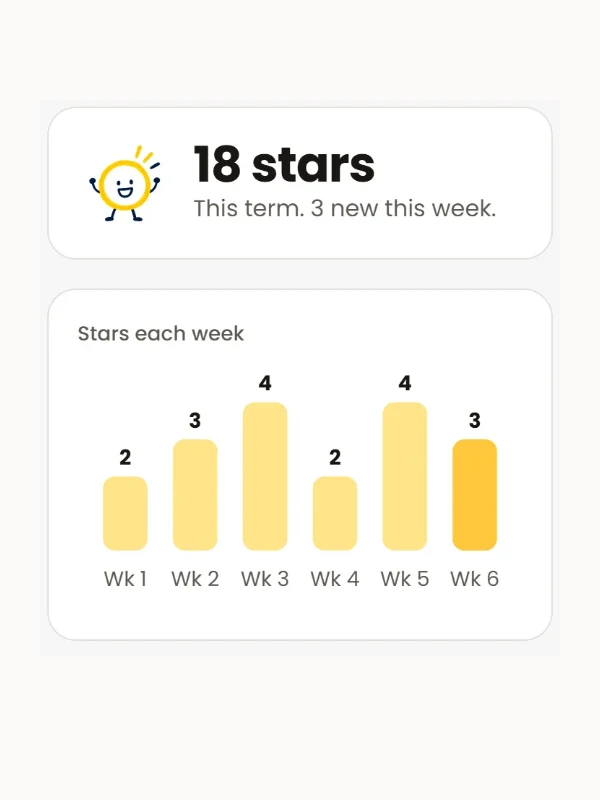
Stars for right answers and 120 friendly stickers.
Answers mark themselves, and pupils can check before they hand in.
Drop them on any worksheet. A child-friendly keypad makes typing easy.
Step onto a pupil’s board and tick, circle and comment while they watch.
Mark schemes, timed sittings and results released when you are ready.
Turn your own worksheets into interactive lessons.
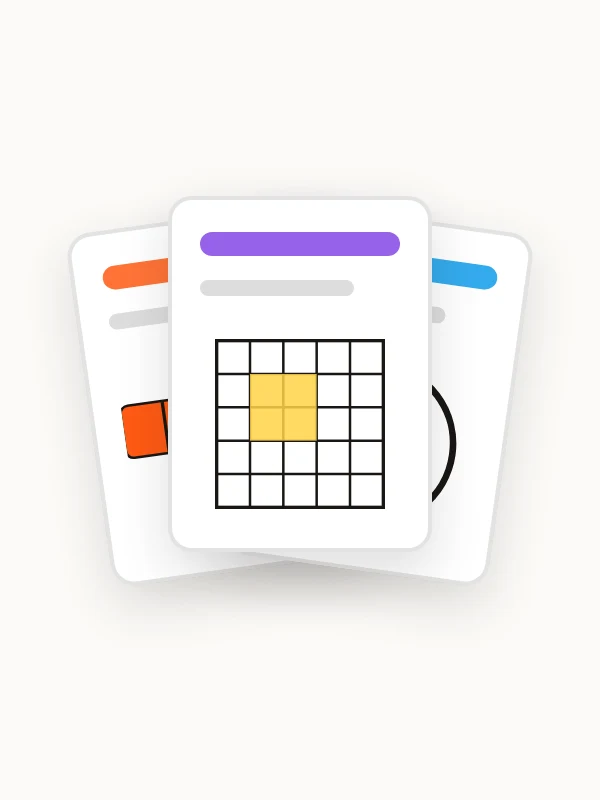
Bar models, place value, phonics, science diagrams and more.
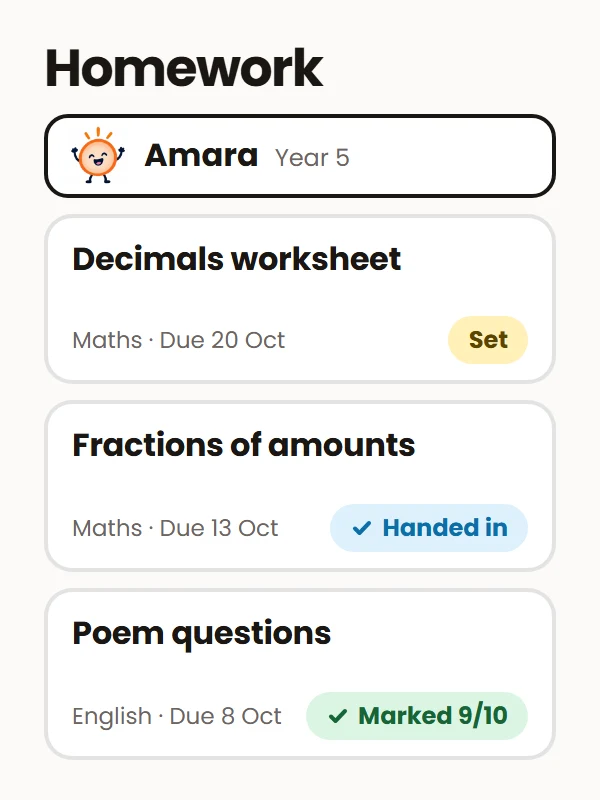
Set it from the lesson. It marks itself when it is handed in.
Suggests marks and prepares answer boxes. Nothing reaches pupils until you accept it.
Who joined, who left, and for how many minutes.
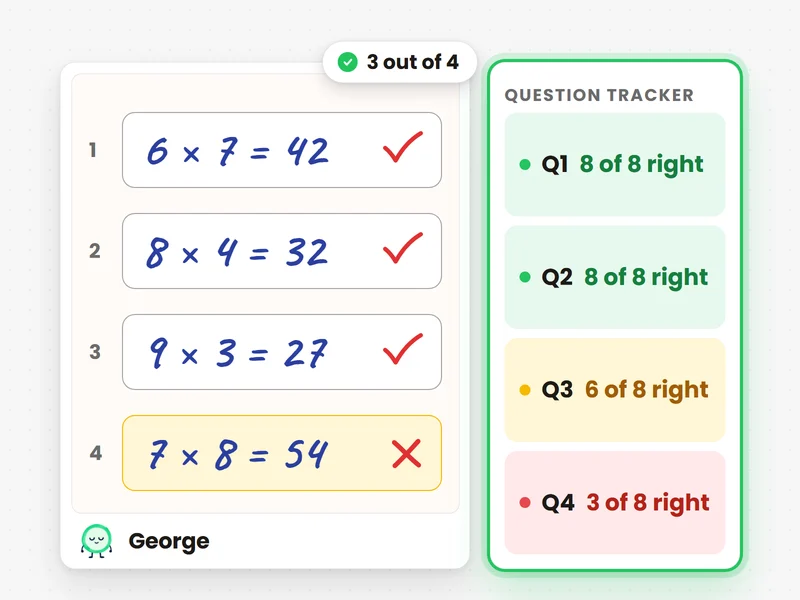
See “6 of 8 right” for each question as it happens.
Results, stars and notes, saved for you. Download it all as PDFs.
Your board and your voice, ready to watch back.
Sets up your boards and library before lessons. You see every change first.
Parents see how their child is doing. You choose what they see.
On your boards, the join page and your PDFs.
Upload a page you have made and teach with it on the board.
Pupils and parents never pay. Schools and tuition centres have their own plans.
£6.99 a month, billed once for the year
For the tutor with one pupil at a time.
£9.99 a month, billed once for the year
For the tutor who teaches groups and wants a recording.
£14.99 a month, billed once for the year
For the tutor with big groups, a curriculum to follow and parents to keep in the picture.
Teaching one pupil, one-to-one? The Free plan is £0. One pupil, one board, no card. Register interest
Payments open soon. Register interest and we will tell you the day. Nothing is charged today.
I mean, my mind is blown. This is brilliant. Honestly, I’m really amazed by it all.
But this, what you’ve done here, it fits in really nicely with the tuition element as well as the school element.
Lots of interactive features to make it more engaging for the learner. Easier to monitor.
Yes. The Free plan lets you teach one pupil, one-to-one, for about 2 hours a week, so you can try it with a lesson you already teach. Every paid plan also has a 14-day money-back guarantee.
Yes. Jotoro runs in the browser on an iPad, and you can write with an Apple Pencil, a finger, a stylus or a mouse.
No. Pupils open your class link and type their first name and PIN. There is no app to install and no sign-up for them, and pupils never pay.
Yes. Export a board as a PDF, download a ZIP of your pupils’ work, and on Groups and Pro, record the lesson.
Yes. Groups takes up to 20 pupils and Pro up to 40. Each pupil writes on their own board, and you see every board at once.
No. There is no contract and no cancellation fee. Cancel any time in the app and the next payment simply stops.
If the Wi-Fi drops, pupils keep writing and catch up by themselves when it comes back. Step-by-step guides and short videos for every part of Jotoro are in Jotoro Academy.
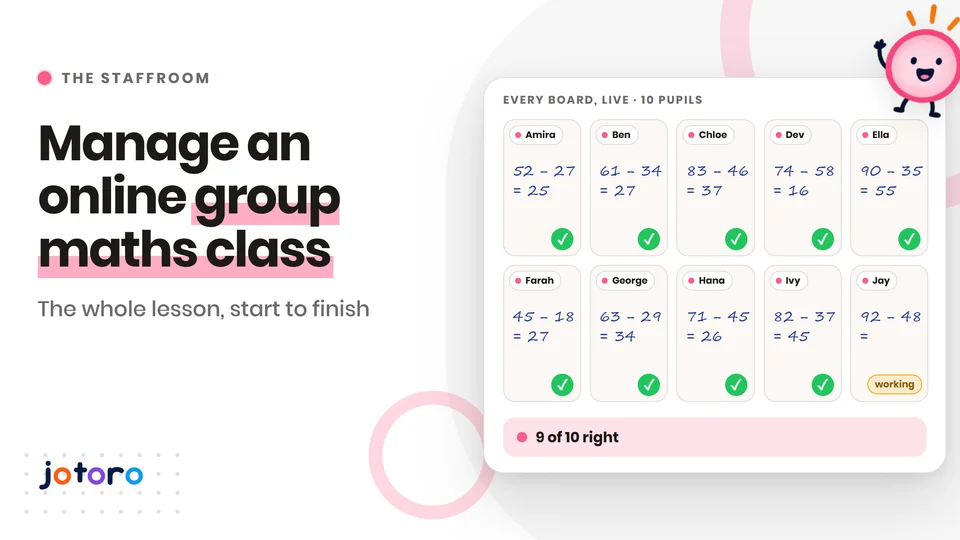
The whole lesson in nine steps: teach one idea, check everyone, change the picture when a child is stuck, and mark ten pupils’ work in one lesson.
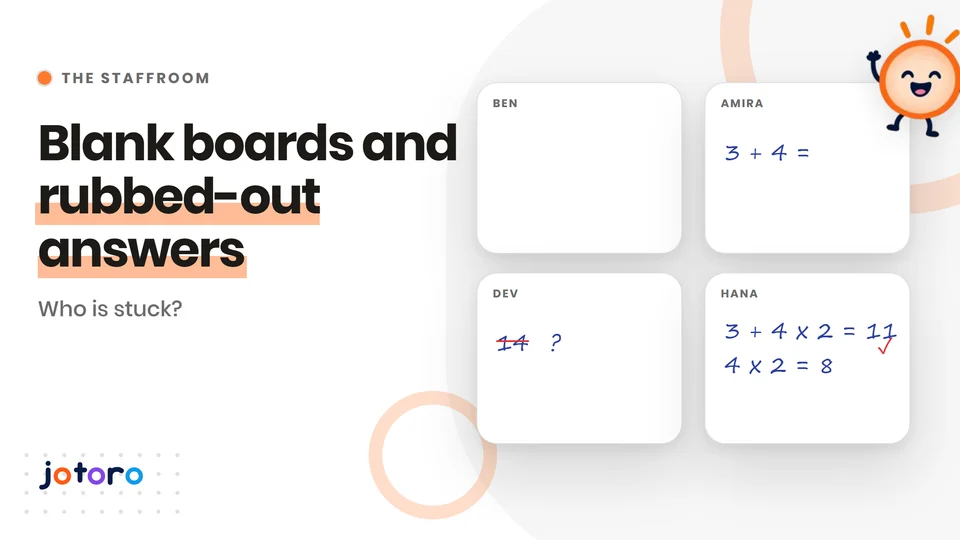
Five things a pupil’s board shows when they are stuck, and the kind thing to say for each.
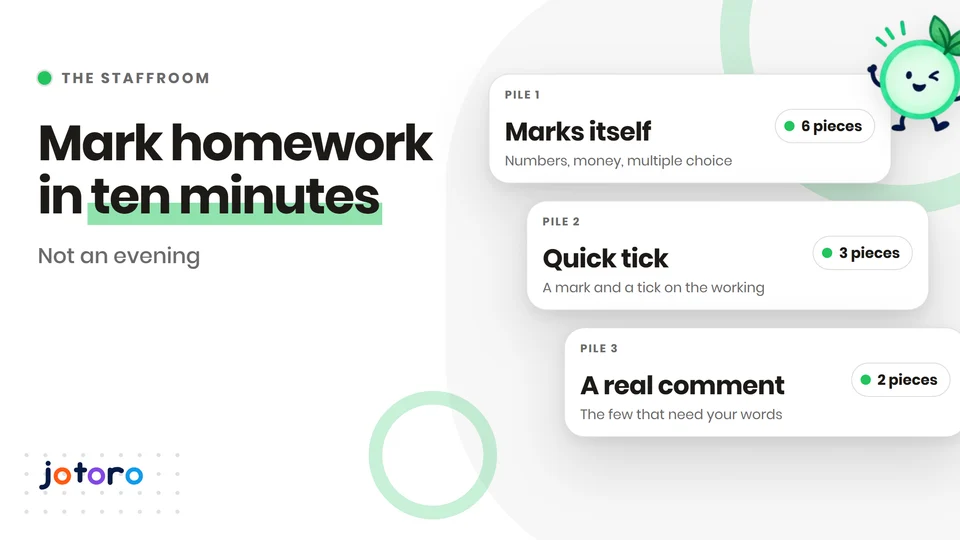
A three-pile way to mark homework quickly, with fair feedback and no Sunday-night stack.