Save it
Every board and assessment you make lands in your Library, so nothing is left in a downloads folder.

Keep every lesson organised by subject, year and class, slot them into your week, and open the right one when the bell goes.

The Lesson Library is lesson planning software for tutors and teachers. It keeps every board, assessment and class in one place, so you can plan ahead and reuse lessons. It is for tutors and teachers who rebuild the same lesson every term. See every feature.
Keep every lesson in one place, so you do not rebuild it from scratch each term.
Next September, it is already done. Open last year’s lesson, improve it, and teach.
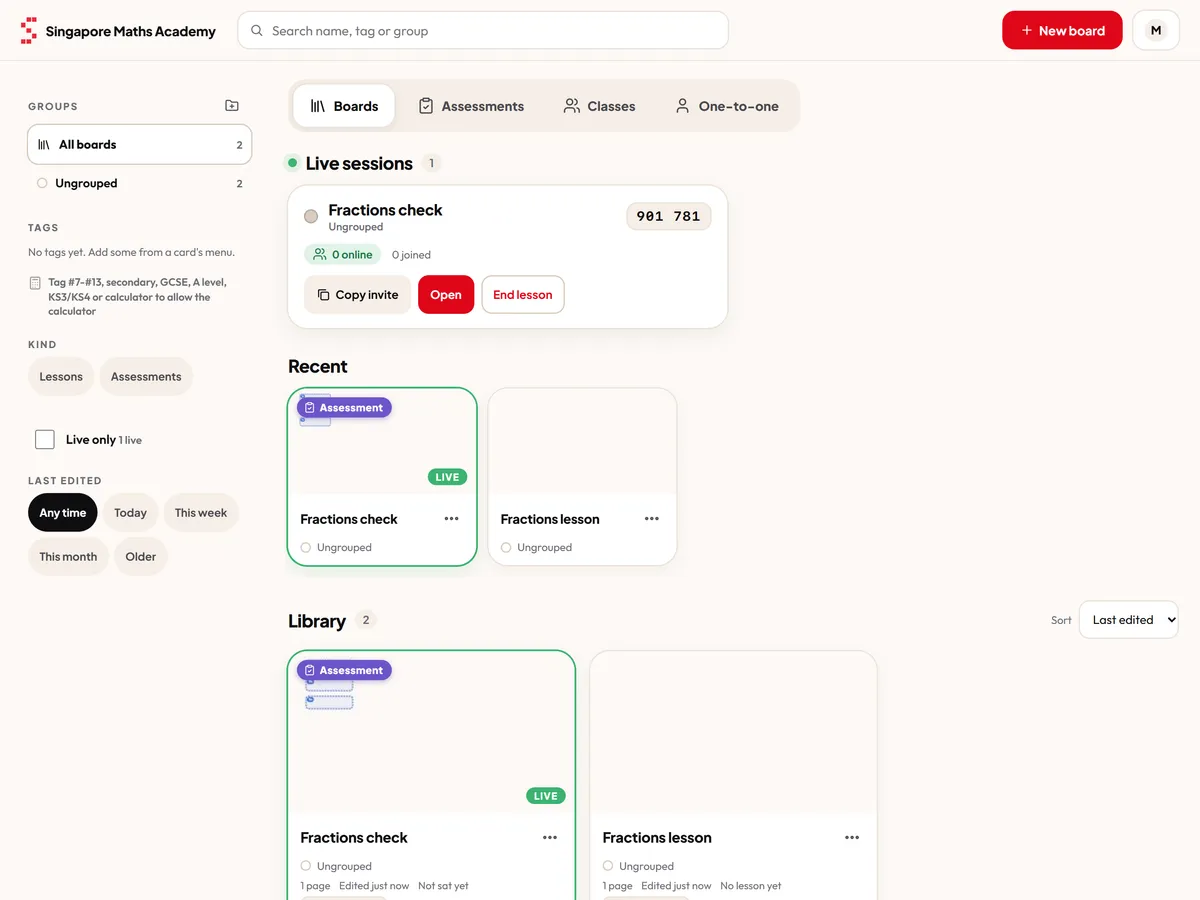
Your lessons, ready to open and teach.
Tests and quizzes, ready to set and mark.
Each group with its pupils, register and results.
Every individual pupil, with their own lessons and notes.
Every board and assessment you make lands in your Library, so nothing is left in a downloads folder.
Folders by subject, year and class keep Maths Y5 away from Science Y8.
When the bell goes, open the right lesson and teach. The board on your screen is the lesson. That is the whole job.
Bookmark a page for each class or pupil, with a note to yourself. Next lesson, Jotoro asks “Continue from page 7?” and takes you straight there.

A PDF of 60 pages or more comes in within seconds, ready to write on.
Take any lesson with you as a PDF, with your writing on it.
One download holds a PDF for each pupil and a results sheet for the whole class.
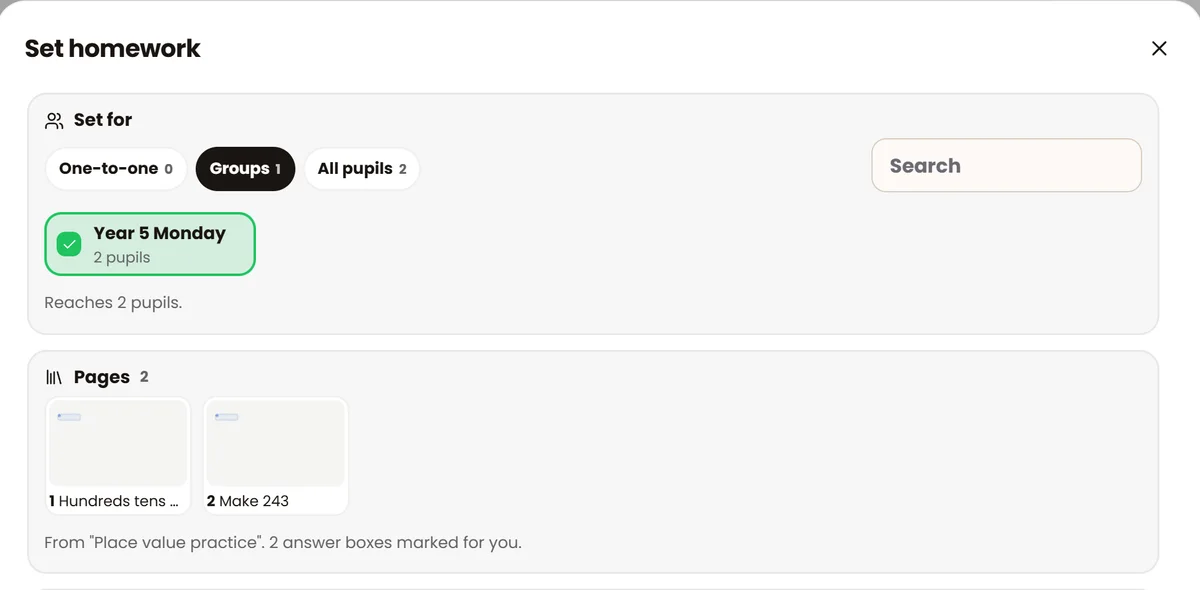
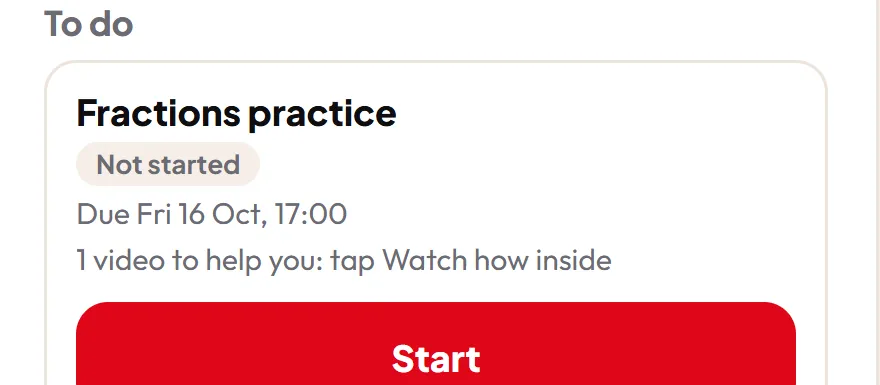
Choose “Set homework” on any lesson, attach a recording of you explaining it, and pick who it is for. Pupils see only what is due, at school or at home.
Running a tutoring company? Keep your standard lessons in a template library so every tutor starts from the same good lesson. Running a centre? See Jotoro for tuition centres.
Tutors can use a lesson without changing the original, so your standard stays standard.
Jotoro for online tutoring companiesBack to every Jotoro feature, or have a look at plans and prices. Bringing your own materials? Read about worksheets and PDFs on the whiteboard.
Turn a worksheet into a lesson with answer boxes, sort and label activities.
A record for every pupil, built from the lessons you teach.
One home for every tutor’s lessons, classes and pupils.
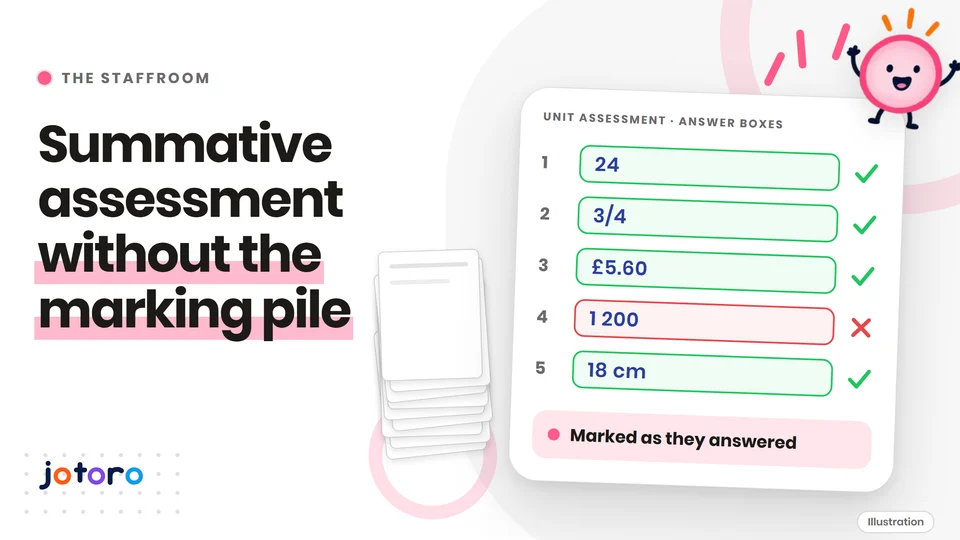 From the StaffroomSummative assessment without the marking pileWhy end-of-unit assessment takes so long, how to save time marking assessments without cutting corners, and what to learn from the results.Read the post
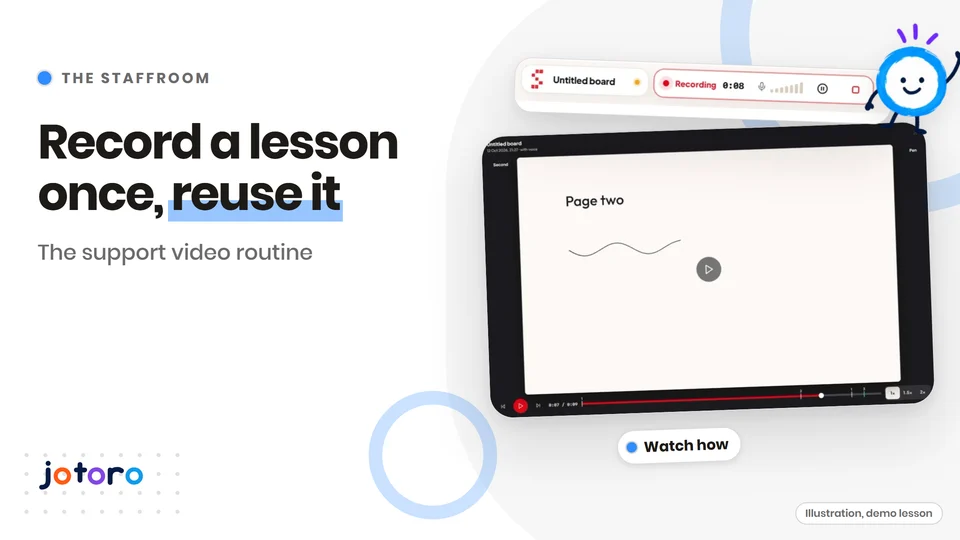 From the StaffroomRecord a lesson once, reuse it as a support videoExplain a method once, record it and let pupils rewatch it when they get stuck: a calm routine that saves you repeating yourself.Read the post
Yes. Duplicate any lesson from your Library and adapt the copy for the next class, so you never start from a blank page.
Yes. A PDF of 60 pages or more comes in within seconds, ready to write on and teach from.
In your recordings library, saved to your account. You can rename them, add them to a board or attach them to homework.
For agencies and tutoring companies there is a template library for standard lessons, with locks so tutors can use a lesson and write on it, but not change it. A manager approves what is shared.
Yes. Export any lesson as a PDF, and download all of a lesson’s pupil work as one ZIP file with a PDF for each pupil.
Register interest and we will tell you the day payments open. Pupils are always free, and there is a 14-day money-back guarantee on every paid plan.
Pupils join by link: no app to install, no sign-up for them. See plans and prices.