

You will need a worksheet with answer boxes and pupils in the lesson.
Follow the steps
Tap the box
The pupil taps the answer box. The right keypad opens for them.
Type the answer
They type on the Numbers keypad, or whichever keypad suits the box.
Read the result
A tick means right. An amber ≈ Right value, not simplified means nearly right. A cross means not yet, so they can try again.
Good to know
- Green is right, amber is nearly right.
- A pupil can try again.
- You choose whether pupils see right or wrong straight away. See how.
Common questions
What does amber mean?
The value is right but the form is not, for example a fraction that is not simplified. Read about nearly right answers.
Can pupils try again?
Yes.
Related guides
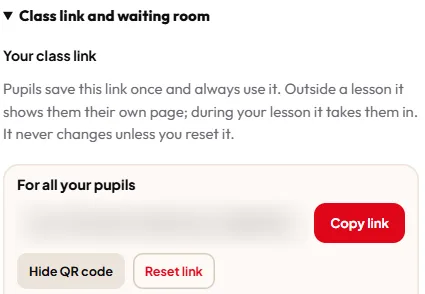 How pupils join with the class linkPupil boardsWhat can pupils see on their board?Pupil boardsHow does the class link work?Pupil boards
 How to get started with JotoroGetting started
Cannot find an answer?
Tell us what was missing and we will improve this guide.
Suggest an improvement