

Follow the steps
For the whole class
In a live lesson, open the Pupils panel options (the three dots) and switch Calculator for pupils on or off. Your choice is also the starting point for your next lessons.
For one page
Right-click the page in the page strip and find Calculator in the menu. Choose Auto to follow the class setting, Allowed or Not allowed. A page set to Not allowed stays that way when it is sent or set as homework.
For one pupil
On the pupil’s card, press the three dots (More for that pupil) and find Calculator. Choose Class to follow the class, On or Off for just that pupil.
Open it yourself
To use the calculator on your own board, open the More menu and choose Calculator.
Good to know
- The calculator is for secondary boards. See the scientific calculator for how a board gets it.
- A pupil’s own setting wins over the page and the class.
Related guides
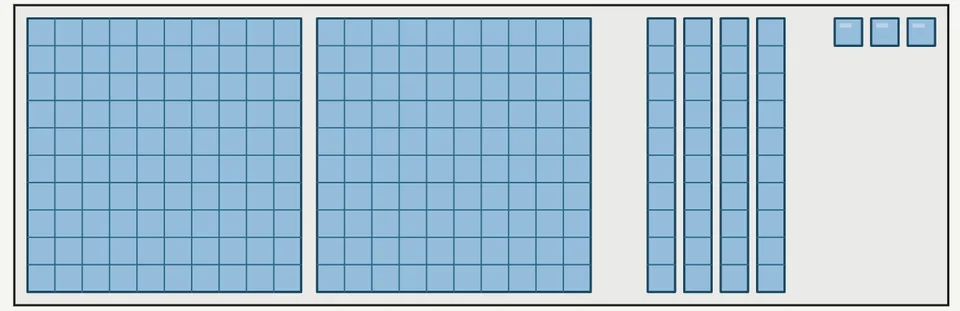 How to use maths manipulativesTeaching tools: Maths
 How to draw a bar modelTeaching tools: Maths
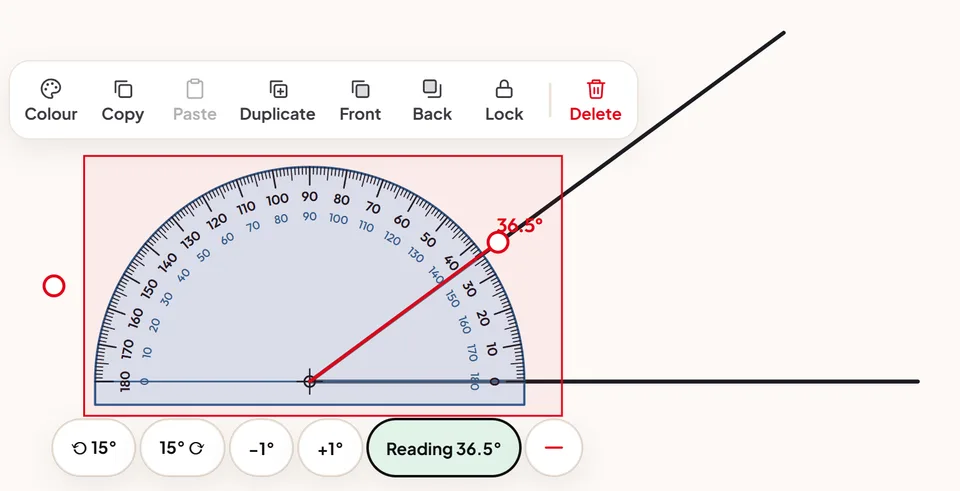 How to use the ruler, protractor, compass and set squaresTeaching tools: Maths
 How to get started with JotoroGetting started
Cannot find an answer?
Tell us what was missing and we will improve this guide.
Suggest an improvement