
Your lessons,taught well in every room.
Tuition centre software that lets you build a lesson once and give every class the same strong start, with registers, results and progress ready in each room.
So a pupil gets the same quality on Monday as on Saturday, whoever is teaching.

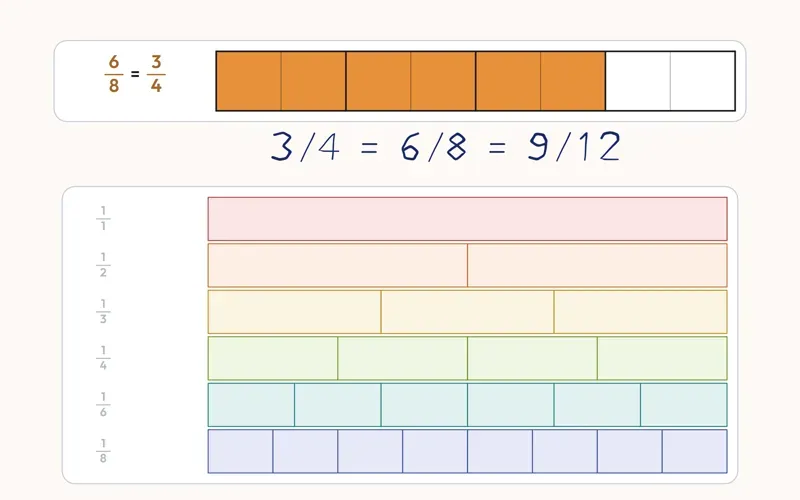 Fractions: adding and subtractingYear 5 Maths · in the Library



In short
Jotoro lets a tuition centre build a lesson once and teach it in every class, with a register, results and records kept for each. It is for centres of three or more teachers, who get the centre prices. See plans and prices.
- Duplicate a lesson into each class
- One record per pupil
- Your branding and a manager dashboard
Every class starts from the same lesson. Each tutor still teaches it their own way.
When every tutor opens the same lesson, the start is the same, the examples are the same and the check at the end is the same.
Without a shared lesson, four tutors teaching fractions can each start differently. With one, every room gets the same strong start.
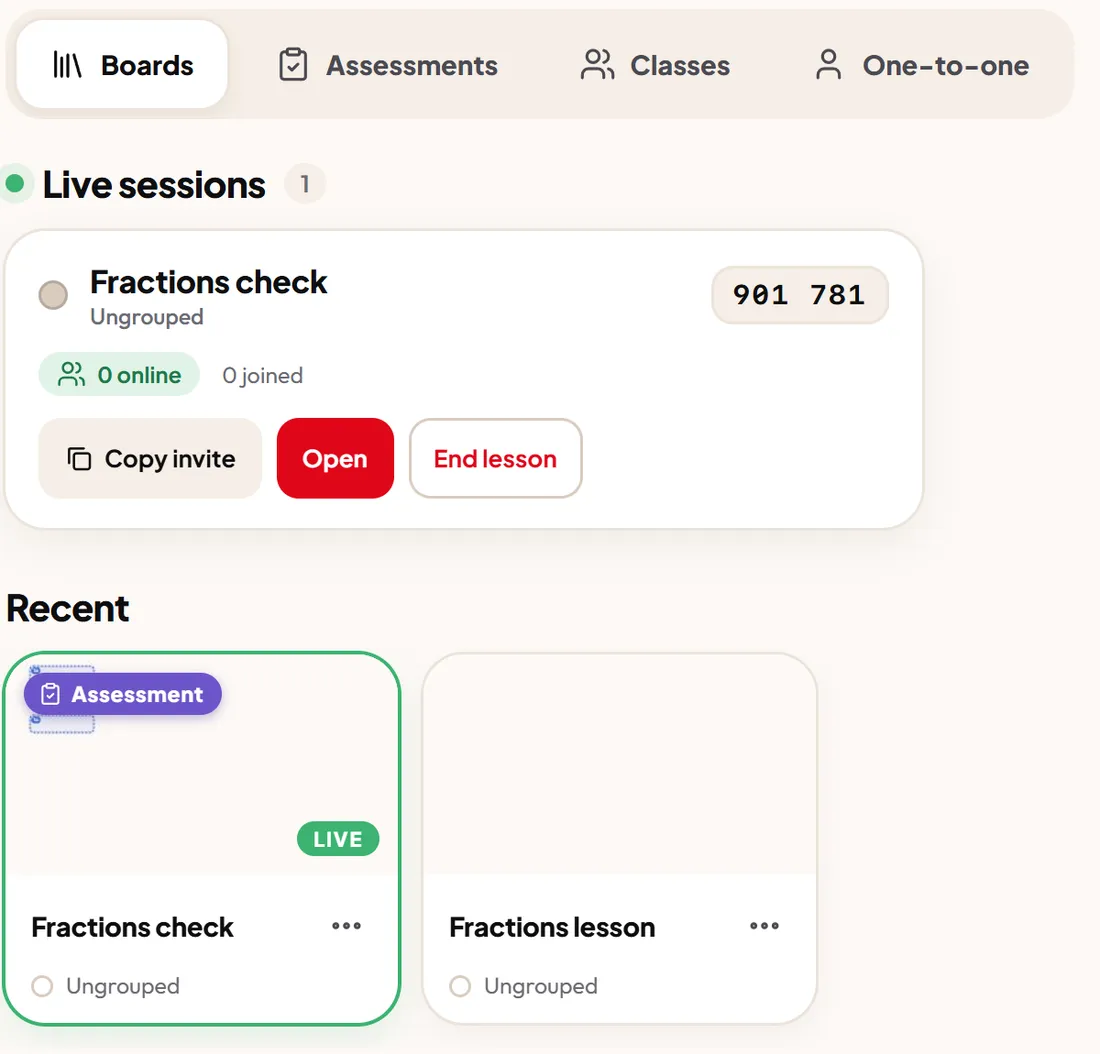
Keep your best lessons in one library. Copy them into any class and adapt them.
Your best lessons live in the Library, in folders by subject and year. Duplicate one into any class in a tap, then change a question or two for that group.
- Folders by subject and year, with PDFs imported straight in.
- Duplicate a lesson into every class, then adapt it for each one.
- The same lesson, ready to launch live when the class arrives.
Lock a lesson and tutors can still teach it and write on it, but cannot edit, copy or download it. See the lesson library.
See every class in one place. Know how each went, whoever taught it.
One workspace for the owner and managers, with every tutor, their seats and their pupils’ progress in one place.
- Roles for the owner, managers, tutors and a read-only admin, with as many managers as you need.
- Share a curriculum with all your tutors or one tutor. Each tutor gets their own copy to edit, marked “From your centre”.
- Add or move classes and pupils from one tutor to another.
- Invite and remove tutors, give each one their own sign-in, and reset a tutor’s class link.
- Set defaults for all tutors: branding, waiting-room mode, homework rules and a shared phrase bank for quick notes.
- See pupil progress across tutors, filtered by tutor, class or pupil, and export it as a spreadsheet.
A record for every pupil. Whoever taught them.
Each lesson adds to a pupil’s register, results and timeline automatically. When a parent asks how things are going, any tutor can answer, because the record belongs to the pupil, not the tutor.
- A class register and a timeline for each pupil.
- Results for every answer, plus stars and notes.
- Export to a spreadsheet for reviews and renewals.
Parents can see their own child, look-only, with the class link and their child’s homework PIN, or by signing in with their email. Parent access is part of Pro and above, so every centre seat includes it. See the parents page.
Add your centre’s logo and colours. On the centre plans.
Brand settings let you put your own logo and colours on the screens pupils and parents see.
Join page
Your logo, colours and a welcome when a pupil opens the class link.
Pupil screens
Your name on what pupils see in the lesson and in their homework.
Replays
A branded card at the start of every replay and video download.
PDF exports
A thin brand bar and your name at the top of every PDF.
You pay for each tutor you have. One seat is one teacher.
Each seat is for one teacher, who can run one live lesson and use one login at a time, on up to three devices in that lesson. That stops one account being shared round the centre.
Plan lessons freely
Editing boards and preparing lessons is never blocked, so a tutor can plan while a colleague teaches.
Teach on any device
A tutor can use a laptop, a tablet and a second screen in the same lesson.
Built for children from the start. Clear answers for parents.
Jotoro keeps its data minimal: a pupil’s first name and initial. Your centre owns its data, and you can export or delete any pupil’s data in one step.
A waiting room
Anyone unexpected waits and sees nothing of the lesson until the tutor lets them in.
A class link you control
The link stays the same for pupils, and the tutor can reset it if it ever leaks.
Name and PIN
Each pupil signs in with their own name and PIN, and a stranger with the link sees no pupil names.
Lesson records are held on Cloudflare’s network, with a copy in our database in London, UK. Files, recordings and backups are stored in Cloudflare’s Western Europe location. Need a data processing agreement for your centre? Ask us and we will send it.Read about security and privacy
Every tutor gets Pro. The more tutors, the less each one costs.
Every teacher gets the Pro features, and you get the central management on top. Prices are per teacher, per year, and pupils never pay.
| Teachers | Price per teacher per year |
|---|---|
| 3 to 9 | £149 |
| 10 to 24 | £129 |
| 25 to 49 | £109 |
| 50 or more | Ask us for a quote |
One bill for the centre, paid by card. Every plan has a 14-day money-back guarantee.
Used in real lessons at Singapore Maths Academy.
Jotoro was created with the Singapore Maths Academy team and is used in their lessons.
Questions centres ask.
How many teachers do I need?
The centre prices start at 3 teachers: £149 per teacher per year for 3 to 9, £129 for 10 to 24, £109 for 25 to 49, and a quote for 50 or more. With fewer than three teachers, each tutor uses an individual plan.
Does each tutor need their own seat?
Yes. One seat is one tutor with one live lesson at a time, and a tutor can use up to 3 devices in that same lesson. Editing boards and preparing lessons is never blocked.
Can I lock our lessons so tutors cannot change them?
Yes. Lock a lesson in your centre library and tutors can still teach it and write on it, but cannot edit, copy or download it.
Can I put our logo on it?
Yes. Your own logo and colours are part of Pro and above, so every centre plan has them, and they show on the join page, pupil screens, replays and PDFs.
Can I put our look on every new page?
Yes. Make a branded page design once, with your colours, logo, header and footer, and every new page starts looking like your own worksheets. It is available on the centre plans.
Can I send a board to one of our tutors?
Yes. Send a tutor their own copy of a board, or a fresh blank one, from the board’s menu. It works through a centre account, or a Pro account with two accounts under one name.
Can a tutor split a class into groups?
Yes. Breakout groups let a tutor put pupils into pairs, threes or groups of their own and watch each group work.
Can tutors see each other’s pupils?
Only if the manager allows it. By default a tutor sees only their own pupils.
How does the centre pay?
Centre plans are on one bill, paid by card, with a price per teacher per year. Email us if you would like it talked through.
Is there a demo?
Yes. Book a demo and we will go through it with one of your own lessons, built around how your tutors teach.
More about Jotoro. For tutors, schools and security.
Back to the Jotoro homepage, see plans and prices or register interest.
Tutoring companies
Tutors teach remotely? See online tutoring companies.
For your tutors
What a single tutor gets on the board.
Teaching a school?
One board for every classroom.
Safe by design
Answers for parents and safeguarding leads.
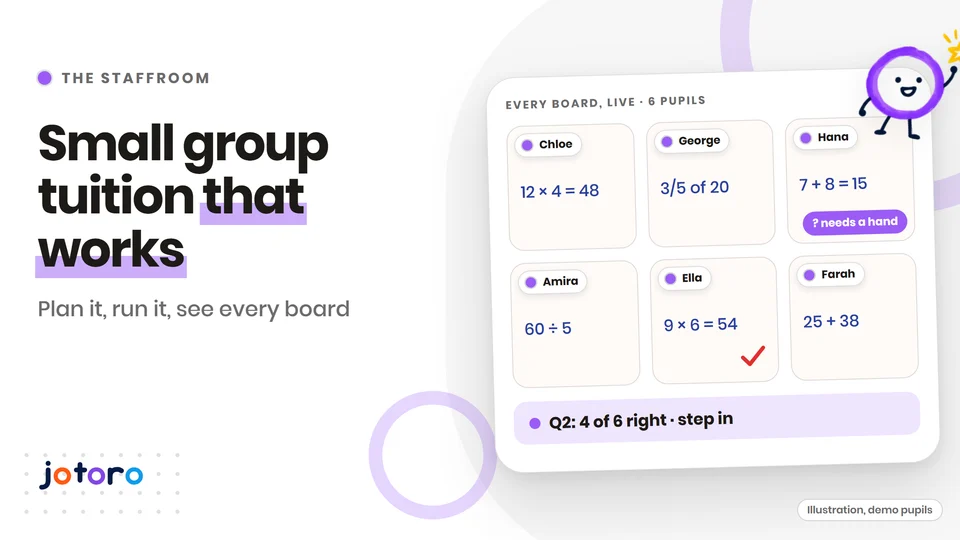 From the StaffroomSmall group tuition: plan it, run it, see every boardGroup size, mixed ability, a lesson shape that works and the business sense behind it, for tutors and tuition centres.Read the post
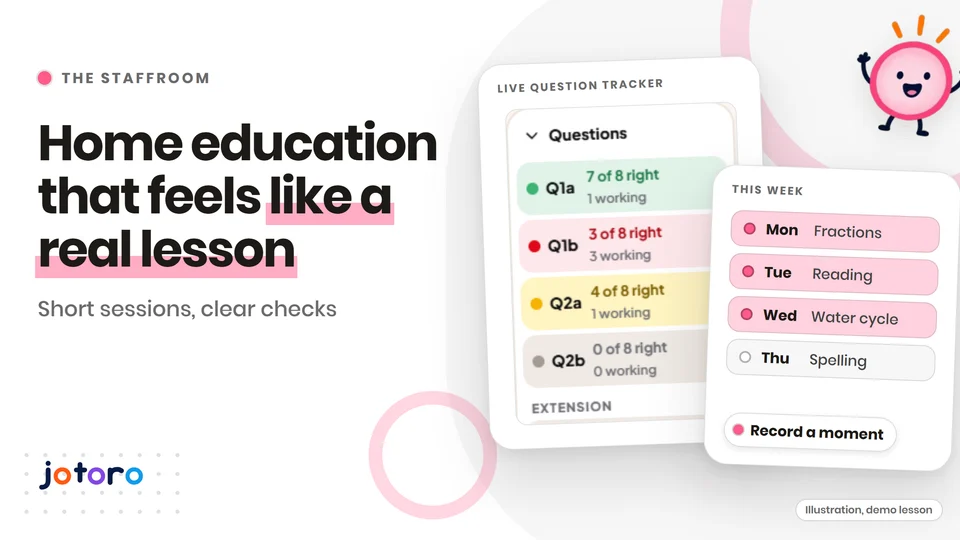 From the StaffroomHome education that feels like a real lessonShort sessions, show-me checks, mixed ages and a simple record: home education ideas for parents and tuition centres, and how Jotoro helps.Read the post
Made by teachersCreated with the Singapore Maths Academy team: decades of teaching experience and more than ten years of teaching and training online, so every teacher at your centre can plan faster and still teach well. Why we built it
Bring a lesson you already teach, and see it on your own board.
Register interest and we will tell you the day payments open. Pupils are always free, and there is a 14-day money-back guarantee on every paid plan. Running a school, tuition centre or tutoring company? Book a demo and we will build it around how your teachers teach.
Book a demo is for schools, tuition centres and tutoring companies. Pupils join by link: no app to install, no sign-up for them.