

Follow the steps
Open the recording
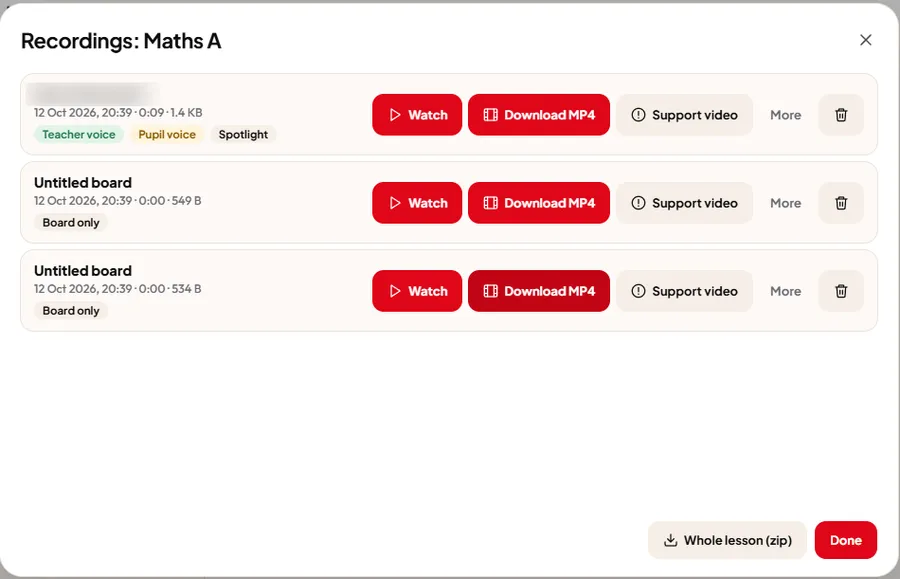
Open the lesson’s recordings. Each one shows its date and tags such as Teacher voice, Pupil voice, Spotlight or Board only. Press Watch.
Choose your speed
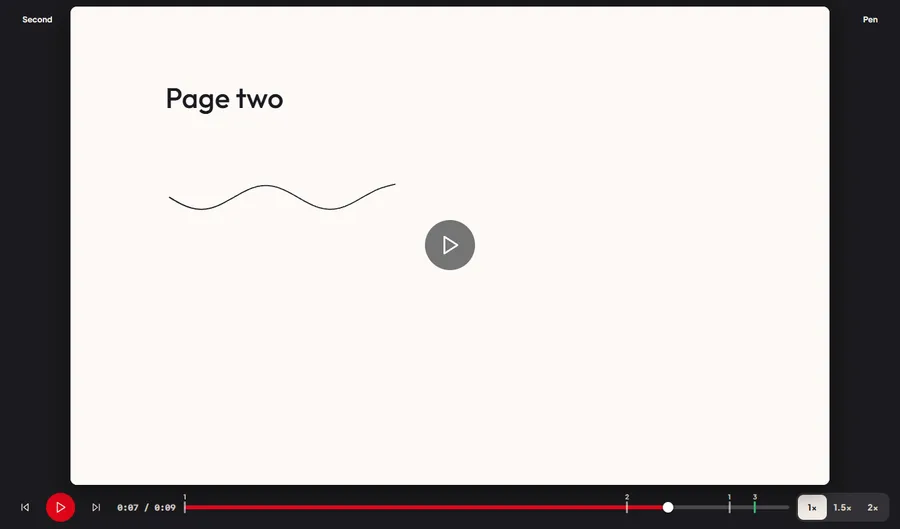
Play it at 1x, 1.5x or 2x. Use 2x to check a long recording quickly.
Use the page timeline
The timeline shows a marker for each page of the lesson. Use it to find the page you want without watching it all.
Download it as an MP4
Press Download MP4 beside the recording in the list. It starts straight away, with pupils’ voices and names protected. Press Change… to choose again. You get a video file you can share with parents or on your own channels.
Or keep the whole lesson
Use Whole lesson (zip) at the bottom of the list to download the lesson together.
Good to know
- The replay is redrawn from your pen strokes, so it stays sharp on any screen.
- If the video shows pupils’ work or a pupil’s voice, check you have consent before you share it outside your school.
- To give pupils a video instead, use Support video.
Common questions
Can I watch a recording faster?
Yes. Choose 1.5x or 2x beside the timeline.
Can I download a recording?
Yes. Press Download MP4 beside the recording in the lesson’s list.
Is the replay a video of my screen?
No. It is redrawn from your strokes and your voice, which is why it stays sharp.
Related guides
How to record a momentRecordingHow to give pupils a “Watch how” videoRecording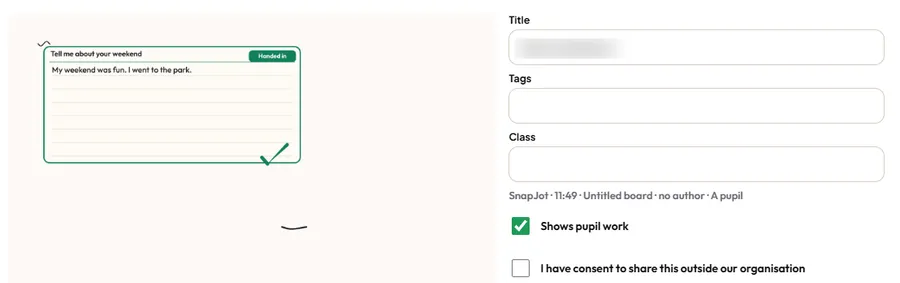 How to save a moment with SnapJot and JotClipsRecording
 How to get started with JotoroGetting started
Cannot find an answer?
Tell us what was missing and we will improve this guide.
Suggest an improvement