

Follow the steps
Choose the Pointer
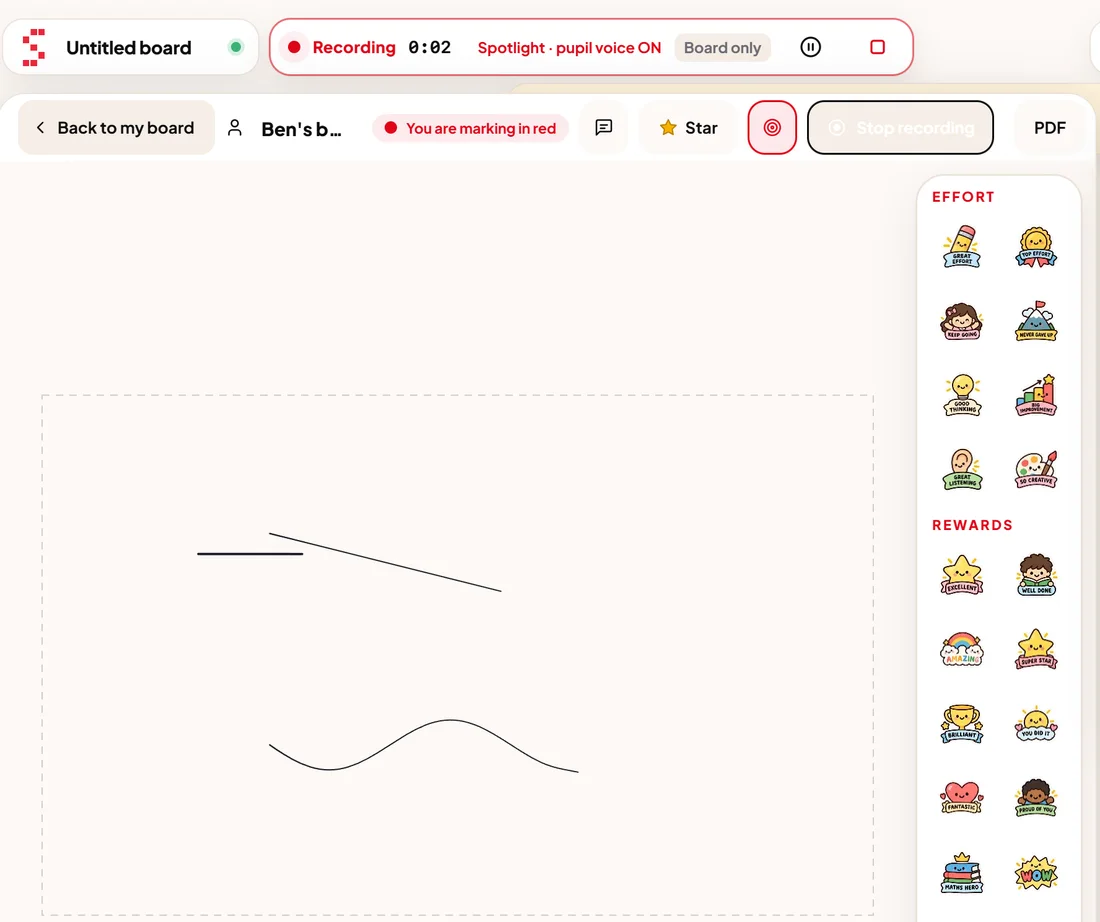
In the tools bar at the bottom of your board, press Pointer. It is the laser, so nothing you do with it stays on the page.

Point at what matters
Move across the board to draw attention. The laser leaves a trail that fades away on its own, so you can follow a line or circle a number and leave the page clean.

Cover the answers with tape
Put answer tape over the answers you are not ready to show. Each strip hides what is under it, so pupils think first and the answer waits. Save a tape you like as a favourite and it is one tap away next time.
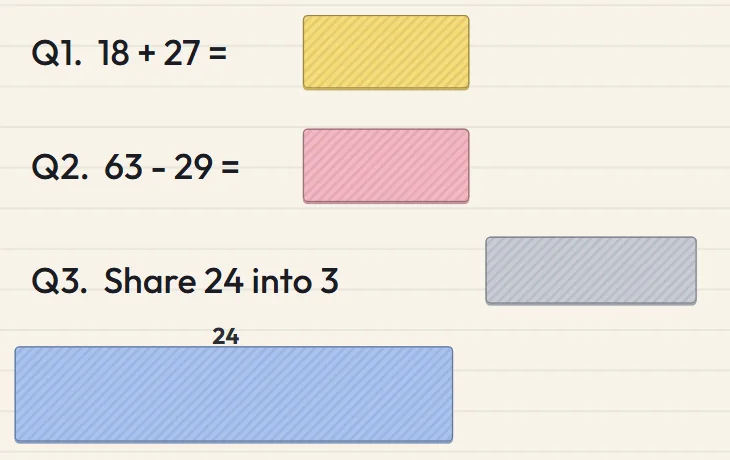
Peel the tape back
When pupils have had their say, peel a strip back to reveal that answer. Do one at a time, and the class sees each answer at the moment you choose. In Present mode, the bar has buttons to reveal or cover all the tape on the page.
Good to know
- Ask first, point second. “Where would you start?” works much better than showing them where to start.
- Use the laser for a quick look. If you want something to stay on the page, use your pen instead.
- Tape works well for a column of short answers, one strip for each question. Pupils can use tape on their own boards too: switch it off with Pupils can use tape in the Pupils panel menu.
- Want a whole page kept hidden until you are ready? See how to reveal pages.
Related guides
 How to start a live lessonLive lessonsHow to reveal pages, set a timer and use Eyes on me and Pens downLive lessons
 How to spotlight a pupil’s boardLive lessons
 How to get started with JotoroGetting started
Cannot find an answer?
Tell us what was missing and we will improve this guide.
Suggest an improvement