
Built by a tutor,for tutors.
An online whiteboard for one-to-one and small-group tutoring. Each pupil gets their own board, answers mark themselves and every lesson is saved.

In short
Jotoro is a live teaching whiteboard made by a tutor. Each pupil has their own board on one class link, you can both write at once, answers mark themselves and each lesson is recorded and kept. See plans and prices.
- For one-to-one and small groups
- Answers mark themselves
- Free to start, paid from £6.99 a month, pupils free
Simple enough to start in seconds. Open a board, share the link and teach.
Jotoro was built by a tutor who needed a whiteboard that just works with a pupil in front of them: one class link, a board for each pupil, and a price you can see before you start. See plans and prices.
Share one link. Every pupil gets their own board.
Give each pupil the class link once. They type their first name and PIN and land on their own board, and you step onto it to write in red while they watch.
- A class link that never changes, so nobody hunts for a new one each week.
- A waiting room, so you decide who comes in.
- Step onto any pupil’s board and you can both write at once.
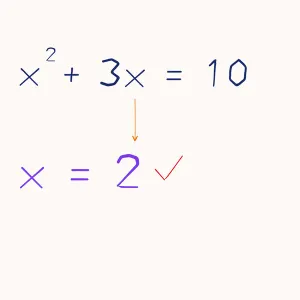
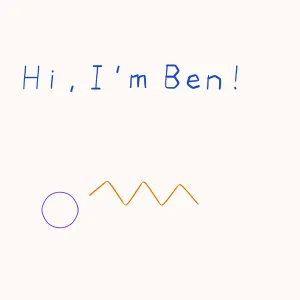
Write the way you do on paper: with an Apple Pencil, a finger or a mouse, in a pen that feels like ink.
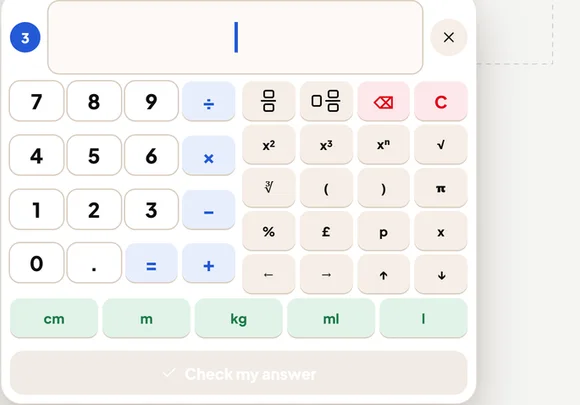
Answers mark themselves. No pile of marking after the lesson.
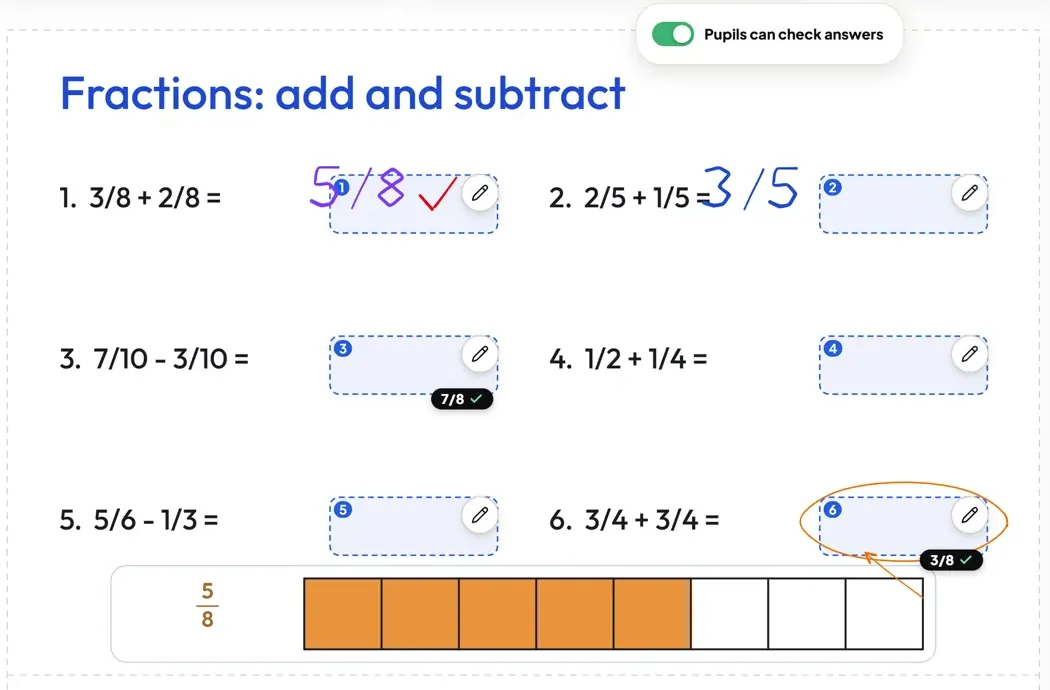
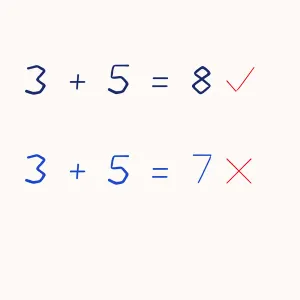
Put an answer box on the page. Your pupil types 3/4 on the keypad and sees a tick or a cross straight away, and so do you.
- A keypad made for children, with fractions and units.
- See who is right, who is wrong and who has not tried yet.
- Pupils who finish early can move on to the next questions.
- Pupils can add a photo of their exercise book to their homework, and you mark it on the board.
Record the lesson. Your pupil can watch it again later.
Press Record and Jotoro saves the board and your voice. A pupil who forgot the method can watch it again as many times as they like.
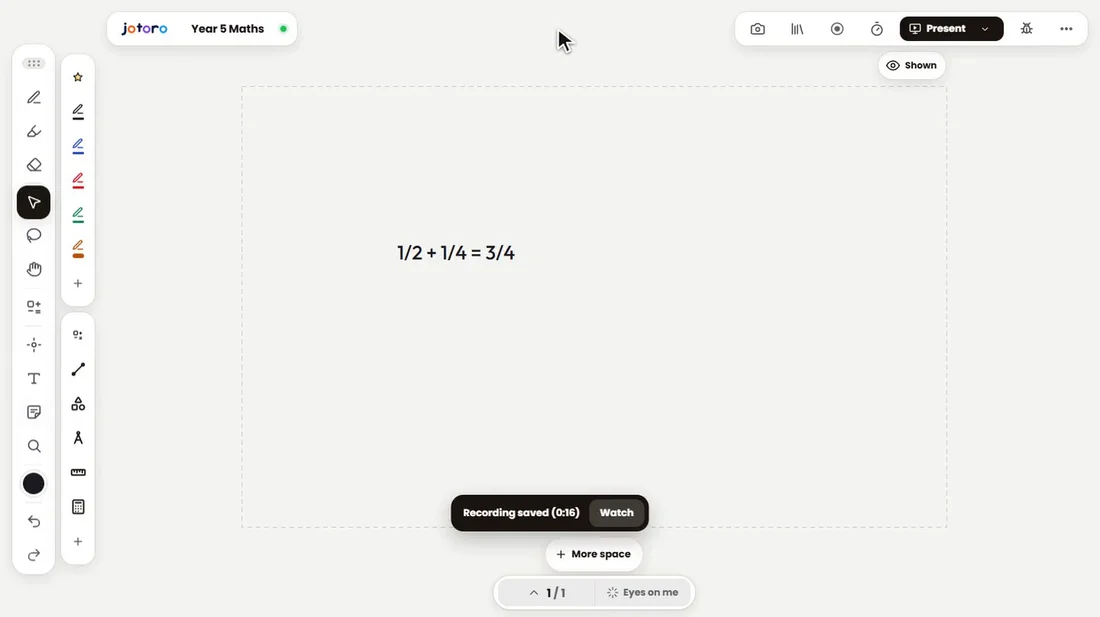
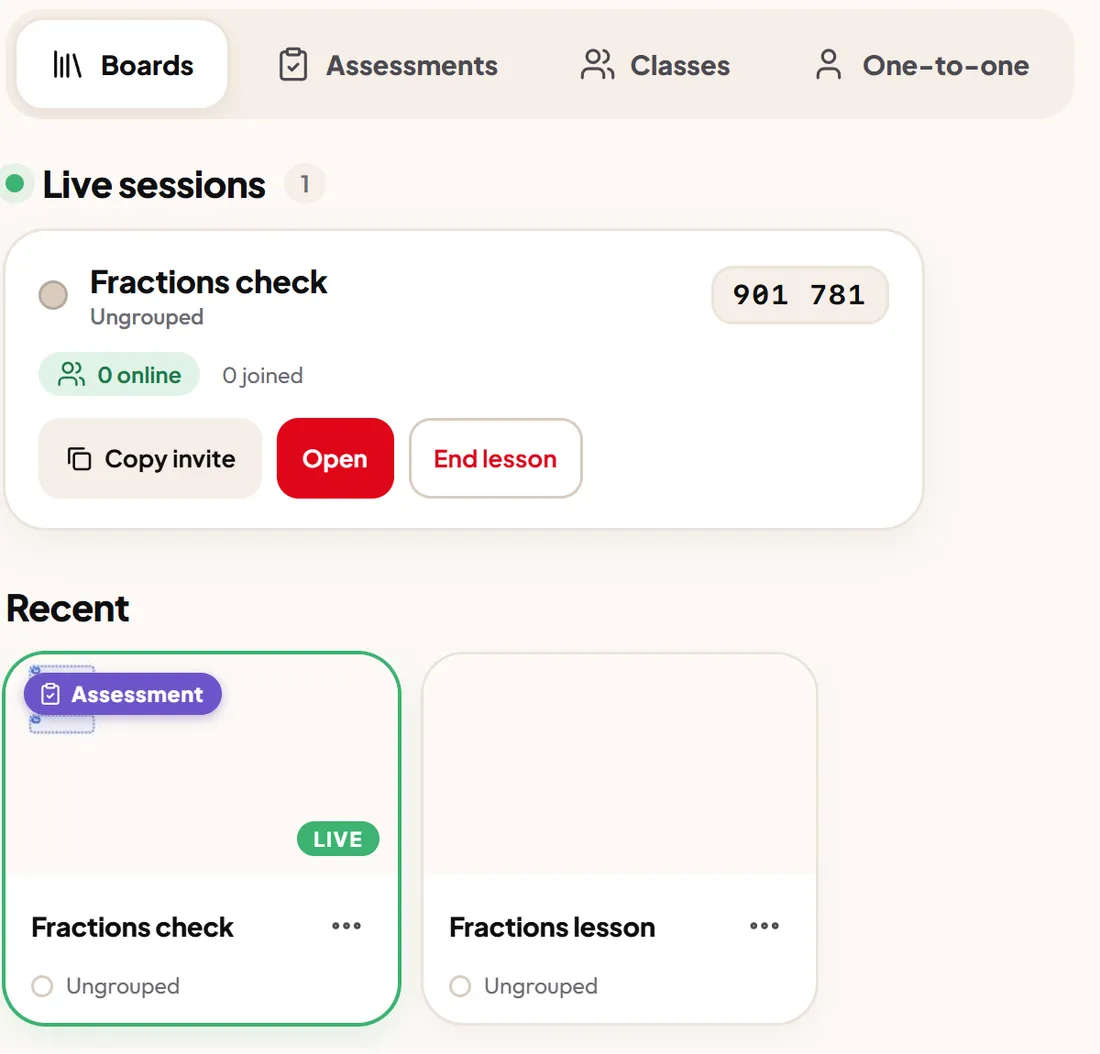
- Record the board and your voice, then replay it sharp.
- Turn a replay into a “Watch how” video your pupils can open on their own.
- Download a replay as an MP4, a ZIP of your pupils’ work, or a board as a PDF.
- Keep boards in folders, with classes and one-to-one pupils kept apart.
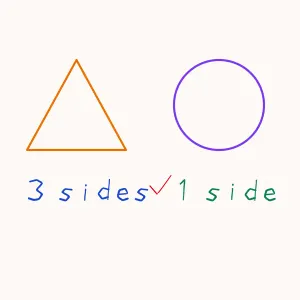
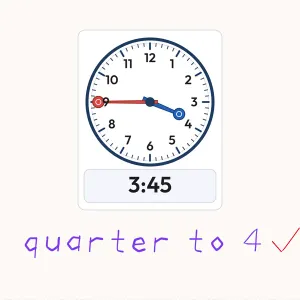
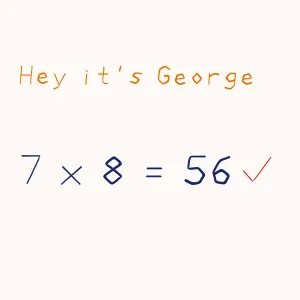
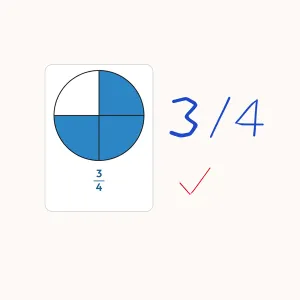
See every pupil’s board on one screen.
Teach a small group the same way you teach one pupil. You see everyone’s writing at once, so you can spot who needs help. To manage several students in online tuition, give each one their own board and send the same page to all of them, as in a whiteboard for group tutoring.
- See everyone at once, and step onto any board in a tap.
- Show one pupil’s board to the whole group with spotlight.
- Send the next questions to whoever finishes first.
- Invite a pupil to come to the board and write on your page in their own colour.
A record of every lesson, ready when a parent asks.
Jotoro keeps a register, the results and a timeline for every pupil, without you typing any of it in. On Pro, parents can see it for themselves.
- A class register and a timeline for each pupil.
- Results for every answer, plus stars and your own notes.
- Export a pupil’s record as a CSV file.
Add your own logo and colours. On Pro and above.
Your pupils see your logo and colours instead of Jotoro’s, in these three places.
The join page
Your logo, colours and a short welcome when a pupil opens your class link.
Pupil screens
Your name on what pupils see during the lesson and when they do their homework.
Replays and PDFs
A branded card at the start of a replay and a header on every PDF you export.
Use it alongside your usual video call. Jotoro is the whiteboard only.
Jotoro does not include video calling. Open it in one window and your video call in another.
Works with any video call
Talk to your pupil on the video call you already use, and teach on the Jotoro whiteboard.
On an iPad, laptop or computer
It runs in the browser, with an Apple Pencil, a finger or a mouse. No app to install, and pupils can join from home.
Free to start, from £6.99 a month. Pupils never pay.
Free for one-to-one lessons with one pupil. Solo, Groups and Pro add homework, bigger classes and RobAIn, with a 14-day money-back guarantee on every paid plan.
How Jotoro compares. Other whiteboards tutors use.
Every tool here is good at something. Where we could not find a fact on a tool’s own site, the table says Not listed.
| What you get | Jotoro | BitPaper | Whiteboard.fi | Ziteboard | Lessonspace | Miro |
|---|---|---|---|---|---|---|
| Good at | Marking, a board for each pupil and a record of the lesson | Video and whiteboard together on one shared paper | A quick, free board for a class | A light board with maths tools | Video, whiteboard and recordings in one place | A big open canvas for planning and ideas |
| A board for each pupil, that you can see live | Yes | Not listed | Yes | Not listed | Not listed | Not listed |
| Answers that mark themselves | Yes | Not listed | Not listed | Not listed | Not listed | Not listed |
| Lesson recording | On Groups and above | Not listed. On its roadmap | Not listed | Not listed | Yes | Not listed |
| Video call built in | No. Use your usual video call | Yes | Not listed | Yes, on paid plans | Yes | Yes, on paid plans |
| Free plan | Yes, one-to-one with one pupil | Yes, join papers and calls only | Yes | Yes, 3 boards | Not listed. Trial offered | Yes, 3 boards |
| Paid plans from, a month | £6.99, billed yearly | $15, billed monthly | Not listed | $9, billed monthly | $9, billed monthly | $8 a member, billed yearly |
Checked 23 November 2026, from each tool’s own website. Prices are in the tool’s own currency. Jotoro opens on 1 January 2027, so today you Register interest.
See the full comparison, with sources
Where each fact comes from
- BitPaper: Features, Pricing, FAQ, Roadmap
- Whiteboard.fi: Whiteboard.fi, Kahoot! page, Student sessions
- Ziteboard: Home, Pricing
- Lessonspace: Home, Pricing
- Miro: Pricing, Education
- Jotoro: Plans and prices, Features
Used every week at Singapore Maths Academy.
Jotoro was created with the Singapore Maths Academy team and is used in their lessons.
What pupils said after their first week.

I liked this one more than the previous (Whiteboard.fi).

Yes, I actually really like it. Yeah, it’s a lot of fun… It’s definitely warmer, I think, than the old one.

Yeah, I like this scribble feature.
Questions tutors ask.
Can I try it free with a real pupil?
Yes. The Free plan lets you teach one pupil, one-to-one, for about 2 hours a week, so you can try it with a lesson you already teach. Every paid plan also has a 14-day money-back guarantee.
Does it work on an iPad with an Apple Pencil?
Yes. Jotoro runs in the browser on an iPad, and you can write with an Apple Pencil, a finger, a stylus or a mouse.
Do pupils need to download anything?
No. Pupils open your class link and type their first name and PIN. There is no app to install and no sign-up for them, and pupils never pay.
Can I save and export lessons?
Yes. Export a board as a PDF, download a ZIP of your pupils’ work, and on Groups and Pro, record the lesson.
Can I teach several pupils at once?
Yes. Groups takes up to 20 pupils and Pro up to 40. Each pupil writes on their own board, and you see every board at once.
Is there a contract or a cancellation fee?
No. There is no contract and no cancellation fee. Cancel any time in the app and the next payment simply stops.
What if something goes wrong in a lesson?
If the Wi-Fi drops, pupils keep writing and catch up by themselves when it comes back. Step-by-step guides and short videos for every part of Jotoro are in Jotoro Academy.
Can the tutor and pupil write at the same time?
Yes. Each pupil has their own board. You can step onto it and write in red while they watch, and they carry on writing too, so you can both work on the same problem.
Does it work with my video call?
Run Jotoro in one window and your video call in another. Jotoro has no video call of its own, so you keep the one you already use.
What if I need to cancel or move a lesson?
Cancel the lesson or move it to another day, give a reason, and undo it if you change your mind. The class link stays the same, so your pupil knows where to go.
Can a centre send me a board?
Yes. If you teach for a centre, the manager can send you your own copy of a board, or a fresh blank one. It works through a centre account, or a Pro account with two accounts under one name.
Can pupils join from home?
Yes. Pupils join from anywhere with the class link, each on their own device, so they can be at home, in another room or in another country. They do not need to be on your network.
More for your teaching.
Back to the Jotoro homepage, read about security and privacy or register interest. Teaching a class? See Jotoro for teachers. Teaching outside the UK? See an online whiteboard with a board for every student. Teaching groups? Read about a whiteboard for group tutoring, or compare the best online whiteboards for tutors.
Running a centre?
Give every tutor the same strong lesson.
Jotoro for maths
Bar models, tools and self-marking questions.
See every pupil think
Every board live, on one screen.
Get started
Your first lesson, step by step.
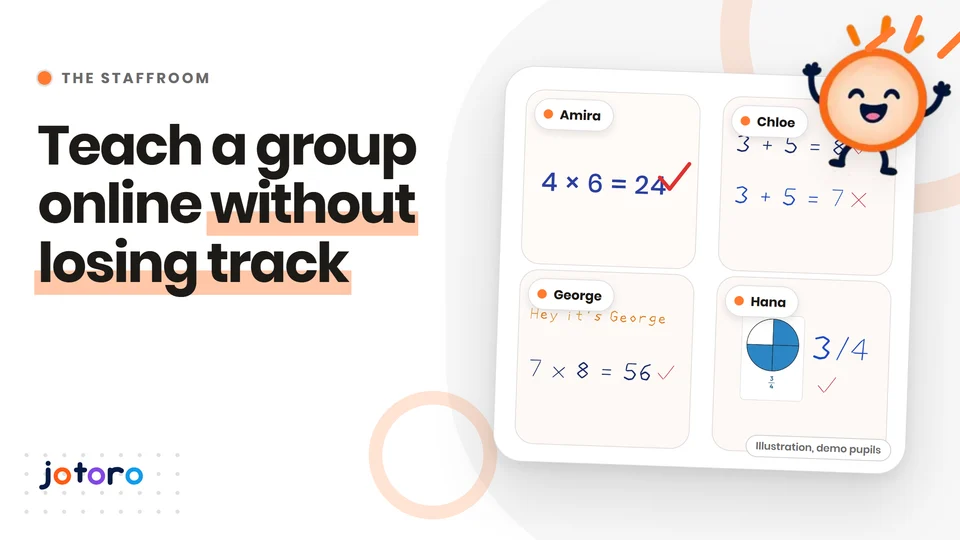 From the StaffroomTeach a group of children online without losing trackA simple routine for seeing what every child is writing, spotting the quiet one early and helping one child without stopping the rest.Read the post
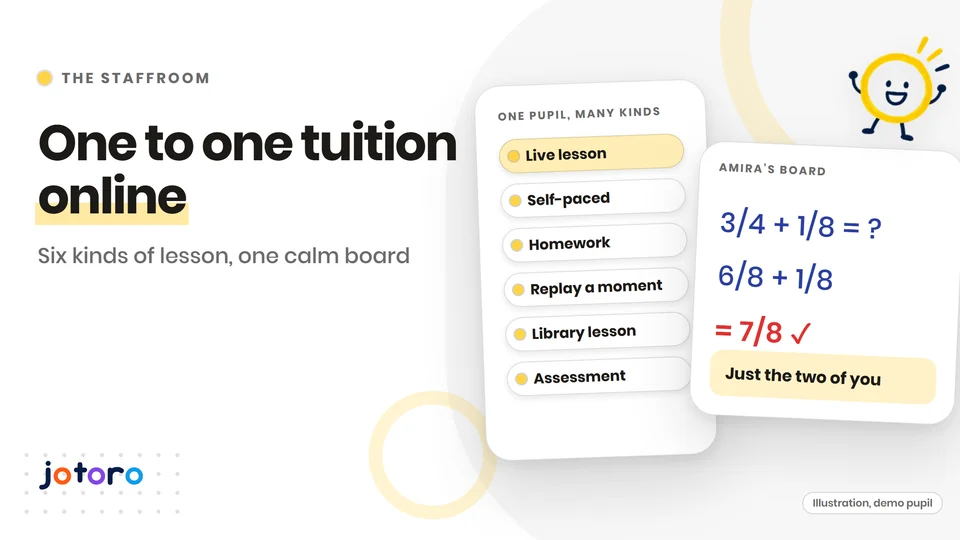 From the StaffroomOne to one tuition online: lessons that workWhy a one-to-one lesson can be so powerful, and the different kinds of lesson to choose from: live, self-paced, homework, replay and more.Read the post
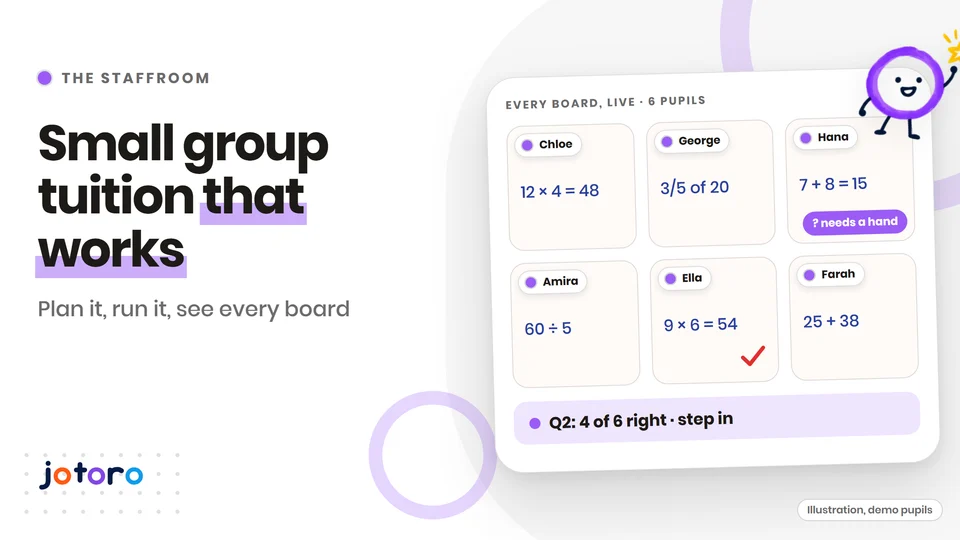 From the StaffroomSmall group tuition: plan it, run it, see every boardGroup size, mixed ability, a lesson shape that works and the business sense behind it, for tutors and tuition centres.Read the post
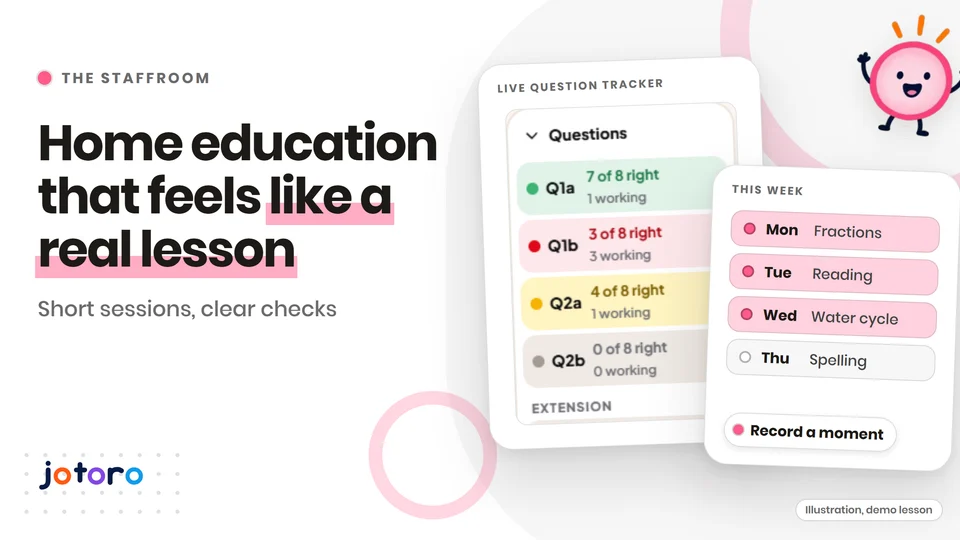 From the StaffroomHome education that feels like a real lessonShort sessions, show-me checks, mixed ages and a simple record: home education ideas for parents and tuition centres, and how Jotoro helps.Read the post
Made by teachersCreated with the Singapore Maths Academy team: decades of teaching experience and more than ten years of teaching and training online, so your prep takes less time and your one-to-one lessons stay as good as you want them to be. Why we built it
Bring a lesson you already teach, and see it on your own board.
Register interest and we will tell you the day payments open. Pupils are always free, and there is a 14-day money-back guarantee on every paid plan.
Pupils join by link: no app to install, no sign-up for them. See plans and prices.