

You will need a class with a curriculum. Here is how to set one up.
Follow the steps
Open the mark book
Choose Tuition hub, then Curriculum, open your curriculum and choose Mark book.
Tap a cell
Choose the mark to use, such as Secure, then tap a cell to set it.
Export
Press Export CSV to save the mark book.
Good to know
- The mark book keeps marks per topic.
- It fills from your lessons.
- Marks from answer boxes and homework go in by themselves. A mark you type always wins.
Common questions
Can I take the mark book out of Jotoro?
Yes. Press Export CSV.
Related guides
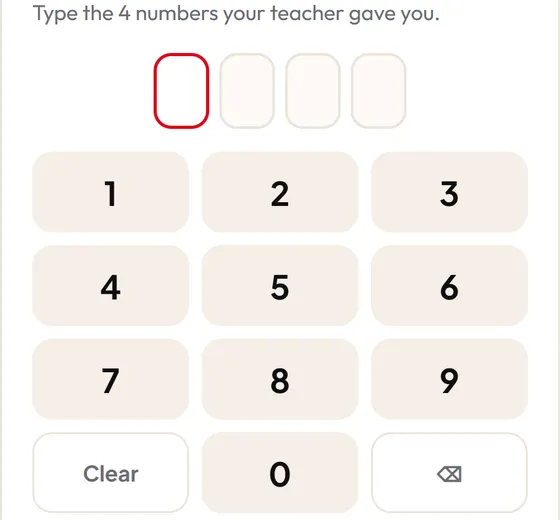 How to add a class and give pupils PINsRecords & register
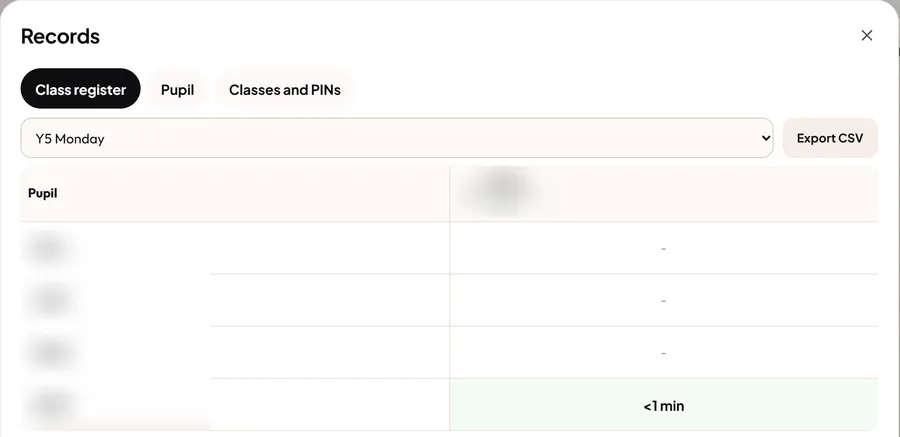 How to use the class registerRecords & register
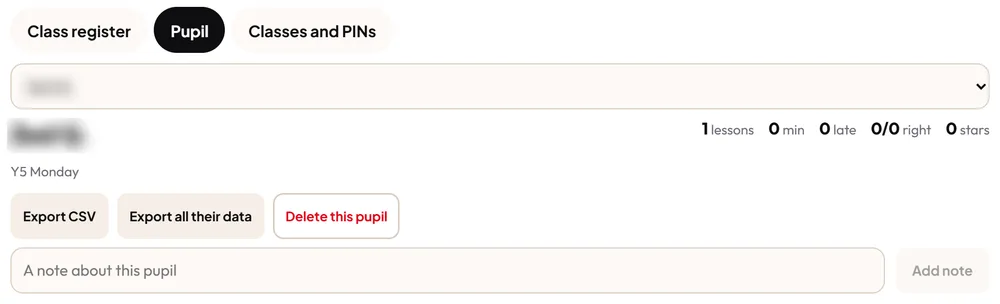 How to see a pupil’s timelineRecords & register
 How to get started with JotoroGetting started
Cannot find an answer?
Tell us what was missing and we will improve this guide.
Suggest an improvement