

Follow the steps
Add the text
Type or paste a passage, or choose a page of a PDF. A scanned page or a picture works too. Tap Maths, then Words, and under English tools choose Mark the word (or Comprehension for a passage with questions). You can also type mark the word into Quick find.
Drag over the right word
Select the passage and tap Set answer (Set evidence for comprehension), then drag over the right word or phrase. You can add other words that also count, and say that only a circle counts. For a scanned page, you are shown the words it has found, so you can check them.
Pupils highlight, underline or circle
Pupils get Highlight, Underline and Circle, and a rubber. Their marks snap to whole words, so a wobbly hand still lands on the word it meant.
Add margin notes for comprehension
For comprehension, the same passage has margin notes and a colour for each question. Highlights made for question 2 are the evidence for question 2. The questions with their answer boxes sit beside the text.
Send it and look
Each pupil has their own copy. Marks are checked against the words marked, and you see the result in the question tracker. If you set no key, the work is kept for you to read, and Compare two pupils puts two annotated passages side by side.
Good to know
- Ask for evidence, not just answers. “Highlight the words that tell you he was scared” gets a better discussion than “was he scared?”.
- A key is optional. For a free-reading task, skip it and read the annotations yourself afterwards.
- Show how Ella and George found different evidence for the same question, and ask which is stronger.
- Pupils can also write an answer in a box. See how to add a writing box.
Common questions
Can I use a page from my own PDF?
Yes. You can pick a passage from a PDF page, a scanned page or a picture. For a scan, the words it finds are shown to you to check.
What if the picture has no words on it?
You draw a target zone, and a pupil’s mark is checked by how much it overlaps the zone.
Can pupils write answers too?
Yes. In comprehension annotation the questions have answer boxes beside the text. Type one question per line when you make it.
Related guides
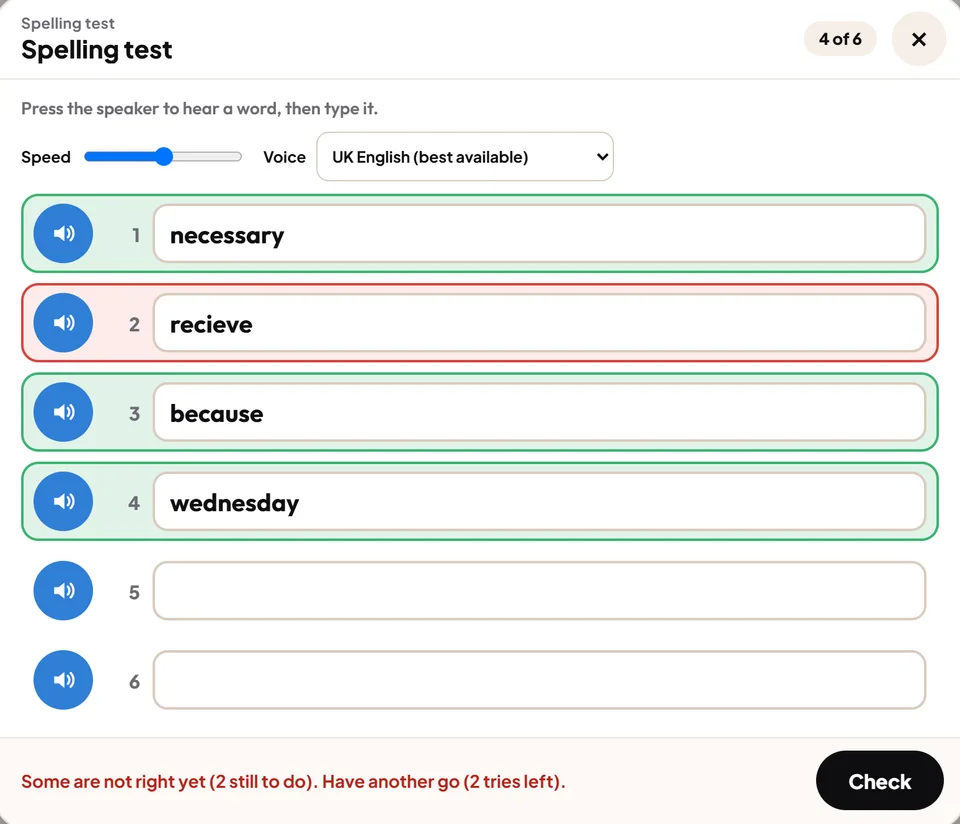 How to make a spelling testTeaching tools: English
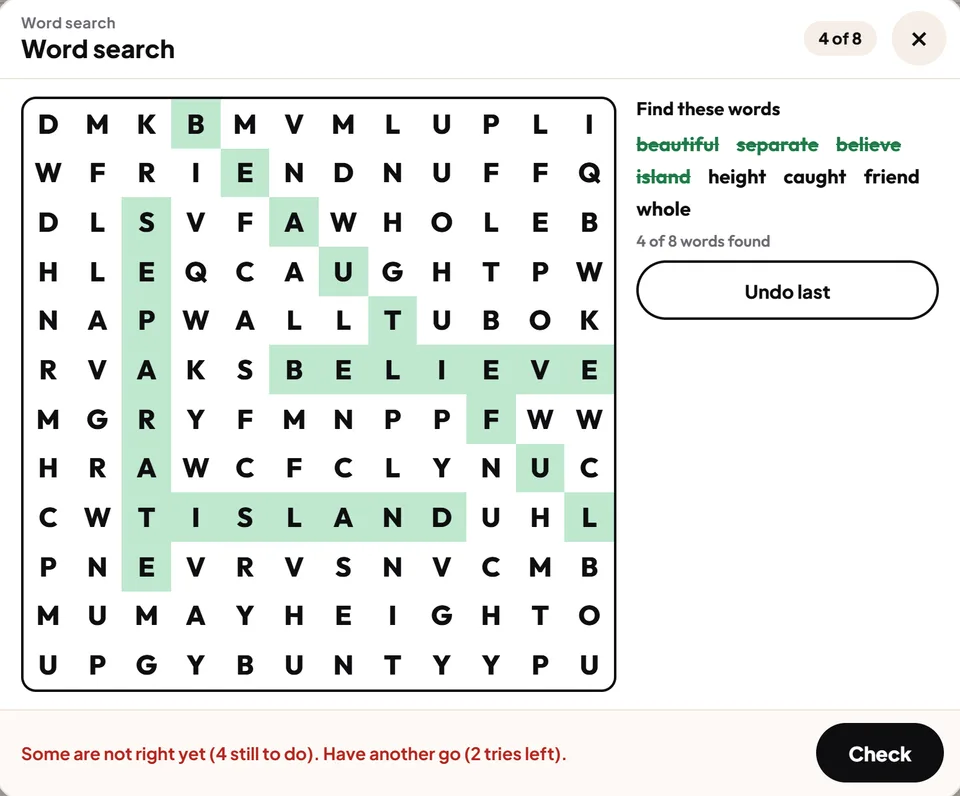 How to make a word search, crossword or clozeTeaching tools: English
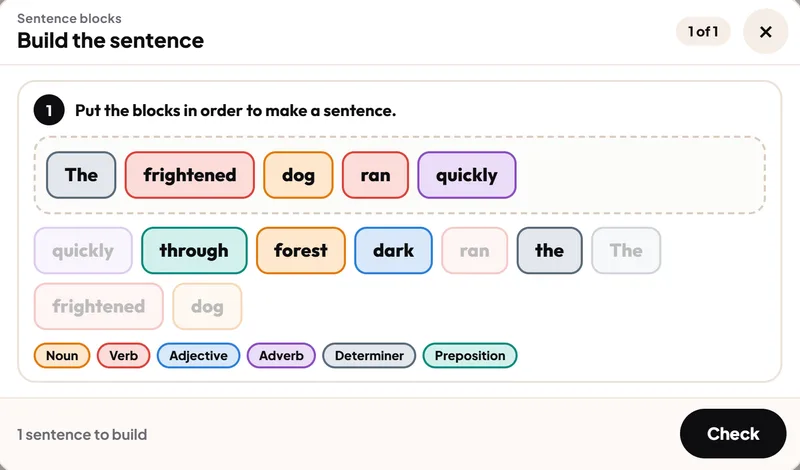 How to use sentence blocks and punctuation repairTeaching tools: English
 How to get started with JotoroGetting started
Cannot find an answer?
Tell us what was missing and we will improve this guide.
Suggest an improvement