

Follow the steps
Open Class records
Open Class records from Settings, or press Class records… in the live lesson panel. Test pupil settings are for the account owner and managers.
Go to the Classes tab
Choose the Classes tab and scroll down to Test pupil.
Choose a name and a PIN
Type a Name, for example Tester007. Type a four-digit PIN under PIN (4 digits) and press Set PIN. The PIN is not shown again, so keep a note of it.
Switch it on
Tick Test pupil on. It is off until you do.
Join as the pupil
Open your class link in another window, or on another device, and type the test pupil’s name and PIN, exactly as a child would. It works on a lesson and on a homework page. You see the lesson the way a child sees it, and the test pupil skips the waiting room.
Spot it in your lesson
In the Pupils panel the test pupil is marked with a small Test tag, so you never mistake it for a real child.
Good to know
- The test pupil is on no class list. It is never counted in registers, results, stars, reports, limits or seats.
- Only you can sign in as the test pupil. If it gets locked after wrong PINs, press Unlock in the same place.
- Switching it off does not kick anyone out. New joins are simply refused.
- Use it to check a homework before you set it, or to see how a poll or a locked tool kit looks to pupils.
Related guides
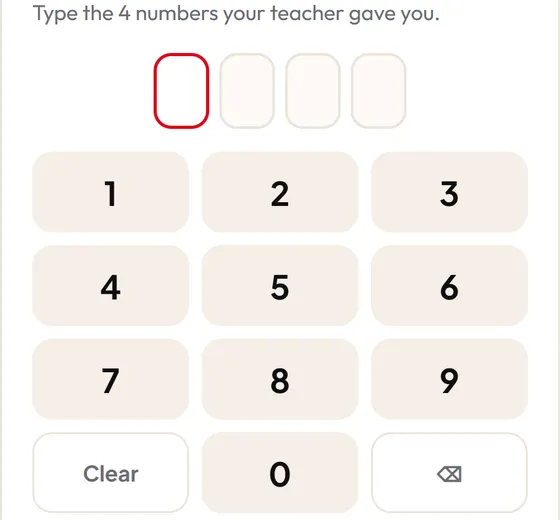 How to add a class and give pupils PINsRecords & register
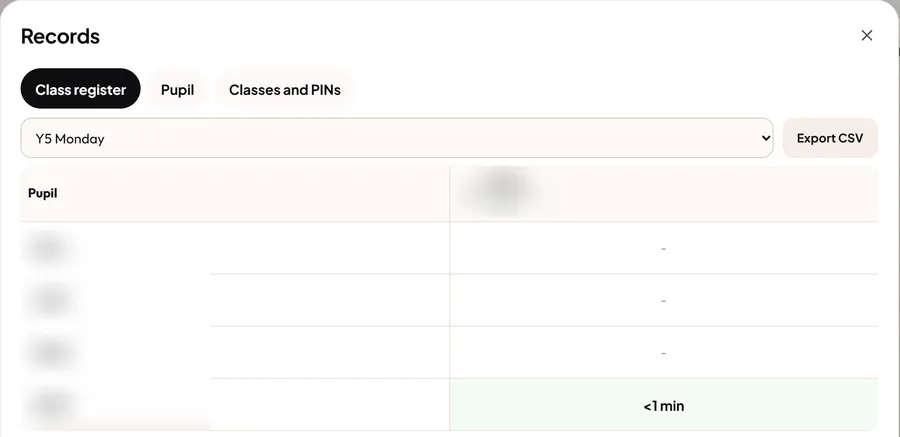 How to use the class registerRecords & register
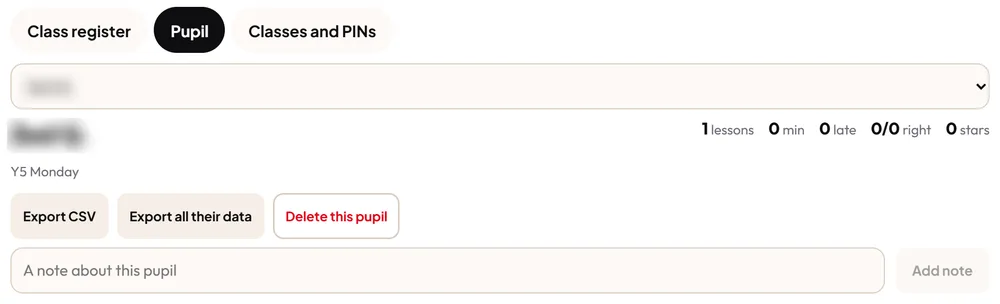 How to see a pupil’s timelineRecords & register
 How to get started with JotoroGetting started
Cannot find an answer?
Tell us what was missing and we will improve this guide.
Suggest an improvement