

Follow the steps
Put Hide labels on the page
Open the tools tray with the Maths tools button in the Dock and choose the Activities tab. Tap Hide labels, or drag it onto the diagram, picture or PDF page you want to use.
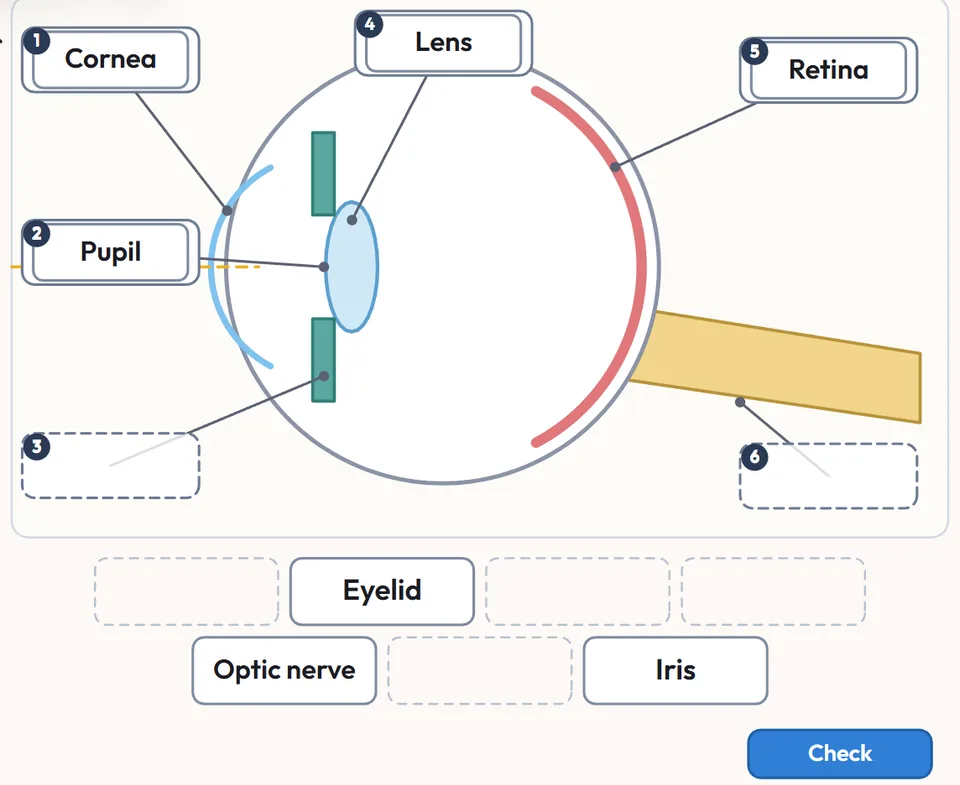
Add a cover for each label
On the bar press + Cover to add a cover with a leader line. Drag the cover over the label it hides and drag its dot to the part it points at. You can add up to 16.
Type what each cover hides
Touch a cover, press Label on the bar and type the label underneath. This is the word pupils will be asked for, so it is worth getting it exactly right.
Or cover the words already printed
On a page from an imported PDF, press Cover printed words to put a cover over every short printed label at once, each holding its own word. This option shows only on a page that has printed text.
Reveal them in class
Tap one cover to reveal just that label. Reveal all uncovers everything and Hide all covers it again. Numbers turns the numbers on the covers on or off.
Let pupils type the labels in
Press Pupils type them and each pupil types the labels on their own copy. It is marked like an answer box, so it shows in the tracker, the Records and homework. The button is greyed out until at least one cover has a label.
Or let them practise alone
Switch on Pupils can peek and pupils can tap the covers on their own copy to check themselves, without any marking.
Good to know
- Save a layout you like with Save as my preset. It follows your account, so it is waiting on every device.
- Works for any subject: a map in geography, a skeleton in PE, the parts of a flower in science.
- On a narrow screen some of the bar sits behind More.
- Want pupils to drag labels instead? Label a diagram, sort cards and join with arrows.
Common questions
Can I use my own diagram?
Yes. Put the covers over any diagram, picture or page of a PDF you have brought in. See how to import a PDF.
How many covers can I add?
Up to 16 on one diagram.
Can pupils see the answers?
No. The labels you type stay on our side until a cover is revealed.
Related guides
How to label a diagram, sort cards and join with arrowsTeaching tools: Science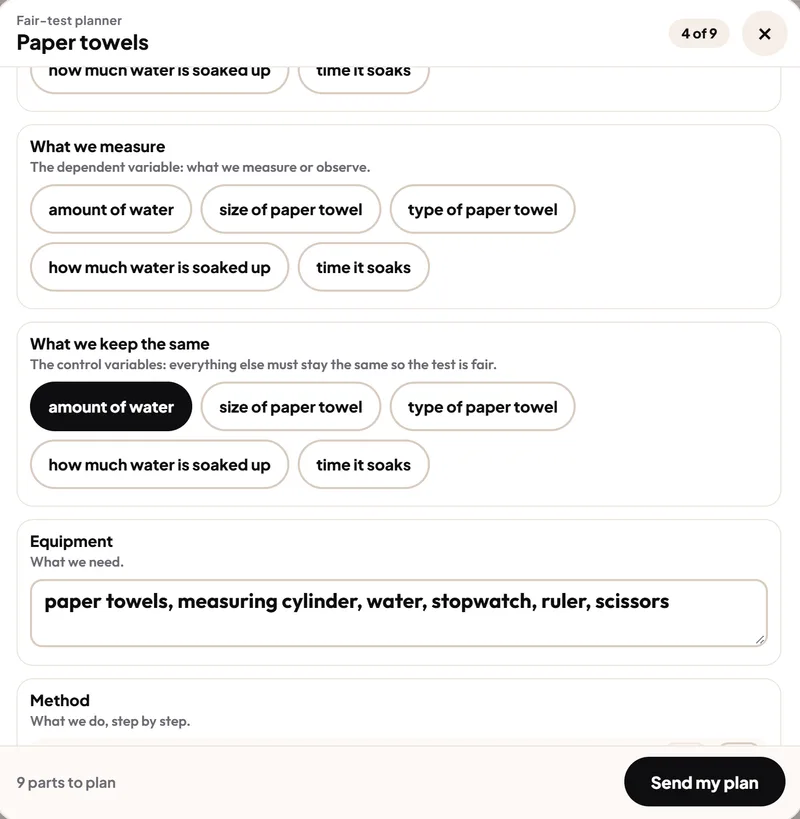 How to use the fair-test plannerTeaching tools: Science
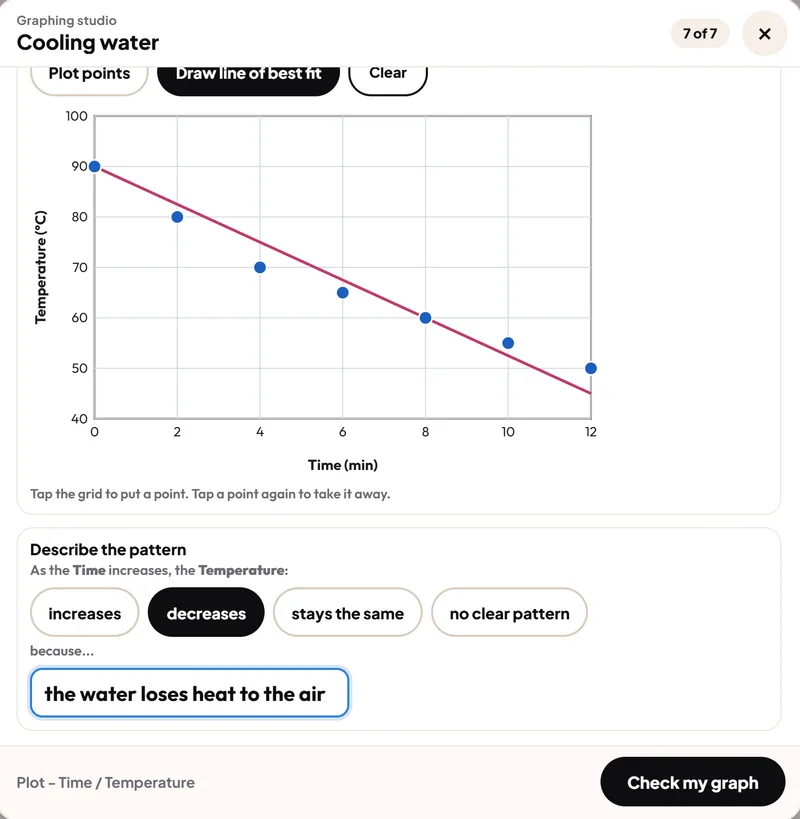 How to use graphs and measuring instrumentsTeaching tools: Science
 How to get started with JotoroGetting started
Cannot find an answer?
Tell us what was missing and we will improve this guide.
Suggest an improvement