

Follow the steps
Find the answer
On a pupil’s answer box that was not marked right, you see a Mark correct button.

Press Mark correct
Press Mark correct. Your decision wins everywhere, and it reaches the pupil’s score and the parent report. The answer is added to that box’s accepted answers. The next pupil who types it is marked correct too.
Change your mind
The box now says Marked correct by teacher. Tap it to undo: the mark goes back and the answer leaves the accepted list.
Let a pupil try again
On a wrong answer, press Let them try again to give that pupil another go.
Good to know
- Useful when a pupil gives a right answer in a way you did not expect, such as a different but equal form.
Related guides
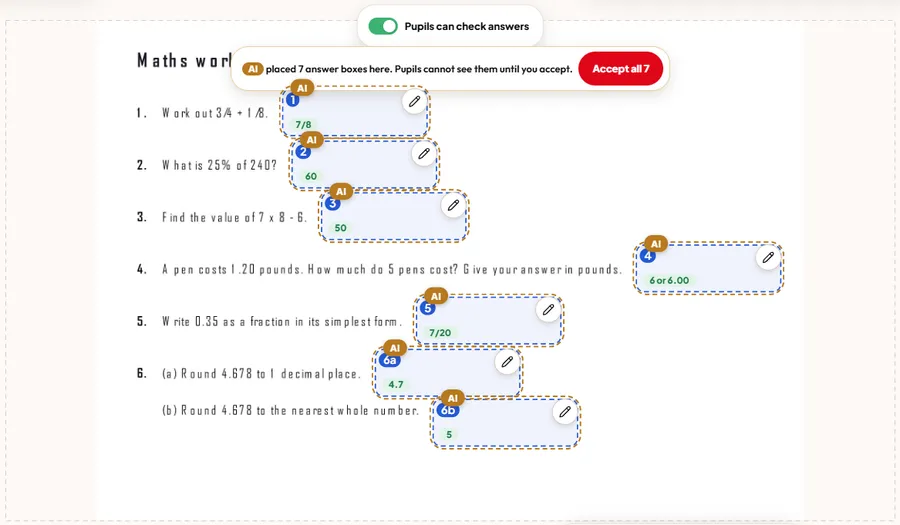 How to add answer boxes and mark a worksheetMarking & answer boxes
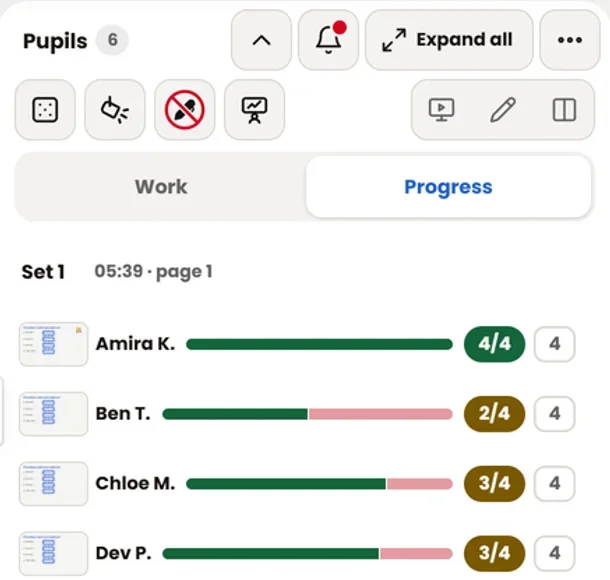 How to use the live question trackerMarking & answer boxes
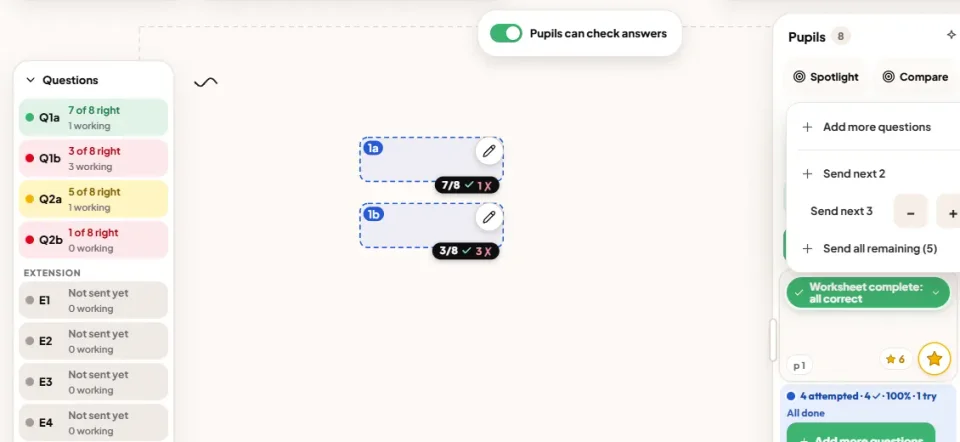 How to send extension questions to early finishersMarking & answer boxes
 How to get started with JotoroGetting started
Cannot find an answer?
Tell us what was missing and we will improve this guide.
Suggest an improvement