Run the science, write on top.Pause it and ask why.
An online whiteboard for science lessons: open an interactive lesson, a simulation or a video right on the board, then write on top of it while the class explores.
In short
Jotoro gives science lessons purpose-built activities: label a diagram, build a food chain, plan a fair test, plot and read a graph, take a measurement. Each pupil has their own copy and you see all of them. See every subject.
- Marked by Jotoro, so you see who has it
- A class graph on one set of axes
- A pen on any diagram
Pause it and ask every pupil. See who has understood.
Pause the simulation and ask everyone to answer on their own board, so you can see who has understood.
Year 8, orbits. You pause the simulation and ask everyone to put the planets in order on their own board. Farah has Earth and Venus the wrong way round, and you see it before you have said a word.
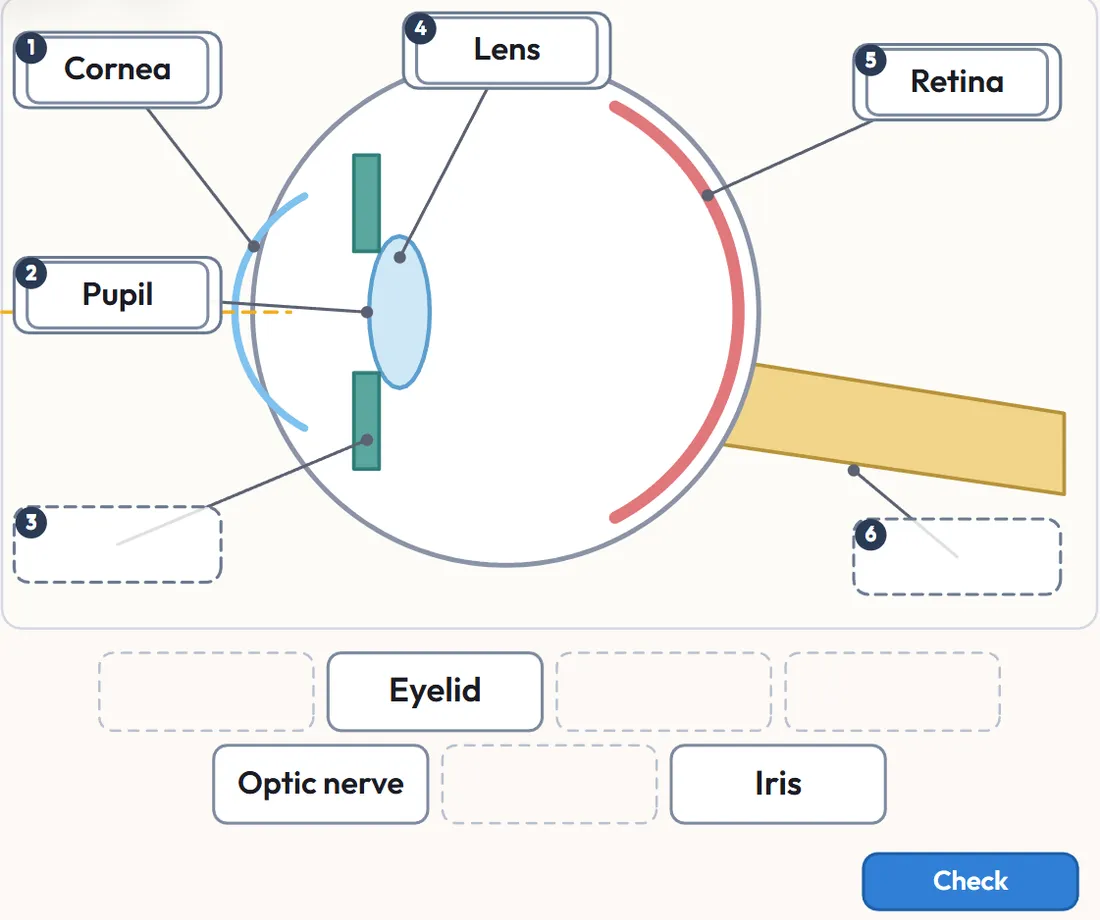
Drag the label to the right place. On any diagram you bring.
Put drop zones on a diagram, a picture or a PDF page, give pupils a bank of labels, and Jotoro checks where each one lands.
- Works on any diagram, picture or PDF page.
- Capital letters are accepted, so Cornea and cornea both count.
- The answers stay with Jotoro, never on the pupil’s screen.
Arrows that point the right way. Then sort what is left.
Pupils connect each living thing to the next with an arrow, and Jotoro checks the direction. You can hand out a chain with some links already done.
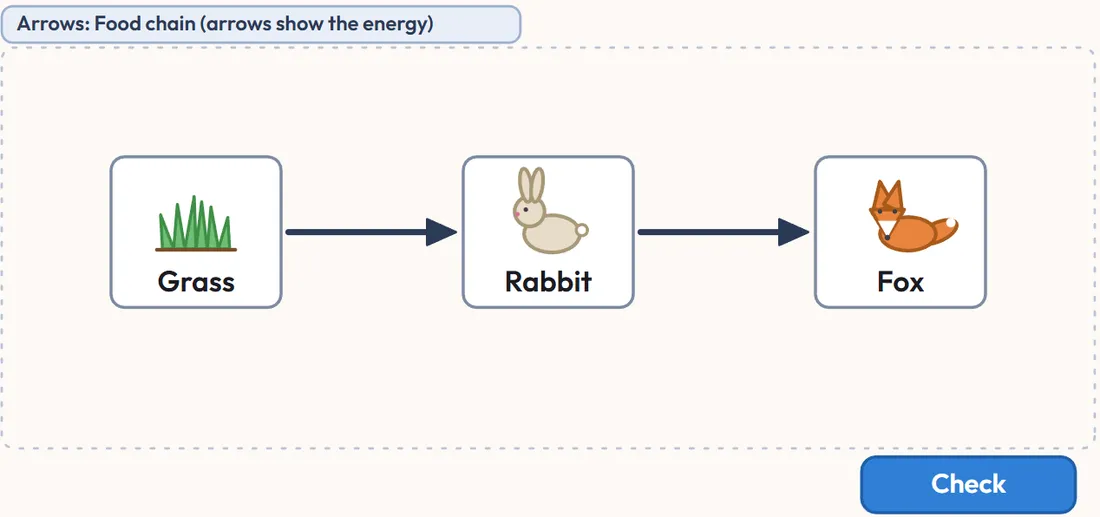
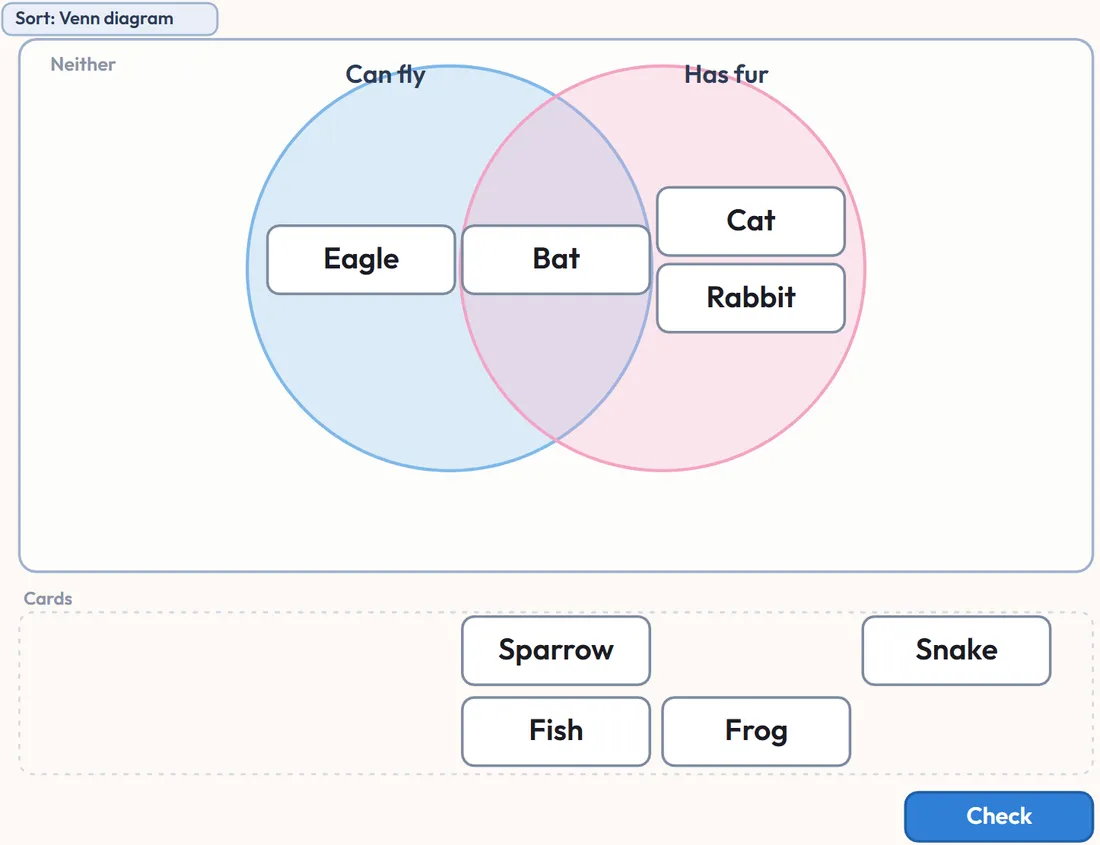
- Connect with arrows, with the direction checked.
- Partly completed starters for pupils who need a start.
- Sort with Venn and Carroll diagrams.
Before anyone touches the water. Plan it so the test is fair.
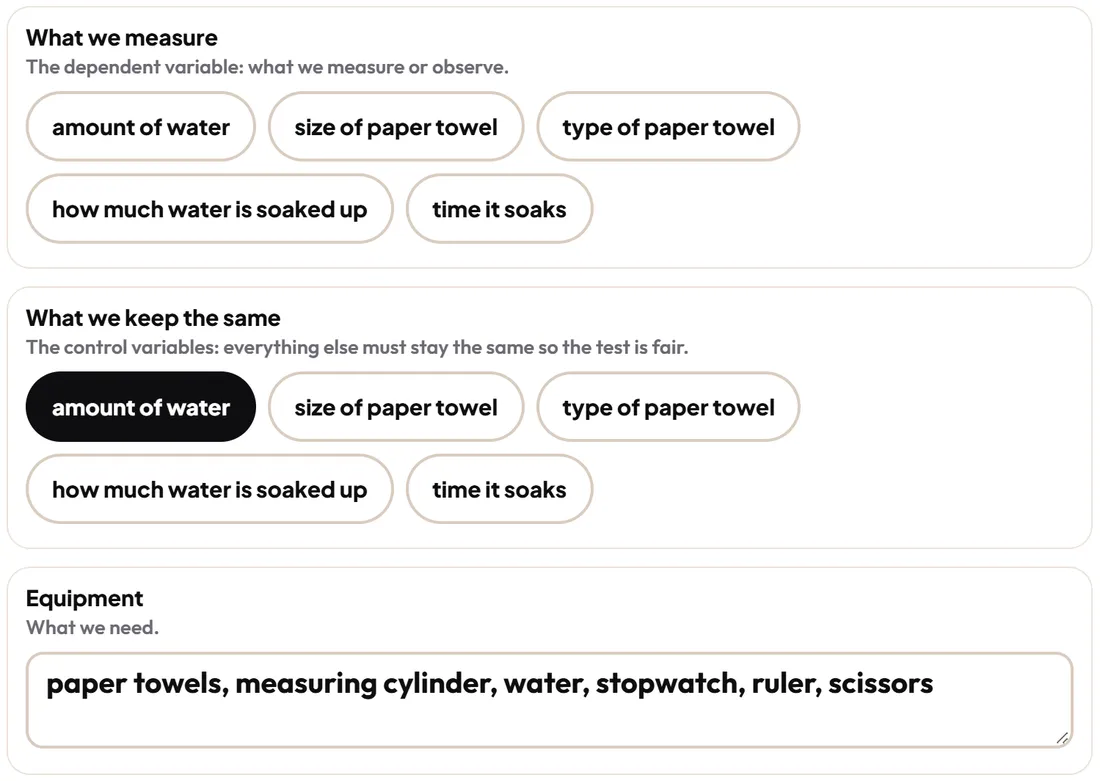
Pupils choose what to change, what to measure and what to keep the same. The planner nudges them as they go, with prompts like “two things are different”.
- Ready-made investigations: paper towels, dissolving sugar, a ramp and a car.
- “Spot the unfair test”, for pupils to find what was not kept the same.
- The planner’s choices are marked. Written methods come to you.
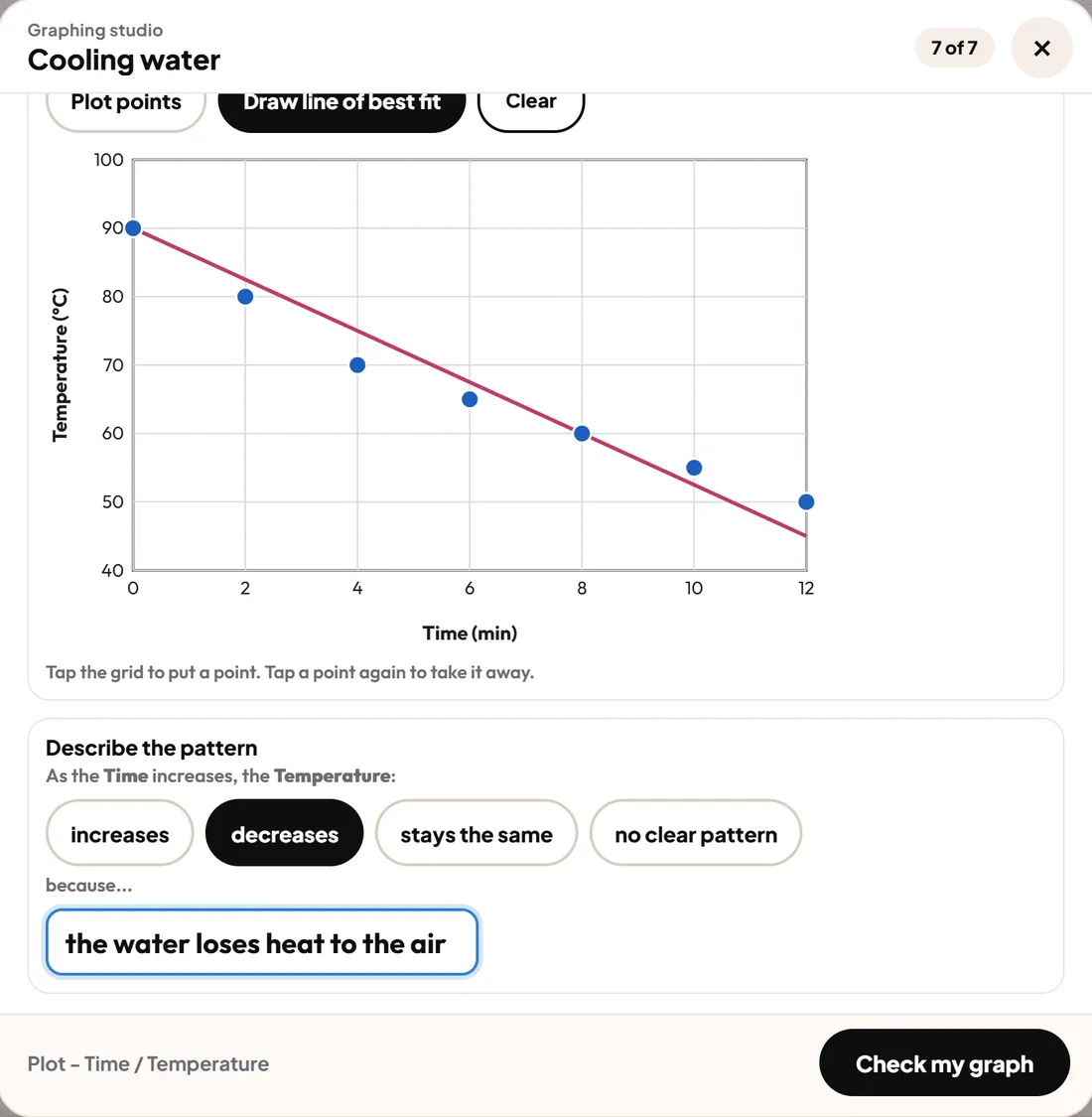
Plot it by hand, or let it draw. Then say what it shows.
Pupils choose a scale, label the axes, put the points on and draw a line of best fit. Jotoro checks the graph, and pupils finish the sentence about the pattern.
- Scale, axes, points and the line of best fit.
- A class graph with everyone’s results on one set of axes, and the mean.
The class graph is a snapshot you take, not one that draws itself live as pupils plot.
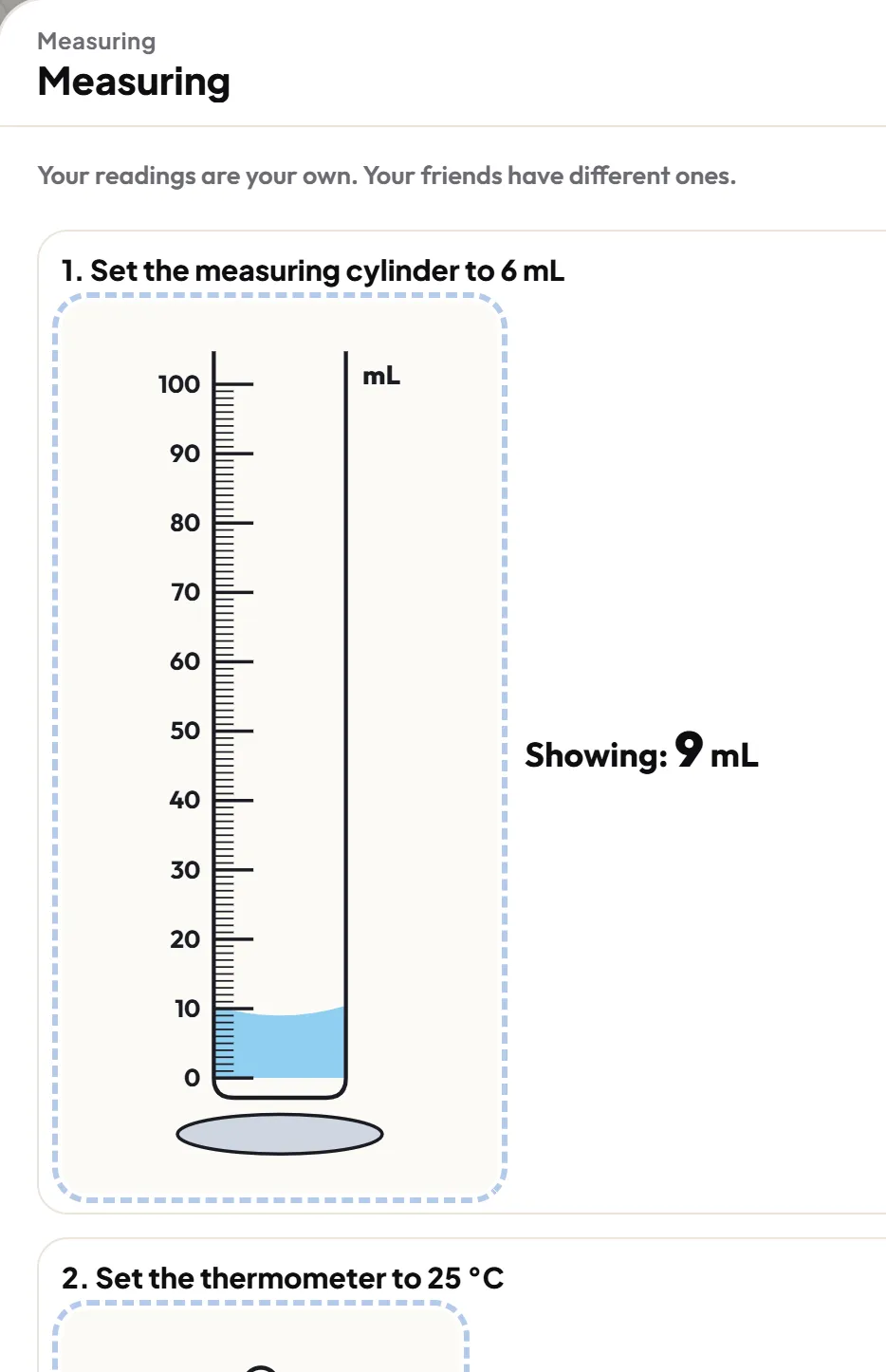
Everyone gets a different reading. So everyone has to read it.
Each pupil sets or reads an on-screen instrument, and every pupil gets their own number, so a neighbour’s answer will not help.
- The measuring cylinder shows the meniscus.
- Unit conversions to practise as well.
These are on-screen instruments for practising readings. They do not read real practical equipment.
Run it on the board. Then write on top of it.
Put an interactive lesson or a simulation on the board, or play a video clip, and use the pen over the top while the class watches, pauses and asks why. This is on Groups and above.
Subject packs for physics, chemistry and biology, ready to use. Today you build your own with the tools above.
The same answer boxes, and the same record of who has got it.
Science activities mark themselves like any other question, and feed the same question tracker and pupil records. See how marking works.
Questions science teachers ask.
Can pupils plot graphs by hand?
Yes. Pupils put each point on the grid with a finger, a stylus or a mouse, choose the scale and draw the line of best fit. Jotoro checks the points and the line.
Do pupils see the answers?
No. The answers stay with Jotoro, never on the pupil’s screen. Pupils only see whether their own answer was right.
Can I run a simulation?
Yes, on Groups and above. Put an interactive lesson or a simulation on the board, or play a video clip, and write on top of it while the class explores.
Does it work for primary science?
Yes. The same tools work with simpler starters, such as a food chain with two links already filled in.
Is there a periodic table or a circuit tool?
Yes. There is an interactive periodic table and an equation balancer, and you can draw circuits, lab set-ups, logic and network diagrams that stay joined up. Smart tables handle results, Punnett squares and two-way tables.
Do you mark practical work?
The fair-test planner’s choices are marked: which things change, which stay the same and what is measured. Pupils’ own writing, such as a method or a conclusion, comes to you to read.
Not just science: the board covers every lesson on the timetable.
Back to all subjects, see plans and prices or register interest.
Jotoro for maths
Blocks, bar models, graphs and a calculator.
Jotoro for humanities
Timelines, sources and maps.
Every teaching tool
The whole tray, for every subject.
Every subject
English, maths, science and more.
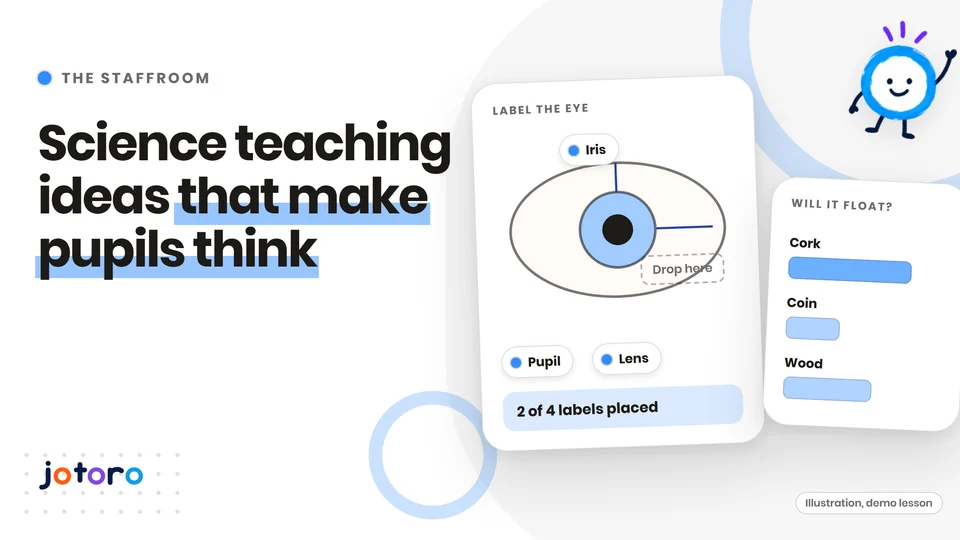 From the StaffroomScience teaching ideas for any lessonLabelling, food chains, fair tests, graphs and predict, observe, explain: ideas that show you who has understood.Read the post
Bring a lesson you already teach, and see it on your own board.
Register interest and we will tell you the day payments open. Pupils are always free, and there is a 14-day money-back guarantee on every paid plan.
Pupils join by link: no app to install, no sign-up for them. See plans and prices.