

Follow the steps
For a multiple-choice paper, paste the key
Once Jotoro has found the questions in your PDF, press Paste answer key. Paste the answers like “1 C, 2 A, 3 E”, or one per line (“1. C”). Jotoro also understands “1.C 2.A”, “Q1: C”, a row of numbers over a row of letters, or just “C A E B D”.
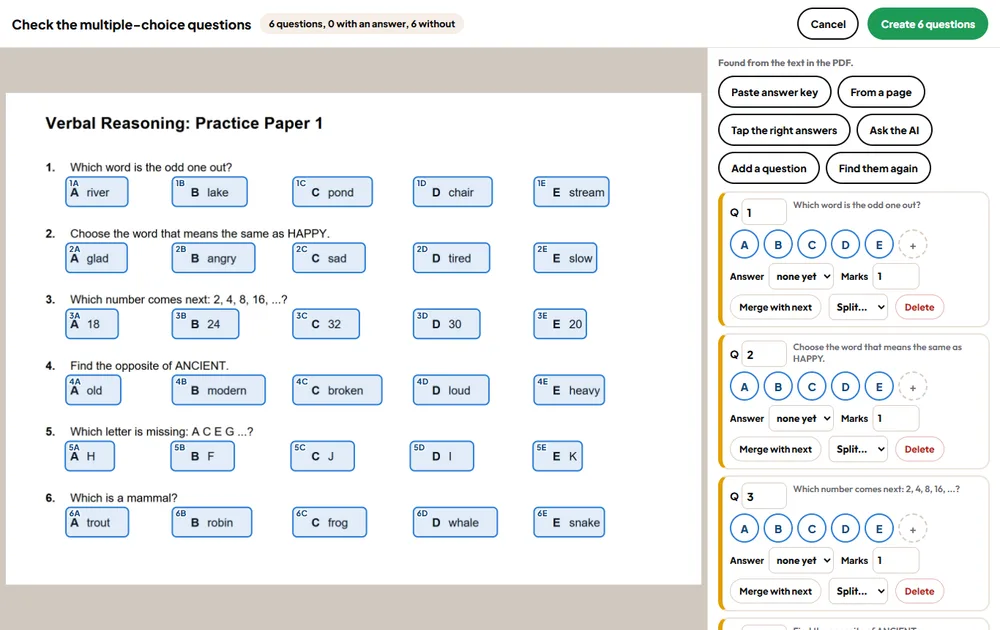
Press Use these answers
Jotoro sets every answer at once and tells you how many it set, and whether any are still missing. Pupils never see the key.
Or load the key from a file or a page
On the same screen, Upload a file… reads a text file, a spreadsheet file or a PDF of answers. From a page reads the answers from an answers page that is already on the board. Tap the right answers lets you tap an option on the page to make it the right answer.
For a worksheet, bring a spreadsheet key
On the board, open the ⋯ More menu and choose Add answer key…. Press Choose answer key… and pick your CSV or JSON file. The columns are page, question and answer. Open How it works in the same window for the full list, and to download the spreadsheet template.
Choose where the boxes go
Under Where boxes go pick automatic placement, the bottom right of each question, a right-hand column or the answer line. If the key starts on a later page, set which board page its first page belongs to.
Add the boxes and check them
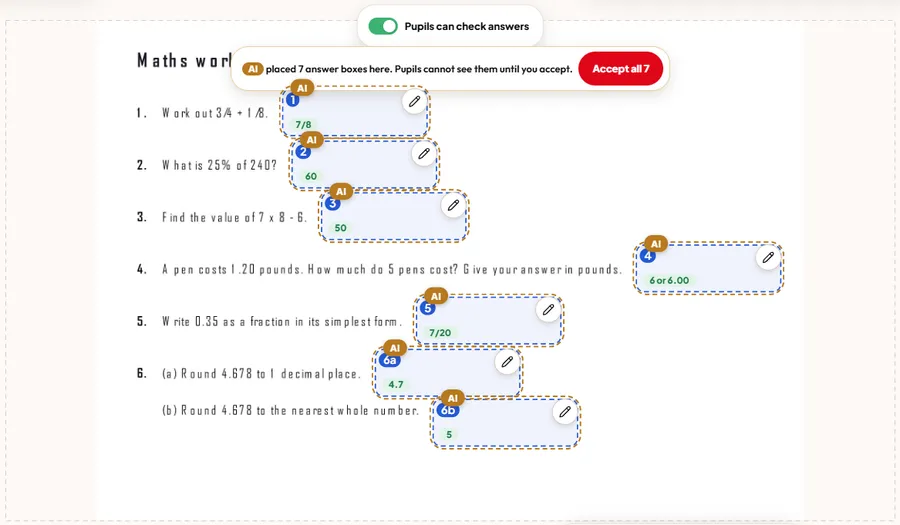
Press Add answer boxes. The boxes arrive as suggestions. Check them, then press Accept all. Pupils see nothing until you do.
Good to know
- You can use | between several accepted answers, for example x=2|x=-3, and write fractions with brackets, like (4√11)/11.
- The same answer-key option is on Import PDF, so you can bring the key in with the worksheet.
- Rows that could not be placed are listed so you can add them by hand.
- Scanned papers work too. See how to turn a multiple-choice PDF into tappable questions.
Related guides
 How to add answer boxes and mark a worksheetMarking & answer boxes
 How to use the live question trackerMarking & answer boxes
 How to send extension questions to early finishersMarking & answer boxes
 How to get started with JotoroGetting started
Cannot find an answer?
Tell us what was missing and we will improve this guide.
Suggest an improvement