

You will need a pupil in a live lesson.
Follow the steps
Raise hand
The pupil taps Raise hand. They see “Your hand is up.”
Show how they are doing
Under How are you doing? they choose I’ve got it, Not sure yet or I need help.
Say they have finished
When they are done, Work completed asks them to confirm. They tap Yes, tell my teacher.
Good to know
- A pupil can raise a hand at any time.
- The three choices show as green, amber or red.
- Finished pupils can tell you themselves.
- See raised hands on your side with hands up and random pupil.
Common questions
How do I see who has a hand up?
Related guides
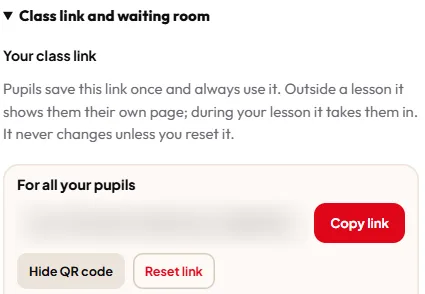 How pupils join with the class linkPupil boardsWhat can pupils see on their board?Pupil boardsHow does the class link work?Pupil boards
 How to get started with JotoroGetting started
Cannot find an answer?
Tell us what was missing and we will improve this guide.
Suggest an improvement