

You will need a pupil with homework set.
Follow the steps
Start from the homework list
The homework list shows what to do. The pupil presses Start.
Answer the boxes
They answer each box and see straight away if it is right.
Hand in
When they have finished, they press Hand in, then Yes, hand in.
Check it is handed in
The page says Handed in, and the top bar shows when.
Take it back if it is not finished
Not finished? They press Take it back before the due time.
Go back to the list
They press My homework to go back to their list.
More short videos
Practise a past homework
When the lesson starts during homework
Good to know
- They can take the work back before the due time.
- After the due time they ask you to reopen it. See how to reopen.
Common questions
What if a pupil hands in by mistake?
Before the due time they can take it back and carry on.
What if the due time has passed?
They ask you to reopen it, and you choose whether to.
Related guides
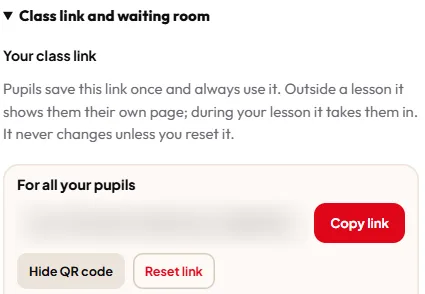 How pupils join with the class linkPupil boardsWhat can pupils see on their board?Pupil boardsHow does the class link work?Pupil boards
 How to get started with JotoroGetting started
Cannot find an answer?
Tell us what was missing and we will improve this guide.
Suggest an improvement