

Follow the steps
Let the stars arrive
You do not have to hand them out. Stars arrive on their own for right answers, and for finishing. To give one yourself, open a pupil’s board and press Star.
Open the stickers
When a pupil deserves more than a star, open their board and press the Stickers button. It holds 120 friendly praise stickers, in an effort set and a rewards set.
Place a sticker
Drag a sticker onto the pupil’s work. A smiling panda or a bright apple says “well done” without a word.

Enjoy the worksheet celebration
When a pupil completes a worksheet, there is a celebration. Stay with the class and let it happen.
More short videos
See this month’s stars and give awards
Good to know
- Stars follow the answers, so they are fair. Use stickers for effort, a good method or a kind word. You can switch stars off for a class with Rewards: stars for pupils in the Pupils panel menu.
- Keep stickers for the moment. A sticker on the right piece of work means far more than one on everything.
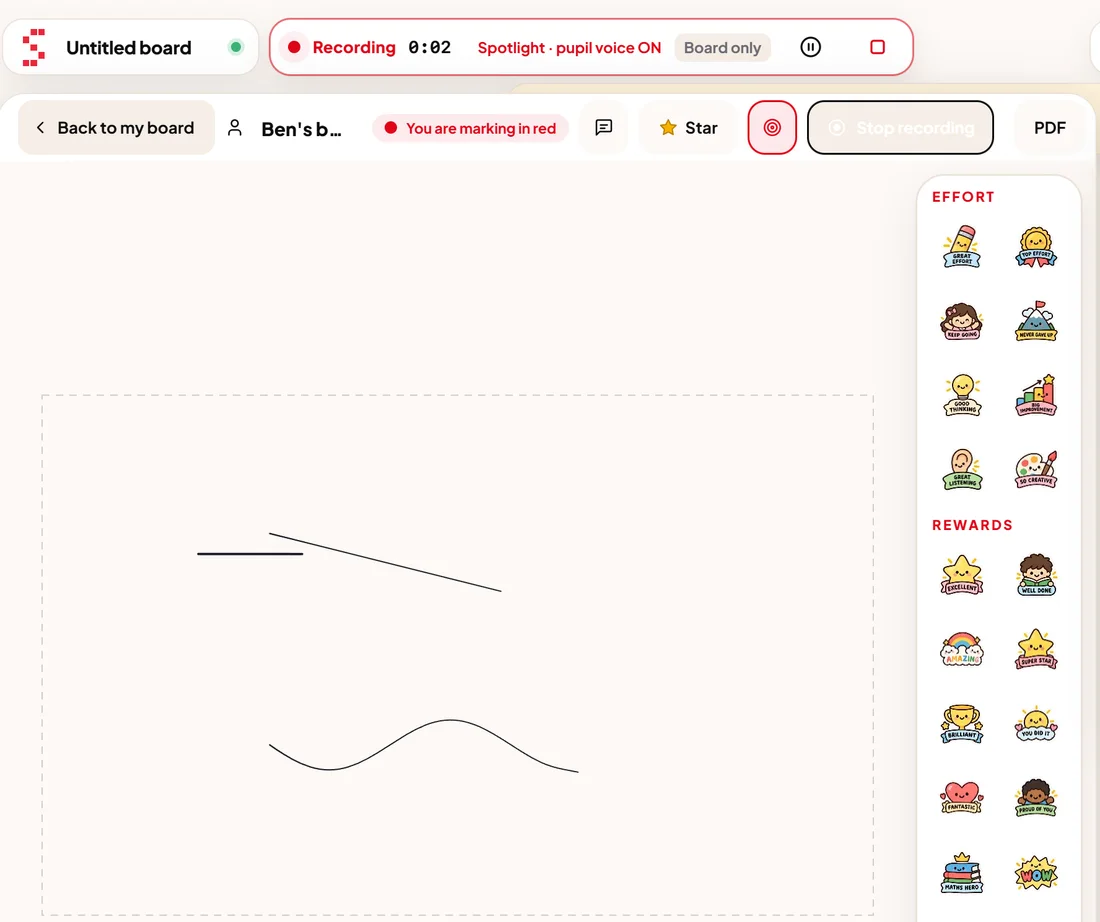
- Spotlighting a pupil’s board? Show their work to the class and add a sticker as you talk.
Related guides
 How to start a live lessonLive lessonsHow to reveal pages, set a timer and use Eyes on me and Pens downLive lessons
 How to spotlight a pupil’s boardLive lessons
 How to get started with JotoroGetting started
Cannot find an answer?
Tell us what was missing and we will improve this guide.
Suggest an improvement