

Follow the steps
Use a secondary board
The scientific calculator is on boards set up for secondary, Years 7 to 13. Jotoro knows a board is secondary from its tags or title, such as Y9, Year 11, KS3, KS4, GCSE, A level or secondary. A tag that just says calculator switches it on for any board. If you cannot find it, check the board has one of these.
Open the calculator
Open the More menu and choose Calculator, or open Quick find and type calc. It lands on the page, where you can drag it to a corner.
Work out your answer
Type the calculation in the usual way, with brackets and powers where you need them. The calculator is a floating panel with big keys, and it works with a finger, a pen or a keyboard. Everyone sees the working and the answer on the board.
Keep your working beside it
Write your method next to the calculator with your pen, so pupils see the working and the answer together, not just a number.
Good to know
- Show the calculation first, then press the keys. Pupils learn when to reach for the calculator, not just how.
- Talk about a sensible estimate before pressing equals, so pupils can tell when the calculator has been given the wrong thing.
- On a primary board you will not see the calculator unless you tag it. That is on purpose. Use the manipulatives there instead.
Common questions
Why can I not find the calculator?
The scientific calculator only appears on boards set up for secondary, Years 7 to 13. Check the board’s tags or title say Y7 to Y13, KS3, KS4, GCSE, A level or secondary.
Can I use it on a primary board?
Not by default. It is switched on for secondary boards, so primary pupils work with the manipulatives and their own methods. If you do want it on another board, add the tag calculator to that board.
Do pupils see the calculator?
Pupils get a Calculator button of their own when the calculator is allowed. You can allow it for the whole class in the Pupils panel, for one page (Auto, Allowed or Not allowed in the page menu) or for one pupil on their card. A pupil’s own setting wins.
Does the calculator work with brackets and powers?
Yes. It is a scientific calculator, so brackets and powers work as you expect.
Related guides
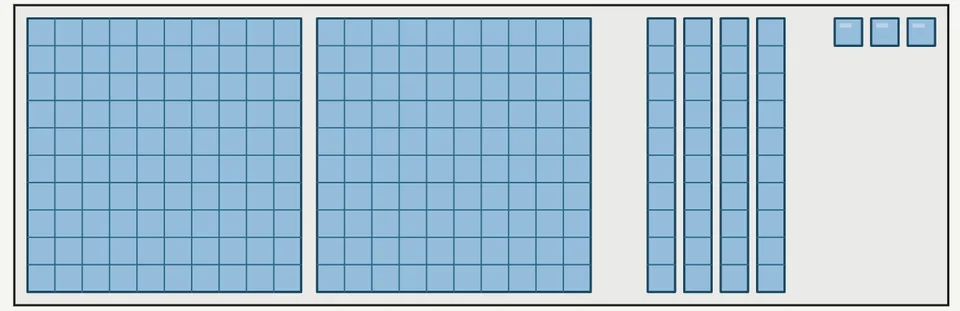 How to use maths manipulativesTeaching tools: Maths
 How to draw a bar modelTeaching tools: Maths
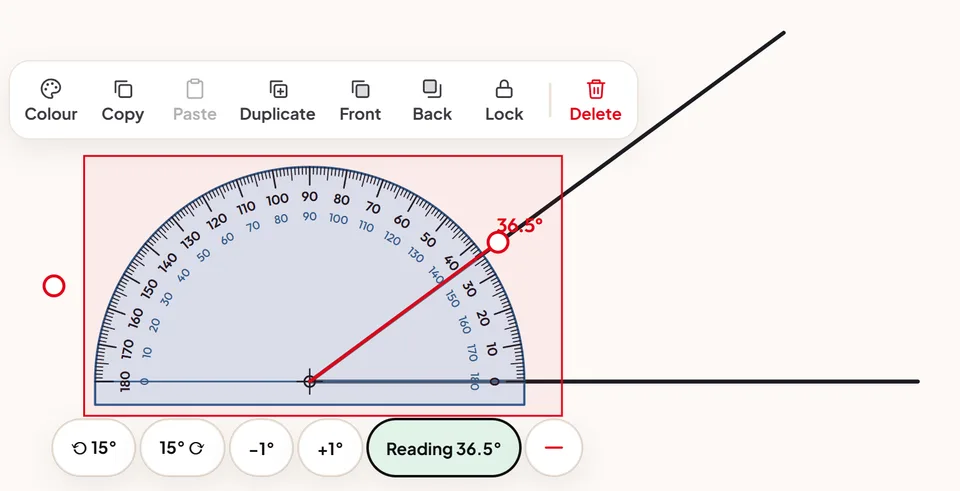 How to use the ruler, protractor, compass and set squaresTeaching tools: Maths
 How to get started with JotoroGetting started
Cannot find an answer?
Tell us what was missing and we will improve this guide.
Suggest an improvement