

You will need homework with a pupil who asked to reopen. Read how to set and mark it.
Follow the steps
Find the row that says Asked to reopen
In the status list, a pupil who has asked shows as Asked to reopen.
Press Reopen
Press Reopen and the pupil can carry on.
Give marked work back
On a marked row, press Give back to return the work to the pupil.
Good to know
- Pupils can ask to reopen after the due time.
- Reopen lets them carry on.
- Give back returns marked work.
Common questions
Does a pupil have to ask?
Pupils can ask you to reopen, and you choose whether to.
Related guides
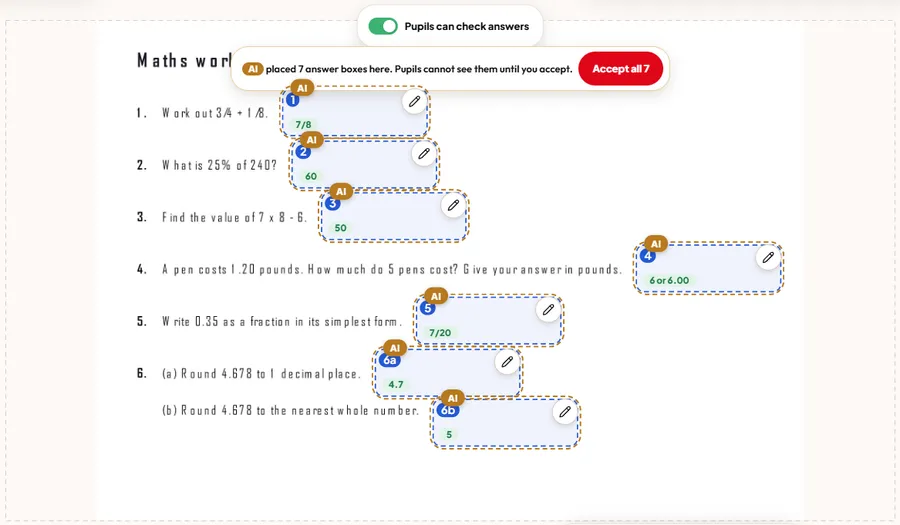 How to add answer boxes and mark a worksheetMarking & answer boxes
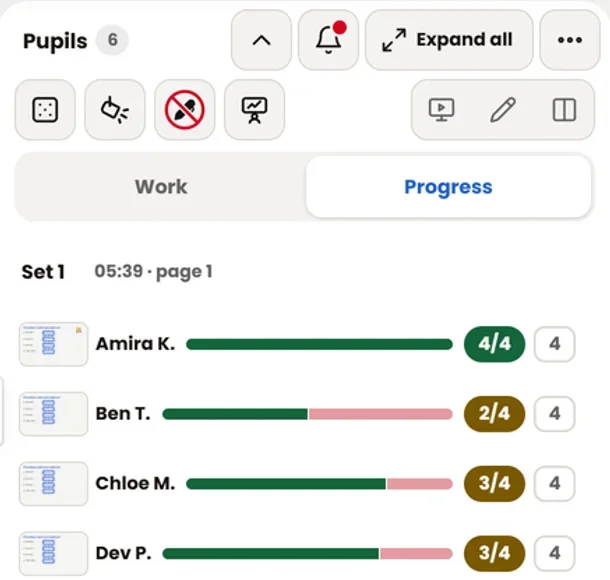 How to use the live question trackerMarking & answer boxes
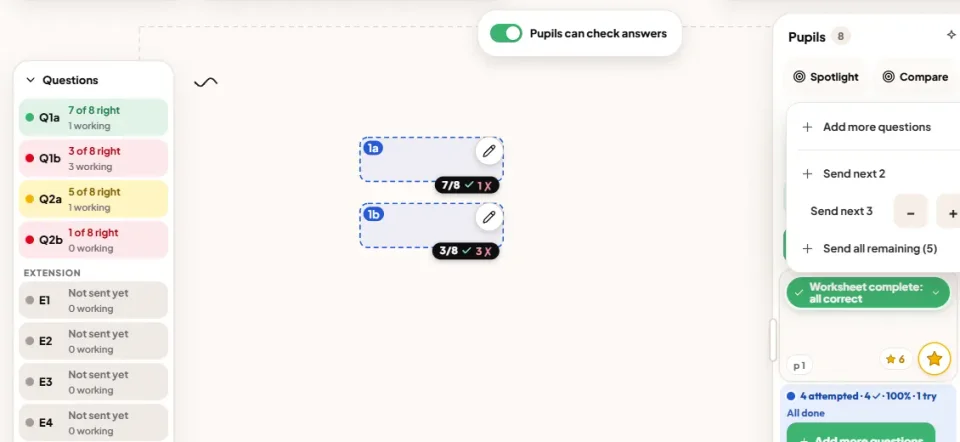 How to send extension questions to early finishersMarking & answer boxes
 How to get started with JotoroGetting started
Cannot find an answer?
Tell us what was missing and we will improve this guide.
Suggest an improvement