

Follow the steps
Open the Bar model tile and draw a bar
Tap Maths, then the Bar model tile on the Bar tab. Drag on the board to draw a bar. In a hurry, the 1 bar, 2 bars, 3 bars and Equal tiles put a ready-made set down for you. You can also type bar into Quick find.
Split it into equal units
Draw a longer bar if you need one, then tap + to split it into units. Every unit is exactly the same size, which is the whole point of a bar model: pupils can see that one unit is a share of the total.
Add colours and labels
Pick a colour and add a label to each bar, and to each unit if you like, with a name, a number or a question mark for the part you are looking for. Different colours help pupils see who has what.
Add the total and values
Drag the Bracket tile above or below a bar for that bar’s total, or beside the bars for the total of all of them. Select the bracket, tap Value and type it, such as 12 cm. Leave it blank for pupils to find. The Free bracket goes anywhere you like and snaps to the parts it sits near.
Solve the problem together
Read the word problem, draw the model, then work from the units to the answer. Use your pen to write the sum beside the bar, and let a pupil come to the board and move a bracket.
Good to know
- Draw the model before you do any sums. Pupils who can see the problem rarely need telling which operation to use.
- Keep the first few problems simple, with small numbers, so the picture is the clever part.
- Bar models are the heart of Singapore-style problem solving, and the tool is built for it. Fraction bars and the other manipulatives sit in the same tray.
Common questions
What is a bar model?
It is a picture of a maths problem made from a bar split into equal units. It shows how the numbers in the problem fit together, so pupils can see what to do before they calculate.
Can I show a total above or below the bar?
Yes. Brackets can go above or below the bar, whichever leaves your working clearest.
Can I see pupils’ bar models while they work?
Yes. You can see every pupil’s board live while they work, and step onto one to help.
Does it only suit Singapore maths?
No. Any problem with parts and a whole, such as fractions, ratio or sharing, can use a bar. The tool was built with Singapore-style teaching in mind.
Related guides
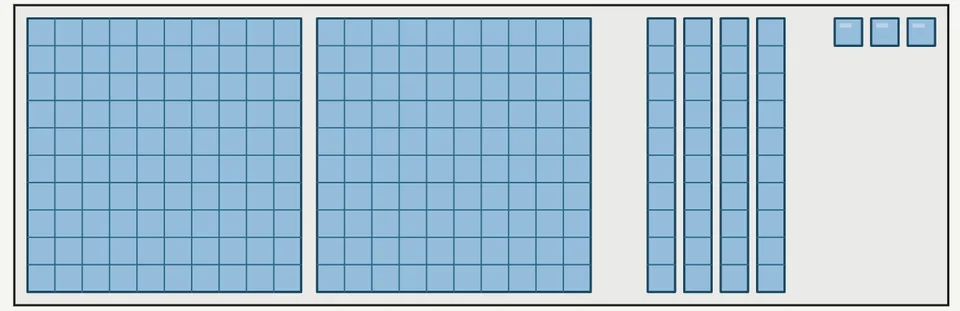 How to use maths manipulativesTeaching tools: Maths
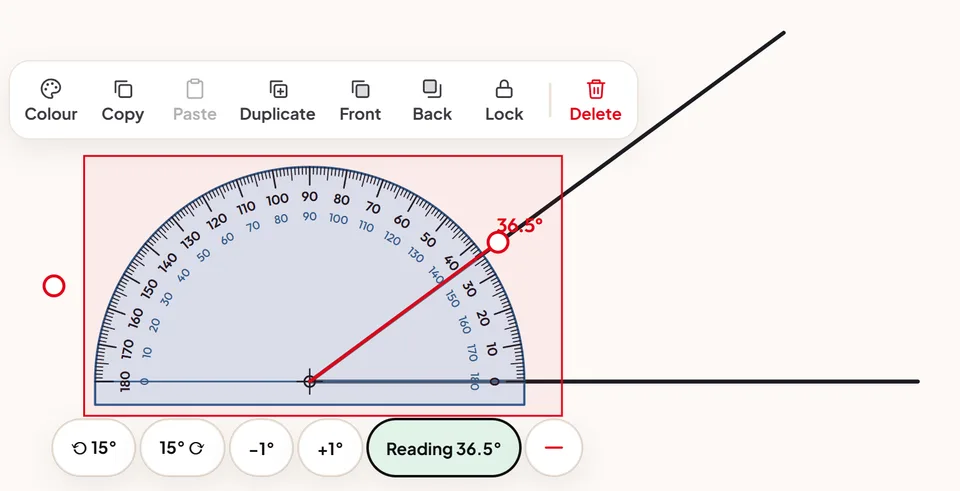 How to use the ruler, protractor, compass and set squaresTeaching tools: Maths
 How to draw a maths graphTeaching tools: Maths
 How to get started with JotoroGetting started
Cannot find an answer?
Tell us what was missing and we will improve this guide.
Suggest an improvement