

You will need a worksheet with answer boxes. Here is how to add them.
Follow the steps
Open the box
Tap the pencil on an answer box.
Choose the marks
Marks for this box is right there in the editor. Tap 2, for example. A new box is worth 1 mark, and you can choose 1, 2 or 3.
Give every box the same marks
Tap Same for all boxes on this page if you want every box on the page to have the same marks.
Tap Done
Tap Done. In the example, every box is now worth 2 marks.
Good to know
- Each box is worth 1, 2 or 3 marks.
- When you mark a pupil’s work, tap a box’s pill to give marks: 1, then 2, then 3, then back to 0. See mark pills.
Common questions
Can different boxes have different marks?
Yes. Tap the pencil on each box and choose its marks under Marks for this box.
Related guides
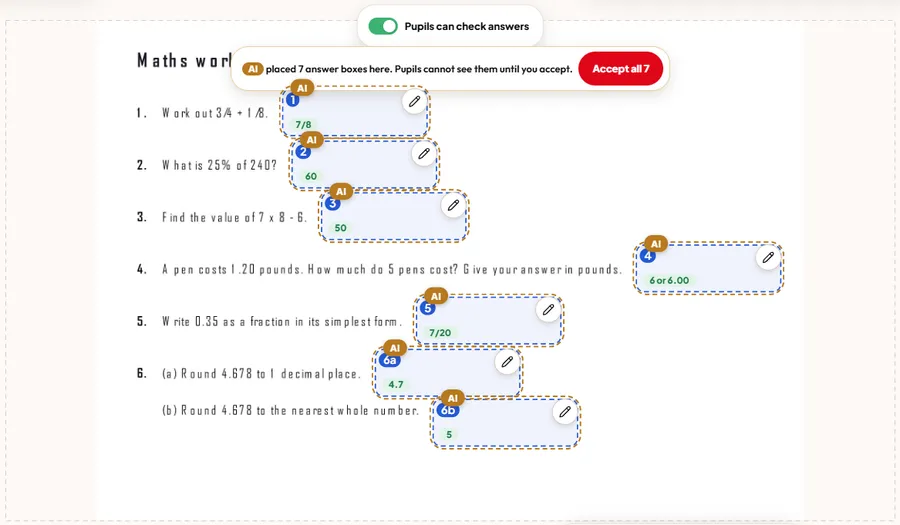 How to add answer boxes and mark a worksheetMarking & answer boxes
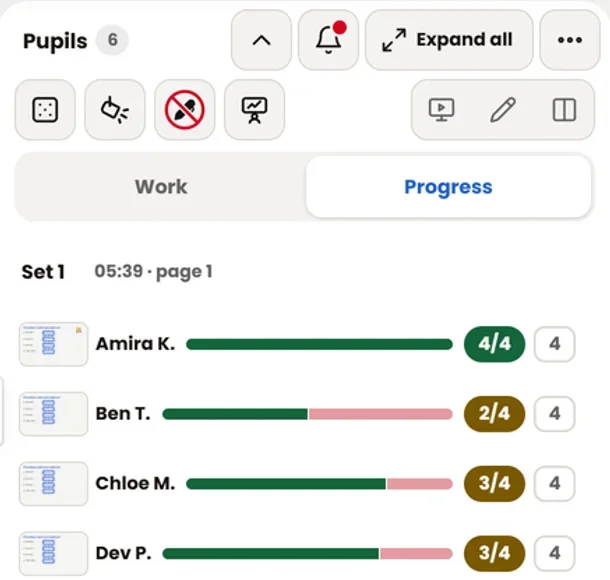 How to use the live question trackerMarking & answer boxes
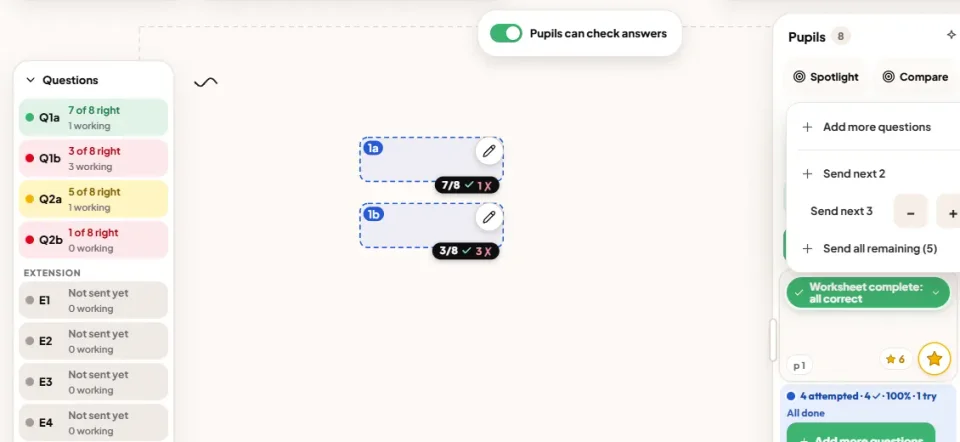 How to send extension questions to early finishersMarking & answer boxes
 How to get started with JotoroGetting started
Cannot find an answer?
Tell us what was missing and we will improve this guide.
Suggest an improvement