

You will need homework you have already set. Here is how to set it.
Follow the steps
Copy the link
On the homework card, press Make a link for pupils and parents if the link is not there yet, then press Copy link for pupils and parents.
Pupils open it
Pupils open the link and see their own homework list.
Find the pupil’s PIN
For a parent PIN, go to Settings, then Class records, then Pupil. Choose the child and press Show homework PIN.
Give it to the parent
Give the parent the PIN, or press Copy parent link and send that.
Good to know
- A link opens straight to the work.
- The PIN keeps the homework for that child.
Common questions
Do parents need an account?
No. They use the link and the PIN.
Related guides
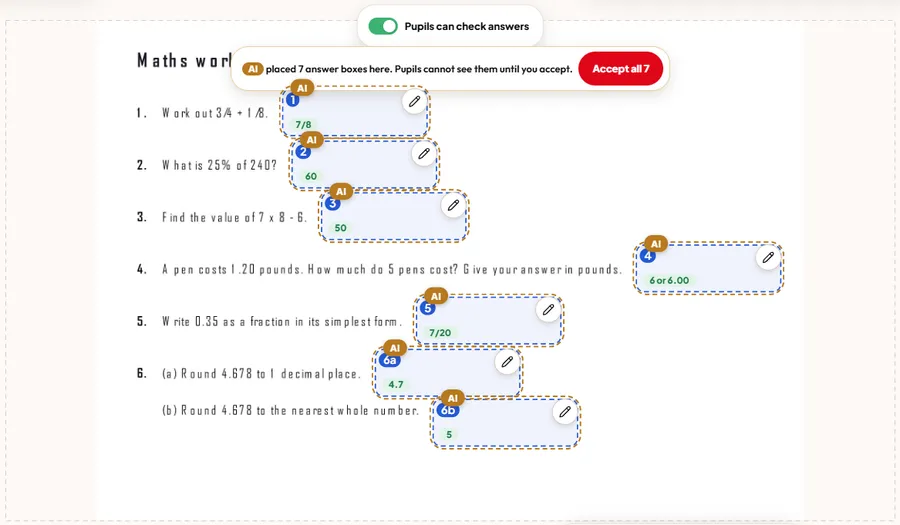 How to add answer boxes and mark a worksheetMarking & answer boxes
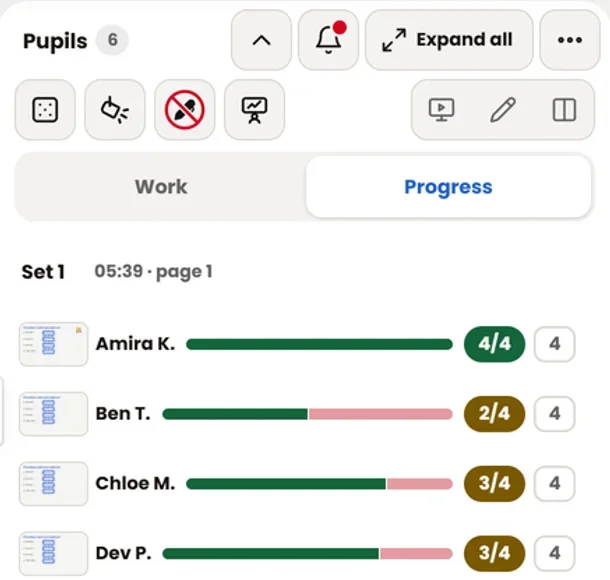 How to use the live question trackerMarking & answer boxes
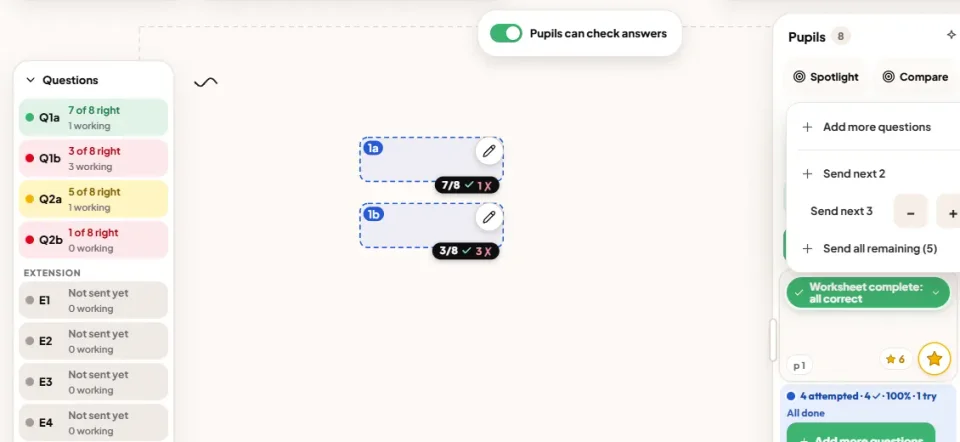 How to send extension questions to early finishersMarking & answer boxes
 How to get started with JotoroGetting started
Cannot find an answer?
Tell us what was missing and we will improve this guide.
Suggest an improvement