

Follow the steps
Open the Diagrams tab
Open the tools tray with the Maths tools button in the Dock and choose the Diagrams tab. Along the top are Flowchart, Circuits, Glassware, Logic and Network, and My diagrams for your own.

Build a flowchart
On Flowchart tap Start / end, Process, Decision or Input / output. Each lands in the middle of the view, or drag it where you want it. Tap a box twice to type in it.
Join the boxes
Tap Connector, then one box, then the next. The arrow stays attached when a box moves. Tap an arrow twice to label it Yes or No.
Draw a circuit
On Circuits you will find Cell, Battery, Bulb, Switch, Resistor, Ammeter, Voltmeter, LED, Buzzer, Motor and Wire. Use Wire joiner: tap one part, then the next, and the wire stays joined when a part moves.
Logic, glassware and networks
Logic has AND gate, OR gate and NOT gate; point at one to see what it does. Glassware has Beaker, Conical flask, Test tube in rack, Bunsen burner, Tripod, Gauze and Measuring cylinder. Network has Computer, Router, Switch, Server and Cloud / internet.
Keep a set-up
Select some boxes and press Save selection to keep them, with their arrows, under My diagrams on every device you sign in on.
Good to know
- Pupils get the same Diagrams tab, without My diagrams. Send a page with half a circuit and ask them to finish it.
- A decision box with a Yes arrow and a No arrow is the heart of a flowchart. Ask pupils which way a number goes before you label the arrows.
- In a hurry? Quick find opens tools without hunting through the tray.
Common questions
Do the arrows move with the boxes?
Yes. A connector or wire stays attached when you move a part.
Can I keep my own set of parts?
Yes. Select them and press Save selection. They show under My diagrams.
Related guides
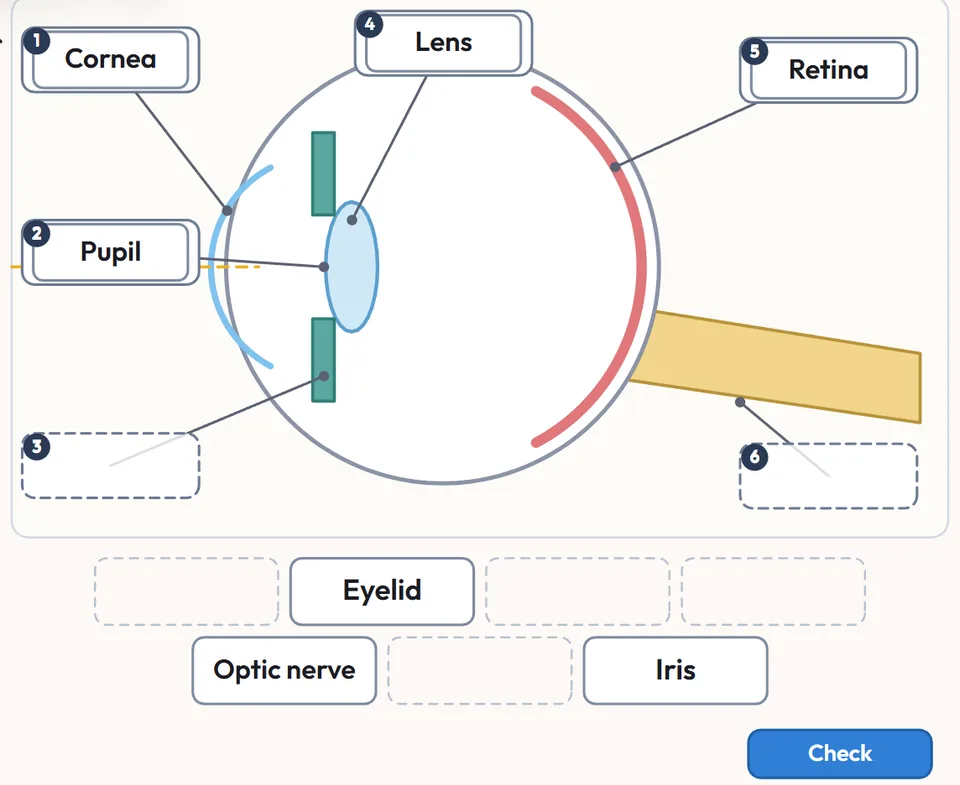 How to label a diagram, sort cards and join with arrowsTeaching tools: Science
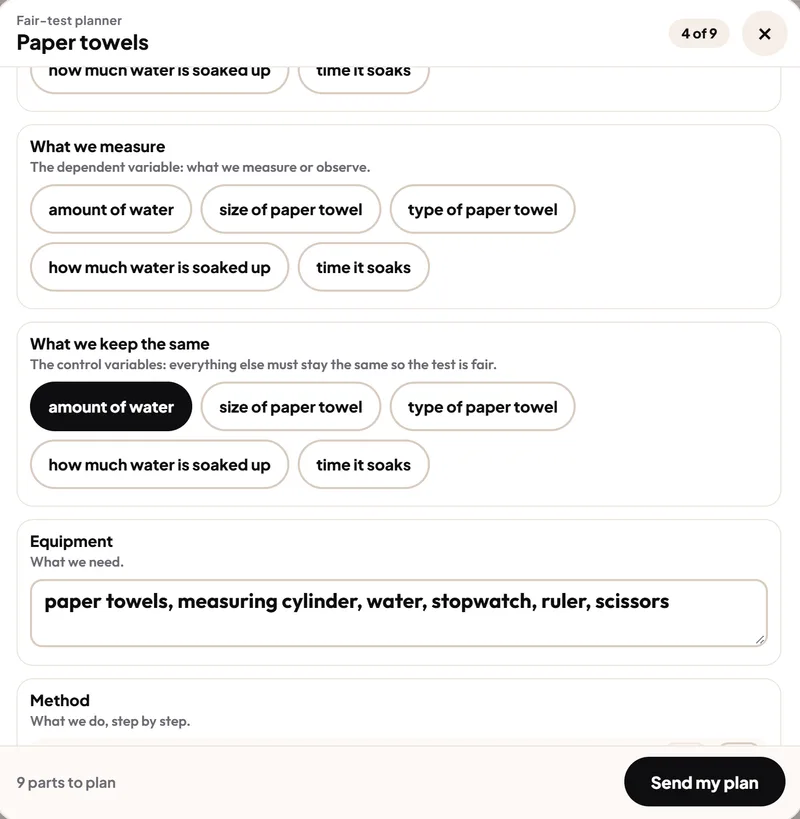 How to use the fair-test plannerTeaching tools: Science
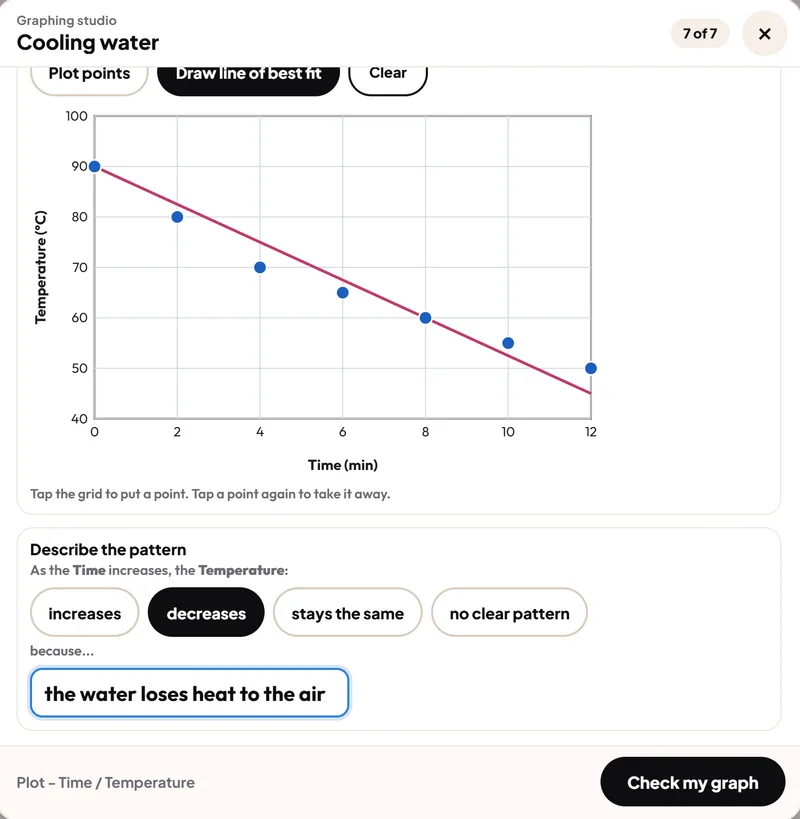 How to use graphs and measuring instrumentsTeaching tools: Science
 How to get started with JotoroGetting started
Cannot find an answer?
Tell us what was missing and we will improve this guide.
Suggest an improvement