

Follow the steps
Choose Note
Press Note in the toolbar, or press N, then tap the page where you want it.

Choose the note options
With the note selected, a row of options appears: a Note colour, Bold, Smaller text and Bigger text, and alignment.
Add a link
Press Link to make the note open a web address or jump to a page of your board. Pupils are asked “Open this link?” before it opens.
Good to know
- Stamps such as Spelling, New paragraph, Capital letter, What went well and Even better if live in the Stickers tab of the tray.
Related guides
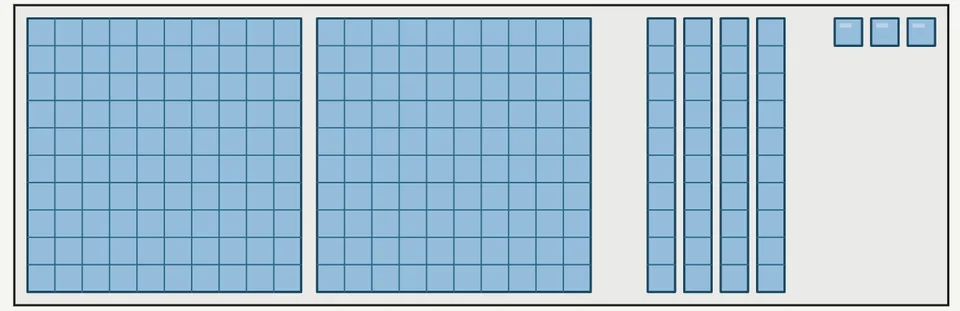 How to use maths manipulativesTeaching tools: MathsHow to draw a bar modelTeaching tools: Maths
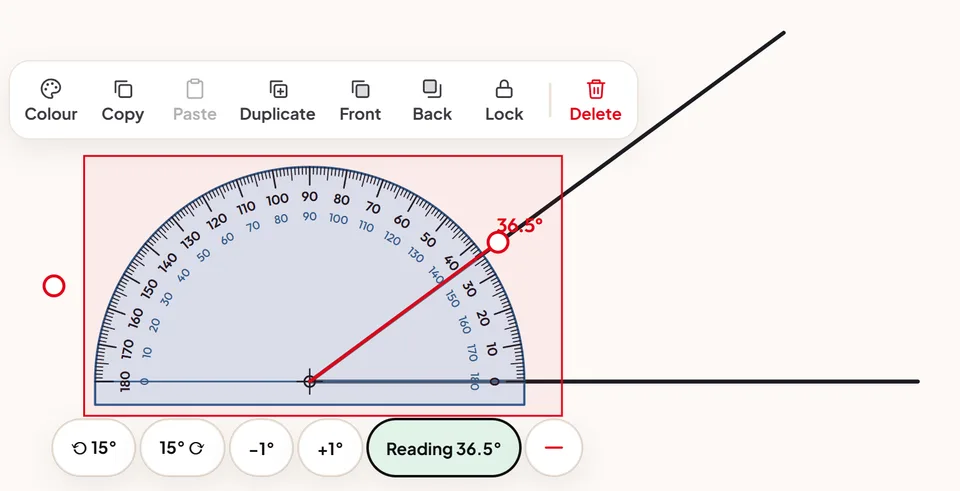 How to use the ruler, protractor, compass and set squaresTeaching tools: Maths
 How to get started with JotoroGetting started
Cannot find an answer?
Tell us what was missing and we will improve this guide.
Suggest an improvement