

Follow the steps
Find the board
Open your Boards or your Library and find the board you want a tutor to have. Only managers see this option, and only when your centre is set up.
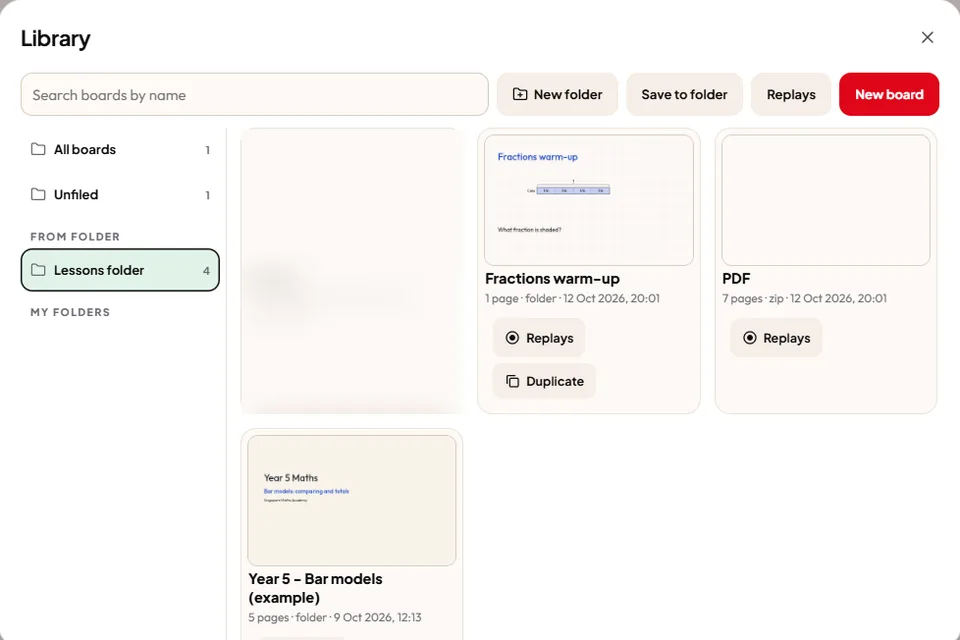
Choose Send to a tutor
Open the menu on the board’s card and choose Send to a tutor…. A card called Send a board to your team opens with the board already picked.
Choose who gets it
Under Who gets it, tick one or more tutors. You can send the same board to several tutors in one go.
Check what you are sending
Under What to send, One of my boards is chosen. Use Board or Library item to pick a different one. Add a name in Name for their copy (optional), or leave it empty to keep the name.
Press Send
Press Send. You see a note that says who it went to. Each tutor finds their own copy in their own account, with a note on their dashboard.
Or make a new blank board for a tutor
Choose A new blank board instead, type a name such as “Week 3 lesson” and press Make and send. The tutor gets a fresh board, ready to fill in.
Good to know
- Each tutor gets their own copy, marked “From you”. You cannot open or change their copy afterwards, and they cannot change yours.
- Want everyone to see one shared board instead? Use the Centre Library.
- To add tutors and choose what each can do, see the tuition centre workspace.
Related guides
 How to add your own logo and coloursAccount & settingsHow to give every new page your branded lookAccount & settingsHow to use the agency workspaceAccount & settingsHow to get started with JotoroGetting started
Cannot find an answer?
Tell us what was missing and we will improve this guide.
Suggest an improvement