

You will need a curriculum you want to follow.
Follow the steps
Make a curriculum
Open Tuition hub, then Curriculum, press New curriculum and choose Make curriculum.
Edit the topics
Use Edit topics to add one, for example Fractions.
Attach lessons
Attach your lessons to the topics they cover.
Good to know
- A curriculum is made of topics and objectives.
- You can edit them any time.
- It links to the mark book.
Common questions
Can I change the topics later?
Yes. Use Edit topics.
Related guides
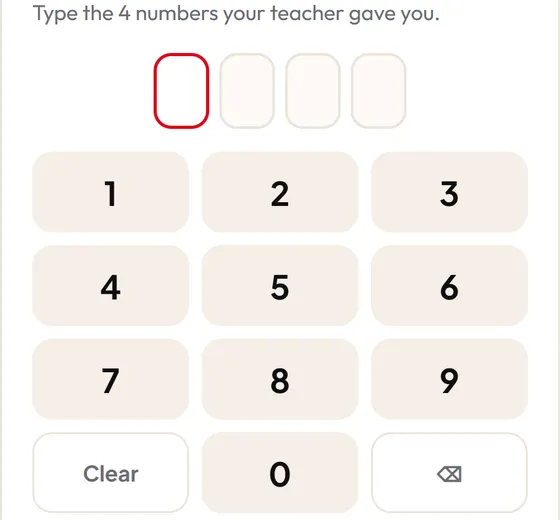 How to add a class and give pupils PINsRecords & register
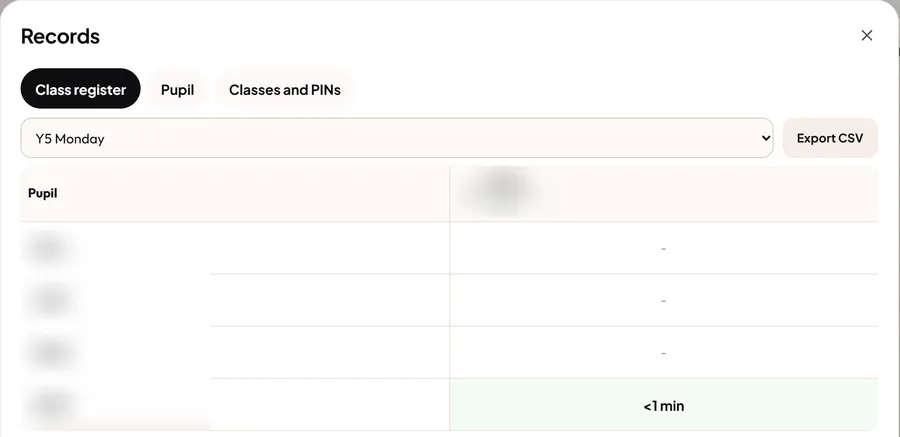 How to use the class registerRecords & register
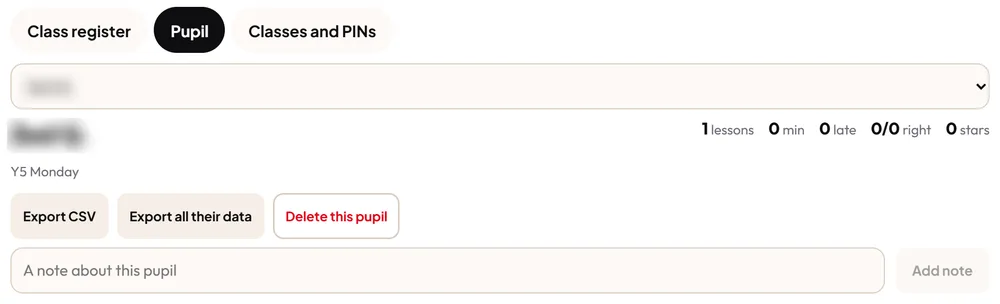 How to see a pupil’s timelineRecords & register
 How to get started with JotoroGetting started
Cannot find an answer?
Tell us what was missing and we will improve this guide.
Suggest an improvement