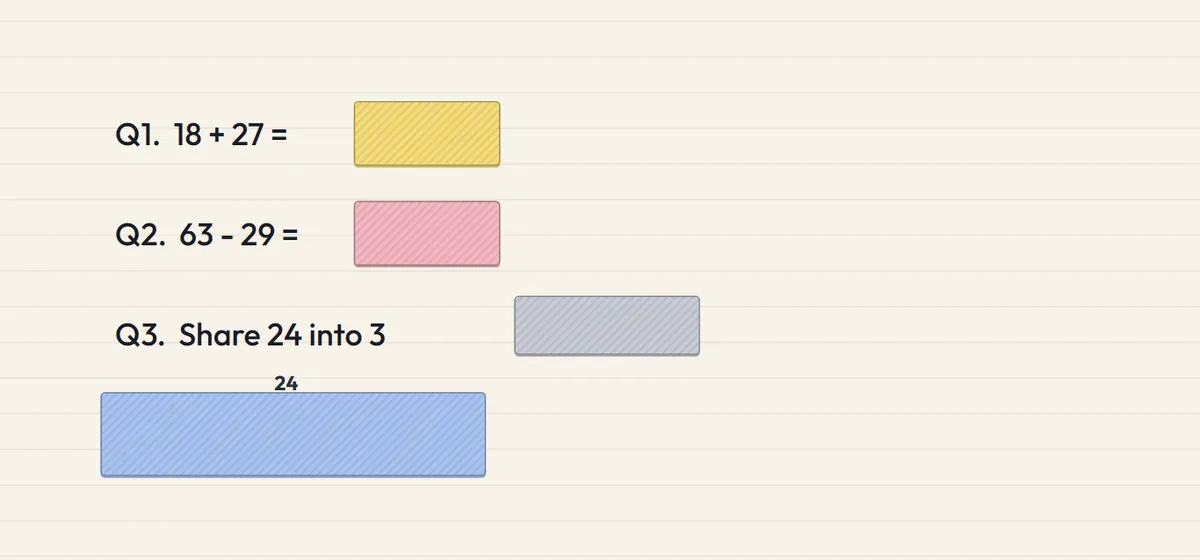
Answer tape that peels back
Cover an answer with coloured tape, talk it through, then peel it back when the class has had a go.

An online teaching board that holds your whole lesson. Your PDFs, interactive lessons, websites and videos, with natural ink on top. No tabs, no switching.
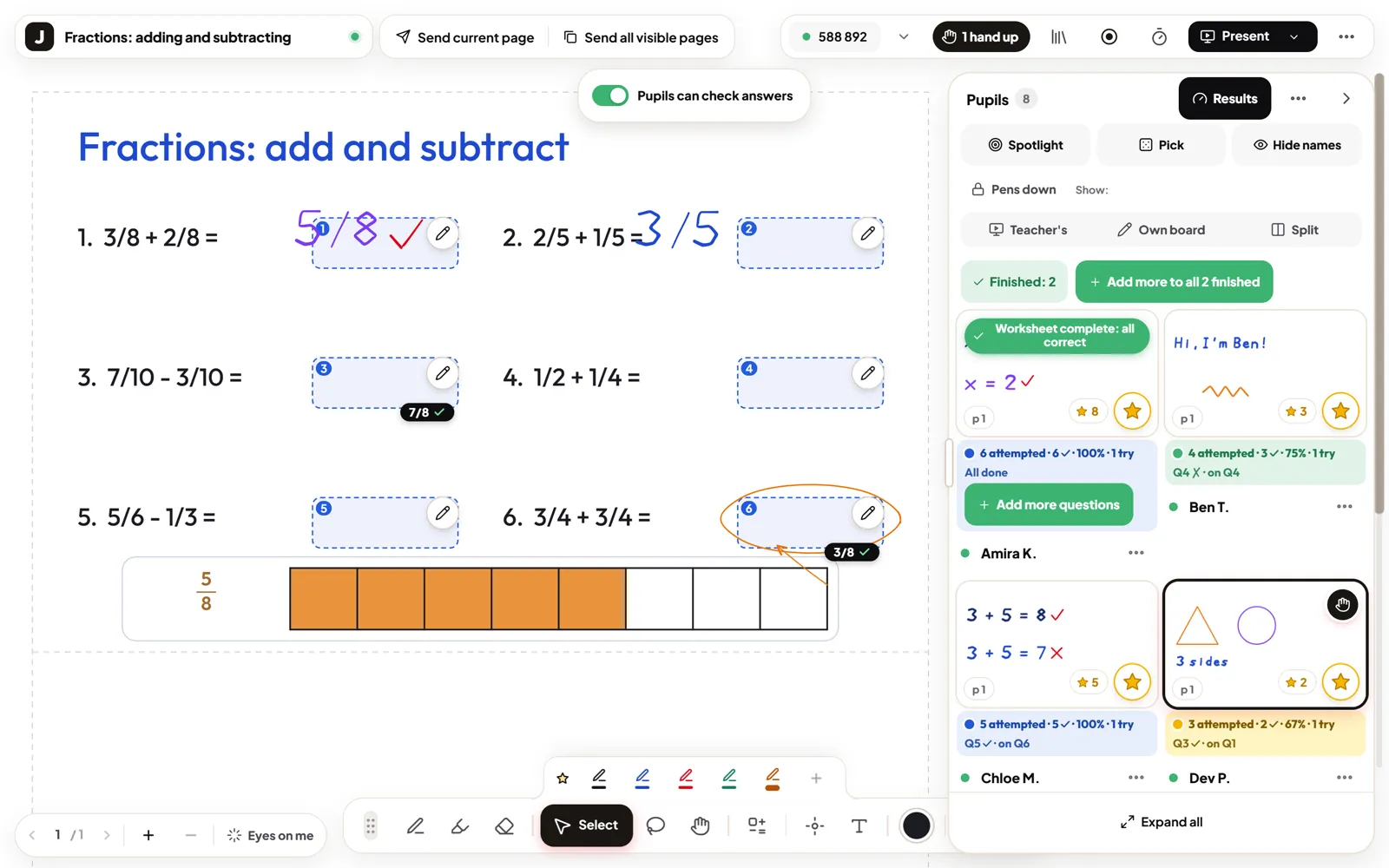
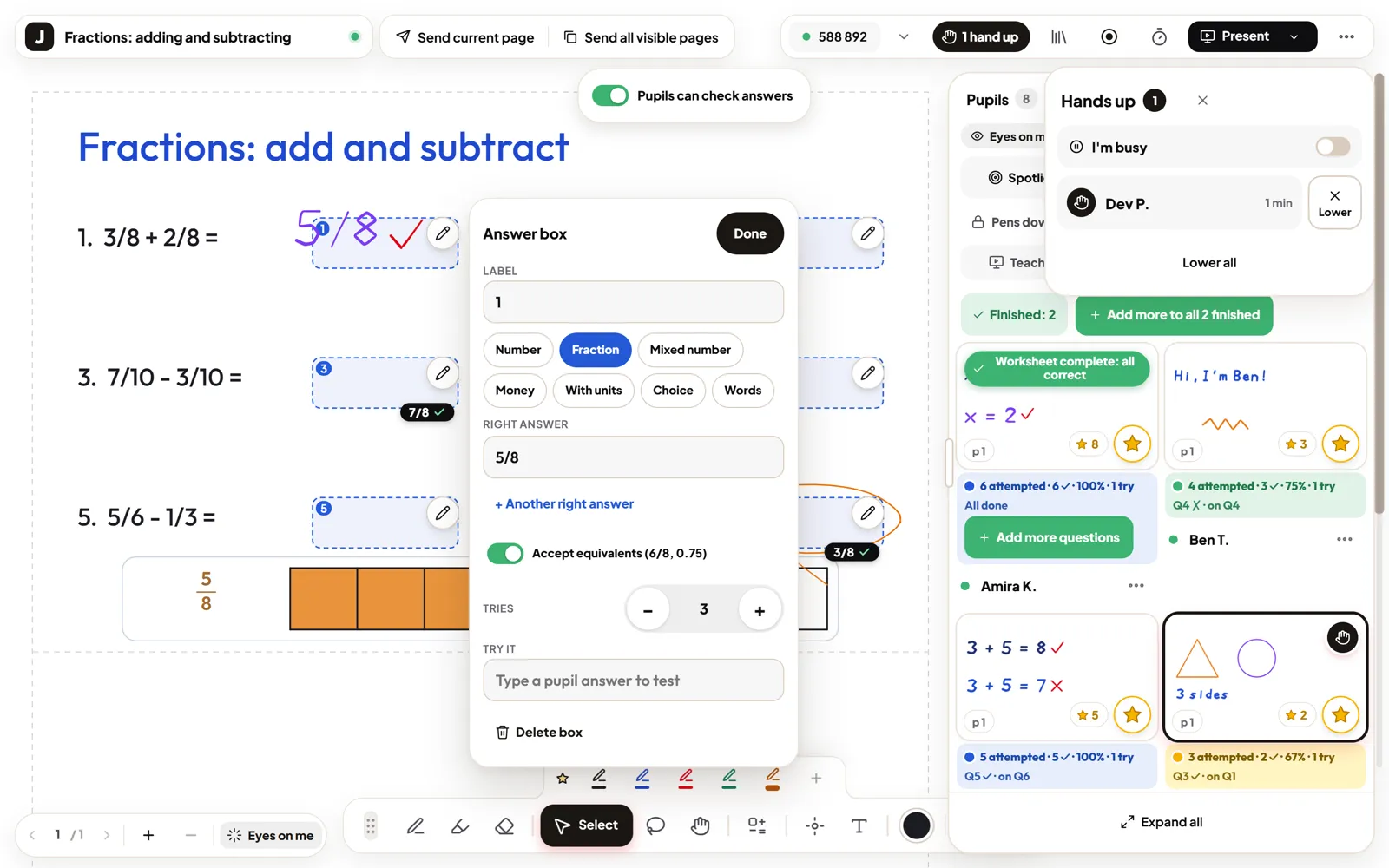
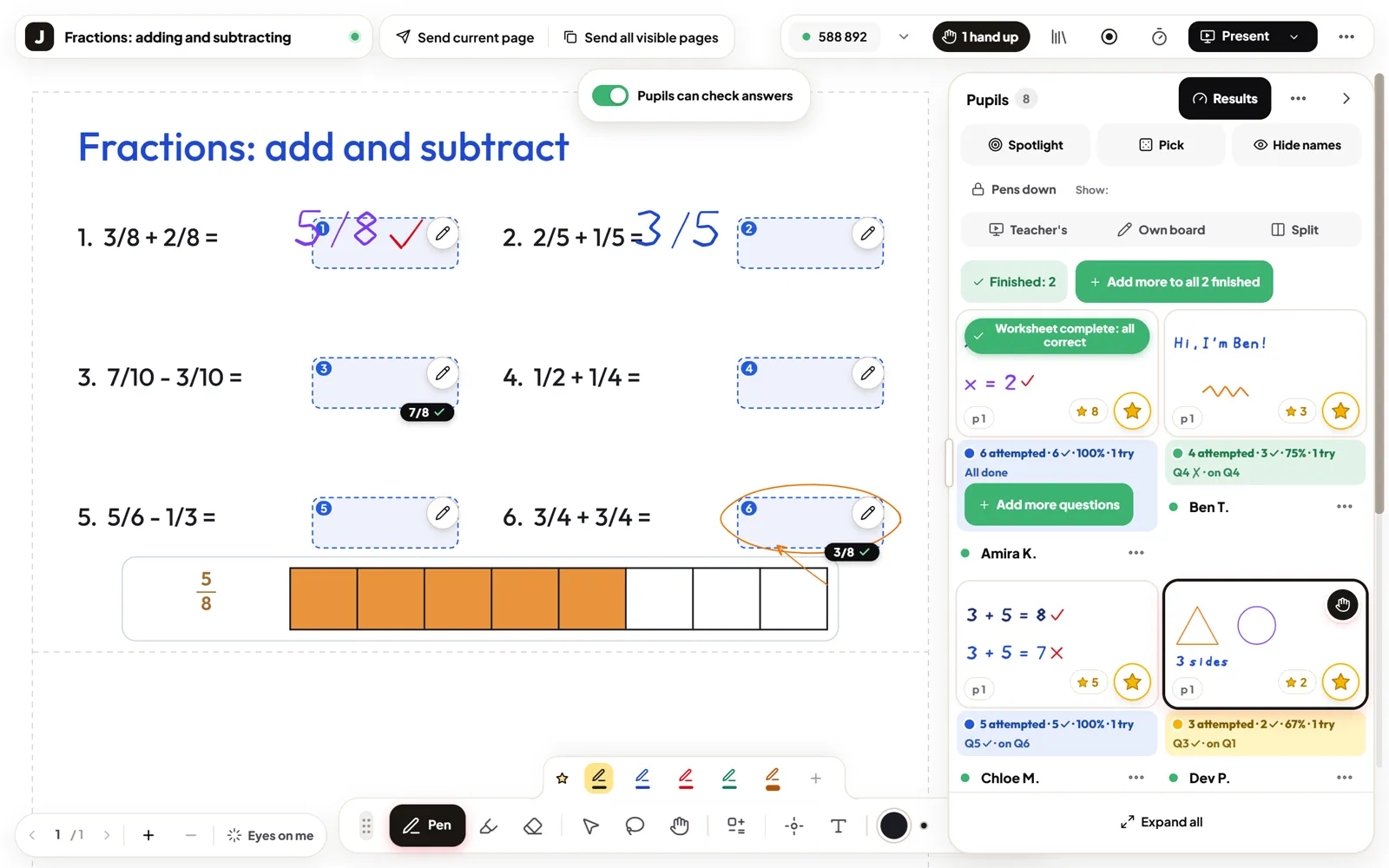
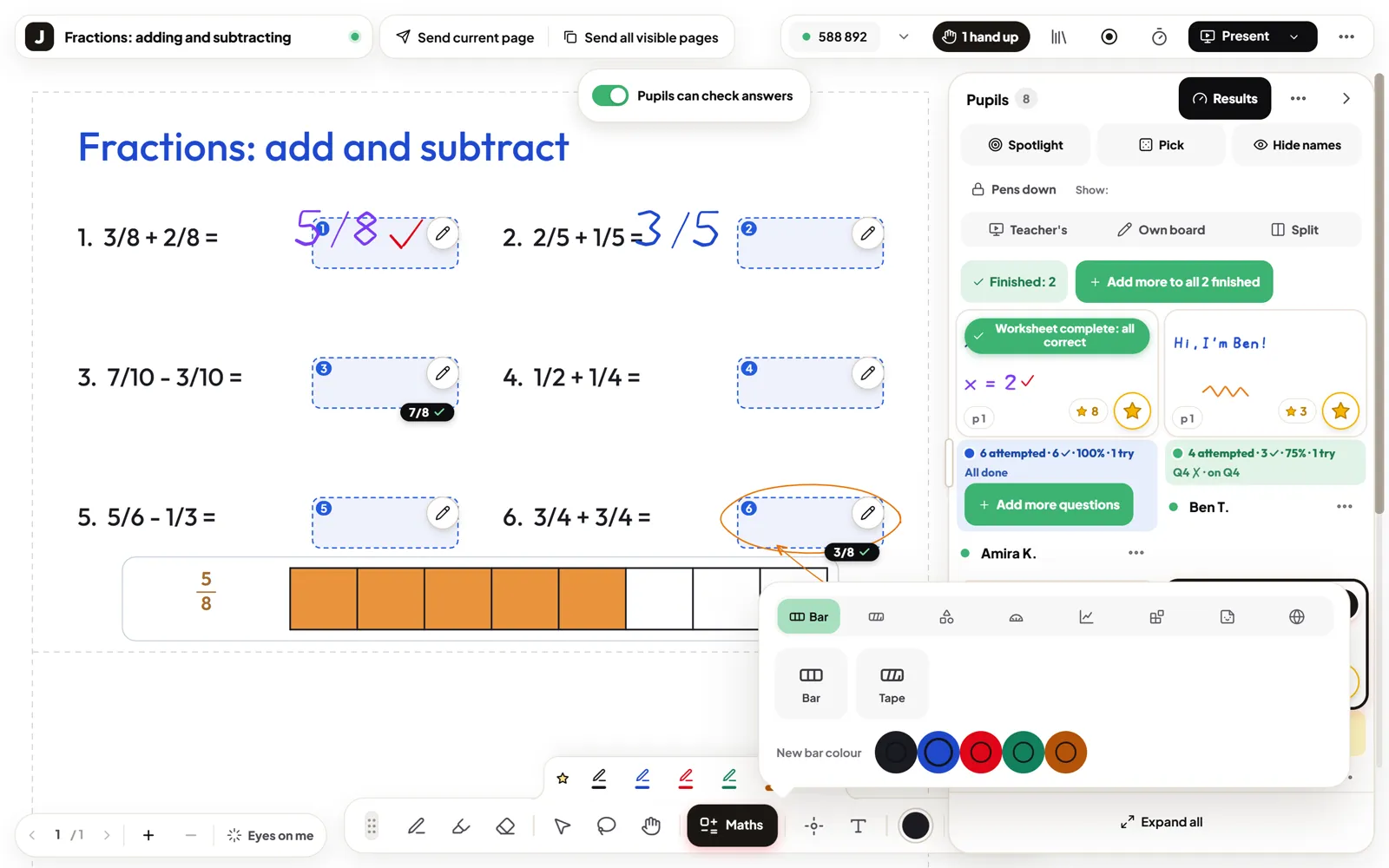
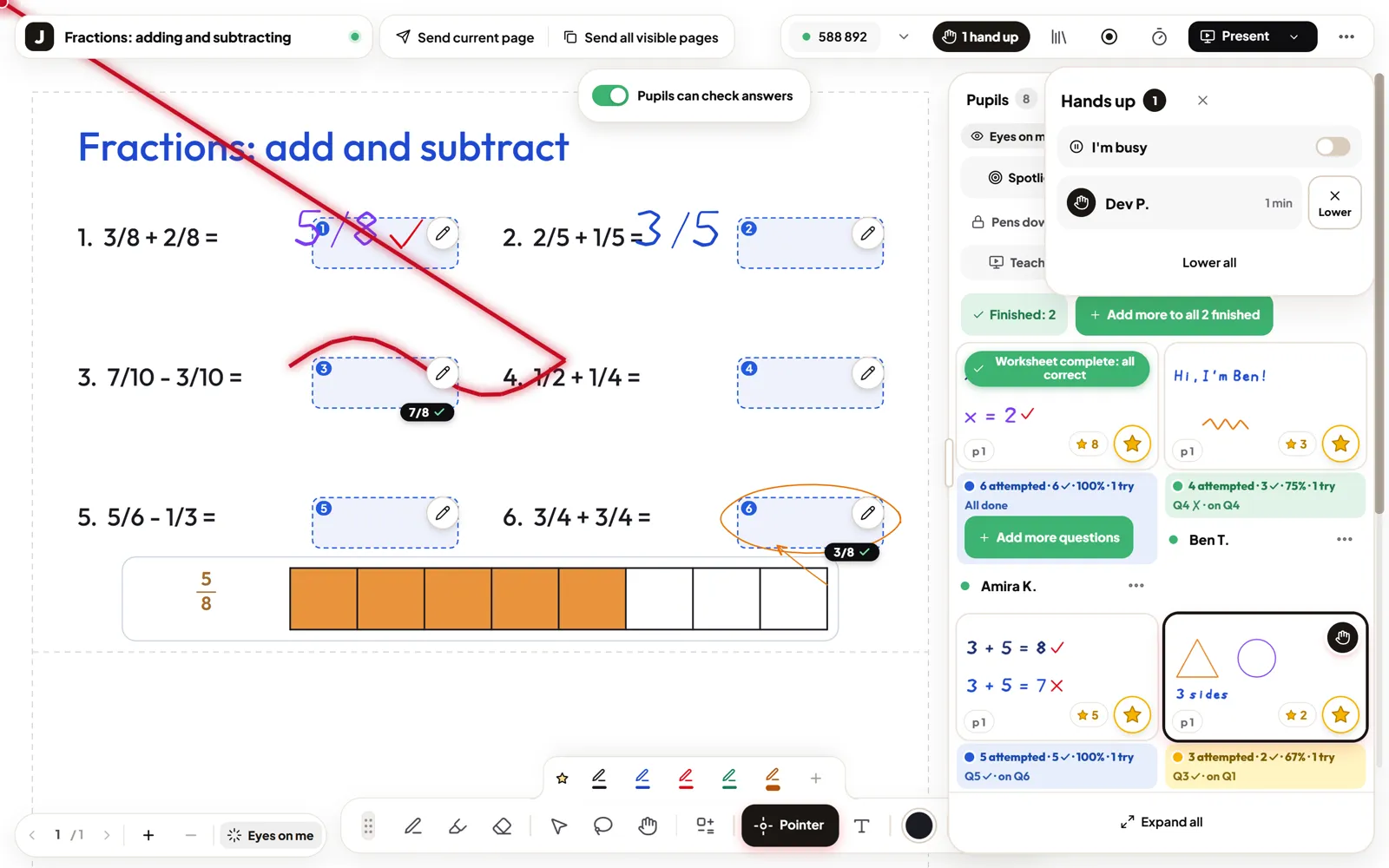
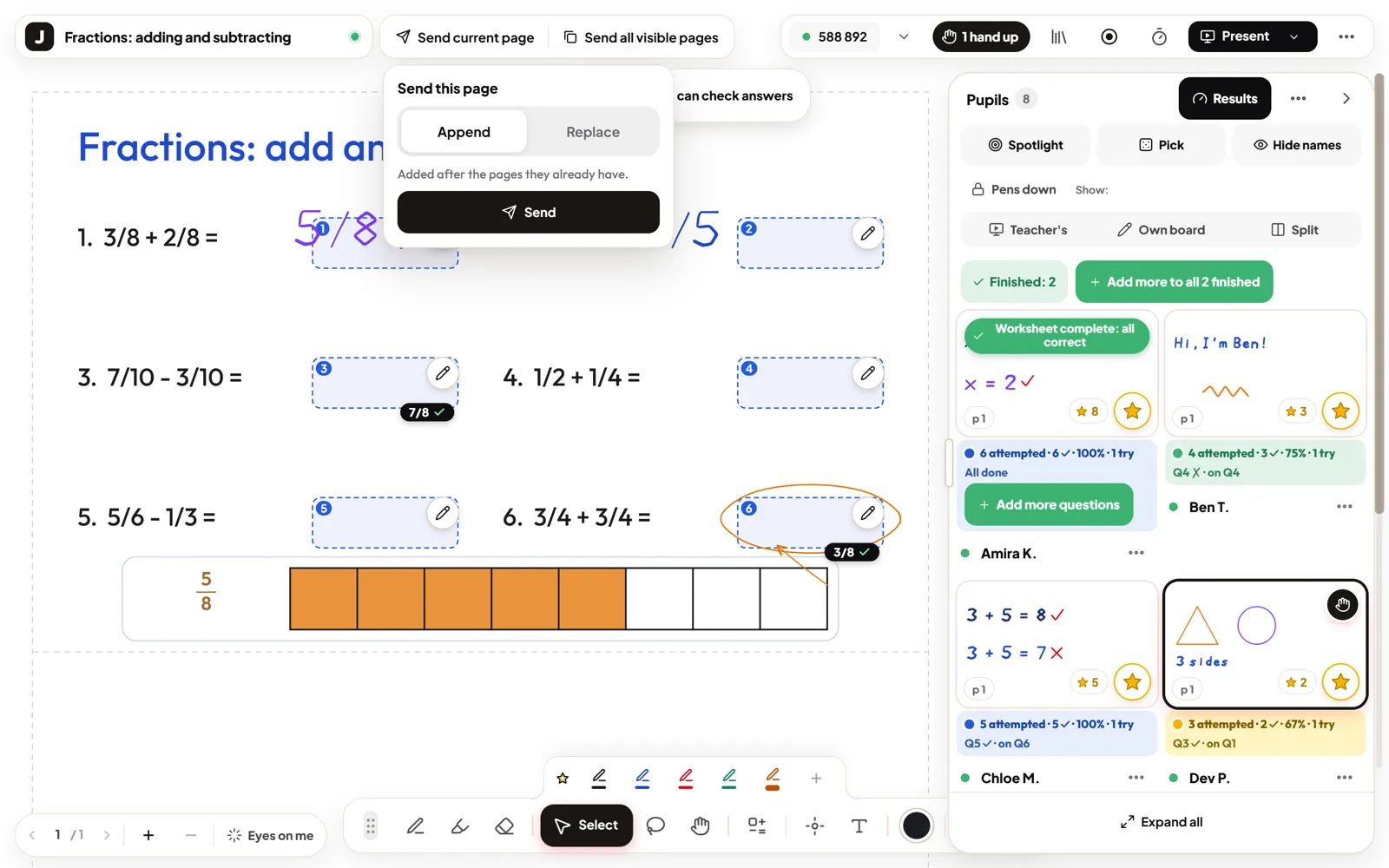
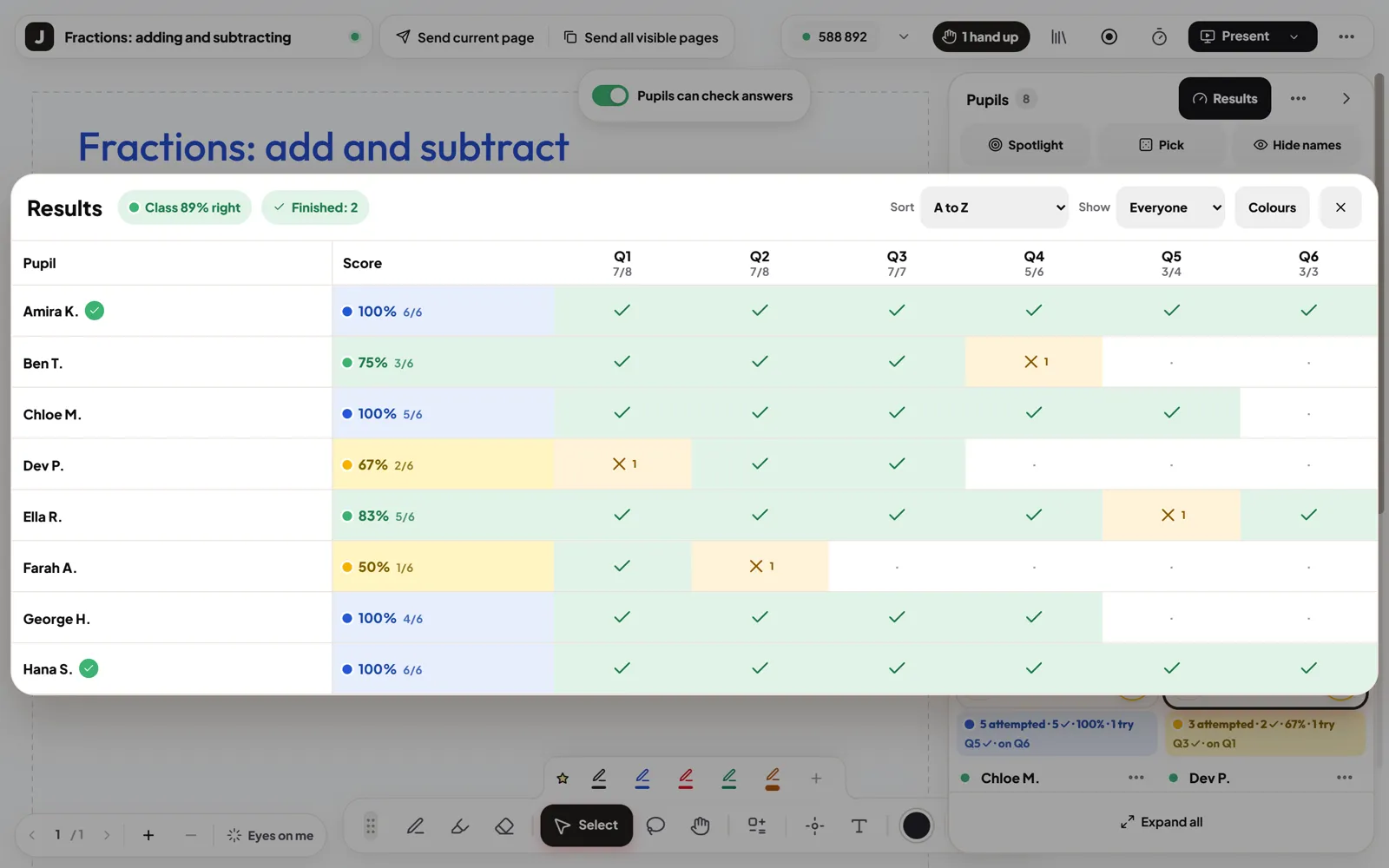

The Unified Teaching Board is where you teach in Jotoro: your worksheet, your pen and your tools on a single board. It is for tutors and teachers who are tired of five tabs. Every pupil gets their own copy of the page, and you see them all. See every feature.
The worksheet in one window, the whiteboard in another, a website in a third, a video buried in a fourth. Time goes on hunting for the right tab while the class waits.

One board holds the worksheet, the ink, the website and the video.
Choose Ink or Smooth, whichever suits your handwriting, and write the way you always have.

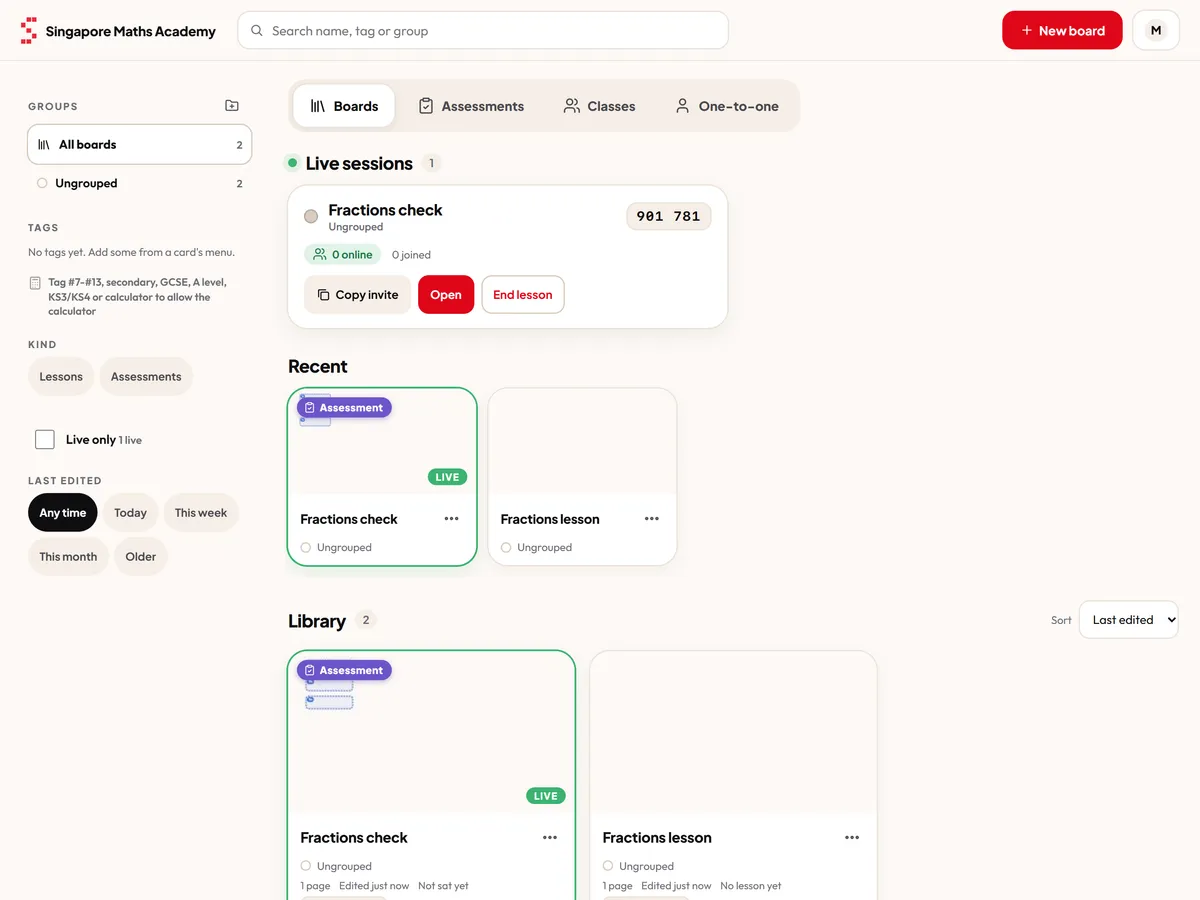
A PDF of 60+ pages comes in in seconds, ready to write on.
Drop in images, type text and draw shapes. Pick from nine kinds of paper, from plain to squared and lined, and turn them to landscape when you need the width.
Interactive lessons, websites and videos sit on the board, with your ink on top. Websites and videos are on Groups and above. Your own interactive pages are on Pro and above.
Pupils see only what you have shown them. Hidden pages and answers never reach their devices until you are ready.
Cover an answer with coloured tape, talk it through, then peel it back when the class has had a go.
Prepare the whole lesson, then press Reveal next when you want the class to see the next page.
Present mode keeps the board clean while you teach from it.
Eyes on me and pens down for when you need the whole class with you, a timer for the task, and a laser pointer that shows the tricky part and fades away.
Circle a few things and move them about together.
Your go-to colours and widths sit in a row, one tap away.
Pick out the key line without hiding what is underneath.
Rub out a slip or clear a whole area.
Changed your mind? Step back, whatever you just did.
Thumbnails of every page, so you can jump straight to the one you want.

Send a page and each pupil gets their own copy to write on, on their own device, wherever they are. Their work appears beside yours as they go.
See the live classroom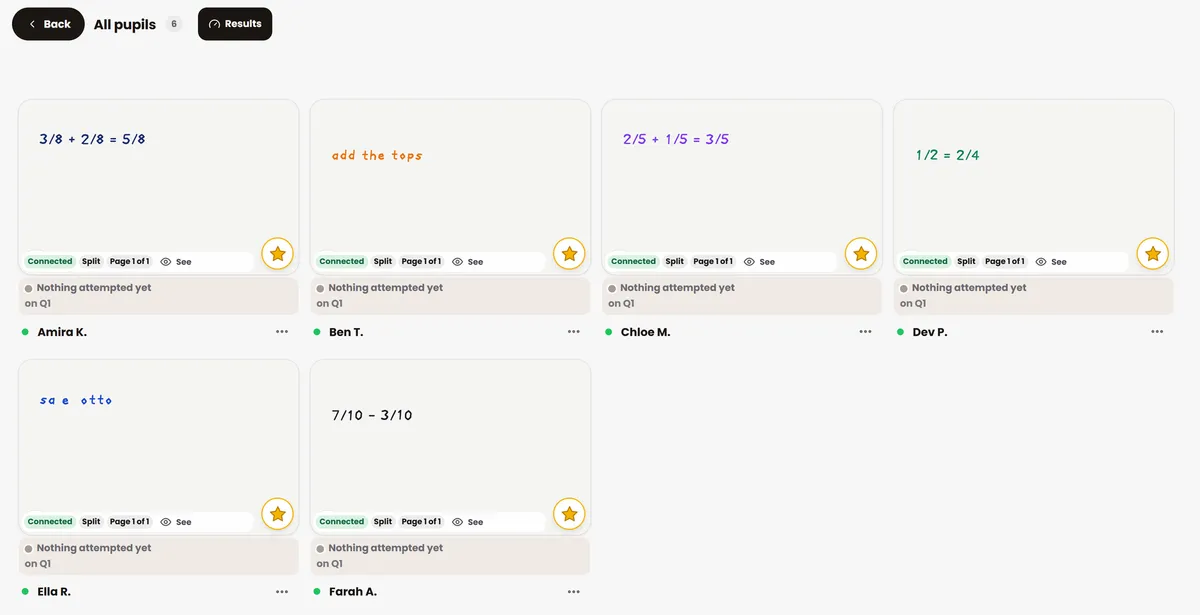 For children
Calm, uncluttered screens designed for children on iPads.
Back to every Jotoro feature, or have a look at plans and prices.
Turn a worksheet into a lesson with answer boxes, sort and label activities.
Every pupil on their own board, with raised hands as they happen.
Rulers, protractors, manipulatives, a timer and a laser pointer.
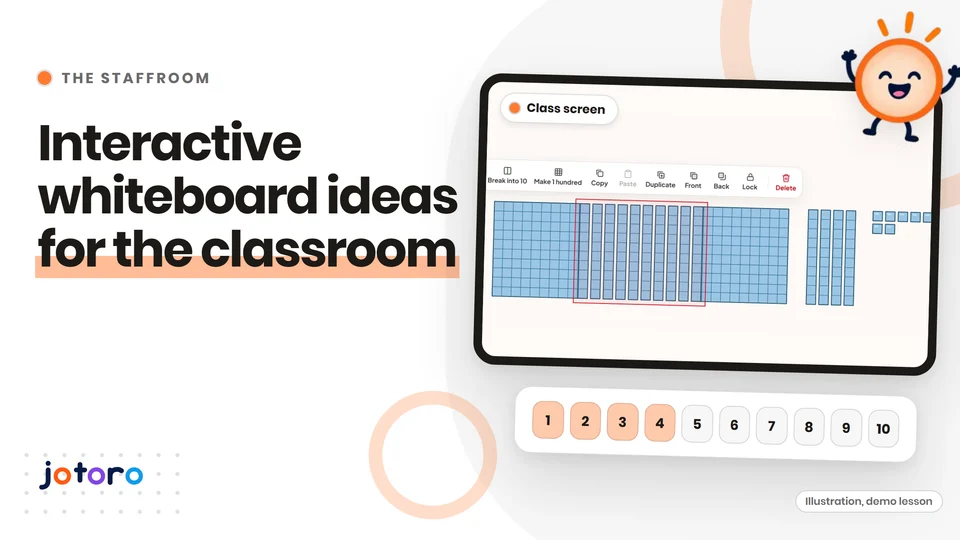 From the StaffroomInteractive whiteboard ideas for the classroomIdeas for a live lesson with thirty children in front of you: manipulatives, ten questions on one board, worksheets, quick checks and replays.Read the post
Yes. Import a PDF of any worksheet, then write on it, add answer boxes and teach straight from it. Pictures, typed text and shapes can go on the same board.
Yes. You can write with an Apple Pencil, a stylus, your finger or a mouse, and the ink follows your hand as you go.
Yes. Pages can start hidden, and you reveal the next one when you are ready. Hidden pages and answers never reach pupils’ devices until you show them.
Yes. You can export the lesson as a PDF, and download pupils’ work as a ZIP with one PDF for each pupil.
Yes, Jotoro is used online. If the Wi-Fi drops in the middle of a lesson, your board keeps working and catches up as soon as it is back.
Register interest and we will tell you the day payments open. Pupils are always free, and there is a 14-day money-back guarantee on every paid plan.
Pupils join by link: no app to install, no sign-up for them. See plans and prices.