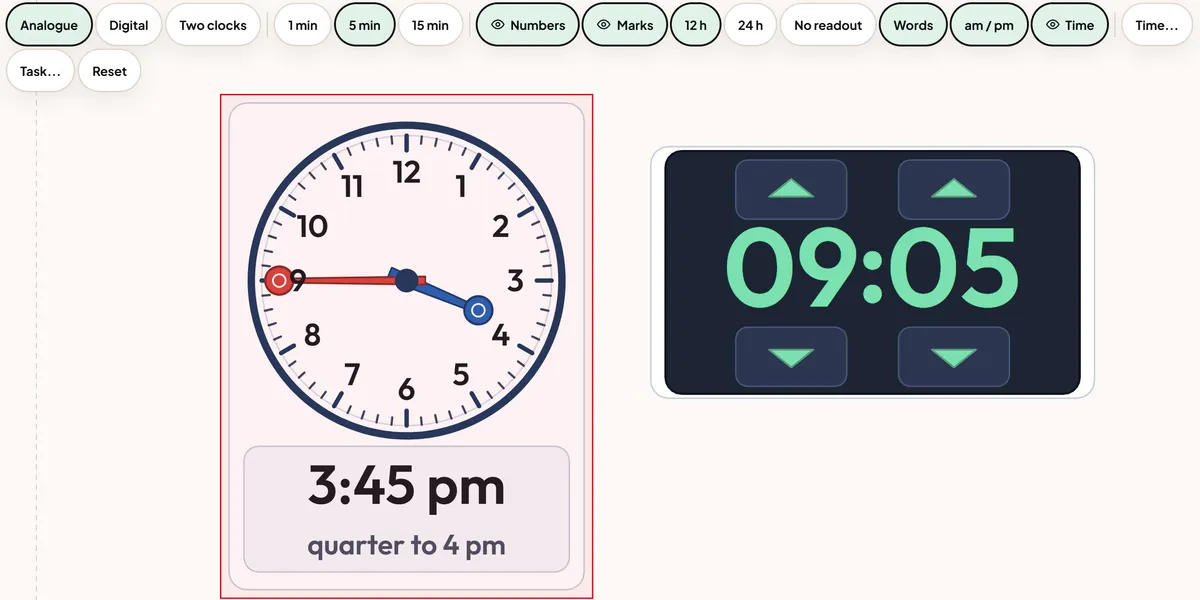
Clocks that turn
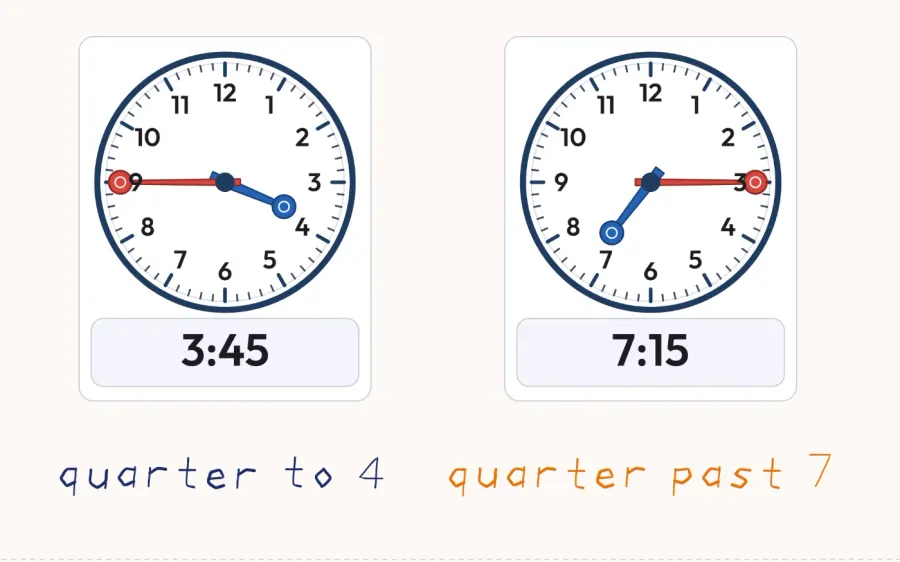
Move the minute hand and the hour hand follows. Show the time in words, in digits or both.

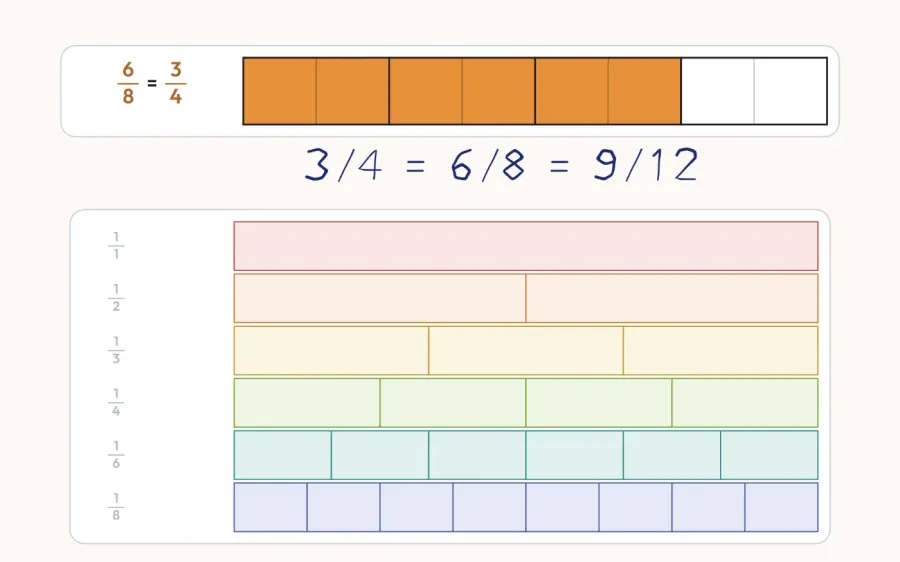
Move blocks, bars and tiles around the board.
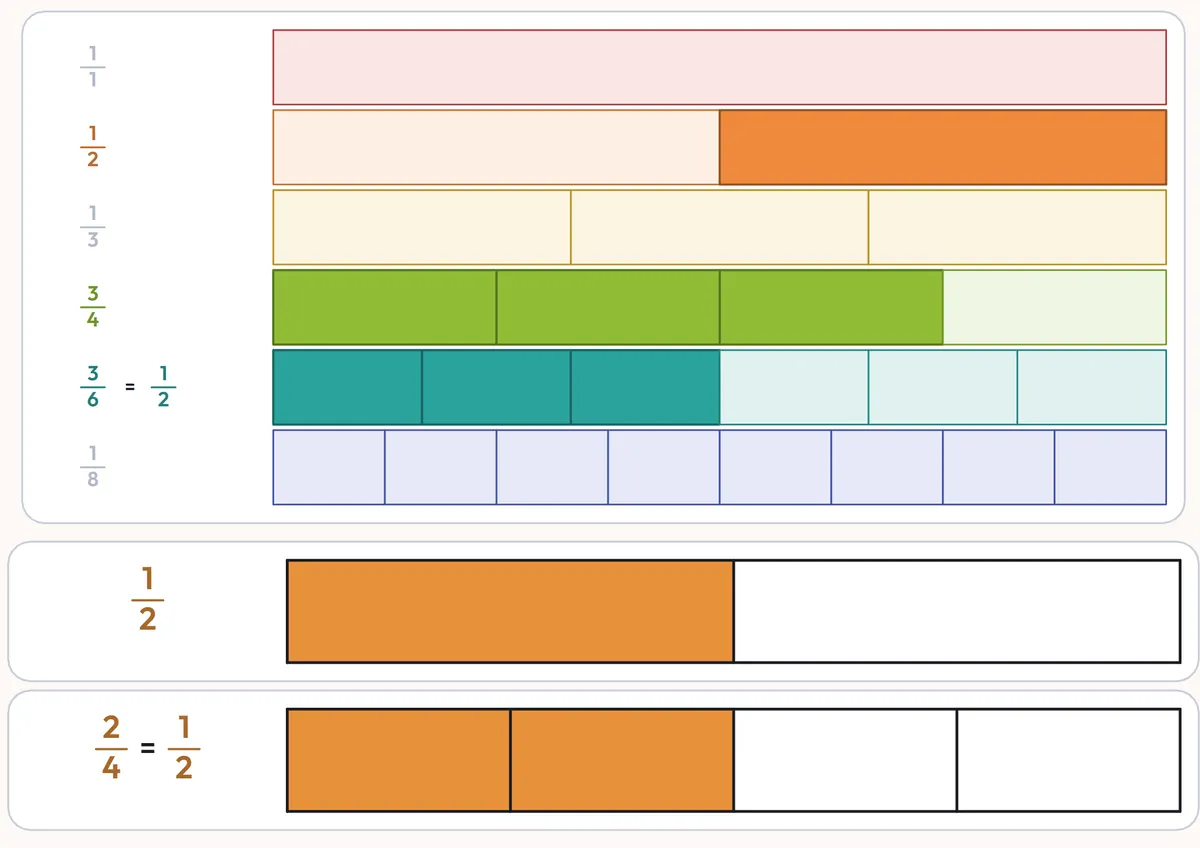
What software can you use to teach maths online? Jotoro gives every pupil or student their own board, so you see their working as they write. It has bar models, place-value blocks, fraction walls, number lines and clocks, and marks answers as pupils work.
Blocks, fraction wall, clocks, number lines, bar models, algebra tiles, geometry tools, graphs and answer boxes. The scientific calculator shows on boards tagged secondary (Year 7 to 13).
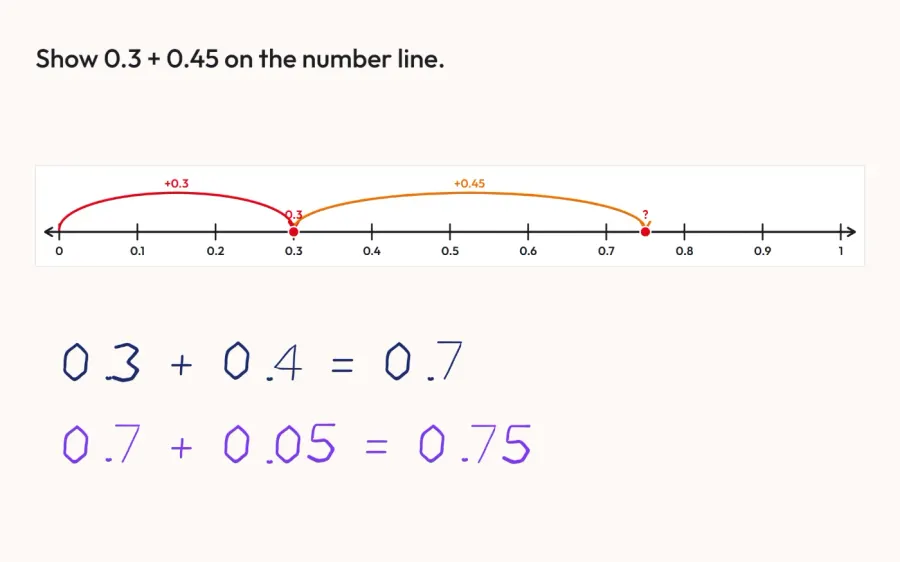

Built in. Nothing to bring, nothing to borrow.
x² + 3x + 2 = (x + 1)(x + 2)
Flip a tile to make it negative. A positive and a negative of the same size cancel out.
Plot it, see where it crosses the axis, and keep the whole class on the same picture.
Jotoro gives every pupil hands-on maths tools on their own board: blocks that break apart, fractions that split, clocks that turn, bar models and geometry. You see every board, and the answers mark themselves. See every subject.
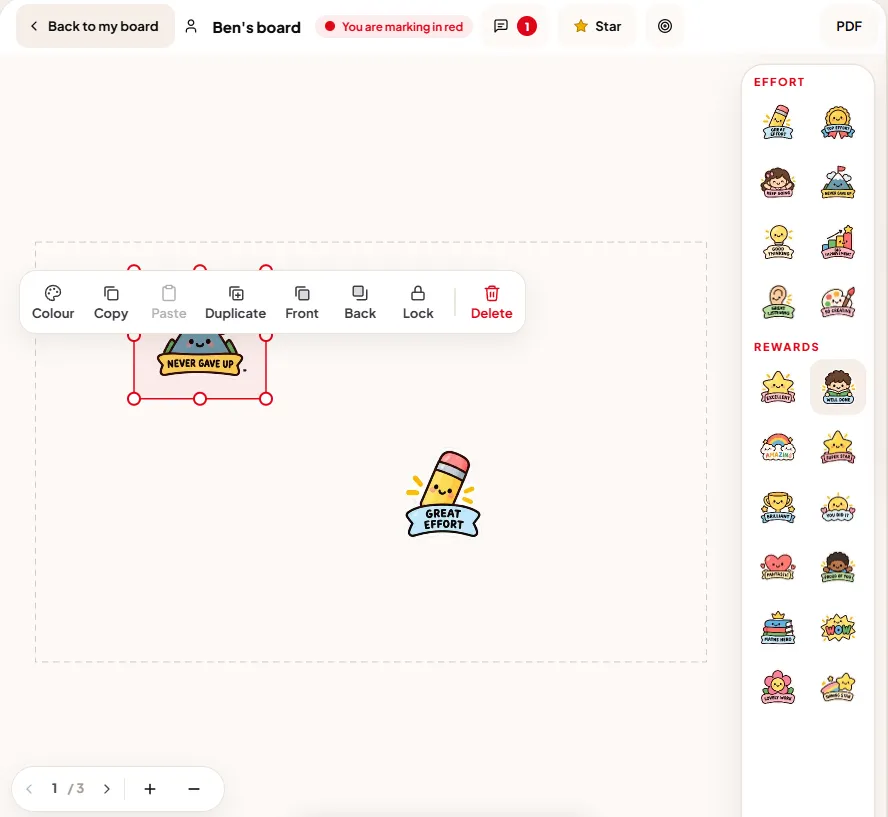
Open Ben’s board and see the exact step where his working went wrong, not just the wrong answer.
You mark it in red, right there, and he fixes it before the lesson moves on.
Their working, their bars, their mistakes, as they happen.
Your pen goes on top of theirs, so they can see exactly which step you mean.
A quick well done for effort, so a fix feels like progress.
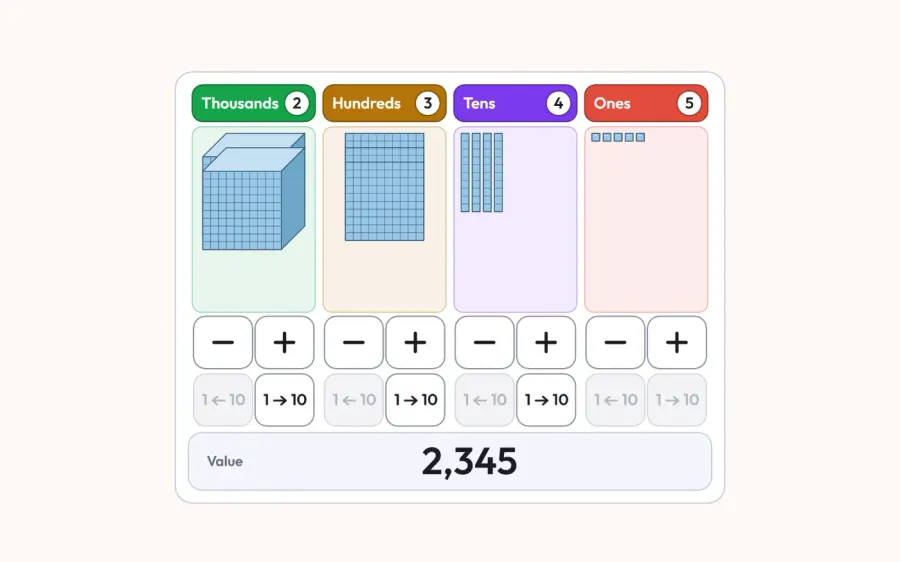
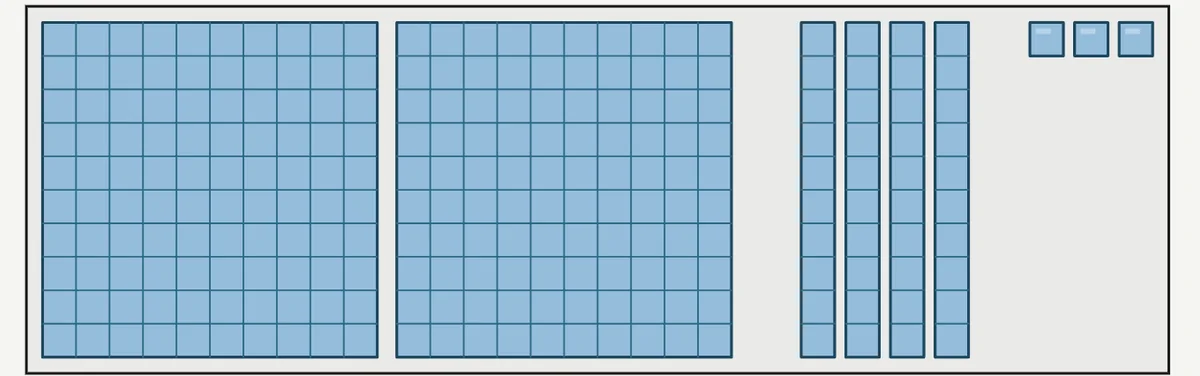
Blocks that break apart and regroup on the board, so place value is something pupils do, not something they are told.
Move the minute hand and the hour hand follows. Show the time in words, in digits or both.
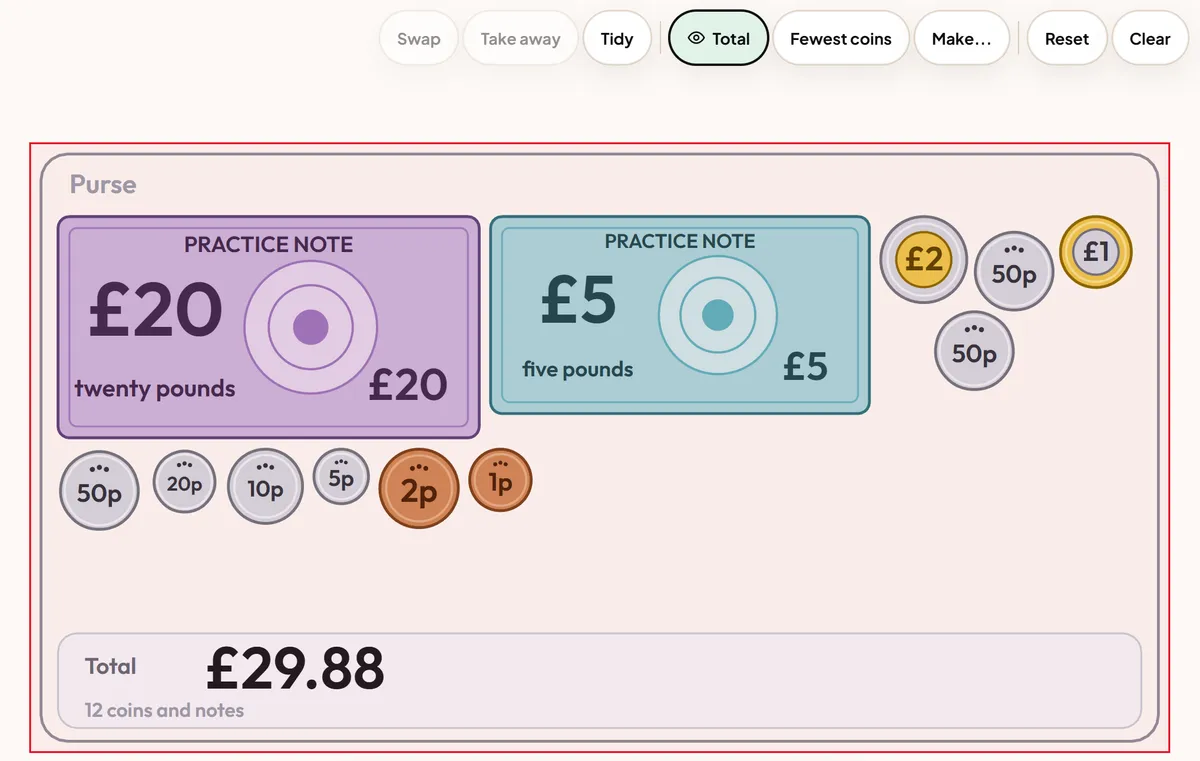
UK coins and notes, with exchange. Swap, take away and find the fewest coins.
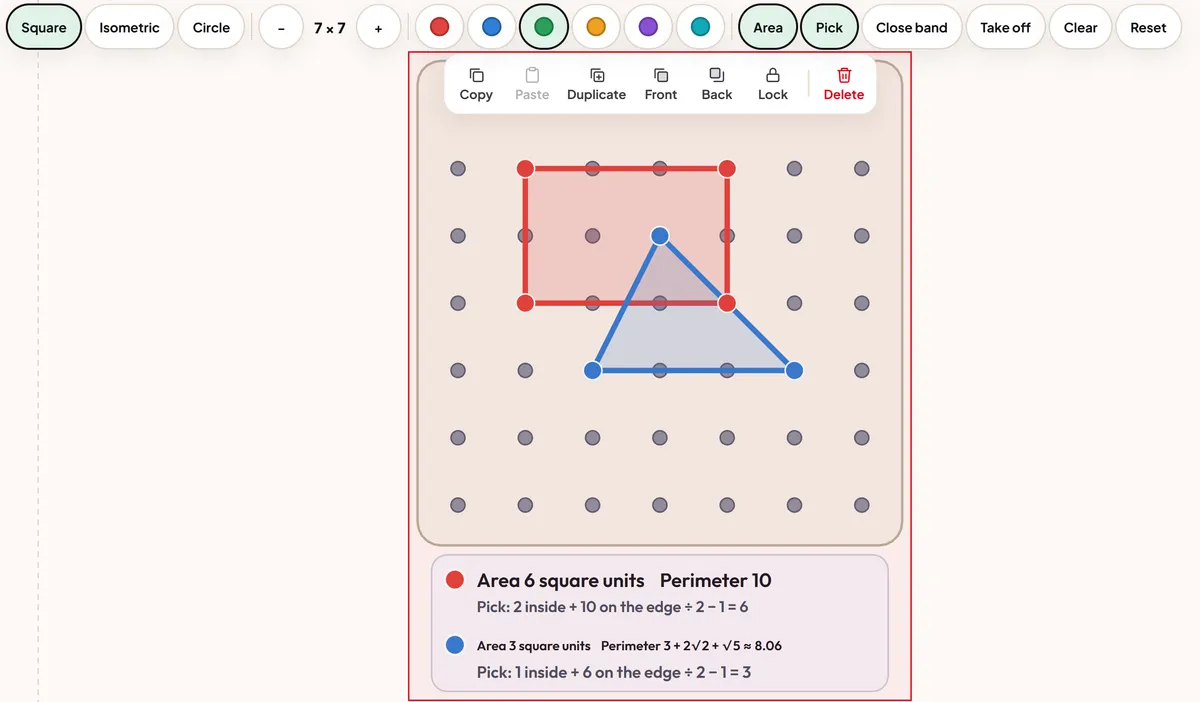
Stretch a shape across the pins and read off its exact area and perimeter.
Also on the board: a 100 square, an area model, and fair dice and spinners for probability.
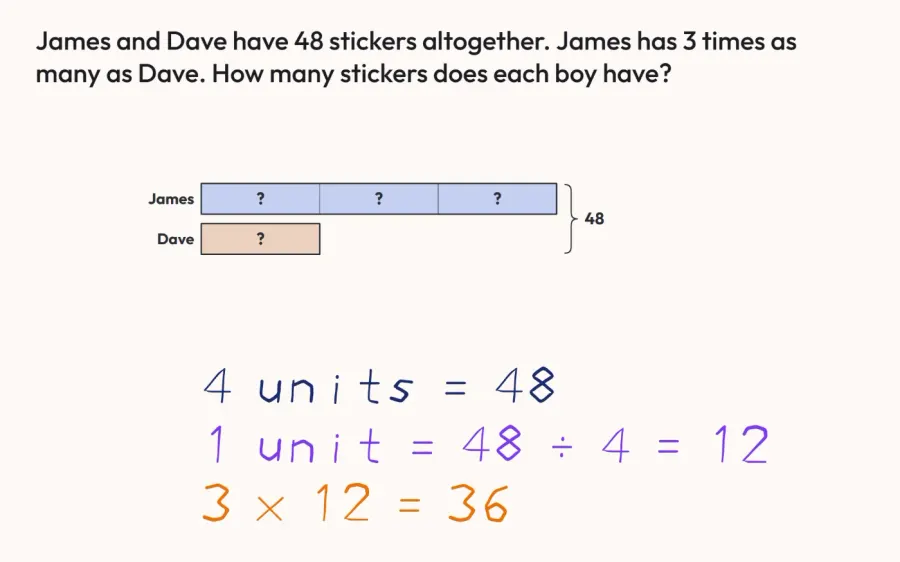
Draw equal units, colour them, label them and add a total. The tool keeps the units even, so pupils spend their effort on the thinking, not on the ruler.
Created with the Singapore Maths Academy team and used in their lessons.
James and Dave have 48 stickers altogether. James has 3 times as many as Dave. How many stickers does each boy have?
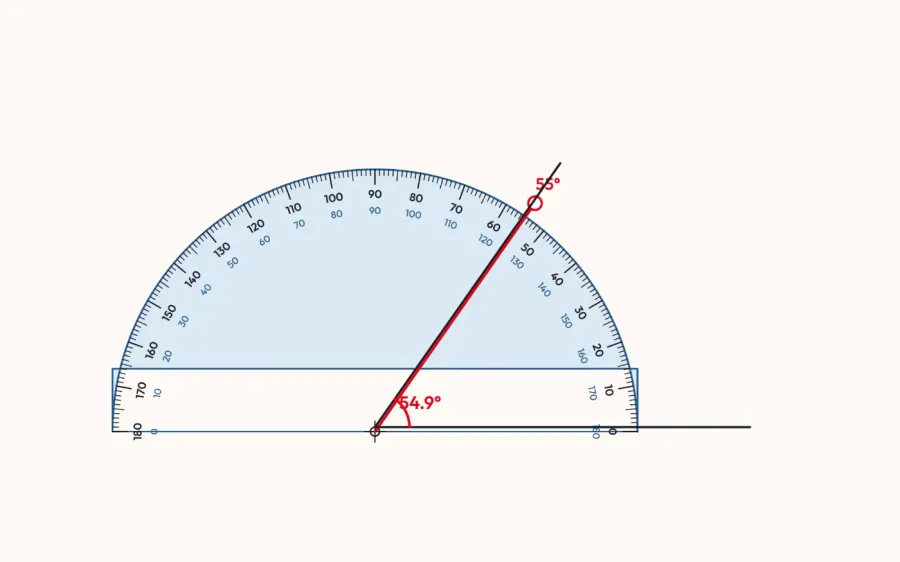
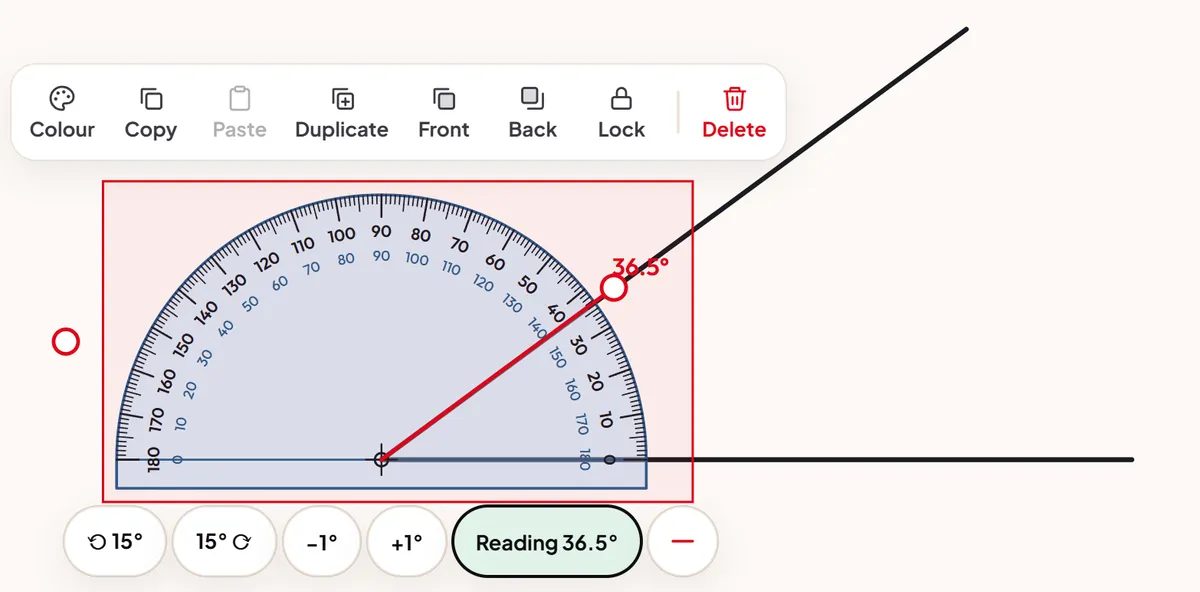
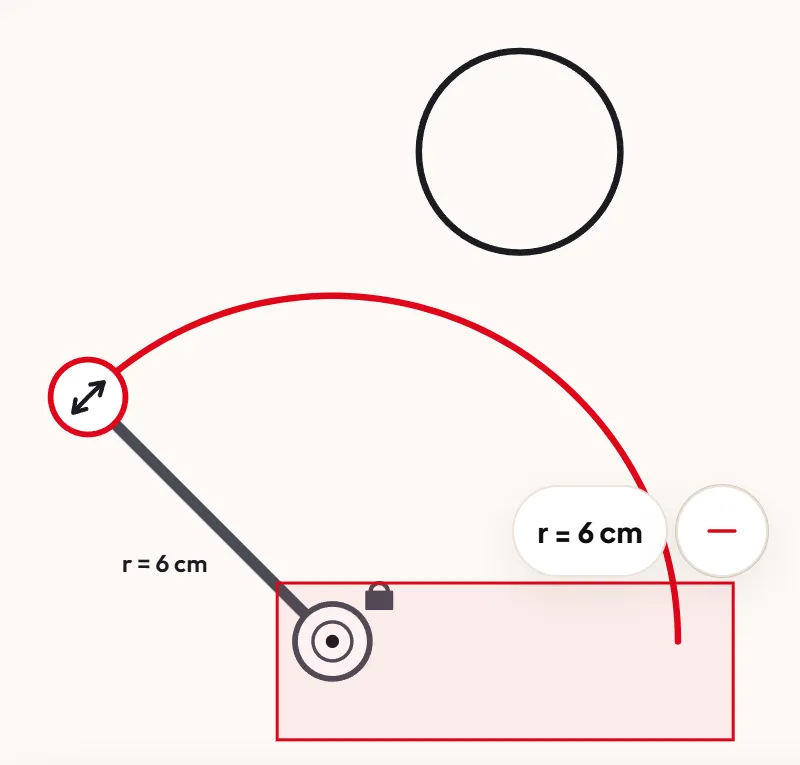
A ruler, set squares, a protractor with a live angle reading and a compass that draws real arcs. Tools snap onto lines and corners, and a held pen tidies a wobbly shape into a perfect circle.
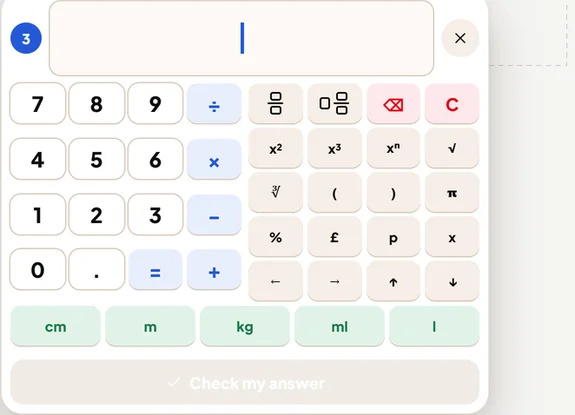
For secondary pupils and students, algebra tiles you can flip and graphs you can read, with a scientific calculator on the board so nobody has to borrow one.
Build x² + 3x + 2 as a rectangle and see it factorise. Flip a tile to make it negative, and zero pairs cancel out.
Plot a curve, see where it crosses the axis, and keep the whole class on the same picture.
Built into the board for pupils in Year 7 to 13, so nobody has to bring or borrow one.
Put an interactive page on the board and write on top of it, so pupils can drag a point while you annotate. Web pages are on Groups and above.
Answer boxes take fractions, mixed numbers, powers, money and units, with a friendly keypad on the pupil’s own screen.
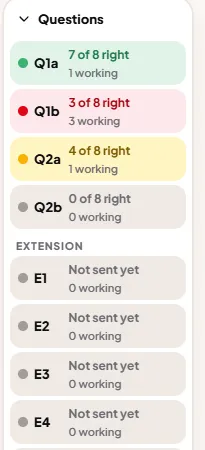
The tracker shows who has got it and who is still working, so you walk to the right desk first. Fast finishers get an extension sent straight to them.
Put your own practice paper on the board and keep the tools beside it. These are starting points, not promises about results.
Bar models and number lines next to a past paper you own, so pupils show how they got there.
Place value, fractions, time and money on one board, with answer boxes that mark as pupils go.
Algebra tiles, geometry tools and graphs to make the abstract part visible.
A scientific calculator and graphs on secondary boards, beside the questions you set.
Tutoring maths one to one or in small groups? See Jotoro for tutors

I liked this one more than the previous (Whiteboard.fi).

Yes, I actually really like it. Yeah, it’s a lot of fun… It’s definitely warmer, I think, than the old one.

Yeah, I like this scribble feature.
Yes. Build equal units, colour them, add labels and totals, and put brackets above or below. It is made for Singapore-method problem solving, and the Singapore Maths Academy team uses it in their lessons.
Yes. Every manipulative can be sent to pupils with a ready starting state, so each child opens it already set up, with a copy of their own to move.
Yes. A scientific calculator is available now. It is on by default for boards tagged secondary, and you can allow or block it for the whole class, for one page or for one pupil.
Yes. Every pupil works on their own board with the same tools, and you see all of them. Nothing for them to carry or set up.
Yes. Pupils can write with an Apple Pencil, a finger or a mouse, and the pen works on top of any tool or worksheet.
No app and no sign-up for them. A pupil opens your class link and uses their name and PIN.
Yes. Answer boxes take fractions, mixed numbers, powers, money and units, with a child-friendly keypad. See how marking works.
Back to all subjects, see plans and prices or register interest. Teaching outside the UK? See an online whiteboard with a board for every student.
Diagrams, graphs and fair tests.
Annotate texts and build sentences.
The whole tray, for every subject.
One tutor, a few pupils, a lot of preparation saved.
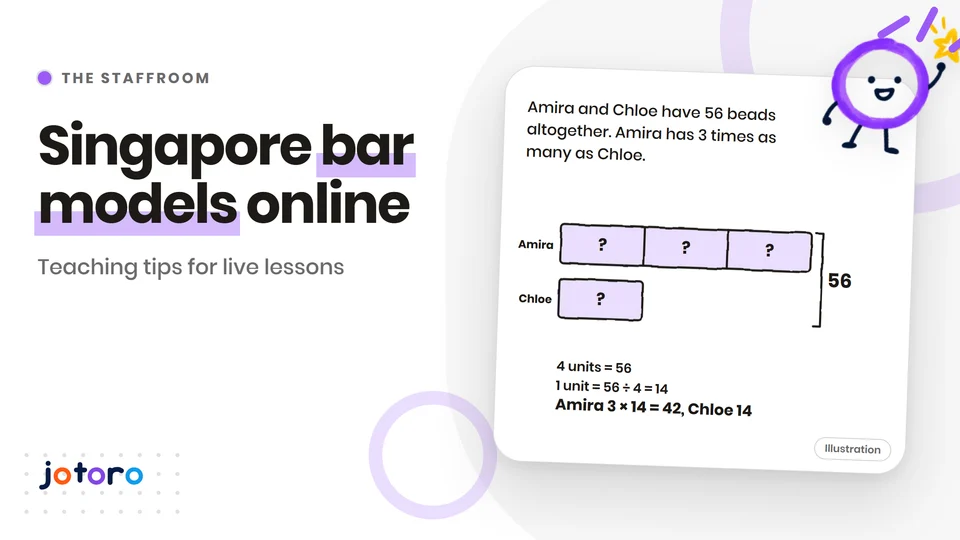 From the StaffroomSingapore bar models online: teaching tipsThree worked examples, the mistakes to expect and how to check every child’s bars while they draw them.Read the post
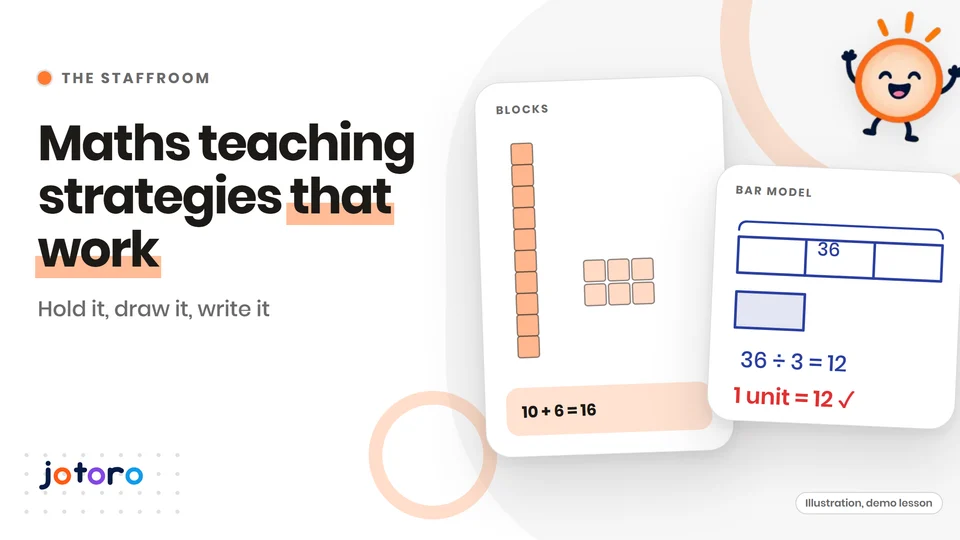 From the StaffroomMaths teaching strategies that workCPA, worked examples, quick checks and fluency practice: simple maths teaching strategies, and how a shared board makes each quicker.Read the post
Register interest and we will tell you the day payments open. Pupils are always free, and there is a 14-day money-back guarantee on every paid plan.
Pupils join by link: no app to install, no sign-up for them. See plans and prices.
