

Follow the steps
Choose the Eraser
Press Eraser in the toolbar, or press E. Press and hold the Eraser to see its options.

Choose how much it takes
Under Eraser, pick Stroke eraser to take the whole line at a touch, or Precise eraser to rub out only the part under the ring and leave the rest.
Choose what it takes
With the Precise eraser, Rub out lets you pick All ink, Highlighter only or My writing only.
Draw a straight line
Choose Straight line, then drag from one point to another. It sits beside Rectangle and Circle.
Undo and redo
Made a slip? Press Undo (Ctrl+Z). To bring it back, press Redo (Ctrl+Shift+Z).
Good to know
- Your eraser choices are saved with your account, so they follow you to every device.
Related guides
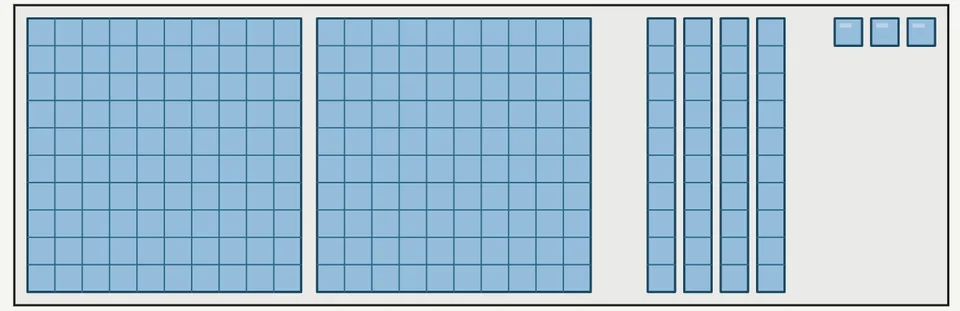 How to use maths manipulativesTeaching tools: MathsHow to draw a bar modelTeaching tools: Maths
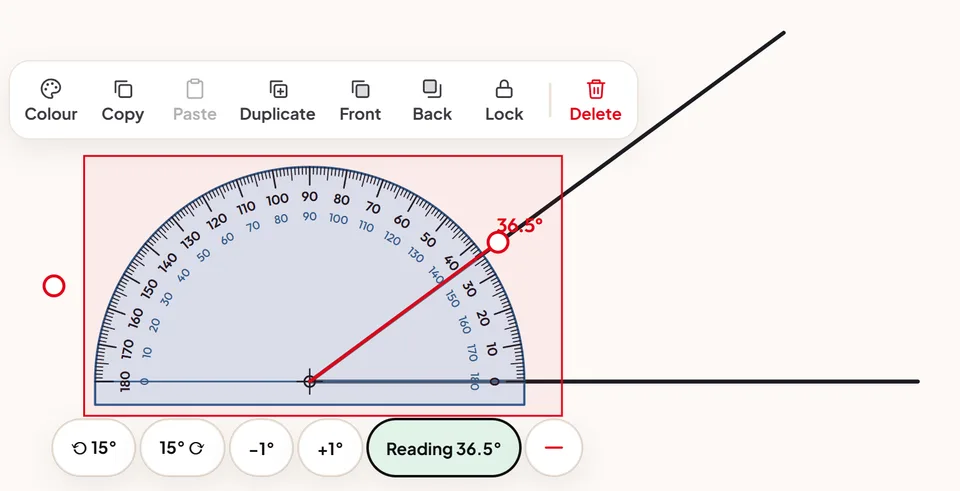 How to use the ruler, protractor, compass and set squaresTeaching tools: Maths
 How to get started with JotoroGetting started
Cannot find an answer?
Tell us what was missing and we will improve this guide.
Suggest an improvement