

Follow the steps
Open the recording card
Start a recording from your board. The card titled Record this lesson records the board and your microphone only. There is no camera and no screen.
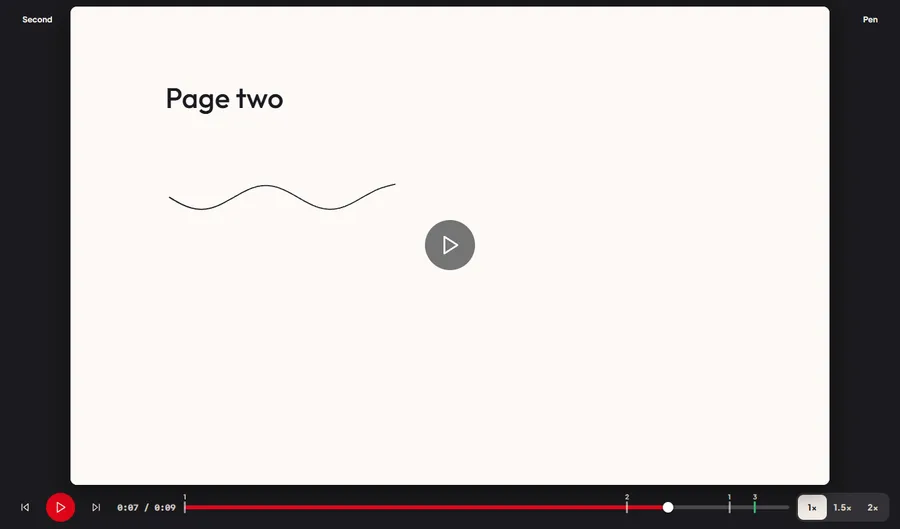
Choose your microphone
Under Microphone, pick the one you speak into. A level meter moves as you talk, so you can see it is working.
Pick the sound
Under Sound, choose Natural for a good microphone, or Clean-up for a laptop microphone or a noisy room.
Make it louder if you are quiet
Under Volume, choose Normal, Louder or Loudest. Jotoro remembers the choice for each microphone.
Pause or stop
While recording, the meter stays on screen. Use Pause recording to take a break, then Stop and save the recording when you finish.
Good to know
- The recording follows whichever board is on your screen, yours or a pupil’s. Hidden pages and answers are never recorded.
- New to recording? Start with how to record a moment.
Related guides
How to record a momentRecording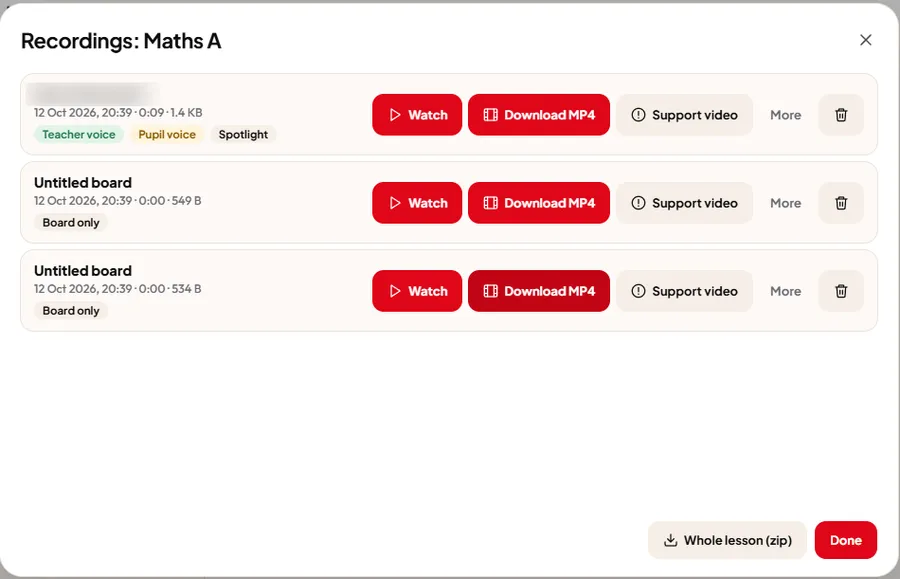 How to give pupils a “Watch how” videoRecording
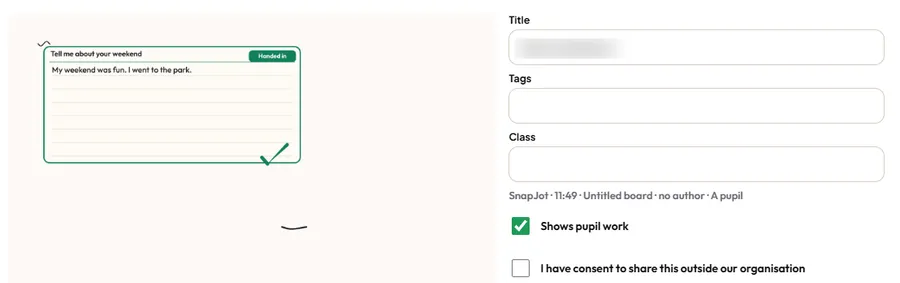 How to save a moment with SnapJot and JotClipsRecording
 How to get started with JotoroGetting started
Cannot find an answer?
Tell us what was missing and we will improve this guide.
Suggest an improvement