What should be ready before the lesson starts?
Make the page ready and make joining dull. A first question already on the page means the lesson starts on time, and early arrivals have something to do. Use the same links every week, one for the board and one for the video call, and ask the children to bookmark both. Then nobody is searching through old messages when the lesson should be starting. Decide who you let in, too: a name you do not know waits until you have checked.
In Jotoro each class has one permanent class link, so the bookmark works every week. The waiting room shows you who has knocked, so you let in the right children and leave the rest outside. Pages you are not ready to show stay hidden until you reveal them.
How do you teach one idea to a whole group?
One idea, one worked example, about five minutes. Say what the idea is in a sentence. Show one example done slowly, saying what you are doing at every step. Then do a second one together, asking the group for the next step. Children lose the thread faster on a screen than in a room.
Write while you talk. For 52 − 27, write the sum first, then narrate each step as the pen moves. In Jotoro the children watch your board, and Eyes on me brings every screen to yours until you let go.
How do you check that everyone has understood?
Ask every child to try one question on their own, in writing. Say “write it, do not say it” and wait. Before you help anybody, look across all the work for about half a minute. Is it one wrong idea, or several different slips? That decides what you do next.
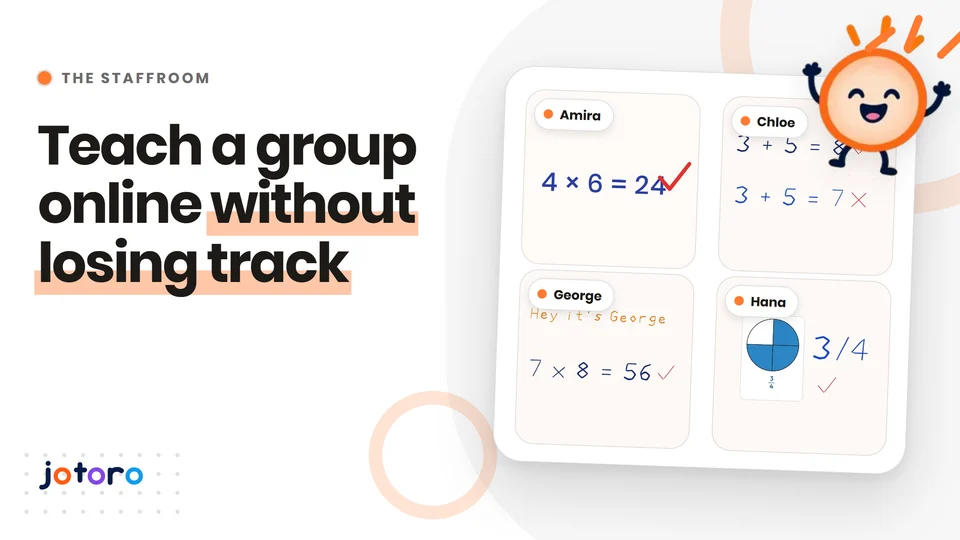
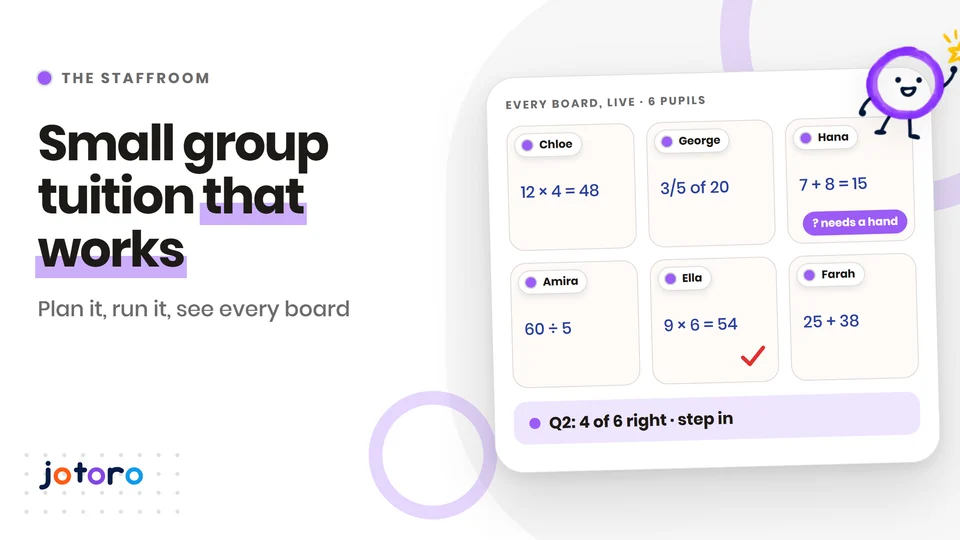
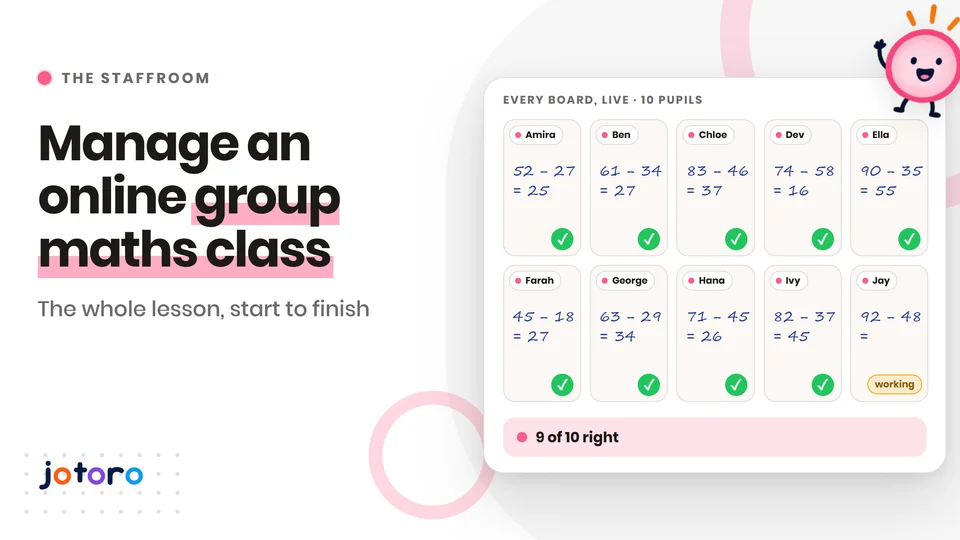
In Jotoro the Pupils panel shows a small live board for every child, so you can see who is writing, who has stopped and who went wrong at step two. Here is how to see every pupil’s board. The routine for spotting the quiet child is in how to teach a group of children online without losing track.
What do you do when a child does not understand?
Saying it again, slower or louder rarely helps. Change the picture instead, and give the child something to move. Three examples:
- Subtracting with an exchange. For 52 − 27, put 5 tens and 2 ones on a place value mat. There are not enough ones to take 7 away, so swap one ten for ten ones: now 4 tens and 12 ones. Take away 7 ones and 2 tens, and 2 tens and 5 ones are left. The answer is 25, and the child has seen why the exchange is needed.
- Comparing fractions. Which is bigger, 3/4 or 2/3? Line both up on a fraction wall. Three quarters is the same length as nine twelfths, and two thirds is eight twelfths, so 3/4 is bigger by one twelfth.
- Negative numbers. For 3 − 5, start at 3 on a number line and jump back 5. You pass 0 and land on −2.
Show it once, then hand the same tool to the child and ask for the next one. A child who has moved the counters remembers it.
Jotoro has place value counters, base ten blocks you can break into ten, fraction walls and ready-made number lines, all beside your pen. See maths manipulatives and, for two worked sequences, Dienes blocks and fraction walls online.
What if one, a few or most of the group are stuck?
Match your response to the size of the problem:
- One child: go to that child’s page, quietly. Circle the step where it went wrong and write the next step beside it, while the others carry on.
- A few children: put them together and sit with them for two minutes. The rest start the next question.
- Most of the group: stop everyone and teach it again in a different way. If most are wrong, you have one wrong idea, not many wrong answers.
In Jotoro you step onto any pupil’s board and write in red while the child watches, and nobody else sees it. Breakout groups put a few children together on their own copy of the page.
How do you mark ten pupils’ work in one lesson?
Say you have ten pupils and a worksheet of twelve questions. That is 120 answers. You cannot read them all before the bell, and you should not need to. Stop marking child by child and mark question by question, and let the right answers look after themselves.
- Set short answers. One clear right answer per question, so a right answer can be spotted at a glance.
- Look at each question across the group. If nine of ten got it right, it is done.
- Open the question most got wrong and read what was written. Five children who wrote 35 for 52 − 27 made the same slip: they took the smaller digit from the larger each time. Teach that once, to everyone.
- Read the working only for the children who went wrong. Mark it on their own page, in red, while they watch: circle the step, write the next one.
- Leave the rest. Note the question that tripped them. That is next lesson’s starter.
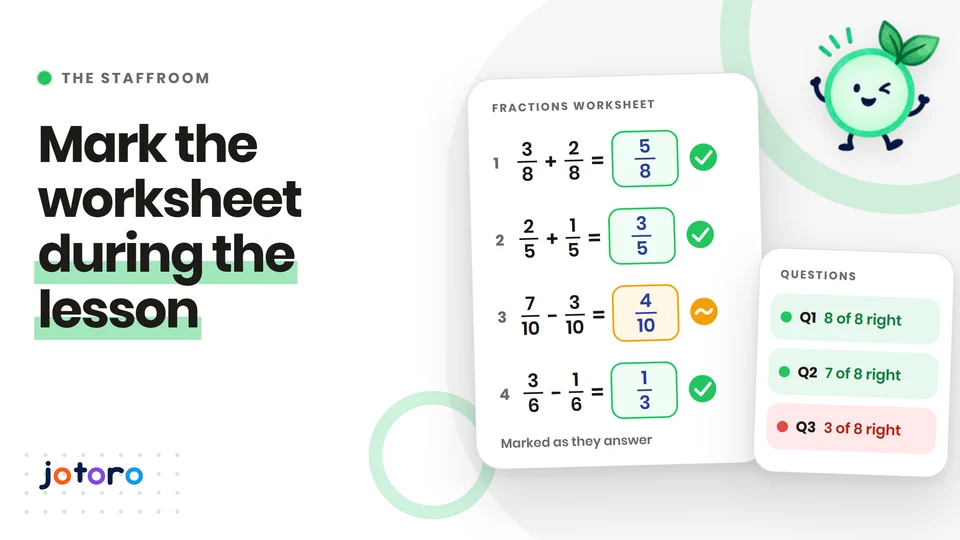
That turns 120 answers into a handful. For us it is very simple, because Jotoro does the first half. Put an answer box on each of the twelve questions and the answers are marked as the children answer. A slim strip down the left of your board, which only you see, lists every question with how many got it right, such as “7 of 10 right”, in green, amber or red. Tap a question to see who was right, who was wrong and what they wrote, and who has not tried it yet. Then step onto the boards that went wrong and mark in red.
Homework marks itself the same way, and pupils see their result when they hand in. See answer boxes and marking and set and mark homework. The whole routine, with a worksheet, is in how to mark a worksheet during the lesson.
A group maths lesson: checklist
- First question on the page, the board and video call links bookmarked, and a way to let the right children in.
- Teach one idea, with one worked example, in about five minutes.
- Everyone tries one question in writing. Look across all of it before you help anybody.
- Have a picture ready to move: counters, a fraction wall or a number line.
- Mark by question. Read the working only where the answer was wrong.
- Two or three harder questions ready for early finishers.
- One question each at the end, then two lines: who needs what.
How do you keep the room calm?
Ten children and a screen get noisy quickly. Agree a few signals in the first lesson and use them every time: a raised hand for a question, pens down when you speak, eyes on you when you need everyone. Choose who answers at random, so nobody can hide. Use pairs or threes for a problem to solve together. With ten children, a second adult makes a real difference.
In Jotoro a child can raise a hand and a soft bell tells you. Eyes on me and Pens down are one tap each, and Pick a pupil chooses someone at random, with nobody picked twice until everyone has had a turn. A second teacher, or your own second device, joins with a one-use teacher code that you allow on your screen. They can teach and write, but only you can end the lesson.
What should early finishers do?
Have two or three harder questions ready before the lesson, a step up rather than more of the same, and hand them out in twos so nobody races through the lot. A child who can start one without asking you has the right question.
In Jotoro you mark pages as extension work, and they stay hidden until you send them. When a child finishes, a Finished badge appears on that child’s thumbnail. Tap it and choose Send next 2, or tick Auto-send next and let Jotoro do it. Jotoro remembers who has had which. See send extension questions, or read extension tasks for early finishers.
How should the lesson end?
Keep the last five minutes. Ask one question each, on the same idea, written on their own boards: 61 − 34 is a good one after the exchange lesson. The answer is 27: exchange one ten, then take 3 tens and 4 ones from 5 tens and 11 ones. Look across the answers, then write two lines for yourself: who needed what, and what to open with next time.
In Jotoro you can finish with an exit ticket, and every answer is saved in the class register, so the record builds itself.
If you are deciding how big your groups should be and how to plan them, small group tuition covers it. You can register interest to try Jotoro on your next group lesson, and plans and prices are there when you want them. There is a 14-day money-back guarantee.