Why is “finished early” a problem?
Ella has finished the worksheet before anyone else. She is not showing off. She is sitting, pencil down, and you can feel the lesson drifting. In a group of six, you can handle one of these. In a group of eight with two of them, you are suddenly managing boredom as well as teaching.
The usual answer, “do the next page”, teaches the wrong lesson: finish quickly and you get more work. The child learns to slow down. A good extension makes finishing early feel like an invitation, not a penalty.
How can you tell whether a child finished early or rushed?
Before you reach for an extension, check. Look at the answers. If Ella is right, she has earned something harder. If she has three wrong answers and a smug face, she has earned a short conversation about checking. Handing a harder task to a child who has not yet got the first one right just stacks up confusion.
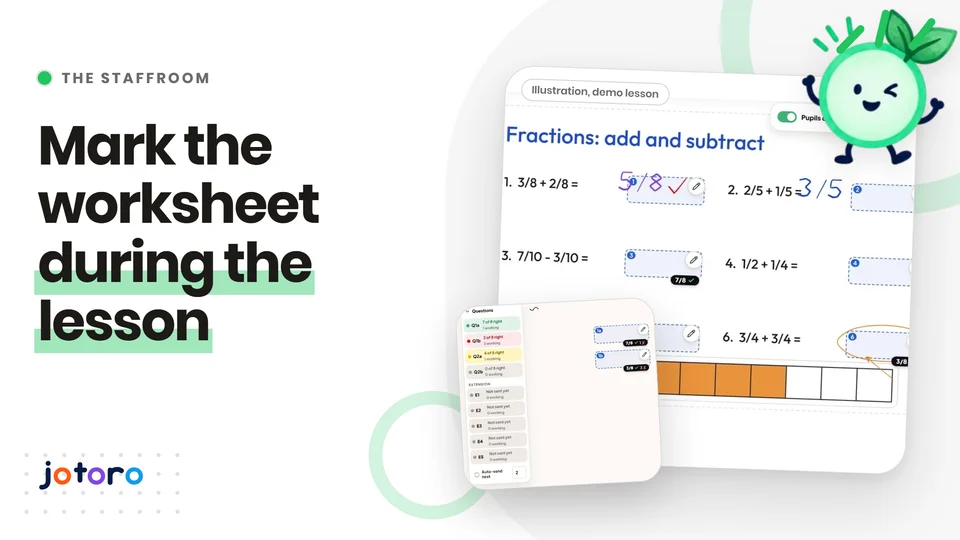
This is one more reason to look at answers while the lesson is running rather than afterwards: you can tell, in a few seconds, which kind of early finisher you have.
What are five good kinds of extension?
- Go deeper. The same idea, one step harder. After a worksheet on adding fractions with the same denominator, a question with different denominators. This is the classic, and it works when you have it ready.
- Explain it. “Write two sentences to explain to a younger child why this works.” Explaining is harder than answering, and it shows you what the child really understands.
- Make your own. “Write a question that is tricky but has one right answer.” Children learn a lot from trying to make an exam question, because they have to think about the traps.
- Spot the mistake. Give a worked answer with one error in it. “Where did Hana go wrong?” This is quick to set, quick to do and surprisingly hard.
- Connect it. “Where might you use this outside of school?” or “How is this like what we did last week?” Good for children who like big ideas more than extra sums.
Mix them. A child who always gets “go deeper” can start to feel like the maths child. Offer “make your own” or “explain it” to children who are quiet about their thinking.
How do you have extensions ready?
You will not think of good extensions in the middle of a lesson. Prepare two or three for every worksheet, ahead of time, in order of difficulty. The way to do it fast:
Extensions ready in three steps
- Write two. For each worksheet, one “go deeper” question and one “explain it” prompt.
- Add a spot-the-mistake if the topic has a common error.
- Keep them with the worksheet, so they are ready when you need them.
Over a term, you build a stock, and the next time you teach the topic, they are already there.
How do you hand them out without a queue?
Three small habits help.
- Give them in twos. Nobody races through ten. Nobody sits waiting. When Dev finishes the first two, the next two are ready.
- Make them self-starting. Write the task so a child can begin without asking you. If they need your help, you have swapped one queue for another.
- Keep it quiet. Extension tasks are a private matter between you and the child. A child who is given a harder task in front of everyone can feel singled out, in either direction.
How does this work in Jotoro?
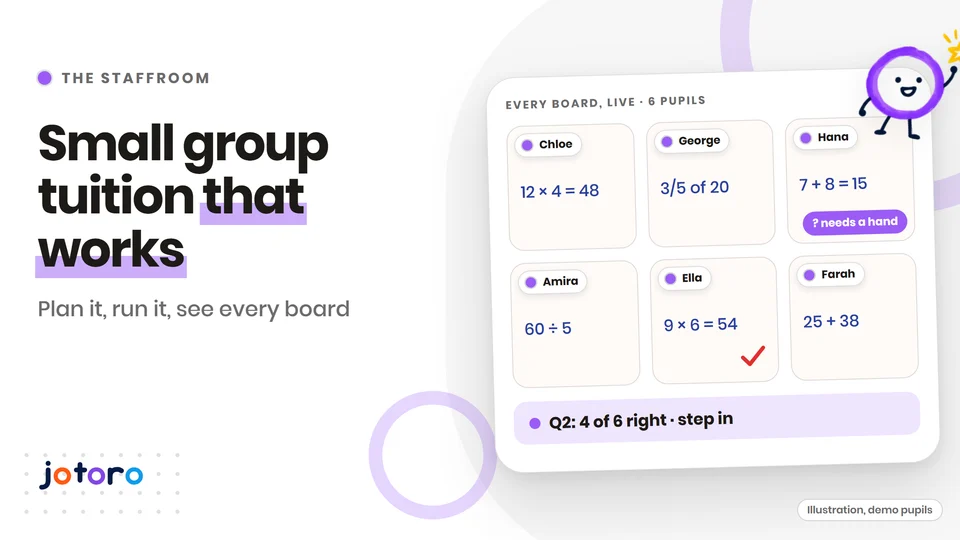
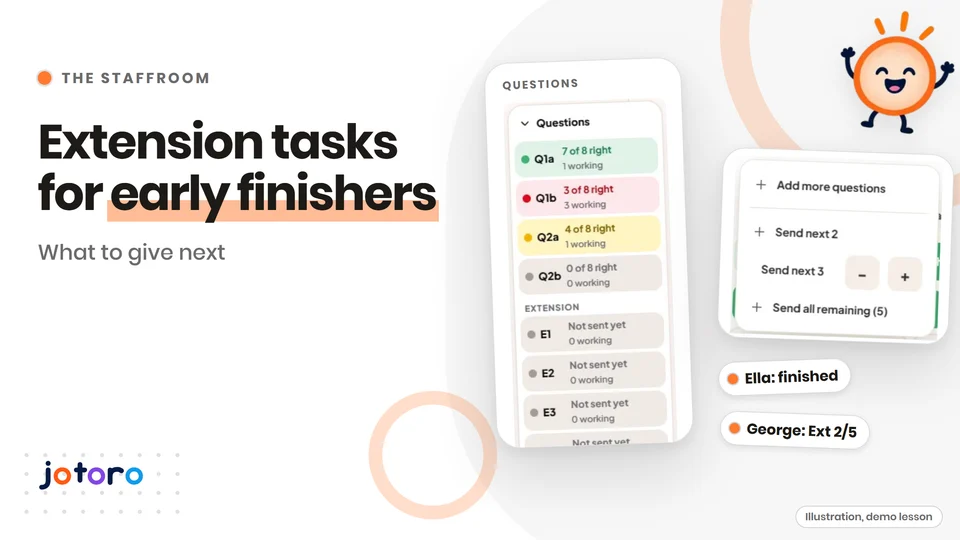
Jotoro has extension tools so no child sits waiting. You mark pages as extension pages, or add them from your library. They stay hidden from the class, and you send them out when a child finishes. A finished badge appears on a child’s thumbnail, so you see it without anyone putting a hand up. You can send the next two extension questions, or all of the remaining ones, and Jotoro remembers who has done which, so you can see that George has done two and has three left.
The question strip down the side of your board also tells you how the class is doing on each question, which helps you decide whether it was easy for Ella or easy for everyone.
You can read more about marking and assessment, keep your extension pages with the worksheet in the lesson library, and build your own in create.
What if the whole group finishes early?
Then the lesson was too easy, or you went too fast. Do not add extensions to fill the time: use the gap to ask what they found hard, and use that for next lesson. Early finishing across a whole group is a sign that you have more to teach, not just more to set.
What if the group is mixed ability?
It is the same idea in a different shape. In a group, you will always have a spread, and the right plan has a core task, a way in for the child who is stuck, and an extension for the one who is not. There is more on this in small group tuition: how to plan and run it. A fair test or a graph to read makes a good extension in science, and science teaching ideas has more. To catch the early finisher at the right moment, the habit of marking a worksheet during the lesson makes it easy.
You can register interest to try this, and plans and prices are there when you want them. There is a 14-day money-back guarantee.