Why do you lose track of children online?
In a classroom you notice things without trying. Dev’s chair has gone quiet. Chloe’s pencil has stopped. Ella is looking at her neighbour’s page. Online, all of that disappears into small squares. A child who is stuck looks exactly like a child who is thinking, and a child who has switched off looks exactly like a child who is listening.
That is why group lessons online drift. It is not that the children are worse. The tell-tale signs have gone, and the teacher is left asking “Is everyone okay?” to a screen of nodding heads. Most children will say yes to that question whether it is true or not.
The fix is not to stare harder at faces. It is to swap faces for evidence: something each child has written or chosen that you can look at. Everything below is about getting that evidence cheaply, so you can keep teaching.
How do you see what every child is writing?
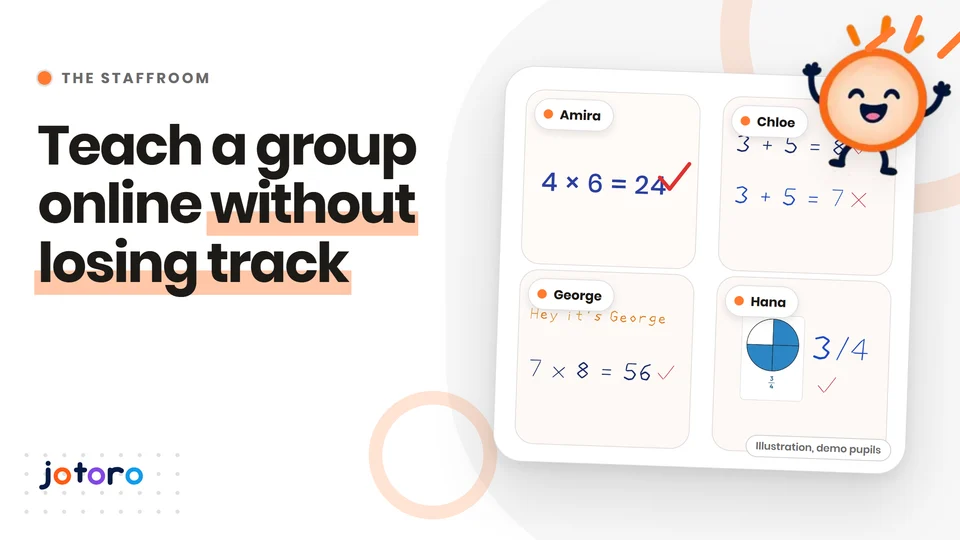
Start with where they write. If the whole group shares one screen, you only ever see the child who is speaking or typing. Give each child a separate place to work instead: their own page in a shared document, their own board, even a sheet of paper held up to the camera.
Each choice has a cost. Paper to the camera is free, but you can check only one child at a time and you are guessing about the rest. Separate pages in a shared document work, but you end up flicking between tabs, and children wander into each other’s pages. Whatever you pick, aim for three things:
- one place per child, so nobody can hide in a crowd;
- all of them visible to you at once, or in one click;
- quick enough to check in about half a minute. If checking takes longer than that, you will stop doing it by the third lesson.
Then ask for writing, not talking. “Write your first step, then stop” takes ten seconds and gives you eight answers instead of one. A child who types “idk” has told you something useful. A child who types nothing has told you something too.
What should the first five minutes look like?
Open with something every child can answer in writing and nobody can get badly wrong: one sum from last time, a word to spell, a picture to describe in five words. Say “write it, don’t say it” and wait.
Two things happen. You find out who is ready, and the children learn the rule for the whole lesson: here, everyone writes. That rule is made in the first lesson. If the first starter is answered by whoever speaks first, you have taught the group that speaking first is how you take part, and the quiet ones will be happy to let you.
Keep your own screen simple too. Say the question aloud and show it, one thing at a time. A child on a phone or a borrowed tablet cannot read a crowded page, and will not tell you so.
Before your next group lesson
- Give every child one place of their own to work, and test it with one pupil first.
- Plan three “stop and write” moments, roughly every five to eight minutes.
- Decide what a quiet child looks like: a blank page, a pen that has stopped, no answer after a minute.
- Have one next-step question ready for early finishers.
- Plan the last two minutes: one question every child answers before they go.
- Keep the call going, but look at the work, not just the faces.
How do you spot the quiet child?
Quiet is not one thing. There is the child who is stuck and embarrassed to say so. There is the child who finished early and drifted. There is the child whose little brother is shouting in the next room. You cannot tell which from a face, but you can often tell from the page.
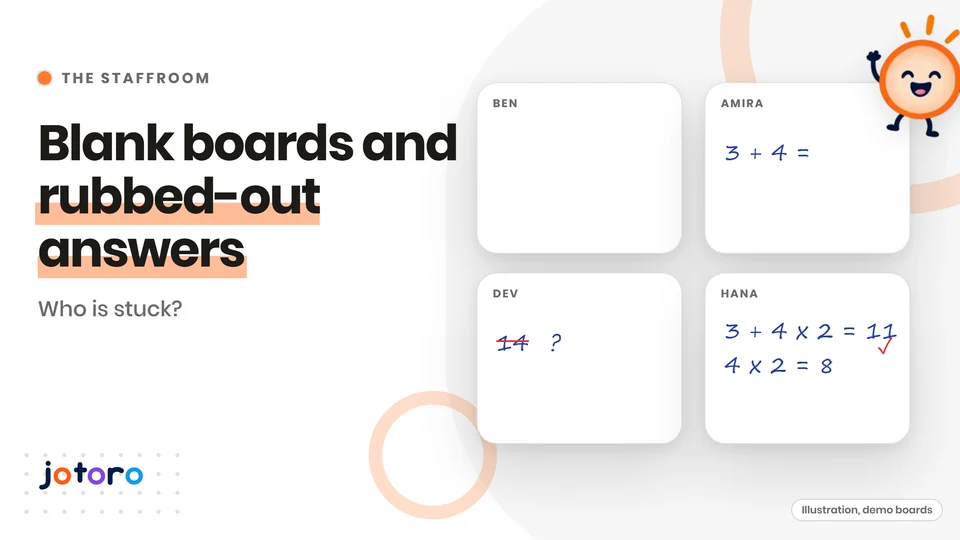
- A blank page after two minutes: stuck, lost or not started.
- A page that stopped halfway through a method: a wrong turn at one particular step.
- A full page, done: ready for something harder.
Make it a habit rather than a hunch. Each time you ask for writing, count slowly to thirty and scan for those three things. Then speak to the child kindly, and privately where you can: “Ben, how is the second line looking?” rather than “Ben, you haven’t done anything.”
Raised hands get lost online, so give children another way to ask. “Put a question mark on your page if you are stuck” works in any tool where they can write, and you will spot it on your next scan.
How do you help one child without stopping the rest?
The classic online trap is spending four minutes with one child while seven wait. Two moves help. First, set the others going on something they can do without you, then go to the child. Second, help where they are writing, not in the call. If you can write on the child’s own page, in a different colour, the help is visible and specific: circle the line where it went wrong and write the next step beside it.
Sometimes one child’s mistake is useful to everyone. Ask permission, hide names if you can, and put that work in front of the group: “Look at how this started. What do you notice?” Children learn a lot from a method that is not theirs, and the child whose work it is usually enjoys being the example.
How do you end a group lesson well?
Spend the last two minutes on one question that every child answers in writing before anyone leaves. “What is one thing you can do now that you could not at the start?” works for almost any subject. So does one last sum. Read a few answers aloud, without names if you prefer.
It does two jobs. It tells you what to open with next time, and it gives the lesson a proper finish instead of fading out as people drop off the call. Then jot down two lines for yourself: who needed help, and what to revisit.
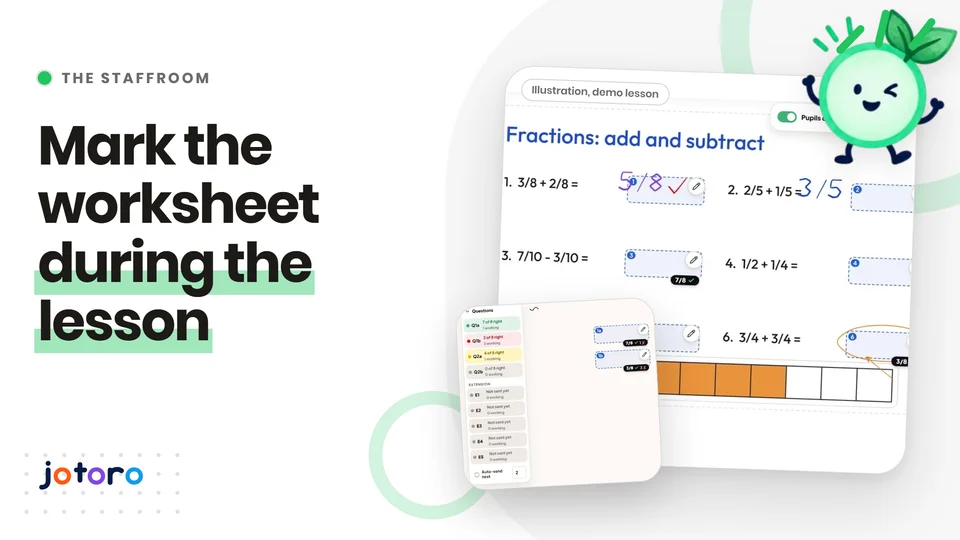
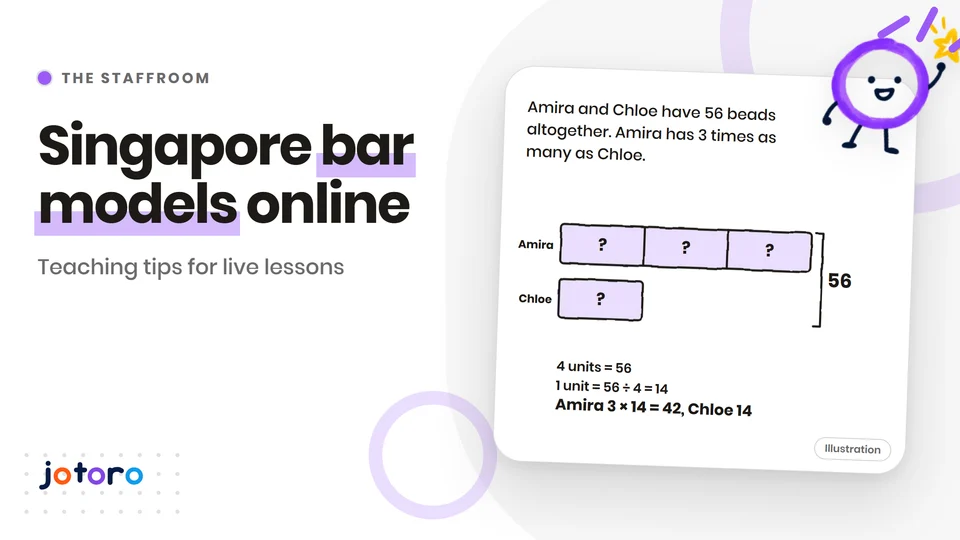
Marking while children are still working is the natural next step, and it has a routine of its own. Read how to mark a worksheet during the lesson. If you teach a whole class online, read about virtual classroom software for teachers. If you run groups as a tutor or a centre, small group tuition covers the planning, group size and mixed ability behind them. If you teach maths, Singapore bar models online is a good place to try the “everyone draws” habit. You can try Jotoro and see plans and prices when you are ready. There is a 14-day money-back guarantee.