Why mark during the lesson instead of afterwards?
Farah gets question three wrong. By the time she reaches question six she is building on it, and by question nine she is confidently wrong in a neat row. If you mark the sheet that evening, you find six wrong answers and a child who has spent half an hour practising a mistake. If you look while she is working, you find one wrong answer and a two-minute fix.
That is the whole case for marking in the lesson. It is not about being faster, although it is. It is about catching the wrong turn when it is still one wrong turn. A child who gets feedback while the thinking is fresh can use it. A child who gets it tomorrow mostly looks at the mark.
It also takes the weight off your evenings. When most of the marking has happened by the bell, the pile after the lesson shrinks to the few things that really need your time.
How do you mark a worksheet while children are still working?
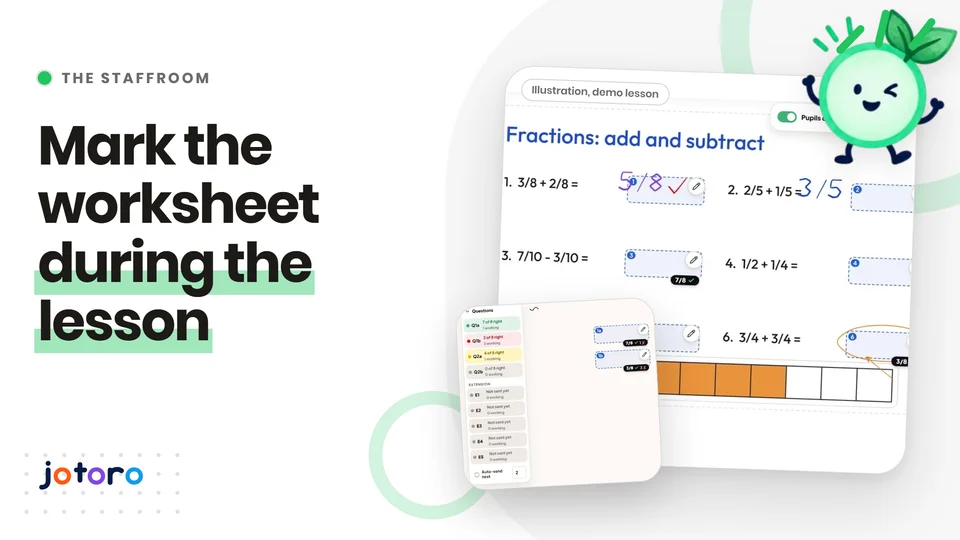
The trick is to change what you look at. Marking after the lesson goes child by child. Marking during it goes question by question. Pick a question, look at all the answers to it, and you will see in seconds where the lesson is going wrong.
- Choose a worksheet with short answers. Six to ten questions with one clear answer each is easiest to check live.
- Put the answers in one place. A box per question, a column in a shared document, a number on a mini whiteboard held up to the camera. Anything you can scan.
- Look at one question across the whole group. Start with the one you expect to be tricky.
- Sort the children quickly into three: right, nearly, stuck. Nearly is the group people forget, and the one a short nudge helps most.
- Decide: whole class or private? If most of the group went wrong, stop and teach it again. If one child did, go to them quietly.
Do this every few minutes, not once at the end. A good rhythm is to set three or four questions, look, respond, then set the next few.
Marking as you go: checklist
- Short answers, one clear answer per question.
- Every child answers in the same kind of place, so you can scan.
- Check the question most likely to trip them up first.
- Sort into right, nearly and stuck. Reply to nearly before stuck.
- Whole-class mistake: teach it again. One child: go to their page quietly.
- Write two lines at the end: who needed what.
What do you do when most of the class gets a question wrong?
Do not mark it a dozen times. If six out of eight children wrote the same wrong answer, you do not have six wrong answers, you have one wrong idea. Stop the group and teach that one idea, once.
It helps to look at what they wrote, not just that it was wrong. Five children who wrote 12 when the answer is 18 made one kind of mistake. Three who wrote 3 made another. Say the common wrong answer out loud, without names, and ask the class why somebody might have chosen it. That conversation is usually where the learning happens. Then ask for one more question of the same kind and see who has got it.
When it is a single child, go to their page and fix it in their own writing: circle the step where it went wrong, write the next step beside it, and leave them to try again while you move on.
If you have no special tool, you can still do all of this. Mini whiteboards held up to the camera work for single answers: you see eight numbers at once and know within seconds who is on track. A shared document with a column per child works for short written answers. Even typing an answer into the chat and waiting for you to say “go” is better than hands up, because everybody commits before anyone sees anyone else’s answer. None of them is perfect, and each costs you some scanning time, but all of them beat collecting the sheet at the end.
One more habit is worth the effort: tell children what you are doing. “I am looking at question four, not at you” takes the sting out of being checked, and it stops the quieter children from feeling watched. Marking live is a conversation about the work, not a verdict on the child, and the sooner they hear it that way, the more willingly they will show you their thinking, wrong turns and all.
What about the children who finish early?
Live marking has an awkward side effect: you find out who has finished while everyone else is still working. Have a few extension questions ready before the lesson, a little harder and not simply more of the same. Give them out in twos, so nobody races through the lot and nobody sits waiting.
The test of a good extension question is that a child can start it without asking you anything. If they have to ask, you have just swapped one queue for another.
What should you keep from the marking?
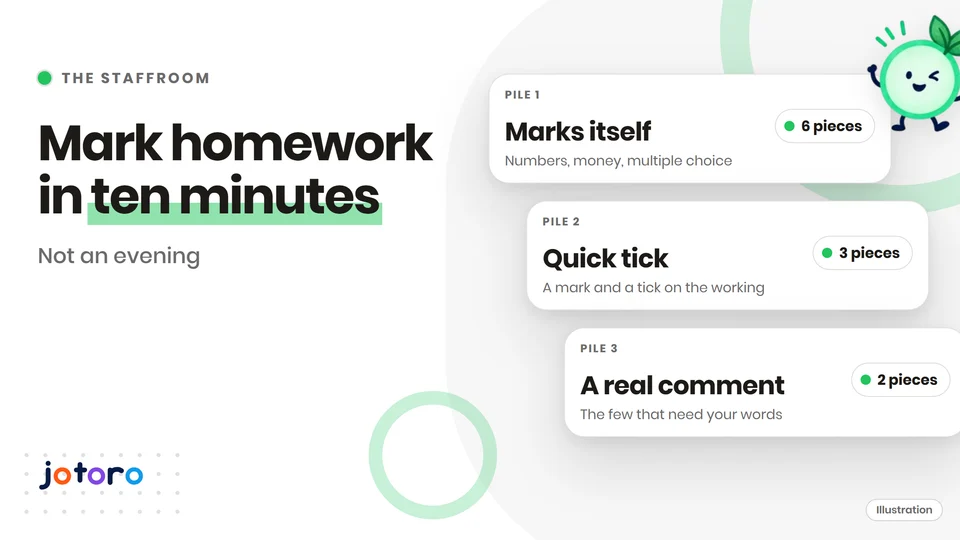
Not everything. Keep the three things that will change your next lesson: the question most children got wrong, the children who needed help twice, and anything that surprised you. A line each is plenty.
Then use it. Open the next lesson with the question that tripped them up, in a slightly different form. It tells the class that mistakes are useful, and it tells you whether the fix stuck. If you ever need a proper test with a mark scheme rather than a lesson, that is a different job: see how assessments work in Jotoro.
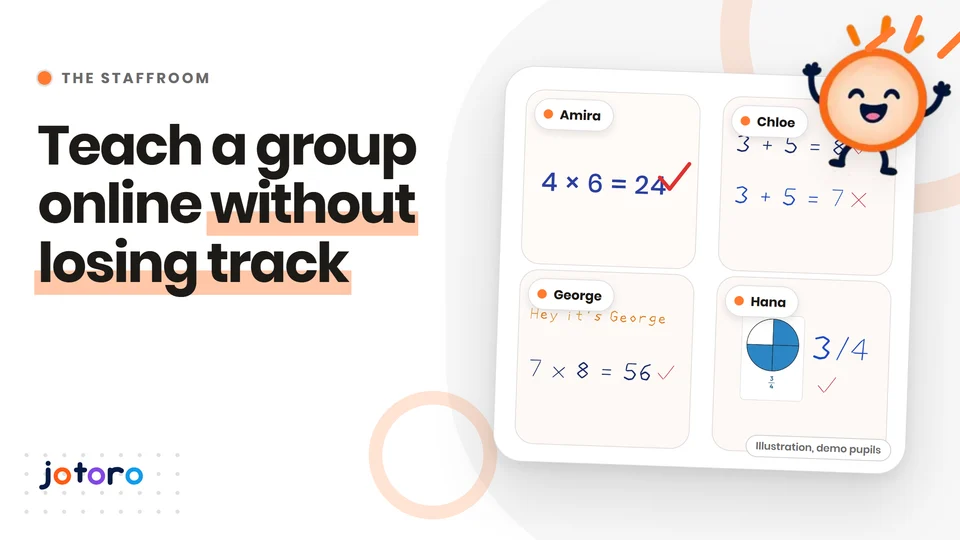
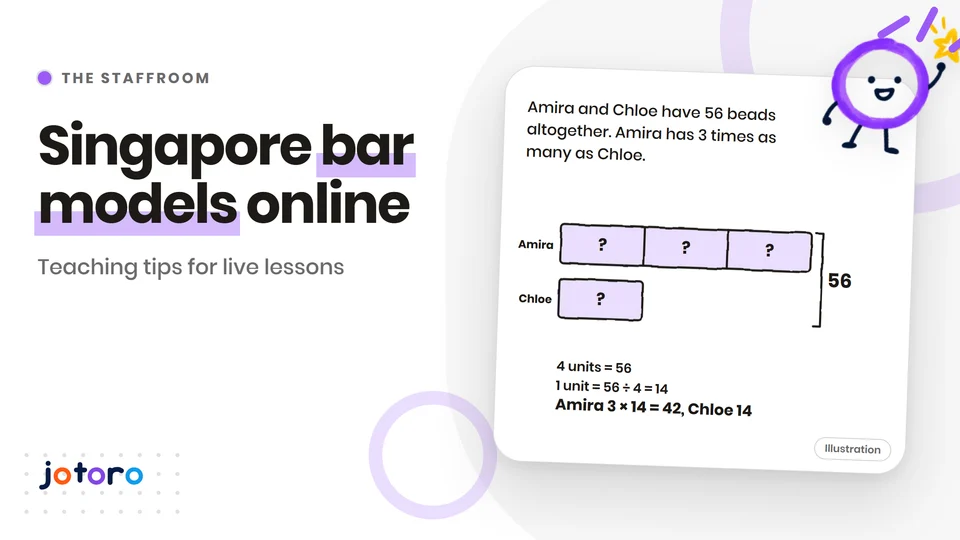
Marking live is easier when you can see each child at work, which is the subject of how to teach a group of children online without losing track. For maths, bar models are a good picture to mark, because a wrong bar shows you exactly where the thinking went wrong. You can register interest to try all of this, and plans and prices are there when you want them. There is a 14-day money-back guarantee.