Why is one to one tuition so powerful?
In a class of thirty, even the best teacher has to teach to the middle. In a one-to-one lesson there is no middle. There is one child, and every minute can be spent on what that child needs. You notice the hesitation before the answer, the way they hold the pen when they are unsure, and the moment their face changes because it has finally clicked.
That attention is the whole point, and it is worth protecting. A good one-to-one lesson is not a smaller version of a class lesson. It is a different thing: more questions, less talking, more of the child’s own work on the page, and a pace that changes the moment it needs to.
The risk is the opposite one. Because it is just the two of you, it is easy to drift into explaining everything and letting the child nod along. Nodding is not understanding. The ideas below are all ways of getting the child to show you what they know.
What does a good one-to-one lesson look like?
The shape matters more than the subject. Most good one-to-one lessons, in any subject, have the same five parts, and children relax when they can feel the pattern.
A one-to-one lesson in five steps
- Warm up. Two or three quick questions on last time, so the child starts by succeeding.
- Find the edge. Ask something just beyond what they know and see what they do. Do not explain yet.
- Teach one step. Show one worked example, say your thinking aloud, then swap: the child does the next one while you watch.
- Practise. A short run of questions, a little harder each time. Stay quiet and let them struggle a little.
- Finish well. One last question the child can get right, and a line for you about what to do next time.
Step two is the one most people skip, and it saves the most time. If you start by explaining, you are guessing where the child is. If you start by asking, you know. Many tutors find that half of what they planned to teach is already secure and the real gap is somewhere surprising.
What kinds of lesson can you use?
This is where one-to-one tutors can be much more flexible than classroom teachers, and where it is easy to stay stuck in one mode. Here are the kinds worth having in your toolkit.
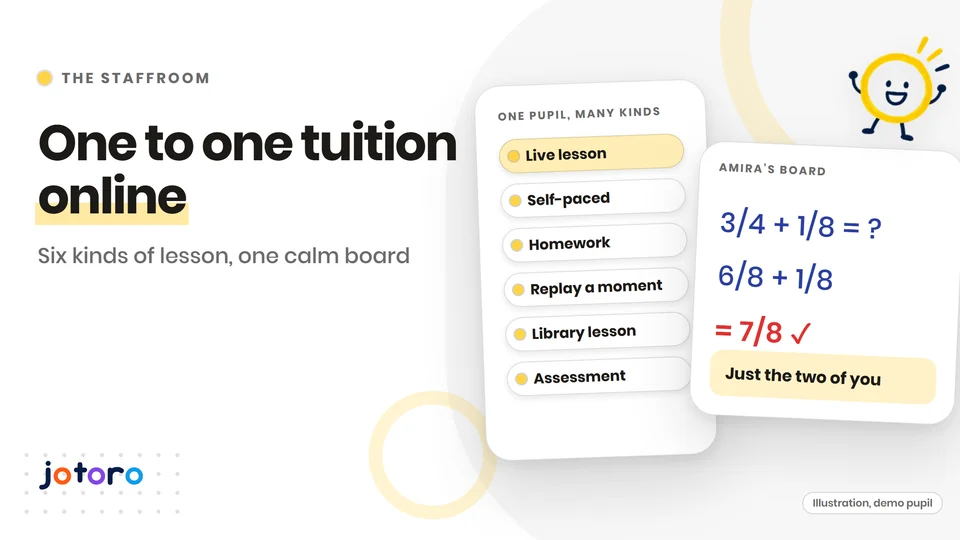
- The live lesson. You and the child together, at the same time, with the pen passing back and forth. Best for teaching something new, and for anything where you need to see the thinking as it happens.
- The self-paced practice. The child works through questions on their own, at their own speed, while you watch or step away. Best for building fluency once the idea is secure.
- The assessment. A short paper with a mark scheme, done quietly, with results kept back until you have looked at them. Best at the end of a topic, to find out what has really stuck.
- Homework. A few questions on exactly what you covered, done between lessons. Best when it is short and the child can see how to start.
- The replay. A recording of you explaining something, which the child can watch again when they forget the method. Best for the one idea that has to be explained three times.
- The ready-made lesson. A lesson you made once and keep, so you can reuse it with the next child who needs it. Best for the topics you teach every term.
The skill is matching the kind to the moment. A new idea wants a live lesson. A shaky idea wants practice. A secure idea wants an assessment. A forgotten method wants a replay. Notice which kind you reach for by habit and try one of the others next week.
What is different about one to one tuition online?
Less than you might expect, and the differences are mostly about the page. On a video call you can see a face but not the work, so the child needs somewhere to write that you can both see at the same time. If the child writes on paper and holds it up to the camera, you lose most of what makes one-to-one tuition work: the live, shared, in-progress thinking.
Three habits help in any tool. Share one page you can both write on. Let the child do most of the writing. And agree what you will do when something goes wrong, for example “if the connection drops, I will ring you straight back”. Children, and parents, are reassured by a plan.
How does Jotoro help one-to-one tutors?
Jotoro supports every kind of lesson above, so you are not forced to fit everything into a live call.
Your one-to-one pupils live in the Tuition hub, next to your classes. Each pupil has their own page with their lessons, their homework and their record in one place, so you are not hunting through files five minutes before they join.
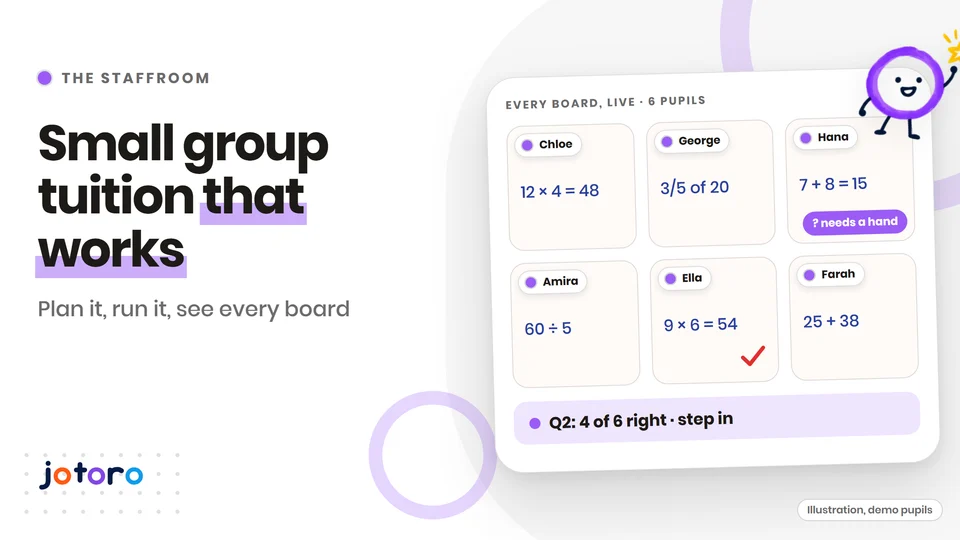
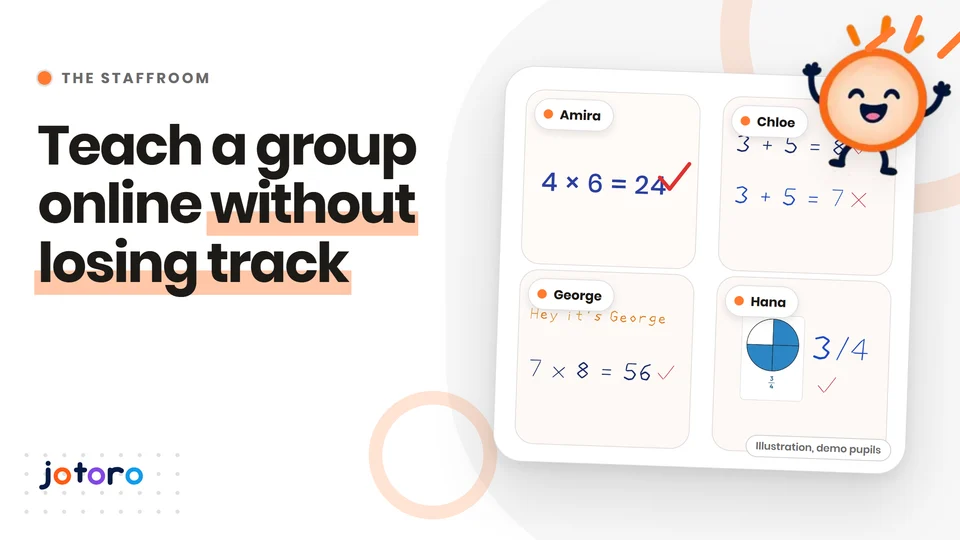
In a live lesson you can both write on one shared board, with a soft glow showing who wrote what. You see their pen as it moves, so you can catch a wrong turn on line two instead of line six. Answer boxes can be placed on any worksheet, and they mark themselves as the child answers, so you spend your time on the thinking and not the ticking.
For the other kinds of lesson, you can import a worksheet or a PDF you already use and keep it in your Library, set short homework with a replay of your explanation attached, and send an assessment with a mark scheme and results you release when you are ready. You can record a moment of a lesson with your voice, and the replay stays sharp on any screen. If you want a quick quiz, ask the AI you already use to write one, paste it in, and run it live, self-paced, as homework or as an assessment. The quiz maker marks typed, keypad and selected answers for you, but it does not mark essays or long written answers: those stay yours to read.
How do you keep track of a pupil over time?
Not with a long diary. After each lesson, write down three things: what the child could now do, what they found hard and what to open with next time. That is the whole record, and it takes a minute. Parents love hearing it, and it makes the next lesson feel like a continuation instead of a fresh start.
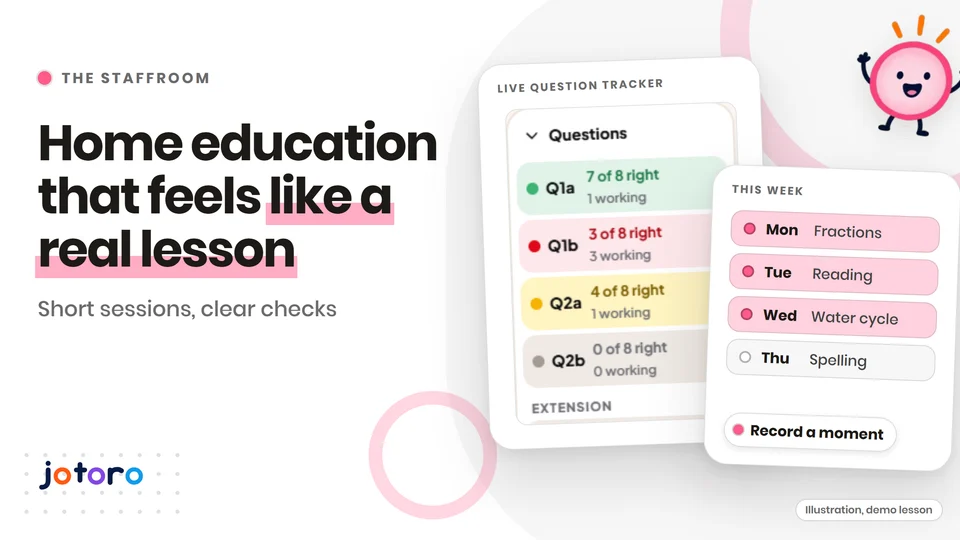
In Jotoro the record builds itself. Answers, stars, your own notes and the results of assessments are logged lesson by lesson and gathered into a timeline for each pupil, so you can see the whole story at a glance and talk a parent through it. If you also teach whole classes, see virtual classroom software for teachers. For the other end of the spectrum, see small group tuition, or formative assessment in live lessons for quick ways to check understanding. You can register interest to try Jotoro on your own worksheet, and plans and prices are there when you want them. There is a 14-day money-back guarantee.