Why does summative assessment take so long?
Because it is four jobs, not one. Someone has to set the paper, and write or find a mark scheme. The children sit it, which needs organising. Then comes the marking, which is the pile on the kitchen table. Last, somebody has to make sense of the results, and that is the job that gets dropped when you are tired.
It is worth doing anyway. A good paper shows you and the child what has really stuck, in a way that a quick check in the lesson cannot. The trouble is where the time goes: not into teaching, but into setting out, ticking and adding up. Cut that, and you can keep the part of summative assessment that matters.
How can you save time marking assessments?
These ideas work with a pen and a pile of paper just as well as with any software.
- Reuse what you have. Past papers, your department’s end-of-unit tests, the paper you wrote last year. Improve it, but do not start again.
- Sort the questions by how they are marked. Some have one right answer. Some give method marks. Some are extended and need judgement. Know the mix before you give the paper out, and keep it honest: do not turn good questions into easy-to-mark ones.
- Write the mark scheme first. Include accepted alternatives and the common wrong answers you expect. It is much faster than deciding on the spot, and fairer.
- Mark by question, not by child. Mark question one for everybody, then question two. You hold one mark scheme in your head at a time, and you will spot a consistent misunderstanding as you go.
- Tally as you go. A simple grid of questions across and children down, with a mark in each box. The analysis is half done by the time you finish.
Before the paper is sat: checklist
- Is there a paper you can reuse or adapt, rather than write?
- Which questions have one answer, which give method marks, which are extended?
- Is the mark scheme written, with accepted alternatives?
- Do you know how long it needs and what happens at the end of the time?
- Have you decided when children will see their results?
How do you run a fair assessment sitting?
Fairness is mostly about everyone getting the same conditions. Start together, give the same time, and have a clear, calm point where everybody puts their pens down at once. No hints during the paper, no peeking at a neighbour, and no scores read out as children finish, because they will compare.
Decide when results are shared and keep to it. A score handed out the moment a child finishes can sour the next ten minutes for everybody else. Giving results back together, with a few words from you, is kinder and gets the conversation right.
How do you learn something from the results?
Look at the results by question, not only by child. A child’s total tells you how they did. The question view tells you what to teach next. If most of the class lost the marks on the same question, that is a topic to teach again, not a handful of mistakes. If one child dropped marks across the whole of a topic, that is a conversation and a small catch-up.
Look at the wrong answers too, not just the number. Two children can get the same question wrong for different reasons, and the wrong answers usually say which. A few minutes on this is worth more than another hour of marking.
How does Jotoro help with summative assessment?
For summative assessment that means taking out the typing and the ticking, and leaving you the thinking.
Start with the papers you already have. Import the PDF and attach answer boxes to any question. For a big or small paper, you can ask your own AI to read it and place the answer boxes with the right answers, set up exactly how you want them. Its suggestions stay hidden from pupils until you check and accept them, and the AI never marks without you. Multiple-choice PDFs become tappable automatically, with a review screen so you can check every question before anything is sent.
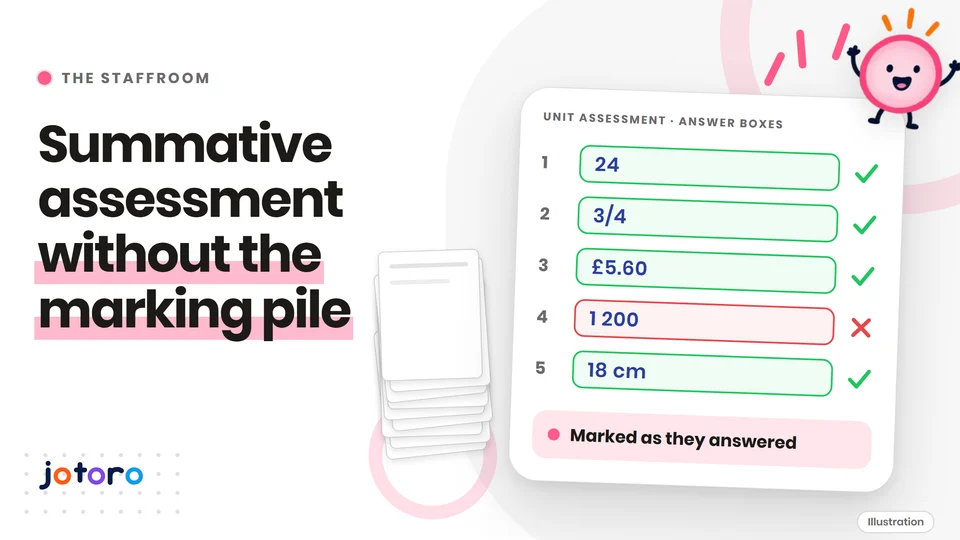
Then run it as a proper assessment: a mark scheme with marks per question and method marks, a timed sitting with automatic pens-down, and answers and help hidden during the paper. Pupils see their scores only when you press Release results. Because answer boxes mark typed and keypad answers as pupils give them, the marking pile shrinks to the answers that need a teacher’s judgement. Written working and longer answers are still yours to read, and you can mark them in red straight on the page.
Two more tools help with quick questions. Both are available now.
The quiz maker. Ask the AI you already use to write a quiz in many question types, such as multiple choice, one word or number, true or false, ordering, matching, fill the gap, sort and label a picture. Paste it into Jotoro and run it live, self-paced, as homework or as an assessment, with the answers kept hidden from pupils. It marks typed, keypad and selected answers for you, keeps a question bank to build on, and does not mark essays or long written answers: those stay yours to read.
The question makers. Rapid-fire, automatically marked practice questions, made in seconds. Say the class has done every two-digit by two-digit question but has not quite got it: instead of writing ten more on the spot, you make ten at the same level, and each pupil can get a different set. They are not just for maths, because the list-based question maker covers any subject, for example word meanings, French to English or element symbols.
What should you do after the paper?
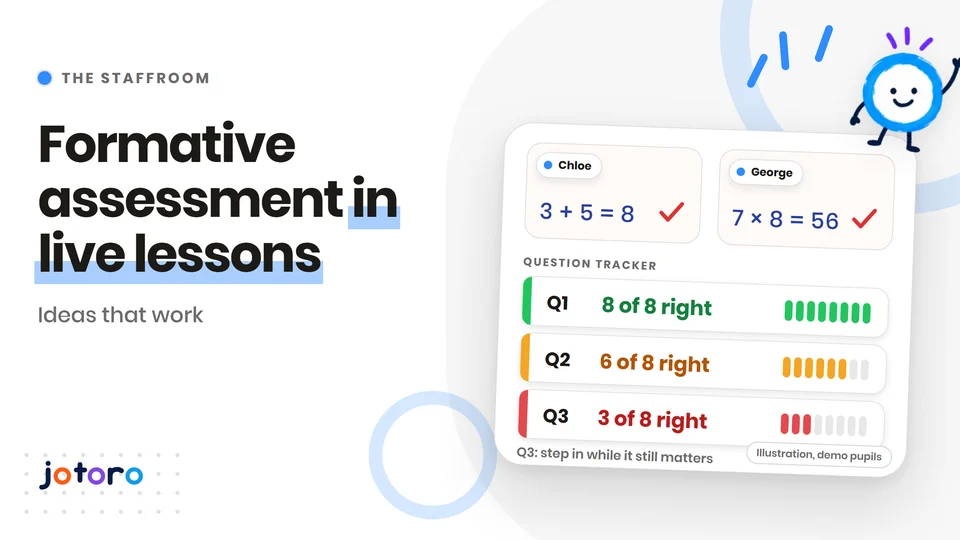
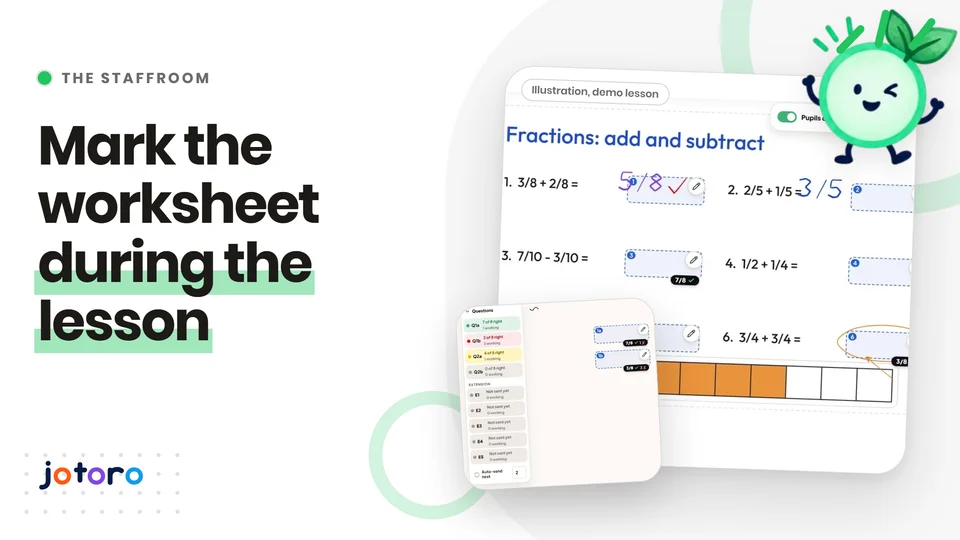
Look at the question view first, pick the one or two topics that need teaching again, and tell the class what you found. Then keep your record short. For a more everyday way of checking understanding between papers, see formative assessment in live lessons, or how to mark a worksheet during the lesson. You can register interest to try Jotoro on your own worksheet, and plans and prices are there when you want them. There is a 14-day money-back guarantee.