None of this needs special software. Each section below starts with the teaching idea, the bit that works with a pencil and a pack of cubes, and then shows how it can be quicker on a shared board. If you teach one-to-one or in a small group, pick the two ideas that fit your next lesson and leave the rest for now.
How do you use concrete, pictorial, abstract in a lesson?
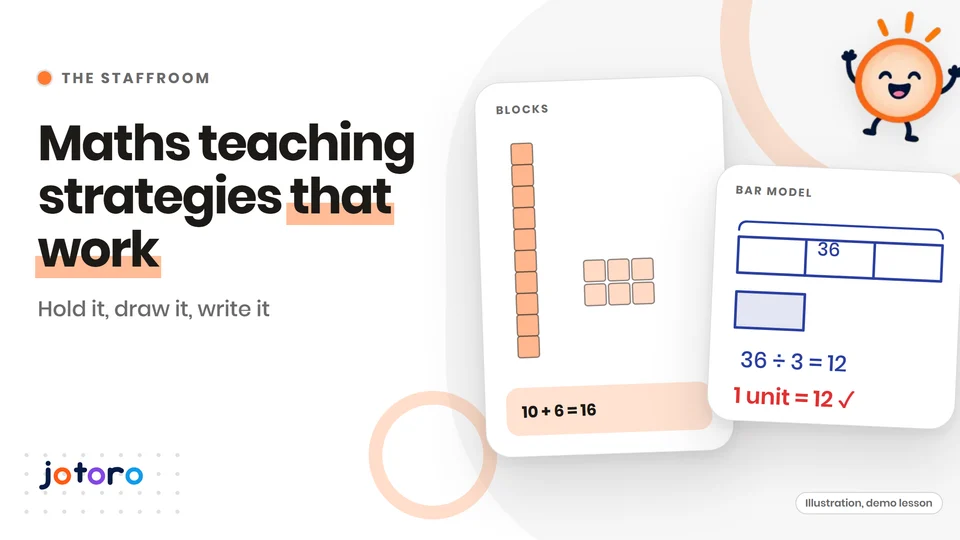
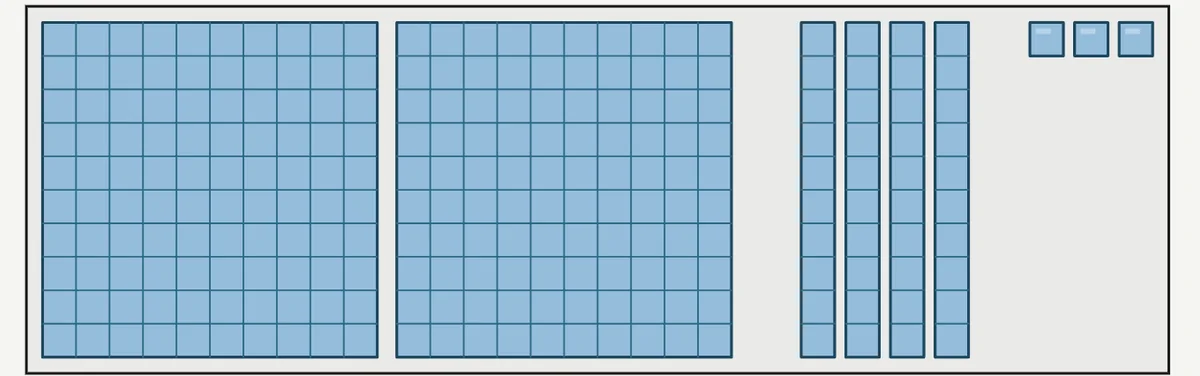
Concrete, pictorial, abstract (CPA) is the idea that a child understands a calculation better if they have first handled it, then drawn it, and only then written it with numbers. A Year 3 child who has swapped ten ones for a ten rod with their own hands is far less likely to “borrow” without knowing why.
The most common mistake is to rush the first step because it feels babyish. It is not. Older pupils benefit too: algebra tiles for expanding brackets, or a fraction wall for comparing fractions, make the abstract rule feel like something that had to be true. Move on when the child can explain what is happening without the equipment, not before.
A lesson might run like this. Make 134 with blocks. Draw it as hundreds, tens and ones. Then add 28 and write the column method, with the child saying out loud what each digit is doing. If a child freezes at the written stage, step back one rung rather than explaining it again.
Online, the problem is usually equipment. Base-ten blocks that break apart, place value counters, fraction walls and ten-frames are already on the Jotoro board, and you can send each child a copy already set up to start. So the child moves the blocks, not you, and you can see exactly what they did. For two step-by-step sequences, see Dienes blocks and fraction walls online.
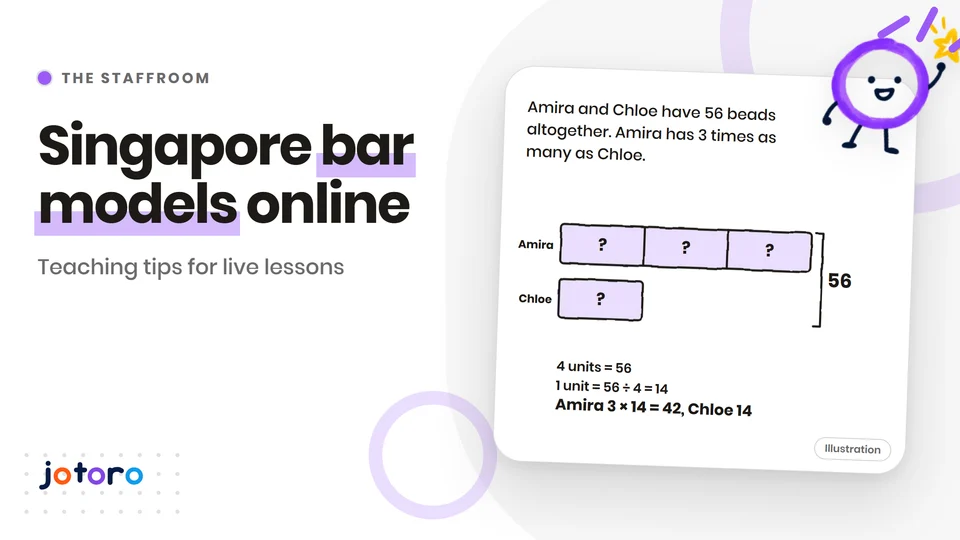
Bar models are the pictorial step for word problems. We keep those in their own post, with worked examples and the mistakes to expect: see Singapore bar models online.
How do worked examples and I do, we do, you do work?
A worked example is a fully solved problem the child can study before attempting one of their own. It sounds like giving the answer away. In practice it stops children guessing and lets them see the shape of a good solution first.
I do, we do, you do
- I do. Solve one problem while you talk through your thinking, including the choice you nearly made the other way.
- We do. Give a similar one and solve it together. Ask the child for each next step.
- You do. Let the child try one alone while you watch their working, not just their answer.
- Fade. Next time, give a worked example with a step missing. Then two. Then none.
The fading is what makes it work. A child who copies a complete example is not yet doing the thinking. When Aisha fills in the missing step correctly, you have evidence that she is.
The thing most teachers say they miss online is watching the “you do” as it happens. On a shared board you see each child’s working as they write it. If Ben has gone wrong at the second line, you can step onto his board and put a small mark there before he reaches the end, rather than finding it in the marking later.
How do you check every child understands?
Hands up tells you about the three keenest children. Mini-whiteboards tell you about everyone: ask a question, count to three, and everybody shows you an answer at the same time. Nobody can hide and nobody can copy until they have tried.
A few habits make it work. Ask questions with one clear answer. Wait until everyone has written before anyone shows. Look at the whole group before you respond to any one child, because six wrong answers and one wrong answer need different teaching. And when you find a common mistake, put it up without a name and ask the group what went wrong.
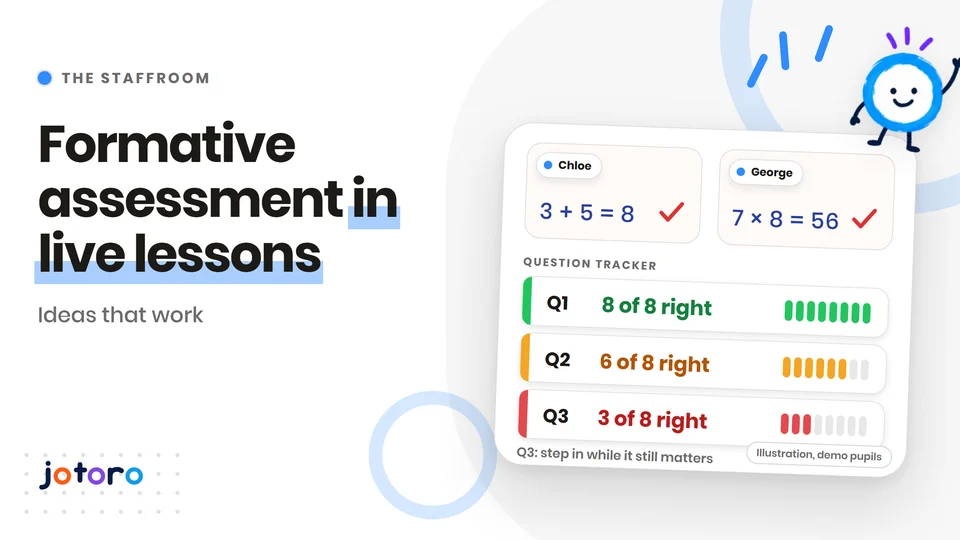
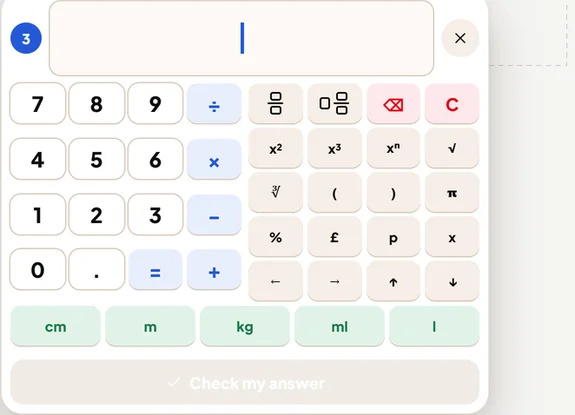
On Jotoro the pupil’s own board is the mini-whiteboard, and you see all of them at once. For questions with a single answer, drop an answer box onto the worksheet: the child types it on a big keypad, the box marks itself, and a strip down the side shows how many got each question right. That tells you straight away whether to reteach to everyone or sit with one child. More on this in marking and assessment and in our post on formative assessment in live lessons.
How do you build fluency without a pile of worksheets?
Fluency means number facts, methods and procedures that a child can recall without effort, so their attention is free for the harder thinking. Times tables, number bonds, adding and subtracting across tens, and simple fraction facts are the usual suspects.
It comes from short, regular practice. Five minutes at the start of a lesson, separate from the new idea, does more than a long sheet on a Friday. Mix old facts with new, so earlier learning does not fade. Keep it low pressure, and stop while the child is still getting most of them right.
The hard part is making enough fresh questions. In Jotoro, answer boxes on a worksheet mark themselves, so a quick practice page costs you no marking at all. The question makers in the quiz maker make a new set of times-table or column-method questions each time, marked for you, and each pupil can get a different set. Reusing the same page now and then lets you see whether a child is improving on the same questions. You can build lessons and practice pages in Create and keep them in the library for next time.
Which tools help in secondary maths?
As maths gets more abstract, the aim shifts from holding the idea to seeing it. Three things help most in Years 7 to 13: a graph the pupil can read, a diagram they can measure and a calculator they can rely on.
- Graphs. Plot a line, change the gradient and ask what moved. Jotoro has graphs and coordinates on the board, and online maths activities open straight on it too.
- Geometry tools. A ruler, set squares, a protractor with a live angle reading and a compass that draws a real arc, so constructions are done properly without a box of equipment.
- The scientific calculator. It appears on boards tagged secondary, Year 7 to 13, so “I haven’t got my calculator” stops costing you five minutes. It does not appear on primary boards, which is usually what you want.
Algebra tiles, which flip to show zero pairs, bridge the gap between the concrete and the abstract for expanding and factorising. All of these sit in the tool tray, and the tools page shows the full set.
How do you get the most out of your maths lessons?
Whether you are the teacher or the parent watching, a few habits make any maths lesson count for more.
Before, during and after
- Before. Decide the one idea of the lesson. Prepare the worked example, the questions and a harder question for early finishers, so you are not inventing them live.
- Start with something easy. A few questions the child can do. It warms them up and tells you who has forgotten last week.
- Have the child do the thinking. If you are doing most of the writing, hand the pen back. Ask “what would you do next?” before you say.
- Ask for the why. A right answer with no explanation is only half the evidence.
- After. Write two lines: what they found hard and what to open with next time.
Mistakes are useful. A wrong answer shows you the exact idea that has slipped, and a child who is not afraid of being wrong will tell you more. Praise the method, not just the result.
Ready to try? Start with Jotoro for maths, or register interest to teach one lesson on it. Plans and prices are there when you want them, and there is a 14-day money-back guarantee.